kfconcept

KENTFAITH
K&F Concept    Blog >

Enjoy Your Selected Digital Life

Recently Viewed
  • Recently Viewed
  • EXA-NIK Z Manual Focus Compatible with Exakta, Auto Topcon Lens to Nikon Z Mount Camera Body K&F Concept Lens Mount Adapter
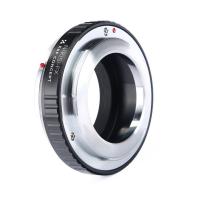
    EXA-NIK Z Manual Focus Compatible with Exakta, Auto Topcon Lens to Nikon Z Mount Camera Body K&F Concept Lens Mount Adapter
    $36.99
Compare (0) 0
  • Compare
  • You have not chosen any products to compare.

  • Compare
Currency: USD
  • Currency
Shop by Scene Shop by Rank

Log Into Your Account

Account

Order History

Wish List

Login

Forgotten Password?

Or connect with

Register Account

Already have an Account?Log In

  • Shopping Cart
  • Your shopping cart is empty!

  • Register/Login to purchase, earn points
  • Favorite
  • Your wish list is empty.

  • Register/Login to like, earn points
  • Activities
  • Guide
    • Filter Guide
    • Lens Adapter
    • Product Review
  • News & Reviews
    • Camera Reviews
    • Sample Gallery
    • News
  • Tutorials
    • Solar eclipse photography
    • Photography Basics
    • Landscape Photography
  • Inspiration
    • Travel
    • Travel Stories
  • Home
  • Blog
  • How To Charge Smart Tracker Watch?

How To Charge Smart Tracker Watch?

Kentfaith 2024-09-02 01:31:17 0 Comments

Charging a smart tracker watch is a common concern for many users, especially those new to wearable technology. Ensuring that your device is charged correctly and efficiently is crucial for maintaining its functionality and longevity. In this article, we will delve into the various aspects of charging a smart tracker watch, addressing common user concerns and providing practical solutions.

Understanding Your Smart Tracker Watch
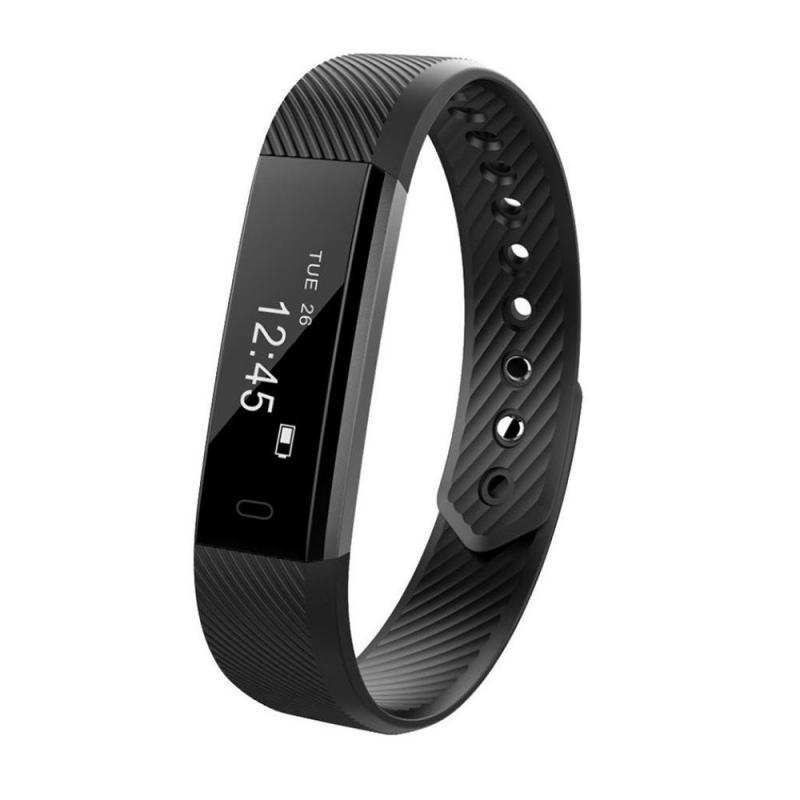
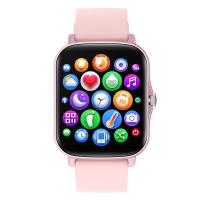
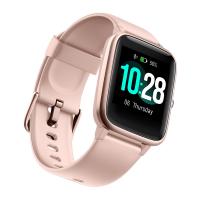
how to charge smart tracker watch 1

Before diving into the charging process, it’s essential to understand the specific model and brand of your smart tracker watch. Different models may have unique charging mechanisms, ports, and requirements. Generally, smart tracker watches come with a proprietary charging cable or dock designed specifically for that model. Always refer to the user manual provided by the manufacturer for detailed instructions.

Common Charging Methods
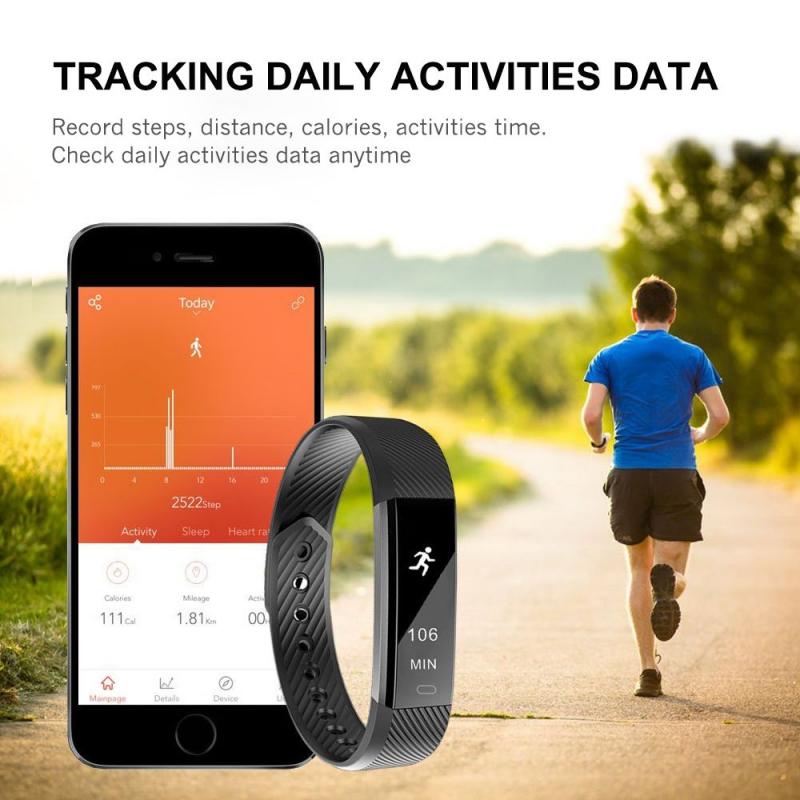
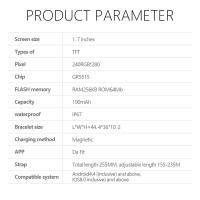
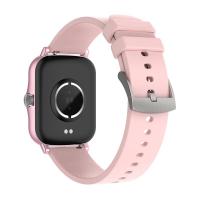
how to charge smart tracker watch 2

1. Magnetic Charging Dock: Many smart tracker watches use a magnetic charging dock. The watch is placed on the dock, and magnets ensure proper alignment with the charging pins. This method is user-friendly and minimizes wear and tear on the device.

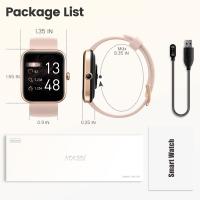
2. USB Charging Cable: Some models come with a USB charging cable that connects directly to the watch. This cable can be plugged into a USB port on a computer, a wall adapter, or a portable power bank.

3. Wireless Charging: Advanced models may support wireless charging. This method involves placing the watch on a wireless charging pad. It’s a convenient option but requires a compatible charging pad.

Step-by-Step Charging Guide
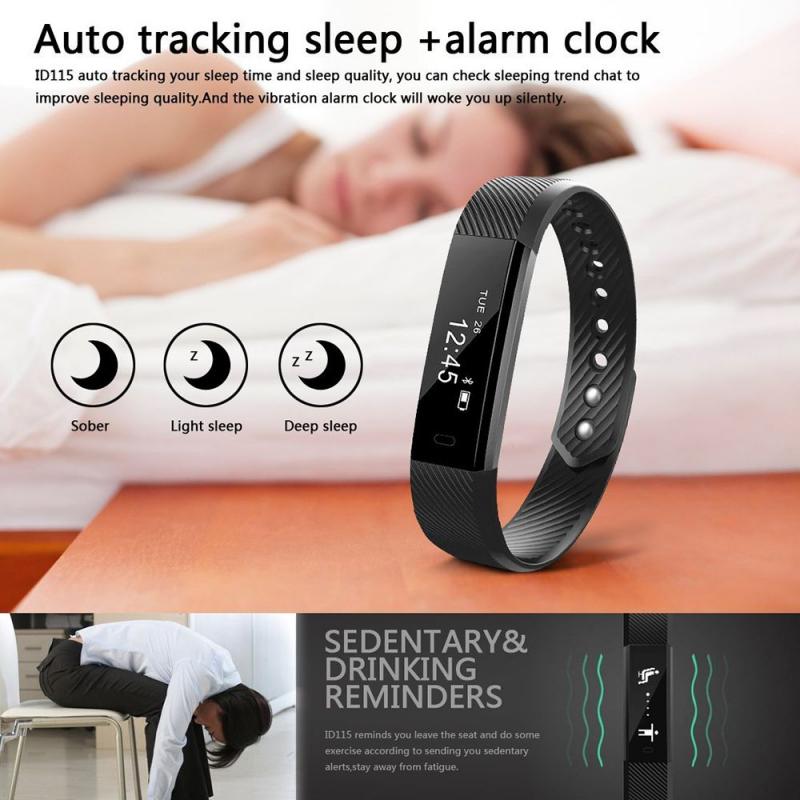
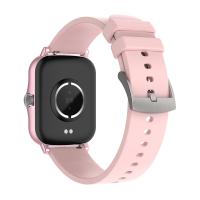
how to charge smart tracker watch 3

1. Prepare the Charging Equipment

Ensure you have all the necessary components: the smart tracker watch, the charging cable or dock, and a power source (USB port, wall adapter, or power bank). Verify that the charging equipment is in good condition and free from damage.

2. Connect to Power Source

Plug the USB end of the charging cable into a power source. If you’re using a wall adapter, ensure it is compatible with the charging cable. For wireless charging, connect the charging pad to a power source.

3. Align the Watch with the Charger

For magnetic docks, place the watch on the dock, ensuring the charging pins align correctly. The magnets will help guide the watch into the correct position. For USB cables, connect the cable to the watch’s charging port. For wireless charging, place the watch on the charging pad.

4. Monitor the Charging Process

Once connected, the watch should indicate that it is charging, usually through an on-screen icon or a light indicator. Monitor the charging process to ensure it is progressing correctly. Avoid moving the watch or the charger during this time to maintain a stable connection.

5. Complete the Charging Cycle

Allow the watch to charge fully before disconnecting. Most smart tracker watches will notify you when the battery is fully charged. Disconnect the watch from the charger once it reaches 100% to prevent overcharging, which can degrade the battery over time.

Troubleshooting Common Issues
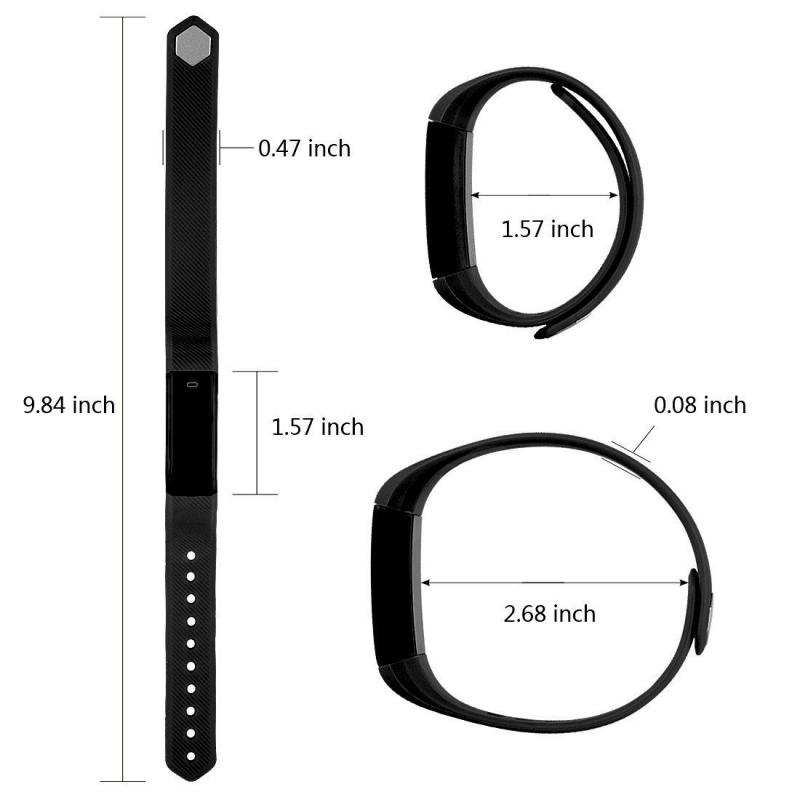
how to charge smart tracker watch 4

Watch Not Charging

- Check Connections: Ensure all connections are secure. Re-seat the watch on the dock or reconnect the USB cable.

- Clean Contacts: Dust and debris can interfere with charging. Clean the charging contacts on both the watch and the charger with a soft, dry cloth.

- Power Source: Verify that the power source is functioning correctly. Try a different USB port or wall adapter.

Slow Charging

- Power Output: Ensure the power source provides adequate output. Charging from a computer USB port may be slower than using a wall adapter.

- Background Apps: Close unnecessary apps running on the watch, as they can drain the battery while charging.

Overheating

- Ambient Temperature: Charge the watch in a cool, well-ventilated area. Avoid direct sunlight or placing the watch on a heat-conductive surface.

- Charging Time: Do not leave the watch on the charger for extended periods. Disconnect once fully charged.

Best Practices for Battery Maintenance

1. Regular Charging: Charge your watch regularly to maintain battery health. Avoid letting the battery drain completely before recharging.

2. Avoid Overcharging: Disconnect the watch once it is fully charged to prevent overcharging, which can reduce battery lifespan.

3. Use Official Accessories: Always use the charging cable and adapter provided by the manufacturer. Third-party accessories may not be compatible and can damage the battery.

4. Software Updates: Keep your watch’s software up to date. Manufacturers often release updates that improve battery performance and charging efficiency.

Charging your smart tracker watch correctly is essential for ensuring its optimal performance and longevity. By understanding the specific charging requirements of your device, following a step-by-step charging process, and adhering to best practices for battery maintenance, you can keep your watch functioning smoothly. Addressing common issues promptly and using official accessories will further enhance your charging experience. With these guidelines, you can confidently charge your smart tracker watch and enjoy its full range of features without interruption.
Leave your comment
Cancel reply
Note: HTML is not translated!
Related products
Sport Smart Watch with GPS Tracker Bluetooth Calls 24h Heart Rate/Sleep Monitor
67
$97.49 $68.99
Hidden Device Detector with RF Detection GPS Tracker Detection IR Camera Detection
$89.99 $62.99
Hidden Camera Detector, Bug Detector, GPS Detector RF Signal Scanner, Device Detector GPS Tracker Listening Device Camera Detector US
51
$33.99
Smart Camera Glasses, HD 1080P, EIS Stabilization, WiFi Connect, Translation, 4H Playtime, Kentfaith
16
$119.99 $95.99
Compound Microscope with 9" Smart Screen 40x-1600x Magnification PC Connection for Lab, Professionals Use Kentfaith
17
$799.99 $639.99
Mini WiFi Body Camera 1080P with Audio, 180° Rotatable Lens, 2 LED Fill Lights, Smart Motion Detection
13
$82.49 $57.99
V Mount Battery 50Wh 3400mAh Mini V-Mount Battery with 65W Output and TFT Screen, 2H Full Charge, DC, D-Tap, USB-C, USB-A for Camera Camcorder Video Light Monitor
14
$89.99
Compound Microscope with 11.6-inch Smart Screen, 40X-2500X Magnification, PC Connection, Plan Optical System, Mechanical Stage, Kentfaith
$1,324.99 $1,059.99
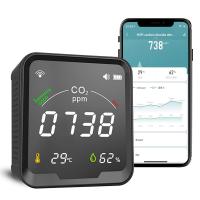
Smart CO2 Detector, Indoor Air Quality Monitor, NDIR Sensor Carbon Dioxide Detector, Temperature Humidity Air Tester for CO2 Alarm
22
$119.99 $89.99
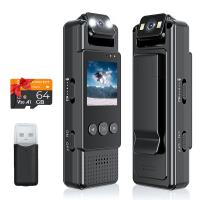
Mini WiFi Body Camera 1080P with Audio, 180° Rotatable Lens, 2 LED Fill Lights & Smart Motion Detection & 64G Memory Card
13
$74.99 $62.99
Products You May Like
Nikon S Lenses to Fuji X Lens Mount Adapter K&F Concept M33111 Lens Adapter
$58.99 $30.99
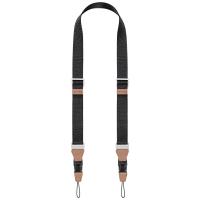
32mm Camera Neck Strap with Quick Release for Photographers, Adjustable Camera Shoulder Sling Strap Compatible for Nikon Canon Sony Olympus DSLR Camera - Strap URBAN WANDER 01 (Black )
100
$39.99 $33.99
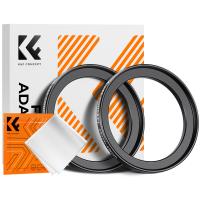
43-49mm Step Up Ring Aviation-grade Aluminum Filter Adapter Ring 2-pack with a Cleaning Cloth
99
$5.99
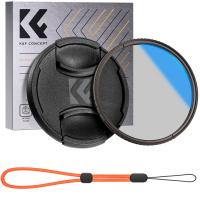
95mm Circular Polarizer Filter with Lens Cap Optical Glass Ultra Slim 18 Multi-Layer Coatings Polarizing Filter for Camera Lens Nano-Klear Series
$30.99
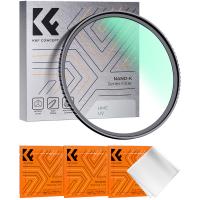
46mm MC UV Protection Filter Slim Frame with Multi-Resistant Coating for Camera Lens Nano-Klear
248
$14.99 $11.49
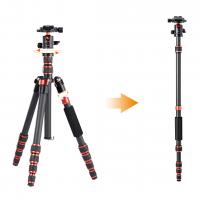
Fast Shopping From Us 60”/1.5m Lightweight Tripod 17.6lbs Load with 360 Degree Ball Head,Quick Release Plate,Detachable Monopod for SLR DSLR C225C0 (BA225)
90
$190.99 $112.99
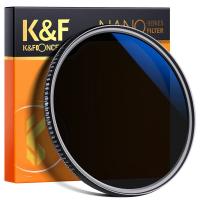
72mm 2 in 1 ND32 (5 Stop) and CPL Lens Filters, Multi-coated Waterproof Anti-Reflection Nano-X Japan Optical Glass
$50.99 $39.99
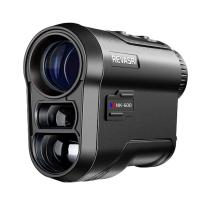
800 Yards Golf Rangefinder Telescope with Slope & Flag Lock Vibration, Vertical Horizontal Distance Measurement & Scan, for Golf, Hunting
$239.99 $89.99
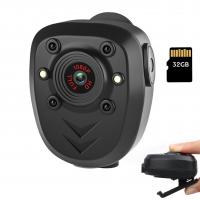
Portable Camera, Built-in 32GB Memory Card, 1080P Wearable Portable Security Camera, Pocket Clip-on Infrared Dash Cam with Night Vision for Home, Outdoor, Law Enforcement, Guard
10
$36.99
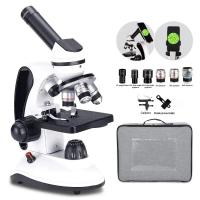
Optical Microscope for Adults Students, 40X-2000X Magnification, Dual LED Illumination, High-Power Scientific Portable HD Microscope
70
$203.99 $149.99
Related articles
How To Connect Mobile Smart Watch?
How To Set Smart Watch Clock?
How To Setup Your Smart Watch?
How To Set Smart Band Watch?
How To Measure Smart Watch Size?
How To Reset Your Smart Watch?
How To Find Your Smart Watch?
When To Buy Smart Watch?
What Smart Watch To Get?
Find Out Which App Is Using Camera?
Blog You May Like
Speakers Making Noise When Radio Is Off?
Which Camera Is Best For Action Shots?
How To Connect 2 Bluetooth Headphones To Laptop Windows 10 ?
What Are Your Different Types Of Studio Lights?
How To Record External Audio On Pc?
How To Adjust Tripod?
How Do You Charge A Blink Camera Battery ?
How To Write Protect An Sd Card?
Camcorder That Can Live Stream?
How Does a WiFi Trail Camera Work?
Related categories
C mount lens adapter m4/3 adapter Outdoor Security Camera Wifi Floodlight Camera Wireless camera feeder lens filter case fujifilm x lens adapter
Popular products
bluetooth smart sports watch hd screen smart watch smart watch swimming heart rate smartwatch with sleep tracking new waterproof smart watch smart watch in waterproof smart watch pressure smart watch heart rate monitor smart watch with blood pressure smart watch for swimming
Related searches
Smart Watch & Fitness Tracker Smart Watch Running Tracker Smart Watch Heart Rate Tracker Best Fitness Tracker Smart Watch Smart Watch Fitness Tracker Android Android Smart Watch Sleep Tracker Smart Watch Blood Pressure Tracker Extra Smart Watch Outdoor Smart Watch Advanced Smart Watch
Popular searches
B4 2/3 To Sony E-mount Lens Adapter Filter To Remove Lens Artifacts Halo Samsung Camera Lens Adapter Phone With Drone Clear Filter For Camera Lens Red Filter For Camera Nikon D7100 Solar Filter Nikon D3000 Lens Mount Type Sony 28 70mm Lens Filter 64gb High Speed Sd Card
Blog Category
  • Activities
  • Guide
    • Filter Guide
    • Lens Adapter
    • Product Review
  • News & Reviews
    • Camera Reviews
    • Sample Gallery
    • News
  • Tutorials
    • Solar eclipse photography
    • Photography Basics
    • Landscape Photography
  • Inspiration
    • Travel
    • Travel Stories
Search Article
Latest from the Blog
What is A Variable ND Filter? The Complete Guide to Mastering Exposure Control
Is the Sony A7M5 worth buying?
Can Security Cameras Detect Motion Through Glass?
Can You Zoom In With Binoculars?
What Is The Best Wireless Outdoor Security Camera?
UV Filter: Everything You Need to Know About UV Protection Lens Filters
How Does a WiFi Trail Camera Work?
Where Can I Find Hidden Cameras?
How To Make A Camera Flash After Effects?
What Does Tripod?
  • Easy Payment Multilple Payment Options

  • Free Shipping Global WareHouse Shipment

  • No Risk 30-Day No Reason Return

  • Limited Deals Buy More, Save More

  • Tax Free No any surcharges or tax fee

Information
  • About us
  • Contact Us
  • Site Map
  • Blog
  • Video
  • Gallery
  • VIP Membership Rewards
Service
  • Privacy Policy
  • Terms & Conditions
  • Shipping & Delivery
  • Payment Info
  • Warranty, Return & Refund
  • Intellectual Property Rights
  • Ambassador
  • Affiliates
  • Wholesale
Support
  • My account
  • Order History
  • FAQs
  • Extend Warranty
  • Logistics Tracking
Follow us
NewsLetter

Get the latest product, K&F Concept respects your privacy.
Powered By KENTFAITH © 2025