kfconcept

KENTFAITH
K&F Concept    Blog >

Enjoy Your Selected Digital Life

Recently Viewed
  • Recently Viewed
  • Recently Viewed list is empty.

Compare (0) 0
  • Compare
  • You have not chosen any products to compare.

  • Compare
Currency: USD
  • Currency
Shop by Scene Shop by Rank

Log Into Your Account

Account

Order History

Wish List

Login

Forgotten Password?

or connect with

Register Account

Already have an Account?Log In

  • Shopping Cart
  • Your shopping cart is empty!

  • Register/Login to purchase, earn points
  • Favorite
  • Your wish list is empty.

  • Register/Login to like, earn points
  • Activities
  • Guide
    • Filter Guide
    • Lens Adapter
    • Product Review
  • News & Reviews
    • Camera Reviews
    • Sample Gallery
    • News
  • Tutorials
    • Solar eclipse photography
    • Photography Basics
    • Landscape Photography
  • Inspiration
    • Travel
    • Travel Stories
  • Home
  • Blog
  • How To Change Language On Bluetooth Headphones ?

How To Change Language On Bluetooth Headphones ?

Kentfaith 2023-02-15 08:25:24 1 Comment

With the development of technology, Bluetooth headset has become an indispensable accessory in daily life. From listening to music to making conference calls, Bluetooth headsets provide us with great convenience. However, sometimes the default language setting may not be the language we are familiar with, especially when we buy the headset from overseas. In this article, we will introduce how to change the language setting of Bluetooth headset in detail, and provide related usage guidelines and solutions to common problems.
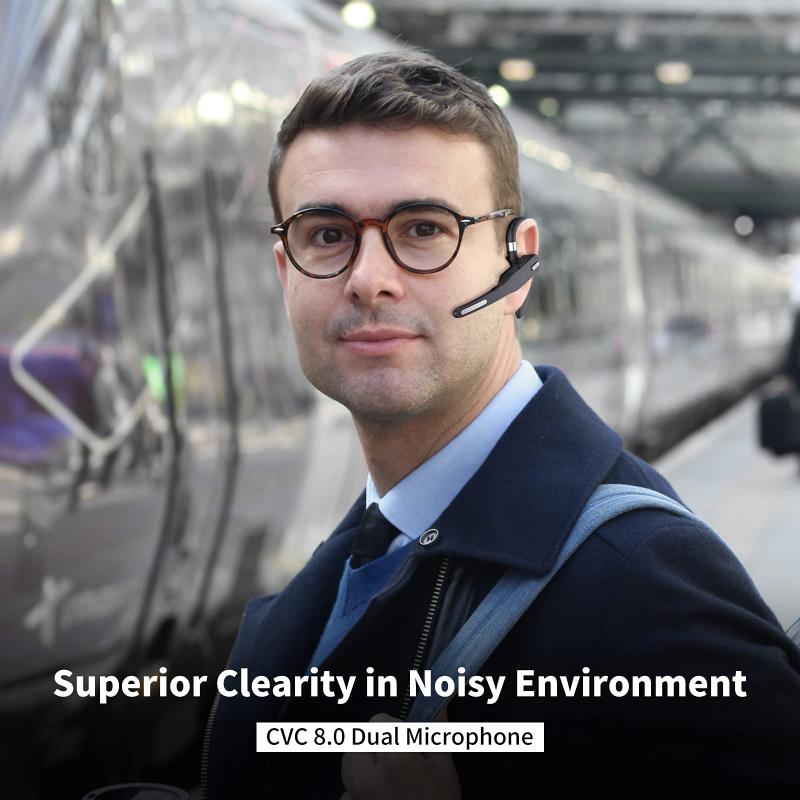
how to change language on bluetooth headphones

How to change the language setting of Bluetooth headset

1. Check the user manual

First, check the user manual of your Bluetooth headset. Most Bluetooth headsets have detailed instructions on how to change the language settings in the manual. The manual usually contains a specific combination of keys or setting steps that users can follow.

2. Changing the language by key combination

Many Bluetooth headsets offer the ability to change the language via a combination of buttons. Below are some common steps:

Step 1: Make sure the Bluetooth headset is on.

Step 2: Press and hold the function buttons (e.g. power button, volume button, etc.) for a few seconds until you hear a voice prompt or see the indicator light blinking.

Step 3: After hearing the voice prompt, follow the prompts to select the desired language by pressing the button. Some headsets will play the names of different languages in a loop, and users can release the button when they hear the target language.

3. Use the companion application

Some high-end Bluetooth headset brands offer companion mobile apps that make it easy to change the language settings of the headset. For example, Bluetooth headsets from Sony, Jabra, and other brands usually have a dedicated app where users can find the language option in the app's settings menu and change it.

4. Reset the Bluetooth headset

If you can't change the language through the above methods, you can try resetting the Bluetooth headset. The reset method usually involves pressing and holding a specific button for a few seconds until the headset is restored to its factory settings. After reset, the headset will restore the default language settings, and users can follow the initial setup steps to select the language again.


Common Bluetooth headset language options and their applications

1. Multi-language support

Many Bluetooth headsets support multiple languages, such as English, Spanish, French, German, Chinese, Japanese and so on. These language options can help users use the headset more conveniently around the world.

2. Voice prompts and instructions

Voice prompts and instructions in different languages can help users better understand the status and operation of the headset. For example, low battery, successful connection, pairing mode and other prompts.

3. Personalization

By changing the language settings, users can personalize the headset according to their own preferences and usage habits to enhance the experience.
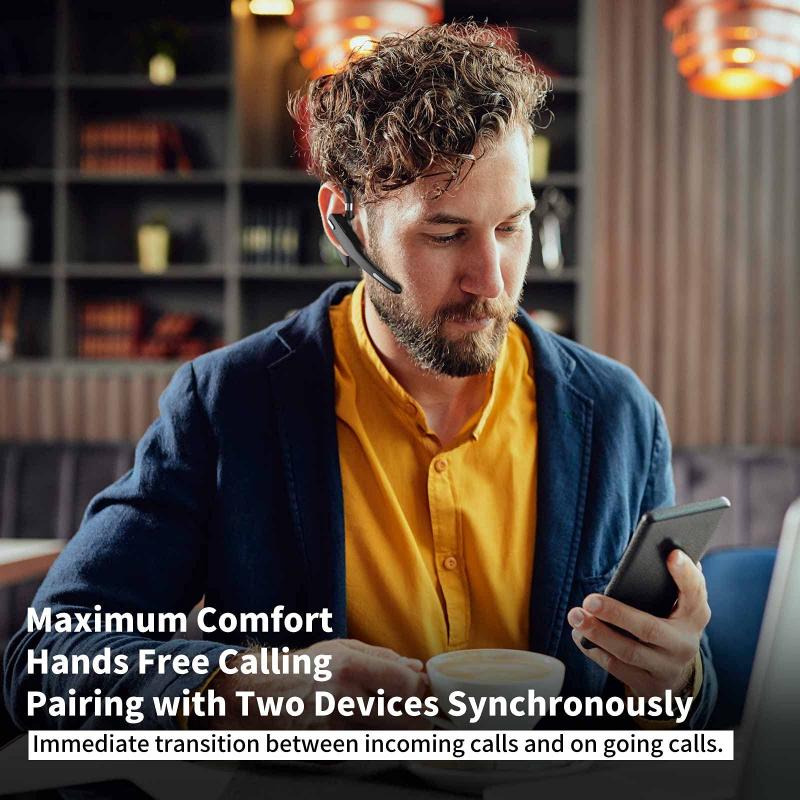
how to change language on bluetooth headphones

Common problems and solutions when changing language settings

1. Cannot find the language settings

If you can't find the language setting option, it is recommended to check the user manual again or visit the brand's official website to find the relevant information. Sometimes, the manufacturer will provide detailed operating instructions and video tutorials on the official website.

2. Invalid key combination

If the key combination is invalid, try restarting the headset or resetting the headset before operating it. Ensure that the timing and sequence of key presses are accurate.

3. Application cannot connect to the headset

If the supporting application cannot connect to the headset, please check whether the Bluetooth connection is normal. Make sure the headset and phone are paired and the application has been updated to the latest version.

4. Cannot change language after reset

If you still cannot change the language after resetting the headset, you can contact the brand's customer service for assistance. Provide a detailed description of the headset model and the problem, which will help customer service quickly locate and solve the problem.
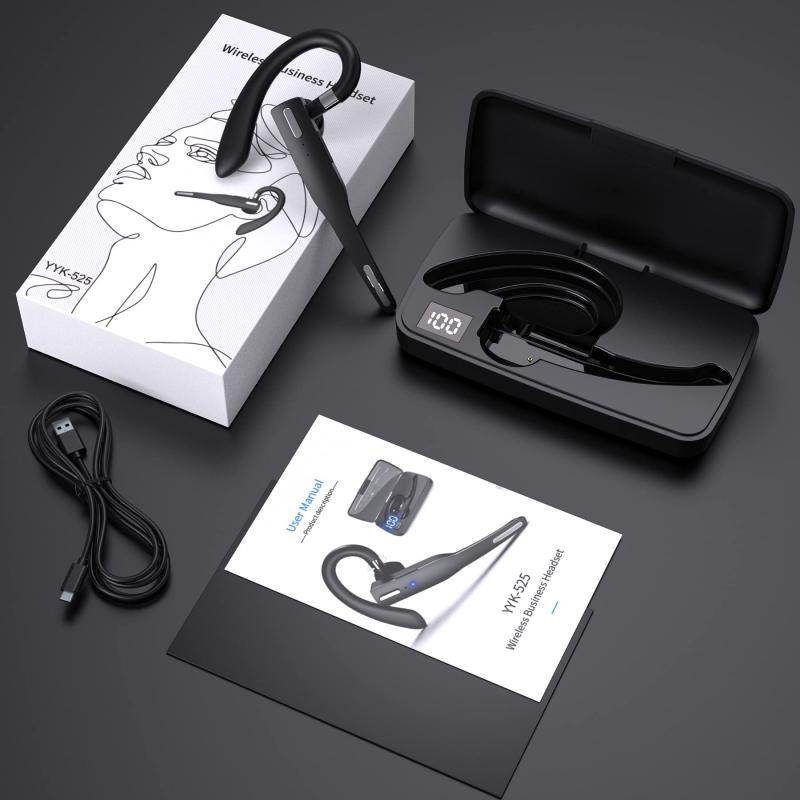
how to change language on bluetooth headphones

Impact of Bluetooth headset language changes on functionality

1. Voice prompt language

After changing the language, all voice prompts and instructions will use the new language. This has a significant impact on the user's understanding of the headset status and operation.

2. Operation habit adjustment

Users need to adjust their operating habits according to the new language, such as the use of voice commands, the wake-up of voice assistant, etc.

3. Software compatibility

Some applications may need to adjust their settings according to the new language to ensure compatibility and normal operation.


Suggestions to improve the Bluetooth headset experience

1. Regularly update the firmware

Regularly check and update the firmware of your Bluetooth headset to ensure that it is always at its best performance. Firmware updates usually include feature improvements and problem fixes.

2. Use high-quality accessories

Using high quality charging cables and storage cases will extend the life of your headset and provide better protection.

3. Cleaning and maintenance

Regularly clean your headphones, especially the earbud section, to prevent earwax and dust from accumulating and affecting the sound quality and experience.


In conclusion, with the right steps and methods, users can easily change the language settings of their Bluetooth headset and optimize the experience according to their personal needs. We hope this article can help you solve the problems encountered in the process of changing the language, so that you can enjoy a more personalized and convenient headset experience.


Leave your comment
Cancel reply
Note: HTML is not translated!
Related products
Cell Phone Bluetooth Headphones Bluetooth V5.1 Headphones with Charging Case Hands-Free Single Ear Headphones with CVC8.0 Noise Cancelling Microphone for Office/Driving Compatible with Android/iPhone/Laptop
HOT Seller
Cell Phone Bluetooth Headphones Bluetooth V5.1 Headphones with Charging Case Hands-Free Single Ear Headphones with CVC8.0 Noise Cancelling Microphone for Office/Driving Compatible with Android/iPhone/Laptop
57
$26.99
Wireless Earbuds Bluetooth Headphones TWS Waterproof with Microphone
66
$31.99
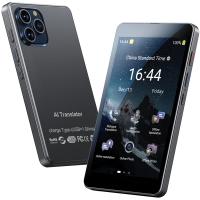
Language Translator Device Real-Time Online & Offline 142 Languages 5.5in Screen Kentfaith
12
$112.49 $89.99
67mm Clip-on CPL Phone Camera Lens Filter Kit Applicable to All Mobile Phone Models
40
$18.99
67mm Clip-on ND2-32 Phone Camera Lens Filter Kit Applicable to All Mobile Phone Models
NEW Arrival
67mm Clip-on ND2-32 Phone Camera Lens Filter Kit Applicable to All Mobile Phone Models
13
$37.99
67mm Clip-on Black Mist 1/4 Phone Camera Lens Filter Kit Applicable to All Mobile Phone Models
7
$29.99
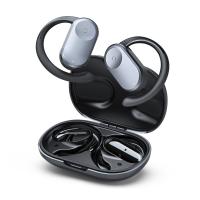
Translation Earbuds Real Time, 3-in-1 AI Language Translator Earbuds, 150 Languages Online/Offline Modes 98% Accuracy, with Audio & Video Calls Translation for Travel Business Learning
TOP Best
Translation Earbuds Real Time, 3-in-1 AI Language Translator Earbuds, 150 Languages Online/Offline Modes 98% Accuracy, with Audio & Video Calls Translation for Travel Business Learning
74
$209.99 $134.99
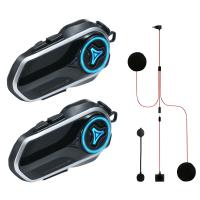
Motorcycle Helmet Headset, 2 Riders Bluetooth Intercom, Unlimited Group APP Intercom, Bluetooth 5.4,  Universal Pairing Audio Multitasking, 2 Pack, Kentfaith
Motorcycle Helmet Headset, 2 Riders Bluetooth Intercom, Unlimited Group APP Intercom, Bluetooth 5.4, Universal Pairing Audio Multitasking, 2 Pack, Kentfaith
$224.99 $179.99
52mm Clip-on CPL Phone Camera Lens Filter Kit, Circular Polarizer Polarizing Filter Applicable to All Mobile Phone Models
24
$19.99
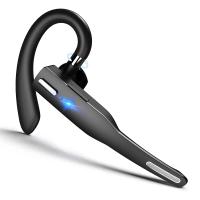
Bluetooth Headset for Mobile Phone Wireless Headset with Microphone Bluetooth Headset 5.1 Hands-free Headset CVC8.0 Compatible with iPhone Android Business Office Driving
43
$14.99
Products You May Like
62mm Magnetic Variable ND2-ND32 (1-5 Stop) Lens Filters NO X Spot, Nano-Xcel Series (Compatible with 67mm magnetic cap)
43
$83.99 $66.99
Home Weather Station Wireless Indoor Outdoor Weather Forecast Stations with Atomic Clock, Digital Weather Thermometer, Temperature Humidity Monitor, Moon Phase
42
$89.99 $62.99
Bluetooth Sunglasses with Speakers Polarized Lens UV400 Protection 6H Battery
60
$68.99 $48.99
AP004 Wireless Lavalier Microphone for iPhone 14 pro  Android - USB C Mini Wireless Lavalier Microphone for Recording, Vlogging (No App or Bluetooth Required)
AP004 Wireless Lavalier Microphone for iPhone 14 pro Android - USB C Mini Wireless Lavalier Microphone for Recording, Vlogging (No App or Bluetooth Required)
$99.99 $23.99
KW16 1.32-inch round screen smart watch supports heart rate monitoring, pedometer, blood pressure, blood oxygen, IP68 waterproof, black
$56.00 $40.99
M42 Lenses to Nikon 1 Lens Mount Adapter K&F Concept M10201 Lens Adapter
4
$19.99
62mm Black Pro-Mist Filter 1/2 Special Effects Filter Ultra-Clear Multi-layer Coated, Waterproof, Scratch-Resistant, Anti-Reflection Nano-Xcel Series
135
$58.99 $46.99
Nikon G Lens to Canon EOS R Camera Body Lens Mount Adapter
49
$100.99 $56.99
Gialer SmartMic Wireless Bluetooth Microphone Lavalier Microphone for iPhone and Android, 50ft Wireless Lapel Microphone Smart Mic
96
$58.99
43mm Circular Polarizer Filter with Lens Cap Optical Glass Ultra Slim 18 Multi-Layer Coatings Polarizing Filter for Camera Lens Nano-Klear Series
$12.99
Related articles
How To Reduce Noise In Bluetooth Headphones?
Can Bluetooth Headphones Connect To Xbox?
How To Connect Hisense Tv To Bluetooth Headphones ?
Can You Connect Bluetooth Headphones To The Switch?
How To Connect 2 Bluetooth Headphones To Laptop Windows 10 ?
Can You Hook Up Two Bluetooth Headphones To iPad?
How To Change Wifi On Wyze Cameras ?
How To Change Video Camera On Laptop?
How To Turn On Bluetooth Wireless Earphones?
How Do We Record In Car?
Blog You May Like
What Filter For Moon Camera?
How Do I Access Sd Card On Laptop?
How To Set Up A Telescope?
How To Find Aperture On Camera?
How To Clean A Lens Filter?
How Do You Voice Record A Phone Call?
How To Record Online Video With Sound?
How Are Dash Cameras Powered?
Camera Bag That Can Hold Gimbal?
Which Lighting Temperature For Studio?
Related categories
On-Dash Camera C mount lens adapter m4/3 adapter nikon lens filters
Popular products
bluetooth headphones with mic bluetooth headphones noise cancelling over ear bluetooth earphone red tws earbuds bluetooth earbuds for iphone on the ear headphones wireless headphones and tv wireless earbuds with charging case best open ear air conduction headphones bluetooth headphones to tv
Related searches
Change Mount On Sigma Lens Language Translator Device Best On Ear Noise Cancelling Bluetooth Headphones Earphone Bluetooth Headphones Headphones With Bluetooth Ear Bluetooth Headphones Bluetooth Clip On Microphone Non Bluetooth Wireless Headphones Bluetooth Headphones For Ps4 Best Bluetooth Gaming Headphones
Related Scenes
Best Carry On Camera Bag Best Camera To Video Sports Best Camera To Capture Wildlife Best Video Camera To Record Sports Best Compact Camera Tripod Best Battery Powered Outdoor Wifi Security Camera Best Streaming Video Camera Best Digital Camera Teens Best Ir Trail Camera Best Outdoor Solar Security Camera
Blog Category
  • Activities
  • Guide
    • Filter Guide
    • Lens Adapter
    • Product Review
  • News & Reviews
    • Camera Reviews
    • Sample Gallery
    • News
  • Tutorials
    • Solar eclipse photography
    • Photography Basics
    • Landscape Photography
  • Inspiration
    • Travel
    • Travel Stories
Search Article
Latest from the Blog
How To Choose A Home Security Camera System?
Kentfaith x ANACONDA: Capturing the Wild, Frame by Frame
How Fast Is A Camera Flash?
Where To Buy Solar Filter For Camera?
How Smart Watch Measure Heart Rate?
Can Trail Cameras Be Used For Home Security?
How To Put More Bass In Your Headphones?
How To Keep Earbuds In Your Ear?
How To Choose A Lens For Your Camera?
How To Adjust Binoculars With Glasses?
  • Easy Payment Multilple Payment Options

  • Free Shipping Global WareHouse Shipment

  • No Risk 30-Day No Reason Return

  • Limited Deals Buy More, Save More

  • Tax Free No any surcharges or tax fee

Information
  • About us
  • Contact Us
  • Site Map
  • Blog
  • Video
  • Gallery
  • VIP Membership Rewards
Service
  • Privacy Policy
  • Terms & Conditions
  • Shipping & Delivery
  • Payment Info
  • Warranty, Return & Refund
  • Intellectual Property Rights
  • Ambassador
  • Affiliates
  • Wholesale
Support
  • My account
  • Order History
  • FAQs
  • Extend Warranty
  • Logistics Tracking
Follow us
NewsLetter

Get the latest product, K&F Concept respects your privacy.

Powered By KENTFAITH © 2026