kfconcept

KENTFAITH
K&F Concept    Blog >

Enjoy Your Selected Digital Life

Recently Viewed
  • Recently Viewed
  • Recently Viewed list is empty.

Compare (0) 0
  • Compare
  • You have not chosen any products to compare.

  • Compare
Currency: USD
  • Currency
Shop by Scene Shop by Rank

Log Into Your Account

Account

Order History

Wish List

Login

Forgotten Password?

Or connect with

Register Account

Already have an Account?Log In

  • Shopping Cart
  • Your shopping cart is empty!

  • Register/Login to purchase, earn points
  • Favorite
  • Your wish list is empty.

  • Register/Login to like, earn points
  • Activities
  • Guide
    • Filter Guide
    • Lens Adapter
    • Product Review
  • News & Reviews
    • Camera Reviews
    • Sample Gallery
    • News
  • Tutorials
    • Solar eclipse photography
    • Photography Basics
    • Landscape Photography
  • Inspiration
    • Travel
    • Travel Stories
  • Home
  • Blog
  • How Record Audio On Pc?

How Record Audio On Pc?

Kentfaith 2024-08-15 00:57:18 1 Comment

Recording audio on a PC is a common task that can be required for various purposes, such as creating podcasts, recording music, capturing voice memos, or even documenting meetings and lectures. With the right tools and knowledge, anyone can record high-quality audio on their PC. This article will guide you through the process, covering the necessary hardware, software options, and step-by-step instructions to ensure you achieve the best results.

Understanding the Basics
how record audio on pc 1

Before diving into the specifics, it's essential to understand the basic components required for recording audio on a PC:

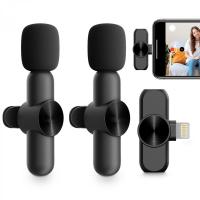
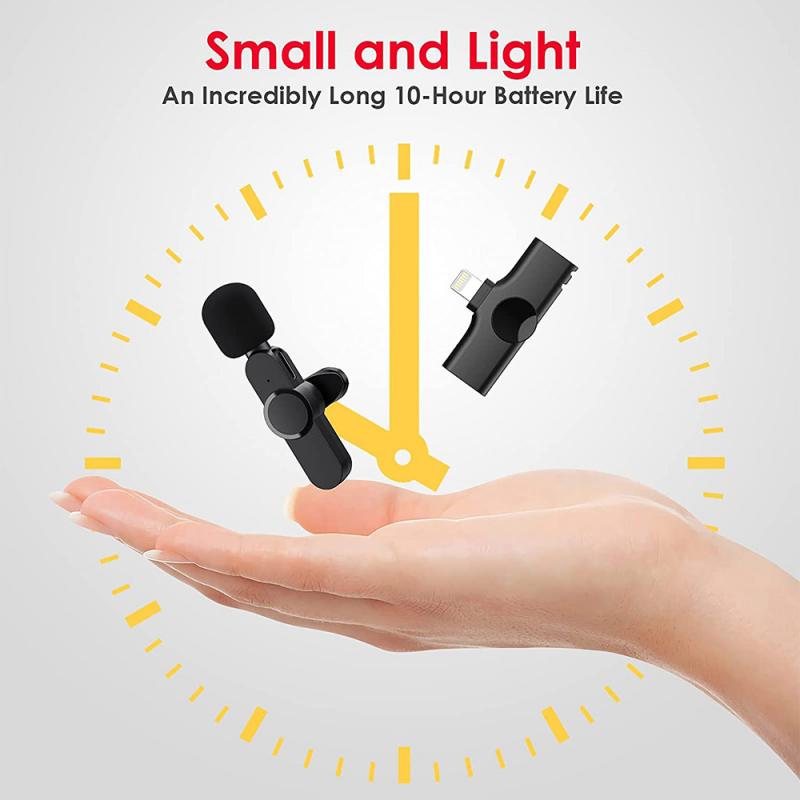
1. Microphone: The quality of your microphone significantly impacts the audio recording. There are various types of microphones, including USB microphones, which are easy to use and connect directly to your PC, and XLR microphones, which require an audio interface.

2. Audio Interface: If you opt for an XLR microphone, you'll need an audio interface to connect the microphone to your PC. The audio interface converts the analog signal from the microphone into a digital signal that your computer can process.

3. Recording Software: Also known as Digital Audio Workstations (DAWs), recording software allows you to capture, edit, and produce audio. There are many options available, ranging from free to professional-grade software.

Choosing the Right Microphone
how record audio on pc 2

The first step in recording audio on your PC is selecting the right microphone. Here are some popular options:

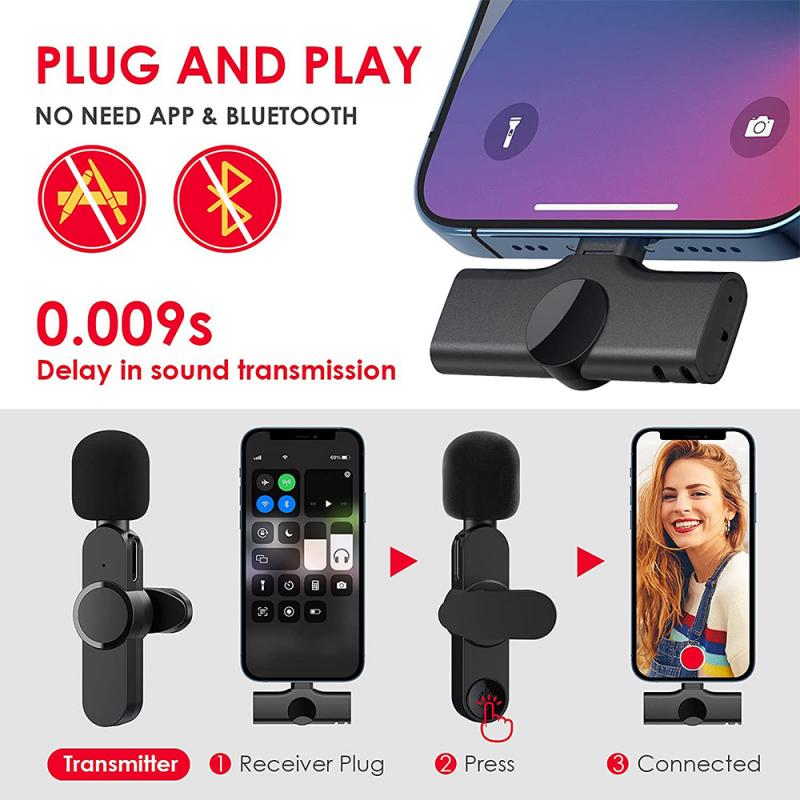
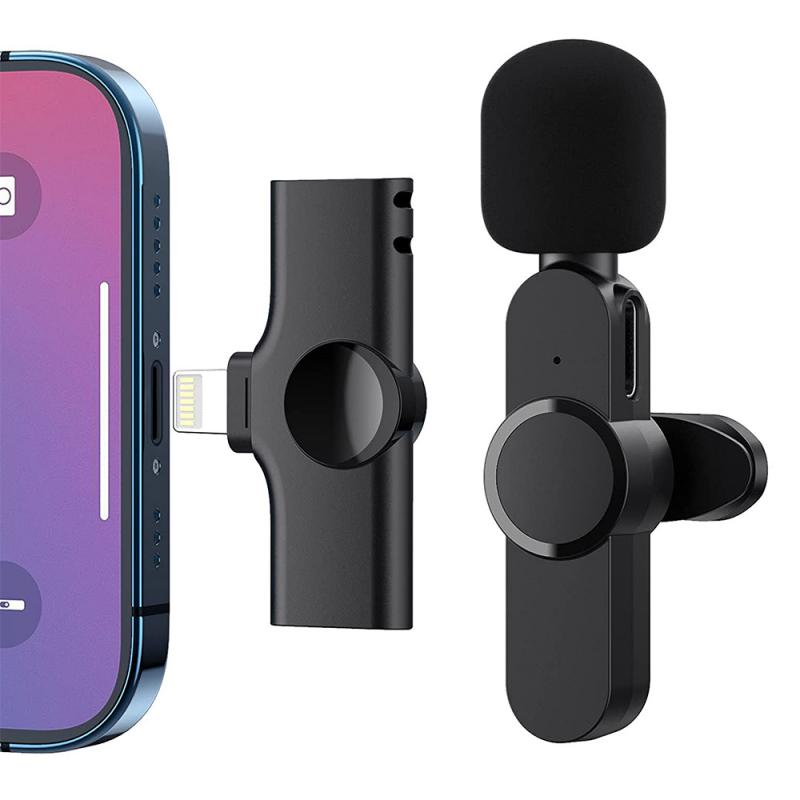
- USB Microphones: These are plug-and-play devices that connect directly to your PC via a USB port. They are convenient and often come with built-in preamps and analog-to-digital converters. Popular models include the Blue Yeti and Audio-Technica AT2020USB+.

- XLR Microphones: These microphones require an audio interface but generally offer higher audio quality. They are preferred by professionals for their versatility and superior sound. Examples include the Shure SM7B and Rode NT1-A.

Setting Up Your Audio Interface
how record audio on pc 3

If you choose an XLR microphone, you'll need an audio interface. Here’s how to set it up:

1. Connect the Microphone to the Audio Interface: Use an XLR cable to connect your microphone to the audio interface.

2. Connect the Audio Interface to Your PC: Most audio interfaces connect to your PC via USB, Thunderbolt, or FireWire. Follow the manufacturer's instructions for installation.

3. Install Drivers and Software: Some audio interfaces require specific drivers or software to function correctly. Ensure you download and install these from the manufacturer's website.

Selecting Recording Software
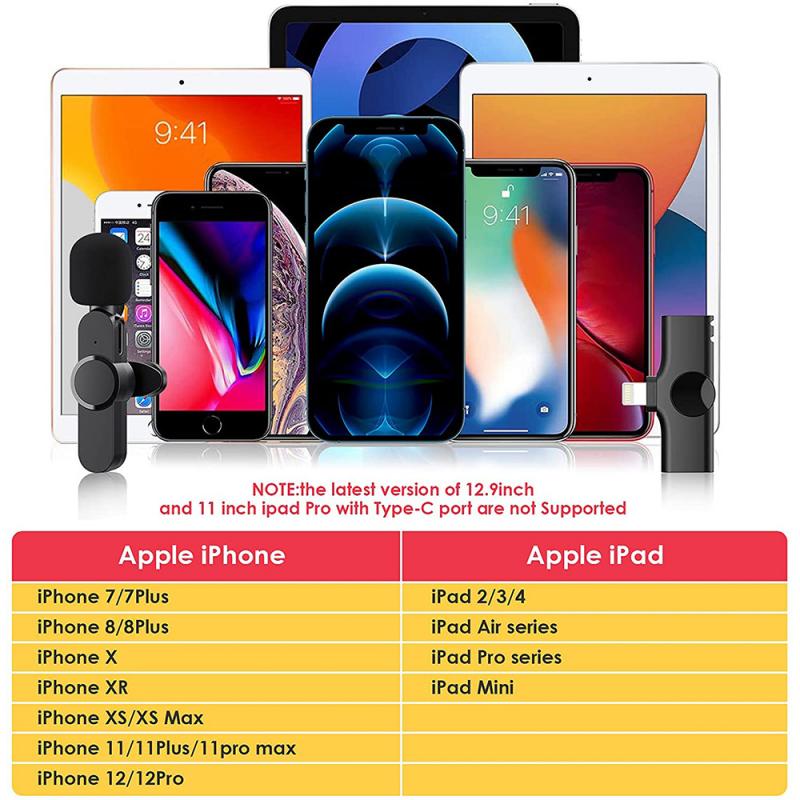
how record audio on pc 4

There are numerous recording software options available, each with its own set of features. Here are some popular choices:

- Audacity: A free, open-source audio recording and editing software. It’s user-friendly and suitable for beginners.

- GarageBand: Available for macOS users, GarageBand is a versatile and free DAW that offers a range of features for recording and editing audio.

- Adobe Audition: A professional-grade DAW with advanced features for audio recording, editing, and mixing. It requires a subscription but is highly regarded in the industry.

- Reaper: An affordable DAW that offers a comprehensive set of features. It’s highly customizable and suitable for both beginners and professionals.

Step-by-Step Guide to Recording Audio

Now that you have your hardware and software ready, follow these steps to record audio on your PC:

1. Set Up Your Recording Environment: Choose a quiet room with minimal background noise. Consider using soundproofing materials or a pop filter to reduce unwanted sounds.

2. Connect Your Microphone: Plug your USB microphone directly into your PC or connect your XLR microphone to the audio interface, which is then connected to your PC.

3. Open Your Recording Software: Launch your chosen DAW and create a new project or session.

4. Configure Audio Settings: Ensure your microphone is selected as the input device in your DAW’s audio settings. Adjust the sample rate and bit depth according to your needs (44.1 kHz and 16-bit are standard for most recordings).

5. Set Up a Track for Recording: Create a new audio track in your DAW and arm it for recording. This usually involves clicking a record button on the track.

6. Adjust Input Levels: Speak or play into the microphone and adjust the input gain on your audio interface or within the DAW to ensure the levels are not too low or too high. Aim for levels that peak around -6 dB to -3 dB.

7. Start Recording: Press the record button in your DAW and begin speaking, singing, or playing your instrument. Monitor the levels to ensure consistent audio quality.

8. Stop Recording: Once you’ve finished, press the stop button. Save your project to avoid losing any recorded material.

Editing and Exporting Your Audio

After recording, you may need to edit your audio to remove any mistakes, add effects, or enhance the overall sound quality. Here are some basic editing steps:

1. Trim and Cut: Remove any unwanted sections at the beginning or end of the recording. Use the cut tool to eliminate mistakes or pauses.

2. Normalize Audio Levels: Ensure consistent volume levels throughout the recording by normalizing the audio.

3. Apply Effects: Add effects such as equalization (EQ), compression, and reverb to enhance the sound quality. Be cautious not to overdo it, as too many effects can degrade the audio quality.

4. Export Your Audio: Once you’re satisfied with the edits, export the audio file in your desired format (e.g., WAV, MP3). Choose the appropriate settings for sample rate and bit depth to maintain quality.

Troubleshooting Common Issues

Recording audio on a PC can sometimes present challenges. Here are some common issues and solutions:

- Background Noise: Use a noise gate or noise reduction plugin to minimize background noise. Ensure your recording environment is as quiet as possible.

- Latency: If you experience a delay between speaking and hearing the audio, adjust the buffer size in your DAW’s audio settings. Lower buffer sizes reduce latency but may strain your CPU.

- Distorted Audio: Ensure your input levels are not too high. Distortion occurs when the audio signal clips, so reduce the gain if necessary.

Recording audio on a PC is a straightforward process with the right equipment and software. By selecting a suitable microphone, setting up your audio interface, and using reliable recording software, you can achieve high-quality recordings for any purpose. Follow the step-by-step guide and troubleshooting tips provided in this article to ensure a smooth recording experience. Whether you’re a beginner or a seasoned professional, these insights will help you capture the best possible audio on your PC.


Leave your comment
Cancel reply
Note: HTML is not translated!
Related products
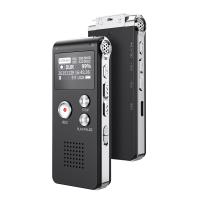
128G Mini Digital Voice Recorder with Color Screen Bluetooth Call Record 3072kbps Kentfaith
15
$119.99 $83.99
Instant Cross-APP Translator Device for Business & Trade, Video Call Translation, Record, & Transcription, Kentfaith AI Translator Devices
12
$124.99 $99.99
5K Video Camera with 75MP Photos, 8X Optical Zoom, WiFi Transfer, Wireless Mic, Dual Batteries, Support PIP Record, Kentfaith
16
$274.99 $239.99
5K Video Camera with 75MP Photos, 8X Optical Zoom, WiFi Transfer, Foldable Tripod, Wireless Mic, Dual Batteries, Support PIP Record, Kentfaith
$312.49 $249.99
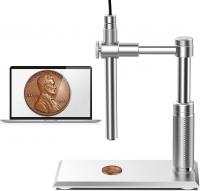
DM101 Digital USB Microscope Camera Coin Magnifier, 10X-500X Magnification, PC Compatible
41
$77.99 $59.99
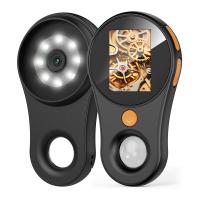
500X Handheld Digital Microscope with 8 LEDs 2" IPS Screen PC Compatible
12
$97.49 $68.99
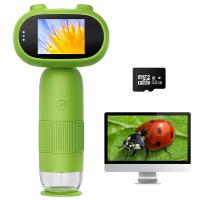
Mini Handheld Microscope for Kids, 1000x Zoom 8 Adjustable LED Lights PC Compatible
78
$119.99 $83.99
Handheld Microcsope, 500X Zoom, 1080P Videos,  PC Connect, with Large 5X Magnifier, Autofocus, Kentfaith
Handheld Microcsope, 500X Zoom, 1080P Videos, PC Connect, with Large 5X Magnifier, Autofocus, Kentfaith
15
$87.49 $69.99
Compound Microscope with 9" Smart Screen 40x-1600x Magnification PC Connection for Lab, Professionals Use Kentfaith
17
$799.99 $639.99
Compound Microscope with 4K Camera, 40X-2500X Magnification, PC Connection, Plan Optical System, Mechanical Stage, Kentfaith
$824.99 $659.99
Products You May Like
55mm White Pro Mist 1/4 Filter Cinematic Effect Filter , HD Dreamy Soft White Diffusion Filter with 28 Layer Coatings Waterproof Scratch Resistant Nano-Xcel Series
8
$46.99 $34.99
Live View Trail Cameras
10
$162.99 $106.99
Camera Backpacks Camera Bag Professional Storage Quick Side Access 15.6 inch Camera Laptop Bag for Cameras Weatherproof Bag Cover for Photographers
112
$79.99 $69.99
K&F Concept Lens Air Blower, Rubber Bulb Air Pump Dust Blower Cleaner, with Long Nozzle for Cell Phone, Tablet, Camera Lens Sensors, Keyboard,Telescopes
$9.99
67mm Black Diffusion 1/2 Filter Mist Cinematic Effect Filter with 18 Multi-Layer Coatings Nano-Klear Series
212
$31.99 $24.99
500X Handheld Digital Microscope with 8 LEDs 2" IPS Screen PC Compatible
12
$97.49 $68.99
Longest Range Trail Camera
10
$162.99 $106.99
Wireless Solar Trail Camera
10
$162.99 $106.99
T2 Lenses to Sony E Lens Mount Adapter K&F Concept M28101 Lens Adapter
147
$45.99 $23.99
77mm ND8+ND64+ND1000 Lens Filter Kit with 3 Vacuum Cleaning Cloths and Filter Pouch, 24 Layer Multi-coated HD Optical Glass, Nano-Dazzle Series
88
$82.99 $65.99
Related articles
How To Record External Audio On Pc?
How To Record On Pc With Audio?
How To Record Video With Sound On Pc?
How To Record Video And Voice On Pc?
How To Turn On Screen Record Audio?
How To Record Voice Audio On Mac?
How To Record Discord Audio On Xbox?
How To Record Audio On Xbox Clips?
How To Record Audio On A Macbook?
How Much Storage For Dash Cam?
Blog You May Like
Can You Get Binoculars That Take Pictures?
How Much Are Tripods For Cameras?
How To Fix A Camera Flash?
How To Make A Underwater Housing For Cameras?
How To Install Security Camera System?
Can A Ring Light Damage Your Eyes?
How To Record Sound From Laptop Speakers?
How To Make Soft Light Photography?
How Big Of Sd Card For Nintendo Switch?
How To Get Face Filters On Iphone Camera?
Related categories
On-Dash Camera Ultra-low Reflection UV Filters Pentax K adapter ND variable filter FUJIFILM Camera Battery endoscope cameras Drone Filters
Popular products
Mini Digital Voice Recorder​ video recording camera for youtube light with power bank sony camera with microphone high quality condenser microphone coin USB microscope microphone headset for gaming led pocket microscope 500x portable handheld digital microscope Polarize Filter For Mobile Phone
Related searches
Cameras That Record Audio Record Wifi Camera Best Microphones To Record Vocals Wireless Pc Camera Pc Video Camera Pc Microscope Usb Pc Camera And Microphone Pc Speakers With Microphone Pc Camera With Microphone Microphone Headset For Pc
Popular searches
Sony E-mount 18-55mm Vs 16-50mm Sony Fs100 Lense Mount Sony Ilce A5000 E-mount Mirrorless Camera Sony Lens Mount Repair Sigma To Nikon Adapter 150 Home Theater Projector Fujifilm X Mount Full Frame Micro 4 3 Lens Adapter Nikon Ipad Pro Microphone Solar Filter 72mm
Blog Category
  • Activities
  • Guide
    • Filter Guide
    • Lens Adapter
    • Product Review
  • News & Reviews
    • Camera Reviews
    • Sample Gallery
    • News
  • Tutorials
    • Solar eclipse photography
    • Photography Basics
    • Landscape Photography
  • Inspiration
    • Travel
    • Travel Stories
Search Article
Latest from the Blog
How To Put Sd Card In Camera?
Can Security Cameras Detect Motion Through Glass?
Where Can I Find Hidden Cameras?
ND Filter: The Complete Guide to Neutral Density Filters for Photography and Video
How To Find A Good Digital Camera?
How Much Storage For Security Camera?
What To Look For In A Dash Cam?
Which Bluetooth Earphones?
Can You Zoom In With Binoculars?
Which Binoculars To Buy?
  • Easy Payment Multilple Payment Options

  • Free Shipping Global WareHouse Shipment

  • No Risk 30-Day No Reason Return

  • Limited Deals Buy More, Save More

  • Tax Free No any surcharges or tax fee

Information
  • About us
  • Contact Us
  • Site Map
  • Blog
  • Video
  • Gallery
  • VIP Membership Rewards
Service
  • Privacy Policy
  • Terms & Conditions
  • Shipping & Delivery
  • Payment Info
  • Warranty, Return & Refund
  • Intellectual Property Rights
  • Ambassador
  • Affiliates
  • Wholesale
Support
  • My account
  • Order History
  • FAQs
  • Extend Warranty
  • Logistics Tracking
Follow us
NewsLetter

Get the latest product, K&F Concept respects your privacy.

Powered By KENTFAITH © 2025