Where To Put Security Cameras In Home?
Optimizing Security Camera Placement in Your Home: A Comprehensive Guide
Home security is a top priority for many homeowners, and installing security cameras is one of the most effective ways to protect your property and loved ones. However, the effectiveness of your security system depends heavily on where you place your cameras. Strategic placement ensures maximum coverage, deters potential intruders, and provides clear footage in case of an incident. In this article, we’ll explore the best locations for security cameras in your home, the reasoning behind these choices, and practical tips to optimize your home surveillance system.
1. Front Door: The First Line of Defense
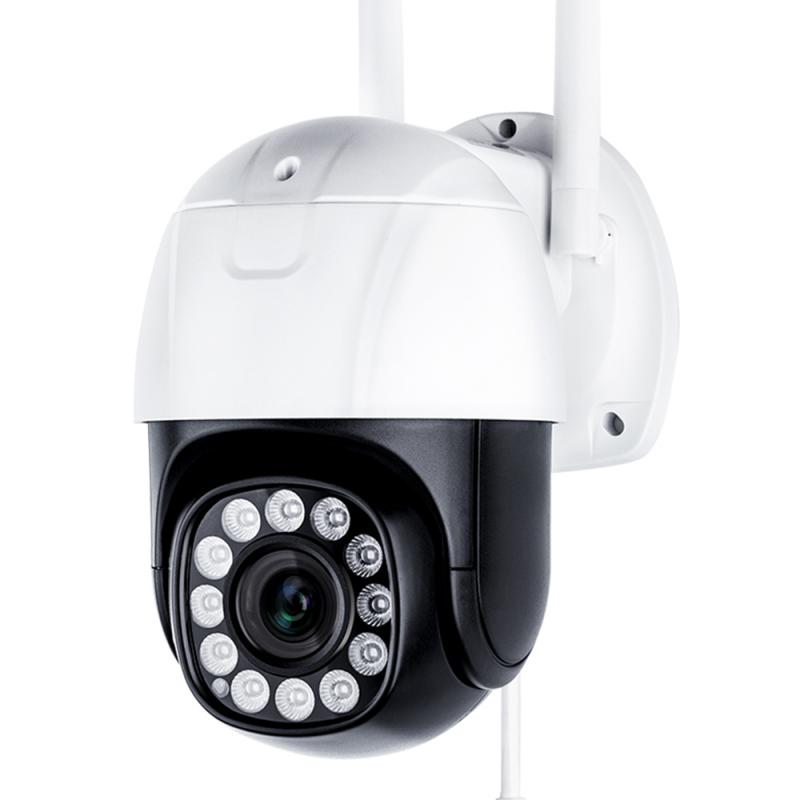
The front door is one of the most critical locations for a security camera. Statistics show that a significant percentage of burglars enter through the front door, making it a high-priority area for surveillance. A camera placed here can monitor visitors, package deliveries, and any suspicious activity.
Placement Tips:
- Mount the camera at a height of 7-10 feet to avoid tampering while still capturing clear footage of faces.
- Position the camera to cover the entire entryway, including the porch and any nearby windows.
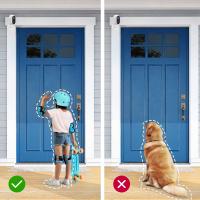
- Consider using a doorbell camera for a discreet and functional option that also allows two-way communication.
2. Back Door and Side Entrances
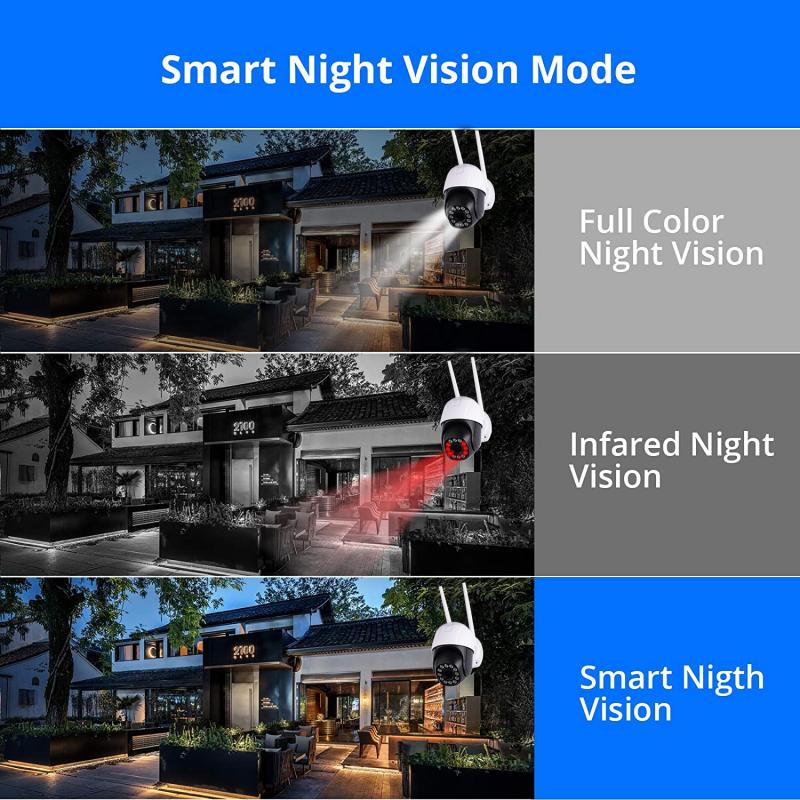
Secondary entrances, such as back doors and side doors, are common entry points for intruders. These areas are often less visible from the street, making them more vulnerable to unauthorized access.
Placement Tips:
- Install cameras at all secondary entrances to ensure comprehensive coverage.
- Use weatherproof cameras if these entrances are exposed to the elements.
- Ensure the camera angle captures anyone approaching the door, as well as the surrounding area.
3. Garage and Driveway
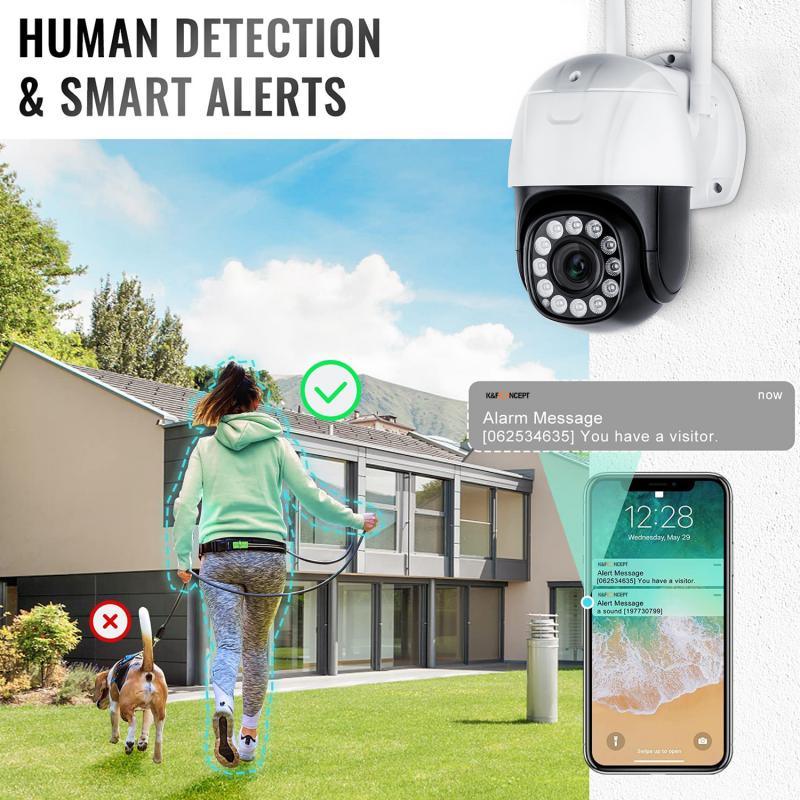
Your garage and driveway are not only access points to your home but also storage areas for valuable items like vehicles, tools, and equipment. Monitoring these areas can help prevent theft and vandalism.
Placement Tips:
- Position a camera to cover the garage door and any side doors leading into the garage.
- For the driveway, angle the camera to capture vehicles, pedestrians, and any activity near the entrance.
- Use motion-activated cameras to conserve storage space and focus on relevant footage.
4. First-Floor Windows
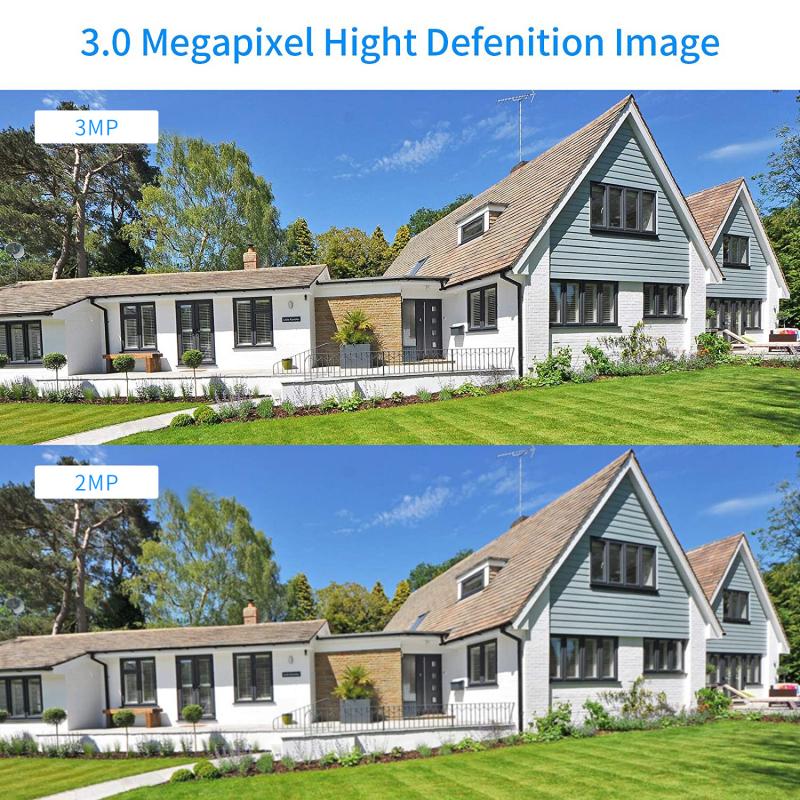
Windows on the ground floor are another common entry point for burglars. Placing cameras to monitor these areas can deter break-ins and provide evidence if an incident occurs.
Placement Tips:
- Focus on windows that are hidden from view or located in darker areas of your property.
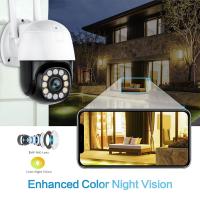
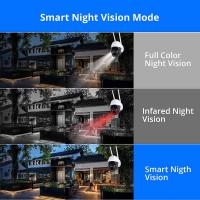
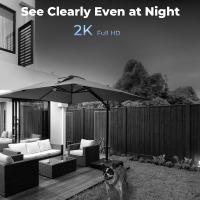
- Use cameras with night vision to ensure clear footage in low-light conditions.
- Consider installing window sensors in addition to cameras for added security.
5. Common Areas Inside the Home
While outdoor cameras are essential, indoor cameras can provide an additional layer of security. Common areas like living rooms, hallways, and staircases are ideal locations for indoor surveillance.
Placement Tips:
- Position cameras to cover main entry points into the home, such as the front door, back door, and garage entrance.
- Avoid placing cameras in private areas like bedrooms and bathrooms to respect privacy.
- Use cameras with wide-angle lenses to cover larger areas with fewer devices.
6. Yard and Perimeter
Monitoring your yard and property perimeter can help you detect suspicious activity before it reaches your home. This is especially important for larger properties or homes with extensive landscaping.
Placement Tips:
- Install cameras at the corners of your property to cover the entire perimeter.
- Use cameras with motion detection and floodlights to illuminate and record activity at night.
- Ensure the cameras are weatherproof and have a high resolution for clear footage.
7. Blind Spots
Every home has unique blind spots that may not be immediately obvious. Identifying and covering these areas is crucial for a comprehensive security system.
Placement Tips:
- Conduct a walkthrough of your property to identify areas that are not visible from existing cameras.
- Use additional cameras or reposition existing ones to eliminate blind spots.
- Test camera angles and adjust as needed to ensure full coverage.
Additional Considerations for Camera Placement
1. Height and Angle
The height and angle of your cameras play a significant role in capturing clear and useful footage. Cameras should be mounted high enough to avoid tampering but low enough to capture faces and details.
2. Lighting Conditions
Lighting can affect the quality of your footage. Ensure cameras are not pointed directly at light sources, such as the sun or outdoor lights, to avoid glare. Use cameras with HDR (High Dynamic Range) capabilities for better performance in varying lighting conditions.
3. Connectivity and Power Supply
Ensure your cameras are within range of your Wi-Fi network or have a reliable wired connection. For outdoor cameras, consider using models with battery or solar power options to avoid running cables.
4. Privacy Concerns
While security is important, it’s equally crucial to respect the privacy of your family and neighbors. Avoid placing cameras in areas that could inadvertently capture private spaces, such as bedrooms, bathrooms, or neighboring properties.
5. Legal Considerations
Familiarize yourself with local laws and regulations regarding security camera placement. In many areas, it’s illegal to record audio without consent or to place cameras in areas where people have a reasonable expectation of privacy.
Choosing the Right Cameras for Your Needs
The type of camera you choose will also impact its placement and effectiveness. Here are some popular options:
- Doorbell Cameras: Ideal for front doors, these cameras are discreet and often include two-way audio.
- Bullet Cameras: These are great for outdoor use due to their long-range capabilities and weatherproof design.
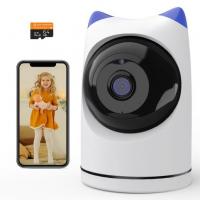
- Dome Cameras: These are versatile and can be used indoors or outdoors. Their design makes it difficult to determine the direction they’re facing.
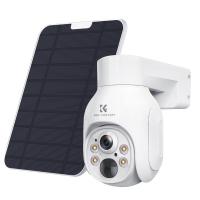
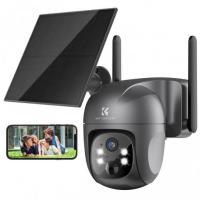
- PTZ Cameras: Pan-Tilt-Zoom cameras offer flexibility and can cover large areas with a single device.
- Wireless Cameras: These are easy to install and can be placed almost anywhere, but they require a strong Wi-Fi signal.
Maintaining Your Security System
Once your cameras are installed, regular maintenance is essential to ensure they continue to function effectively. Here are some tips:
- Check camera lenses for dirt, dust, or obstructions and clean them as needed.
- Test your cameras periodically to ensure they are recording and transmitting footage correctly.
- Update firmware and software to protect against security vulnerabilities.
- Review footage regularly to identify any unusual activity or potential issues.
Strategic placement of security cameras is key to creating a robust home security system. By focusing on high-priority areas like entry points, common areas, and blind spots, you can maximize coverage and deter potential threats. Additionally, choosing the right cameras and maintaining your system will ensure long-term effectiveness.
Investing time and effort into planning your camera placement not only enhances your home’s security but also provides peace of mind. Whether you’re protecting your family, safeguarding your belongings, or simply keeping an eye on your property, a well-designed security camera system is an invaluable tool.