Where To Place Security Cameras Around Your Home?
Strategic Placement of Security Cameras Around Your Home: A Comprehensive Guide
In today’s world, home security is a top priority for many homeowners. Security cameras are one of the most effective tools for deterring crime, monitoring activity, and providing peace of mind. However, the effectiveness of these cameras depends heavily on their placement. Poorly positioned cameras can leave blind spots, fail to capture critical footage, or even become easy targets for tampering. In this article, we’ll explore the best practices for placing security cameras around your home to maximize their utility and ensure your property is well-protected.
Why Placement Matters
The placement of security cameras is crucial for several reasons:
1. Coverage: Proper placement ensures that all vulnerable areas of your property are monitored.
2. Deterrence: Visible cameras can discourage potential intruders from attempting to break in.
3. Evidence Collection: Strategically placed cameras can capture clear footage of incidents, which can be invaluable for law enforcement or insurance claims.
4. Minimizing Blind Spots: Poor placement can leave areas unmonitored, defeating the purpose of having a security system.
To achieve these goals, it’s important to understand the key areas of your home that require surveillance and the best practices for camera installation.
---
Key Areas to Place Security Cameras
1. Front Door
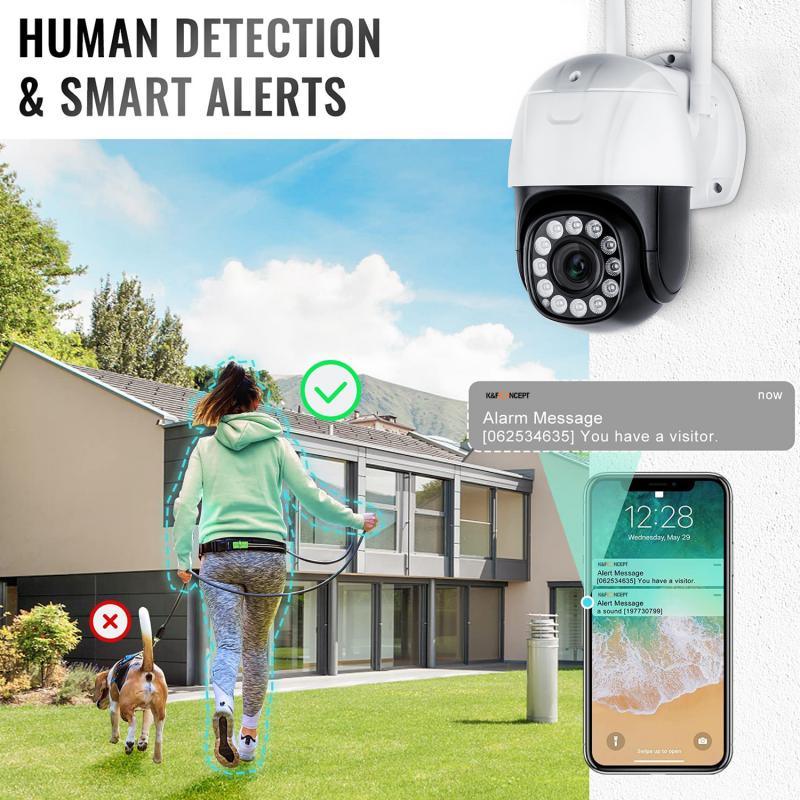
The front door is the most common entry point for visitors, delivery personnel, and unfortunately, burglars. Statistics show that nearly 34% of burglars enter through the front door. Placing a camera here is essential for monitoring who comes and goes.
Placement Tips:
- Position the camera at eye level or slightly above to capture clear facial features.
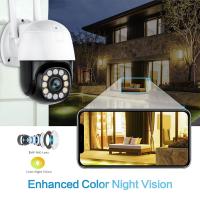
- Use a weatherproof camera with night vision to ensure 24/7 monitoring.
- Consider a video doorbell camera for added convenience and functionality.
2. Back Door
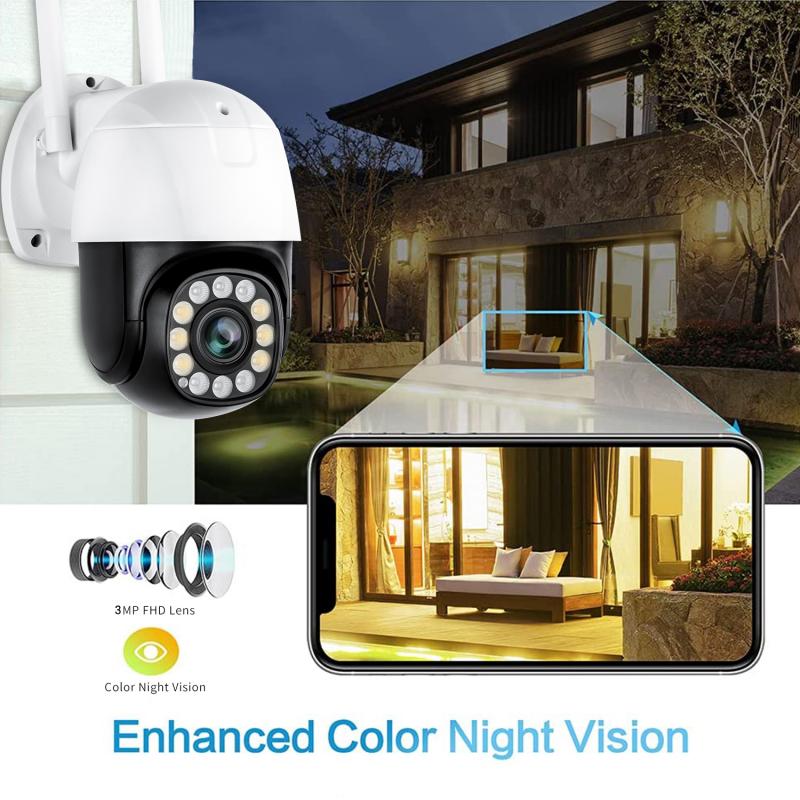
The back door is the second most common entry point for intruders. It’s often less visible from the street, making it a vulnerable spot.
Placement Tips:
- Install the camera above the door, angled downward to cover the entryway.
- Ensure the camera is protected from weather elements and tampering.
- If you have a patio or deck, position the camera to cover these areas as well.
3. Garage and Driveway
Garages and driveways are frequent targets for theft, especially if you store valuable items in your garage or park your car outside. Monitoring these areas can help prevent vehicle theft and vandalism.
Placement Tips:
- Place a camera above the garage door to monitor activity in and around the garage.
- Install a camera facing the driveway to capture vehicles entering or leaving your property.
- Use wide-angle cameras to cover larger areas effectively.
4. Side Entrances and Windows
Side entrances and ground-floor windows are often overlooked but can be easy access points for intruders. These areas should not be neglected when setting up your security system.
Placement Tips:
- Position cameras to cover all side doors and windows, especially those hidden from street view.
- Use motion-activated cameras to conserve storage space and capture activity only when necessary.
- Ensure cameras are mounted high enough to prevent tampering.
5. Yard and Perimeter
Monitoring your yard and property perimeter can help you detect suspicious activity before it reaches your home. This is especially important for larger properties.
Placement Tips:
- Use outdoor cameras with wide-angle lenses to cover large areas.
- Install cameras at the corners of your property to monitor the perimeter.
- Consider cameras with zoom capabilities for detailed footage of distant areas.
6. Interior Common Areas
While outdoor cameras are essential, indoor cameras can provide additional security. Common areas like living rooms, hallways, and staircases are ideal for monitoring activity inside your home.
Placement Tips:
- Position cameras to cover entry points from the outside, such as doors and windows.
- Avoid placing cameras in private areas like bedrooms and bathrooms to respect privacy.
- Use cameras with two-way audio for added functionality.
---
Best Practices for Security Camera Placement
1. Avoid Blind Spots
Walk around your property and identify areas that are not visible from your chosen camera locations. Adjust the placement or add additional cameras to cover these blind spots.
2. Consider Lighting Conditions
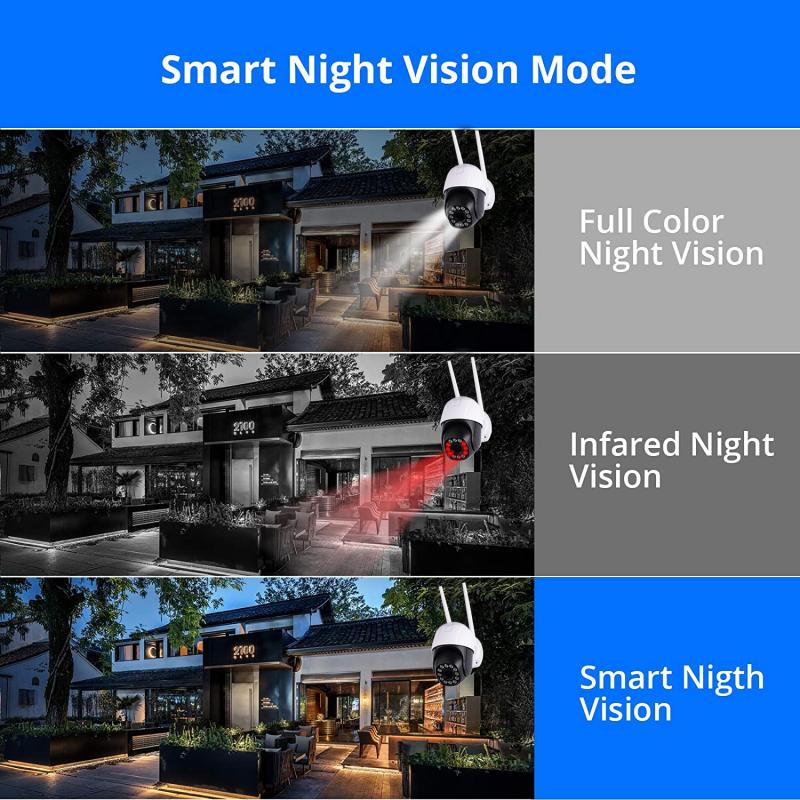
Ensure cameras are equipped with night vision or infrared capabilities to capture clear footage in low-light conditions. Avoid placing cameras directly facing bright lights, as this can cause glare and reduce image quality.
3. Protect Cameras from Tampering
Mount cameras high enough to prevent easy access. Use protective casings to shield cameras from weather and vandalism.
4. Optimize Angles
Position cameras at an angle that captures the widest possible view of the area. Avoid pointing cameras directly at the ground or sky, as this limits their effectiveness.
5. Integrate with Other Security Measures
Security cameras work best when combined with other security measures, such as motion sensors, alarms, and smart locks. Integrating these systems can provide comprehensive protection for your home.
6. Regular Maintenance
Check your cameras regularly to ensure they are functioning properly. Clean the lenses to maintain clear image quality and test the system to verify coverage.
---
Common Mistakes to Avoid
1. Overlooking Hidden Areas
Many homeowners focus on obvious entry points like doors but neglect hidden areas like side windows or basement entrances. These spots are often targeted by intruders.
2. Poor Camera Quality
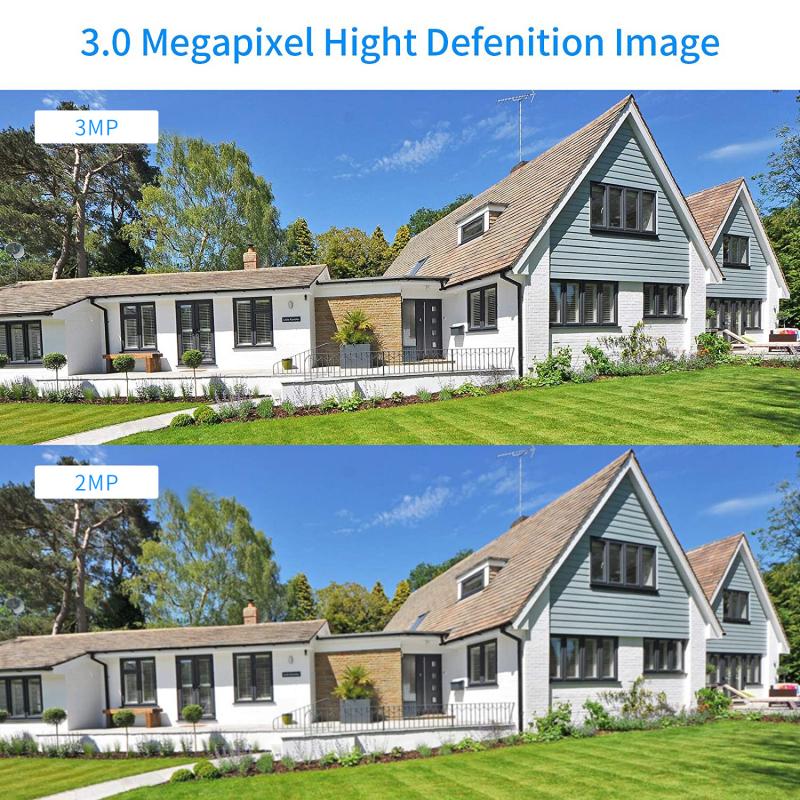
Investing in low-quality cameras can result in blurry footage that is useless for identifying intruders. Choose cameras with high resolution and reliable features.
3. Ignoring Privacy Concerns
Be mindful of where you place cameras to avoid infringing on the privacy of your family or neighbors. For example, avoid pointing cameras directly at a neighbor’s property.
4. Failing to Test Coverage
After installation, test your cameras to ensure they cover the intended areas. Adjust angles and positions as needed to eliminate blind spots.
---
Choosing the Right Cameras for Your Home
The type of camera you choose will depend on your specific needs and budget. Here are some popular options:
1. Bullet Cameras
These cameras are ideal for outdoor use and provide a focused view of specific areas. They are often weatherproof and tamper-resistant.
2. Dome Cameras
Dome cameras are versatile and can be used indoors or outdoors. Their design makes it difficult for intruders to determine the direction they are facing.
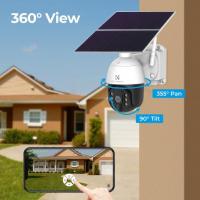
3. PTZ Cameras
Pan-Tilt-Zoom (PTZ) cameras allow you to adjust the angle and zoom remotely, making them ideal for monitoring large areas.
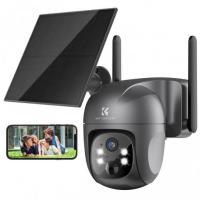
4. Wireless Cameras
Wireless cameras are easy to install and can be connected to your home Wi-Fi network for remote access. They are ideal for renters or those who prefer a hassle-free setup.
5. Video Doorbell Cameras
These cameras are specifically designed for front doors and provide two-way audio, motion detection, and app integration.
---
Placing security cameras around your home is a critical step in protecting your property and loved ones. By strategically positioning cameras at key entry points, monitoring vulnerable areas, and following best practices, you can create a robust security system that deters intruders and provides valuable evidence in case of incidents. Remember to choose high-quality cameras, integrate them with other security measures, and perform regular maintenance to ensure optimal performance.
Investing time and effort into proper camera placement will pay off in the long run, giving you peace of mind and a safer home environment. Whether you’re setting up a new security system or upgrading an existing one, the tips outlined in this guide will help you make informed decisions and maximize the effectiveness of your security cameras.