kfconcept

KENTFAITH
K&F Concept    Blog >

Enjoy Your Selected Digital Life

Recently Viewed
  • Recently Viewed
  • Recently Viewed list is empty.

Compare (0) 0
  • Compare
  • You have not chosen any products to compare.

  • Compare
Currency: USD
  • Currency
Shop by Scene Shop by Rank

Log Into Your Account

Account

Order History

Wish List

Login

Forgotten Password?

Or connect with

Register Account

Already have an Account?Log In

  • Shopping Cart
  • Your shopping cart is empty!

  • Register/Login to purchase, earn points
  • Favorite
  • Your wish list is empty.

  • Register/Login to like, earn points
  • Activities
  • Guide
    • Filter Guide
    • Lens Adapter
    • Product Review
  • News & Reviews
    • Camera Reviews
    • Sample Gallery
    • News
  • Tutorials
    • Solar eclipse photography
    • Photography Basics
    • Landscape Photography
  • Inspiration
    • Travel
    • Travel Stories
  • Home
  • Blog
  • How To Set Up My Android Smart Watch?

How To Set Up My Android Smart Watch?

Kentfaith 2024-10-08 01:02:43 0 Comments

The proliferation of smartwatches in the digital era has revolutionized how we interact with our devices, offering a perfect blend of convenience and technology at our fingertips—or rather, our wrists. Android smartwatches have become increasingly popular, providing users with a plethora of functionalities ranging from fitness tracking to seamless synchronization with smartphones. Setting up an Android smartwatch might seem daunting at first glance, but with systematic guidance, you can navigate this process with ease. Let's delve into the step-by-step process of setting up your Android smartwatch efficiently and effectively.

Unboxing and Powering On Your Smartwatch
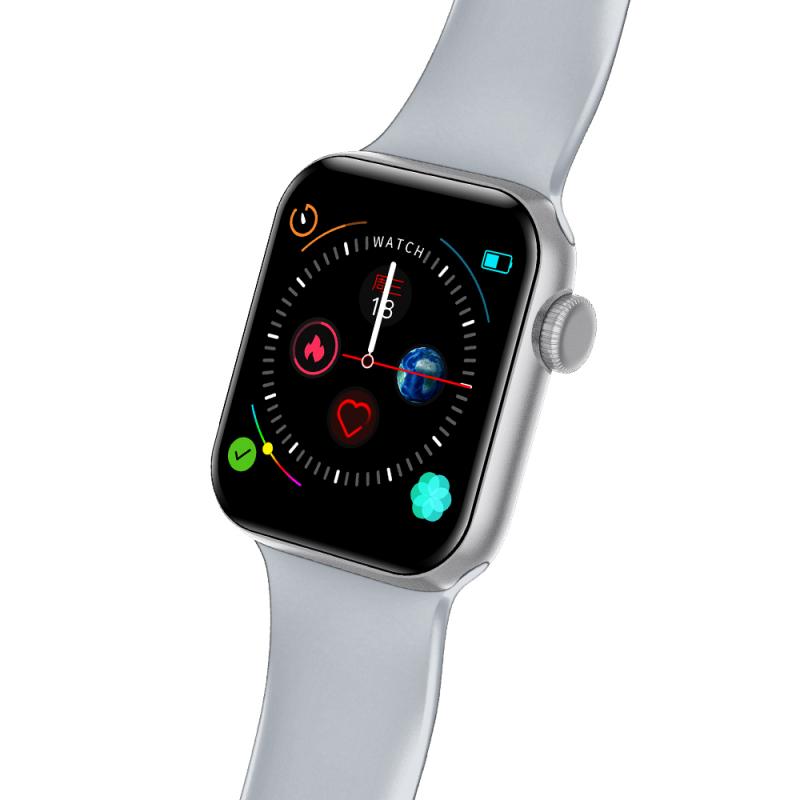
how to set up my android smart watch 1

1. Unboxing: Begin by carefully unboxing your Android smartwatch. Typically, the package includes the smartwatch itself, a charging cable or dock, and an instruction manual.

- Check Components: Ensure all components are present and undamaged.

- Charging: If the smartwatch isn’t charged, connect it to the charger. This initial charge ensures the setup process proceeds without interruptions.

2. Powering On: Hold down the power button until the device turns on. The location and look of the power button may vary depending on your watch model.

Initial Setup and Pairing with Your Smartphone
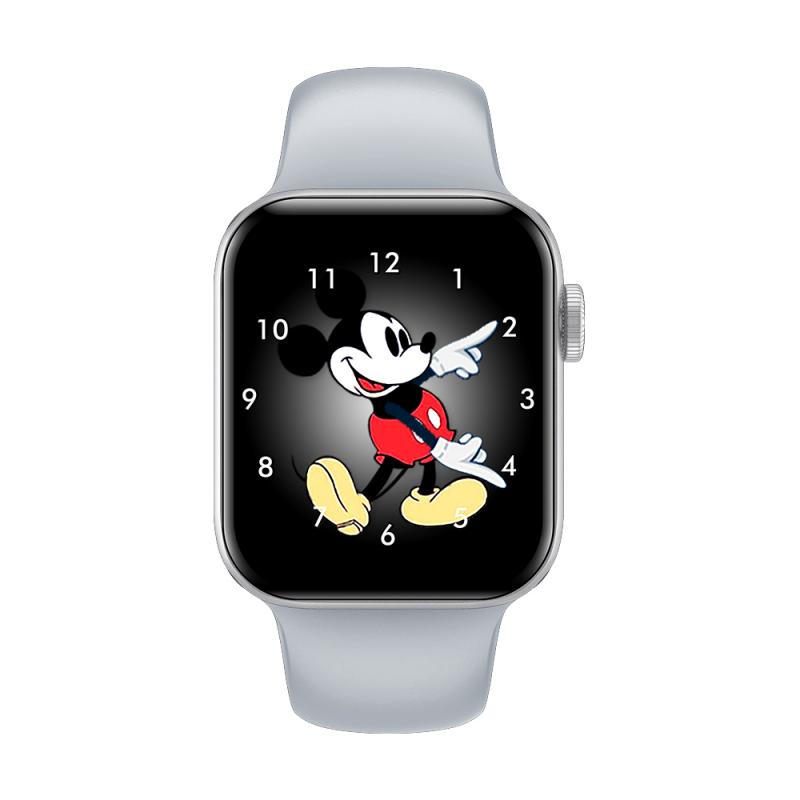
how to set up my android smart watch 2

3. Choosing the Correct App:

- Download App: Android smartwatches typically require the Wear OS by Google app (formerly Android Wear). Download this app from the Google Play Store on your smartphone.

- Open App: Once installed, open the app and follow the on-screen instructions.

4. Pairing the Devices:

- Turn On Bluetooth: Ensure your smartphone’s Bluetooth is turned on.

- Start Pairing: On the Wear OS app, tap on “Set it up” to begin the pairing process. The app will search for nearby devices.

- Select Your Watch: When your smartwatch appears in the list, select it. A pairing code will be displayed on both your watch and smartphone.

- Confirm Pairing: Ensure the codes match and then confirm the pairing on both devices.

Configuration and Customization
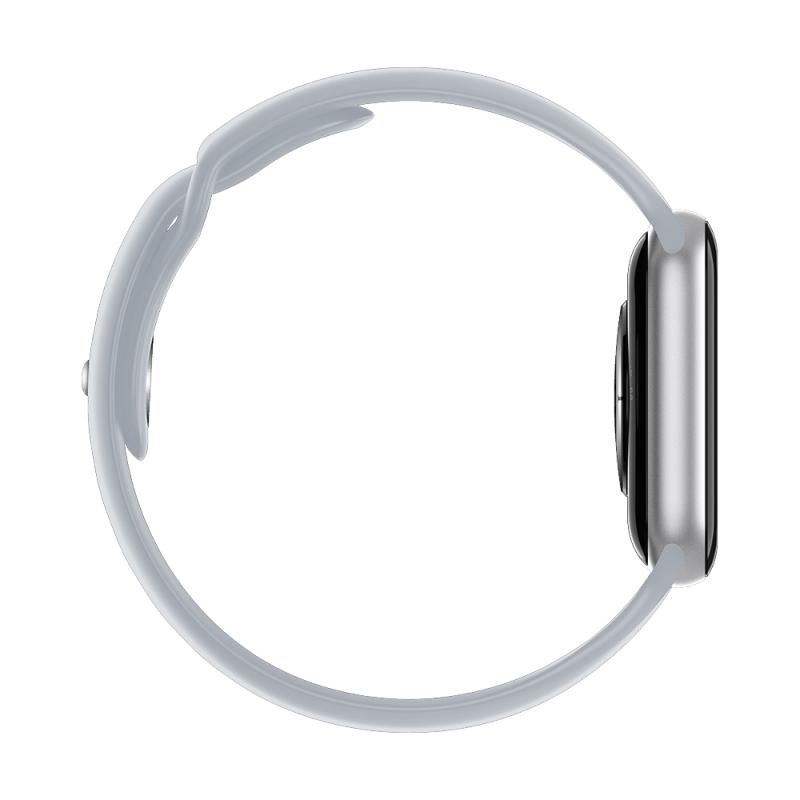
how to set up my android smart watch 3

5. Google Account Sign-In:

- Sign In: Promptly, you’ll be asked to sign into your Google account. Enter your credentials to synchronize your Google services such as Calendar, Contacts, and Gmail with your smartwatch.

- Authorization: Follow the steps to grant the necessary permissions for optimum functionality.

6. Updates and Installations:

- System Updates: If there are system updates available for your smartwatch, it’s advisable to install them during the initial setup to ensure you have the latest features and security patches.

- App Synchronization: Apps compatible with Wear OS installed on your smartphone can also be installed on your smartwatch. Customize which apps you want to sync according to your usage.

Personalization and Settings
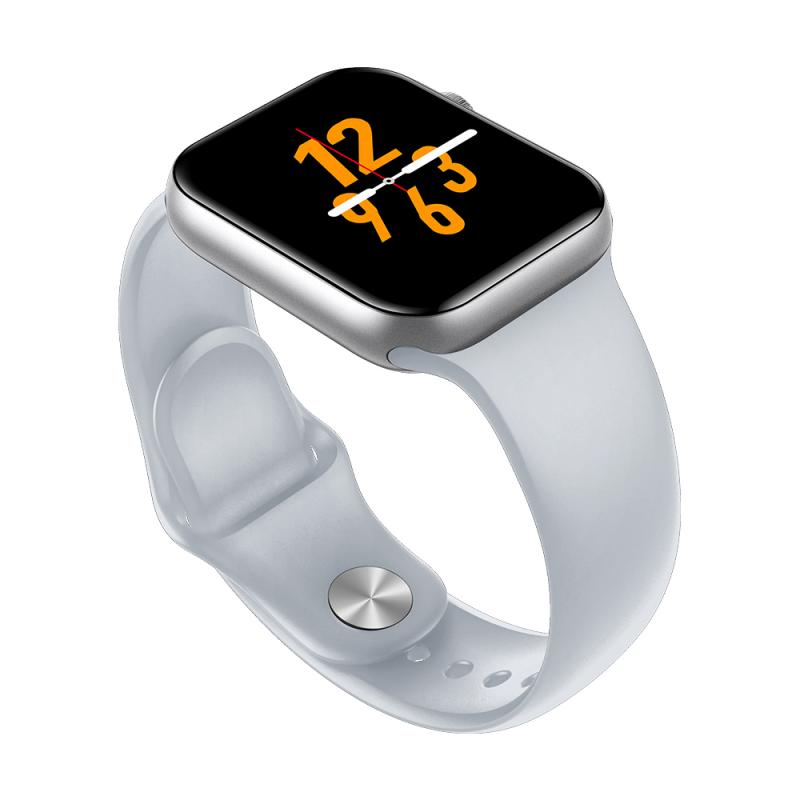
how to set up my android smart watch 4

7. Setting Up Notifications:

- Notification Preferences: Decide which notifications you want to receive on your smartwatch. This can be managed both through the Wear OS app and directly on the watch under settings.

- Quick Responses: Configure quick replies for messages. This way, you can respond to texts without taking out your phone.

8. Watch Faces:

- Customize Watch Faces: Most smartwatches allow you to change and customize watch faces. You can choose from default options or download additional faces from the Google Play Store through the Wear OS app.

- Complications: Add various “complications” to your watch face. These can include widgets such as weather, battery level, fitness data, or any other app-specific information.

Connectivity and Advanced Features

9. Wi-Fi and Mobile Networks:

- Wi-Fi Settings: If your smartwatch supports Wi-Fi, connect it to your preferred network. This ensures that even without a Bluetooth connection, your watch can still receive updates and notifications.

- Mobile Network: Some Android smartwatches come with SIM card support. Insert your SIM card and configure mobile network settings if applicable.

10. Fitness and Health Tracking:

- Fitness Profiles: Set up and customize your fitness profile. Input your personal data such as age, height, weight, and fitness goals. This helps in accurate tracking of your activities.

- Health Monitoring: Enable health monitoring features like heart rate tracking, sleep monitoring, or SpO2 measurement.

Troubleshooting Common Issues

11. Connectivity Problems:

- Bluetooth Issues: If there are connectivity problems, ensure Bluetooth is enabled on both devices. Restarting both the smartwatch and the smartphone can also resolve minor issues.

- Re-Pairing: Sometimes unpairing and then re-pairing the devices through the Wear OS app helps to fix persistent connectivity issues.

12. Battery Life Optimization:

- Battery Saving Modes: Utilize battery-saving modes available on your smartwatch to prolong battery life.

- Background Apps: Manage and restrict background apps through your smartwatch settings to prevent unnecessary battery drain.

Enhancing Your Experience

13. Explore Additional Features:

- Voice Commands: Enable Google Assistant on your smartwatch. This allows you to execute voice commands for tasks like sending messages, setting reminders, or navigating.

- Music Control: Sync your favorite music apps and control playback directly from your smartwatch.

14. Regular Updates and Maintenance:

- Software Updates: Regularly check for and install software updates to keep your smartwatch functioning optimally.

- Cleaning: Periodically clean your smartwatch to maintain both its appearance and performance. Use a soft, lint-free cloth to wipe off dust and grime.

Setting up an Android smartwatch may initially seem intricate, but by following these detailed steps, you’ll ensure your device is optimized for daily use. From pairing with your smartphone and customizing settings to troubleshooting common issues, each stage of the setup is crucial for maximizing the utility and performance of your smartwatch.

Remember, each smartwatch model may have unique features and settings; therefore, consulting the user manual specific to your device can provide additional insights. Embrace the technological marvel strapped to your wrist and make the most of the multifaceted functionality it offers. With your Android smartwatch set up and ready to go, you're equipped to seamlessly integrate technology into your day-to-day activities, enhancing productivity and connectivity on the go.
Leave your comment
Cancel reply
Note: HTML is not translated!
Related products
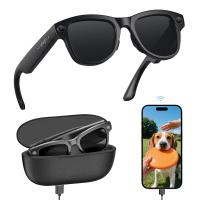
AI Smart Glasses with 164 Languages Real-Time Translation, 4 Translation Modes, Voice Control, AI Assistant, Music Playing All-in-one Bluetooth Smartglasses for iPhone, Android, iPad
NEW Arrival
AI Smart Glasses with 164 Languages Real-Time Translation, 4 Translation Modes, Voice Control, AI Assistant, Music Playing All-in-one Bluetooth Smartglasses for iPhone, Android, iPad
93
$99.99 $79.99
11 in 1 Step Up Ring Set
56
$37.99 $19.99
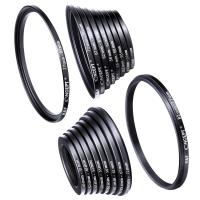
18 Pieces Filter Ring Adapter Set, Camera Lens Filter Metal Stepping Rings Kit (Includes 9pcs Step Up Ring Set + 9pcs Step Down Ring Set)
2
$43.99 $22.99
Smart Camera Glasses, HD 1080P, EIS Stabilization, WiFi Connect, Translation, 4H Playtime, Kentfaith
16
$119.99 $95.99
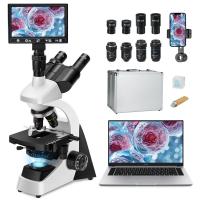
Compound Microscope with 11.6-inch Smart Screen, 40X-2500X Magnification, PC Connection, Plan Optical System, Mechanical Stage, Kentfaith
$1,324.99 $1,059.99
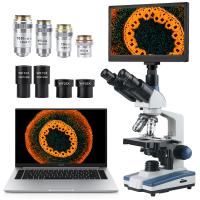
Compound Microscope with 9" Smart Screen, 5W Koehler Lighting, 40x-1600x Magnification PC Connection for Lab, Professionals Use Kentfaith
HOT Seller
Compound Microscope with 9" Smart Screen, 5W Koehler Lighting, 40x-1600x Magnification PC Connection for Lab, Professionals Use Kentfaith
17
$799.99 $639.99
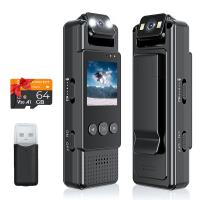
Mini WiFi Body Camera 1080P with Audio, 180° Rotatable Lens, 2 LED Fill Lights & Smart Motion Detection & 64G Memory Card
13
$74.99 $62.99
Smart Glasses with Camera, 8MP Sony Sensor, Capture 30MP Photos & 1080P Videos, With 3600mAh Charging Case, Clear Music & Calls, Kentfaith
16
$174.99 $139.99
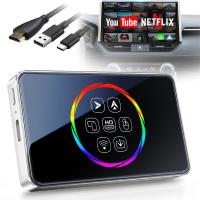
Wireless Carplay Adapter Android Auto Netflix YouTube Streaming Plug & Play Kentfaith
13
$137.49 $109.99
AI Translator Device for Business & Trade, 142 Languages Real-Time Online & Offline, Smart Office/Cross-App/Video/Photo Translation, Record & Transcription, Kentfaith
15
$182.49 $145.99
Products You May Like
T2 Lens to M43 MFT Lens Mount Adapter K&F Concept M28121 Lens Adapter
104
$45.99 $23.99
best hunting trail cameras
10
$135.99 $106.99
62mm Magnetic Variable ND8-ND128(3-7 Stop) Lens Filters + Magnetic Filter Basic Ring Kit with 28 Multi-Layer Nano-Xcel Series (Compatible with 67mm magnetic cap)
11
$99.99 $91.99
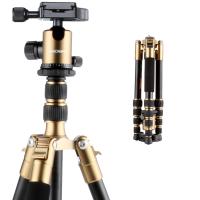
K&F Concept TM2235(Golden) DSLR Camera Aluminum Travel Tripod With Ball Head Metal
1
$79.99
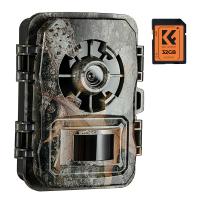
24MP*1296P night vision, 120° wide angle*0.2S trigger 2" screen with 32G memory card hunting camera falling leaf colour
$125.99 $74.99
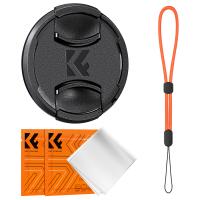
52mm Snap-On Center Pinch Lens Cap 4 in 1 with Anti-Loss Keeper Leash Compatible with Nikon, Canon, Sony, Fujifilm Camera Lenses
$11.99 $5.99
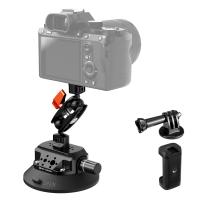
 4.5" Suction Cup Camera Mount with Double Ball Head Magic Arm, Mobile Phone Clamp, Gopro Adapter Accessories, 3/8" to 1/4" Adapter Screw, MS45
NEW Arrival
4.5" Suction Cup Camera Mount with Double Ball Head Magic Arm, Mobile Phone Clamp, Gopro Adapter Accessories, 3/8" to 1/4" Adapter Screw, MS45
52
$59.99 $39.99
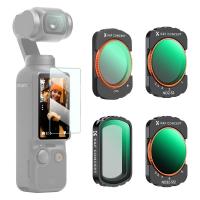
K&F Concept Magnetic Variable ND&CPL& Black Diffusion 1/4 Filter Set for DJI Osmo Pocket 3 Creator Combo Accessories - 4 Pack CPL Black Diffusion 1/4 ND2-32(1-5 Stop) ND32-512(5-9 Stop) Filters
147
$49.99
67mm Colorful Streak Filter Starlight Dreamy Creative Special Effects Optical Glass Lens Filters Nano-B Series
16
$33.99 $26.99
K/AR-NIK Z Manual Focus Compatible with Konica Auto-Reflex (AR) SLR Lens to Nikon Z Mount Camera Body K&F Concept Lens Mount Adapter
27
$66.99 $36.99
Related articles
How To Set Smart Watch Clock?
How To Set Smart Band Watch?
How To Connect Smart Watch With Android?
How To Set Smart Watch With Phone?
How To Watch On Smart Tv From Android?
How To Set Up V380 Wifi Camera On Android Phone ?
How To Set Time On Huawei Smart Watch?
Where Is My Smart Watch?
How To Set Up Earbuds?
Where Can I Buy Solar Filter For Camera?
Blog You May Like
What Does A Uv Camera Filter Do?
How To Make A Trail Camera Mount?
What Are Fujifilm X Mount R Lenses?
What Is Digital Slr Cameras?
How Many Security Cameras Do You Need?
Telescope That Can Take Pictures?
Can I Record My Phone Screen With Audio?
At What Speed Do Cameras Flash?
What Do Camera Lens Sizes Mean?
Best Dslr Cameras Can Cheap With Wifi?
Related categories
step up lens filter adapter rings phone camera lens cell phone tripods camera lens adapter C mount lens adapter camera filter kit
Popular products
bluetooth smart sports watch hd screen smart watch new waterproof smart watch smart watch in waterproof Full Touch Screen Smart Watch smart watch compatible with iphone android smart watch for women sleep monitoring smart watch tech up smartwatch with health and fitness tracker smartwatch with blood pressure
Related searches
Smart Watch Women Android Android Smart Watch With Ecg Ios And Android Smart Watch Smart Watch For An Android Phone Smart Watch For Android And Ios Smart Watch For Android Phone Text Messages Smart Watch Connect To Iphone Smart Watch To Monitor Heart Extra Smart Watch Outdoor Smart Watch
Popular searches
Carl Zeiss Tessar 50mm F2.8 Lens Filter Canon 30-300mm Pl Mount Ring Light Stand With Phone Holder Digital Camera For Photo And Video Canon Ef Mount Pinout Headphones For Metal Detectors Wireless Ip Camera Outdoor Battery Iphone 12 Pro Max Microphone K&f Concept Monopod 35mm Fd Mount Lens
Blog Category
  • Activities
  • Guide
    • Filter Guide
    • Lens Adapter
    • Product Review
  • News & Reviews
    • Camera Reviews
    • Sample Gallery
    • News
  • Tutorials
    • Solar eclipse photography
    • Photography Basics
    • Landscape Photography
  • Inspiration
    • Travel
    • Travel Stories
Search Article
Latest from the Blog
How To Find Camera Roll On Iphone 5s?
How Do Cellular Trail Cameras Work? – The Complete Guide for Hunters and Wildlife Enthusiasts
What Is The Best Camera To Record Videos?
What Is A Good Quality Dash Cam?
Dash Cam That Can Connect To Phone?
What Does A Uv Camera Filter Do?
How To Buy A Security Camera System?
Can You Save Facebook Videos To Camera Roll?
What To Look For In A Dash Cam?
How Much Storage For Security Camera?
  • Easy Payment Multilple Payment Options

  • Free Shipping Global WareHouse Shipment

  • No Risk 30-Day No Reason Return

  • Limited Deals Buy More, Save More

  • Tax Free No any surcharges or tax fee

Information
  • About us
  • Contact Us
  • Site Map
  • Blog
  • Video
  • Gallery
  • VIP Membership Rewards
Service
  • Privacy Policy
  • Terms & Conditions
  • Shipping & Delivery
  • Payment Info
  • Warranty, Return & Refund
  • Intellectual Property Rights
  • Ambassador
  • Affiliates
  • Wholesale
Support
  • My account
  • Order History
  • FAQs
  • Extend Warranty
  • Logistics Tracking
Follow us
NewsLetter

Get the latest product, K&F Concept respects your privacy.
Powered By KENTFAITH © 2026