kfconcept

KENTFAITH
K&F Concept    Blog >

Enjoy Your Selected Digital Life

Recently Viewed
  • Recently Viewed
  • Recently Viewed list is empty.

Compare (0) 0
  • Compare
  • You have not chosen any products to compare.

  • Compare
Currency: USD
  • Currency
Shop by Scene Shop by Rank

Log Into Your Account

Account

Order History

Wish List

Login

Forgotten Password?

or connect with

Register Account

Already have an Account?Log In

  • Shopping Cart
  • Your shopping cart is empty!

  • Register/Login to purchase, earn points
  • Favorite
  • Your wish list is empty.

  • Register/Login to like, earn points
  • Activities
  • Guide
    • Filter Guide
    • Lens Adapter
    • Product Review
  • News & Reviews
    • Camera Reviews
    • Sample Gallery
    • News
  • Tutorials
    • Solar eclipse photography
    • Photography Basics
    • Landscape Photography
  • Inspiration
    • Travel
    • Travel Stories
  • Home
  • Blog
  • How To Format Sd Card On Mobile?

How To Format Sd Card On Mobile?

Kentfaith 2024-10-16 00:57:41 0 Comments

Formatting an SD card on a mobile device is an essential skill for managing storage space and ensuring optimal performance for your device. Whether you're looking to clear old files, fix errors, or set up a new card for use, the process is generally straightforward. In this article, we will provide a comprehensive guide on how to format an SD card on a mobile device, covering everything from basic steps to troubleshooting common issues.

Why Format an SD Card?
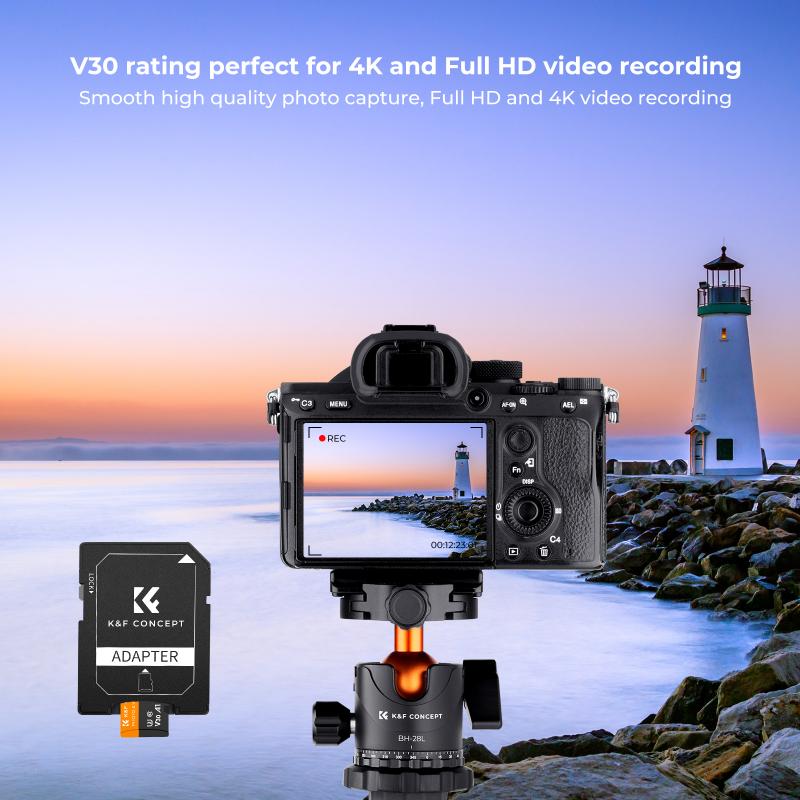
how to format sd card on mobile 1

Before we dive into the "how," it’s crucial to understand the "why." Formatting an SD card prepares it for use by creating a new file system. This process can be beneficial for various reasons:

1. Optimize Performance: Over time, SD cards can become cluttered with files, which may slow down performance. Formatting helps to refresh the card.

2. Clear Unwanted Data: If you’re reselling or repurposing your SD card, formatting can help ensure that all your personal data is securely erased.

3. Fix Errors: Sometimes, SD cards encounter errors that make them unusable. Formatting can often resolve these issues.

4. Compatibility: A new SD card or one used in another device may not be properly configured for your phone. Formatting sets it up correctly for your specific device.

Pre-Formatting Checklist

how to format sd card on mobile 2

Before proceeding, ensure you’ve backed up any critical data from the SD card, as formatting will erase everything:

1. Backup Data: Transfer important files like photos, videos, and documents to another storage medium.

2. Check Compatibility: Ensure the SD card is compatible with your device.

3. Power Status: Make sure your phone has ample battery life or is connected to a power source.

Step-by-Step Guide to Format an SD Card on Android
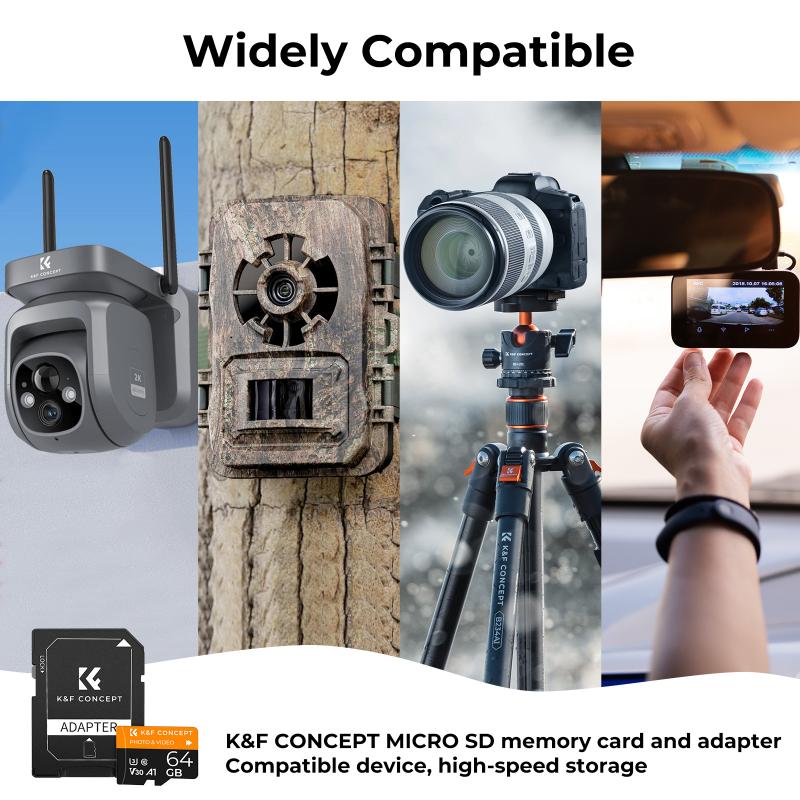
how to format sd card on mobile 3

The process for formatting an SD card can vary slightly depending on the version of Android you are using, but the general steps are usually the same.

1. Insert Your SD Card

If your SD card is not already in your phone, insert it into the SD card slot. Your device should detect the card automatically.

2. Open ‘Settings’

Navigate to the Settings app on your mobile device.

3. Locate ‘Storage & USB’

Scroll down and find the option labeled “Storage & USB.” Sometimes, it might be listed as “Storage” or simply “SD Card.”

4. Select Your SD Card

Under the “Storage” menu, you will see your device’s internal storage, followed by the SD card options. Select the SD card you wish to format.

5. Access the Format Option

Once you’ve selected the SD card, you will find various options such as “Unmount SD Card,” “Erase SD Card,” or “Format SD Card.” Choose “Format SD Card.”

6. Confirm Formatting

A warning message will appear to notify you that formatting will erase all data on the card. Confirm your action by selecting “Format” or “Erase & Format.”

7. Wait for the Process to Complete

The formatting process will take a few moments. Your device will notify you when it’s done, and you’ll be able to use the SD card immediately.

Step-by-Step Guide to Format an SD Card on iOS
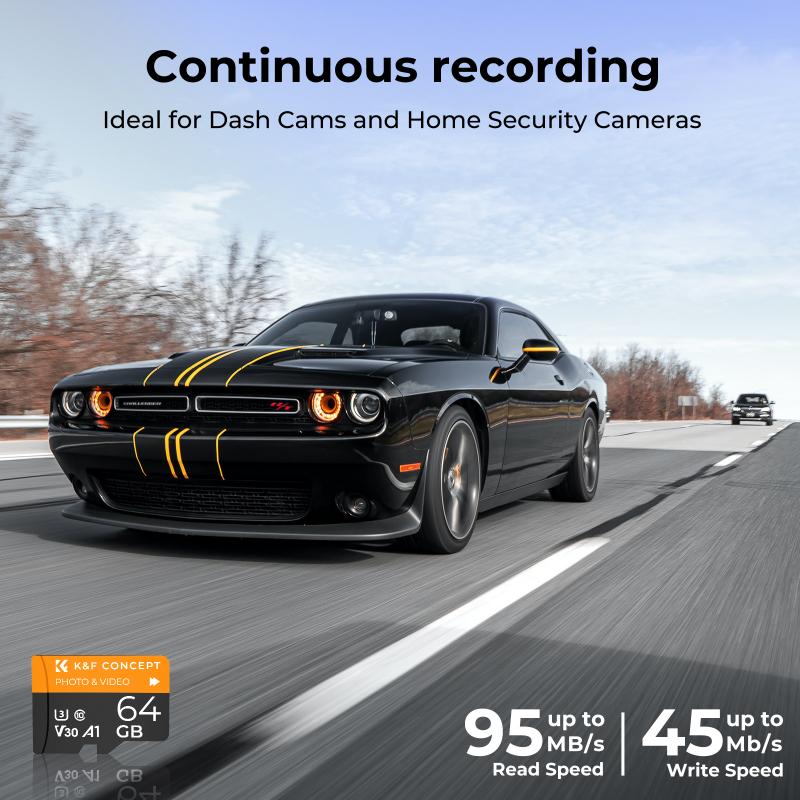
how to format sd card on mobile 4

Formatting an SD card directly via iOS is not as straightforward as on Android because iOS devices don't generally offer a built-in SD card slot. However, there are ways to do it using third-party apps or external card readers.

1. Insert SD Card into Card Reader

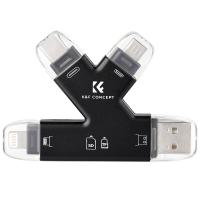
Use an appropriate SD card reader connected to your iOS device's lightning port.

2. Install Third-Party App

Download a file manager app that supports SD card functionality. Examples include iFile, Sandisk iXpand, or other similar apps available on the App Store.

3. Open App and Locate SD Card

Once the app is open, locate your SD card within the application’s file management system.

4. Format the SD Card

Look for an option to format or erase the SD card within the application. The exact steps will depend on the app you are using.

5. Confirm Formatting

Approve any prompts warning about data loss and proceed with formatting the SD card.

Troubleshooting Common Issues

While formatting an SD card is generally a smooth process, you might encounter some issues. Below are some common problems and their solutions:

SD Card Not Recognized

If your mobile device doesn’t recognize the SD card:

- Make sure it is inserted correctly.

- Try the SD card in another device to see if it works there.

- Clean the card and slot to ensure there’s no dirt obstructing the connection.

Formatting Failure

If the formatting process fails:

- Restart your phone and try again.

- Use a computer to format the SD card. This can sometimes resolve issues that mobile devices can't handle.

Data Corruption After Formatting

If the SD card shows signs of corruption after formatting:

- Format the card again.

- Check for firmware updates for your device as this may address compatibility issues.

Properly managing your device’s storage is not just about having enough space; it’s about ensuring the integrity and performance of that storage. Formatting an SD card on a mobile device, whether Android or iOS, is an essential skill that can help you maintain optimal performance and secure your data.

By following the steps outlined in this guide and heeding the troubleshooting tips, you can confidently format your SD card to meet your specific needs. Always remember to back up your important files before proceeding with formatting. Armed with this knowledge, you can be sure that your mobile device will function more smoothly, leaving you with one less thing to worry about.
Leave your comment
Cancel reply
Note: HTML is not translated!
Related products
SD Card Reader for iPhone/iPad/Android/Mac/Computer/Camera, 4 in 1 Micro SD Card Reader Tracking Camera Viewer, Portable Memory Card Reader SD Card Adapter Compatible with SD and Micro SD Card/TF Card ( black)
$14.99
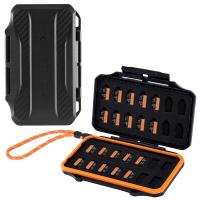
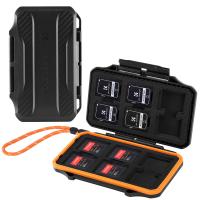
K&F Concept 36 Slots SD Micro SD Memory Card Case, Water-Resistant SD Card Holder, Anti-Shock Card Carrying Storage Box for 24 Micro SD SDXC SDHC TF Cards and 12 SD SDXC SDHC Cards
$18.99 $9.99
67mm Clip-on CPL Phone Camera Lens Filter Kit Applicable to All Mobile Phone Models
40
$18.99
67mm Clip-on ND2-32 Phone Camera Lens Filter Kit Applicable to All Mobile Phone Models
NEW Arrival
67mm Clip-on ND2-32 Phone Camera Lens Filter Kit Applicable to All Mobile Phone Models
13
$37.99
K&F Concept 28 Slots Micro SD Card Case,Water-Resistant Anti-Shock Anti-Dust TF Card Holder,Micro SD/Micro SDHC/Micro SDXC Card Box Organizer Storage
$18.99 $9.99
K&F Concept 24 Slots SD Card Holder Memory Card Case, Water-Resistant Shockproof Memory Card Storage Carrying Case for 12 SD SDXC SDHC Cards, 12 CFexpress Type A Cards
$18.99 $9.99
67mm Clip-on Black Mist 1/4 Phone Camera Lens Filter Kit Applicable to All Mobile Phone Models
7
$29.99
52mm Clip-on CPL Phone Camera Lens Filter Kit, Circular Polarizer Polarizing Filter Applicable to All Mobile Phone Models
24
$19.99
67mm Clip-on CPL&Black Mist 1/4 2-in-1 Phone Camera Lens Filter Kit Applicable to All Mobile Phone Models
3
$29.99
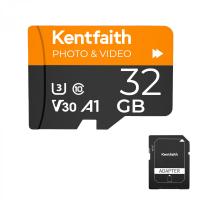
32GB Micro SD Card U3/V30/A1 with Adapter, Memory Card for Cameras, Borescopes,  Microscopes, Night Vision Goggles, Kentfaith
32GB Micro SD Card U3/V30/A1 with Adapter, Memory Card for Cameras, Borescopes, Microscopes, Night Vision Goggles, Kentfaith
$29.99 $19.99
Products You May Like
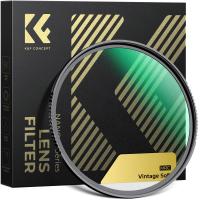
62mm Vintage Soft Filter 28 Multi-Coatings Cinematic Effect Camera Lens Filter - Nano-Xcel Series
NEW Arrival
62mm Vintage Soft Filter 28 Multi-Coatings Cinematic Effect Camera Lens Filter - Nano-Xcel Series
25
$91.11 $60.74
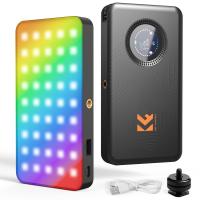
K&F CONCEPT RGB Video Light: 5000mAh Portable Camera Light, 360° Full Color LED Panel (2700-7500K, CRI 95+) for YouTube & Vlogging
NEW Arrival
K&F CONCEPT RGB Video Light: 5000mAh Portable Camera Light, 360° Full Color LED Panel (2700-7500K, CRI 95+) for YouTube & Vlogging
55
$52.99 $36.99
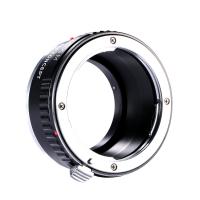
Pentax K Lenses to Canon EOS M Lens Mount Adapter K&F Concept M17141 Lens Adapter
3
$37.99 $21.99
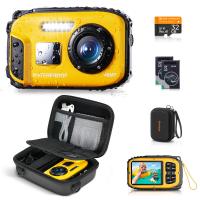
Underwater Camera for Kids 4K 48MP, 10FT/3M Waterproof, Dual Screen, for Snorkeling Swimming Kentfaith
14
$169.99 $109.99
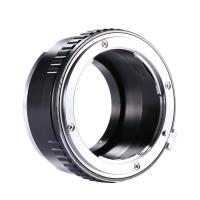
Nikon F Lenses to Canon EOS M Lens Mount Adapter K&F Concept M11141 Lens Adapter
$53.99 $27.99
52mm CPL Filter Circular Polarizer Filter with Lens Cap Optical Glass Ultra Slim 18 Multi-Layer for Camera Lens Nano-Klear Series
23
$30.99 $19.99
Remote Trail Camera Monitoring
10
$162.99 $106.99
X18 Outdoor Camping Light with Bluetooth Audio, 8000mAh Rechargeable Battery, High Beam Torch
22
$110.39 $78.99
72mm Fader ND2-32 (1-5 Stop) Variable ND Lens Filter Neutral Density Filter for Camera Lens NO X Spot Nanotec Ultra-Slim Weather-Sealed
81
$99.99 $79.99
SNDWAY Golf Rangefinder, Fast Focus Flagstick Lock, Support 6 Times Magnification, ±1 Meter Accuracy, 500 Meter Measuring Distance
65
$221.99 $89.99
Related articles
How To Format Sd Card On Tablet?
How To Format Sd Card On My Phone?
How To Format Sd Card On Gopro 10?
How To Format Sd Card On Trail Camera?
How To Format Sd Card In Windows?
How To Format A New Sd Card?
How To Format Sd Card For Camera?
How To Format A Sd Card In Linux?
How To Run Sd Card On Laptop?
How To Use Filter On Iphone 12 Camera?
Blog You May Like
How Much Storage Does A Security Camera Need?
Can You Talk On Wireless Earbuds?
How To Set Up A Telescope?
How To Charge Sony Battery With Camera?
How To Focus With Neutral Density Filter?
When Do School Cameras Flash At Traffic Lights?
How To Connect A Wifi Smart Camera?
How To Do Studio Lighting On Iphone X?
How To Carry Tripod On Backpack?
How Take Pictures Nd Filter?
Related categories
On-Dash Camera camera card memory C mount lens adapter Canon EF-EOS R Mount Adapter Borescope
Popular products
portable sd card reader 64gb sd memory card sd 32gb memory card 128gb sd memory card micro sd card and reader sd card carrying case micro sd memory card 64gb memory micro sd card sd card reader for mac video camera with motion tracking
Related searches
Mobile Micro Sd Card Format Sd Card For Video Camera Micro To Sd Card Adapter Adapting Medium Format Lens On Dslr Sd Card Cameras Sd Card Security Cameras Camera Sd Card Holder Micro Sd Card Adapters Canon Sd Card Adapter Sd Card For Cameras
Related Scenes
Best Sd Card Security Camera Best Digital Camera Sd Card Best Sd Card For Trail Camera Best Sd Card For Digital Camera Best Digital Camera With Sd Card Best Trail Camera With Sd Card Best Security Camera With Sd Card Best Sd Card For Home Security Camera Best Wifi Security Camera With Sd Card Best Camera For Mobile
Blog Category
  • Activities
  • Guide
    • Filter Guide
    • Lens Adapter
    • Product Review
  • News & Reviews
    • Camera Reviews
    • Sample Gallery
    • News
  • Tutorials
    • Solar eclipse photography
    • Photography Basics
    • Landscape Photography
  • Inspiration
    • Travel
    • Travel Stories
Search Article
Latest from the Blog
What Is The Best Tripod For Landscape Photography?
Which Security Camera System Is The Best?
Where To Buy Microphone For Recording?
How Long For Wireless Headphones To Charge?
How To Choose Security Camera For Home?
How To Make Camera Quality Better?
Can Sound Recorder Record Computer Audio?
Which Condenser Microphone To Buy?
How To Adjust Microphone Sensitivity?
What Is A Rigid Endoscope Used For?
  • Easy Payment Multilple Payment Options

  • Free Shipping Global WareHouse Shipment

  • No Risk 30-Day No Reason Return

  • Limited Deals Buy More, Save More

  • Tax Free No any surcharges or tax fee

Information
  • About us
  • Contact Us
  • Site Map
  • Blog
  • Video
  • Gallery
  • VIP Membership Rewards
Service
  • Privacy Policy
  • Terms & Conditions
  • Shipping & Delivery
  • Payment Info
  • Warranty, Return & Refund
  • Intellectual Property Rights
  • Ambassador
  • Affiliates
  • Wholesale
Support
  • My account
  • Order History
  • FAQs
  • Extend Warranty
  • Logistics Tracking
Follow us
NewsLetter

Get the latest product, K&F Concept respects your privacy.

Powered By KENTFAITH © 2026