kfconcept

KENTFAITH
K&F Concept    Blog >

Enjoy Your Selected Digital Life

Recently Viewed
  • Recently Viewed
  • Recently Viewed list is empty.

Compare (0) 0
  • Compare
  • You have not chosen any products to compare.

  • Compare
Currency: USD
  • Currency
Shop by Scene Shop by Rank

Log Into Your Account

Account

Order History

Wish List

Login

Forgotten Password?

or connect with

Register Account

Already have an Account?Log In

  • Shopping Cart
  • Your shopping cart is empty!

  • Register/Login to purchase, earn points
  • Favorite
  • Your wish list is empty.

  • Register/Login to like, earn points
  • Activities
  • Guide
    • Filter Guide
    • Lens Adapter
    • Product Review
  • News & Reviews
    • Camera Reviews
    • Sample Gallery
    • News
  • Tutorials
    • Solar eclipse photography
    • Photography Basics
    • Landscape Photography
  • Inspiration
    • Travel
    • Travel Stories
  • Home
  • Blog
  • Can Discord Record Audio?

Can Discord Record Audio?

Kentfaith 2024-08-26 01:03:25 0 Comments

Discord, a popular communication platform among gamers and various online communities, offers a plethora of features for voice, video, and text communication. However, one question that frequently arises is whether Discord can record audio. This article aims to delve into this topic, exploring the native capabilities of Discord, third-party solutions, legal considerations, and practical applications for recording audio on Discord.

Understanding Discord's Native Capabilities
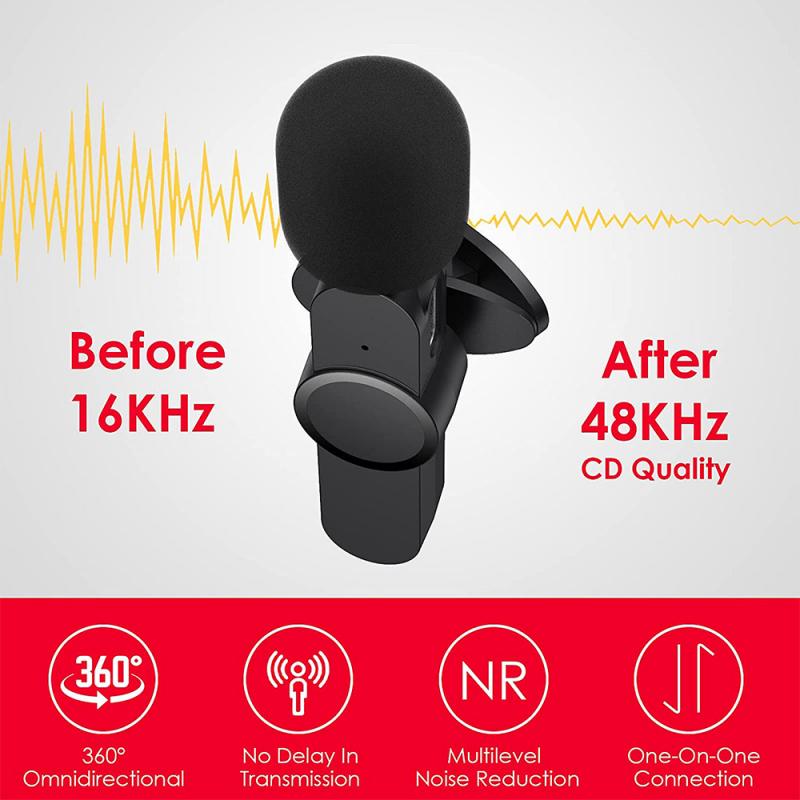
can discord record audio 1

First and foremost, it's important to clarify that Discord does not have a built-in feature for recording audio. The platform is designed primarily for real-time communication, and while it excels in providing high-quality voice and video chat, it does not natively support audio recording. This design choice is likely due to privacy concerns and the potential for misuse.

Third-Party Solutions for Recording Audio on Discord
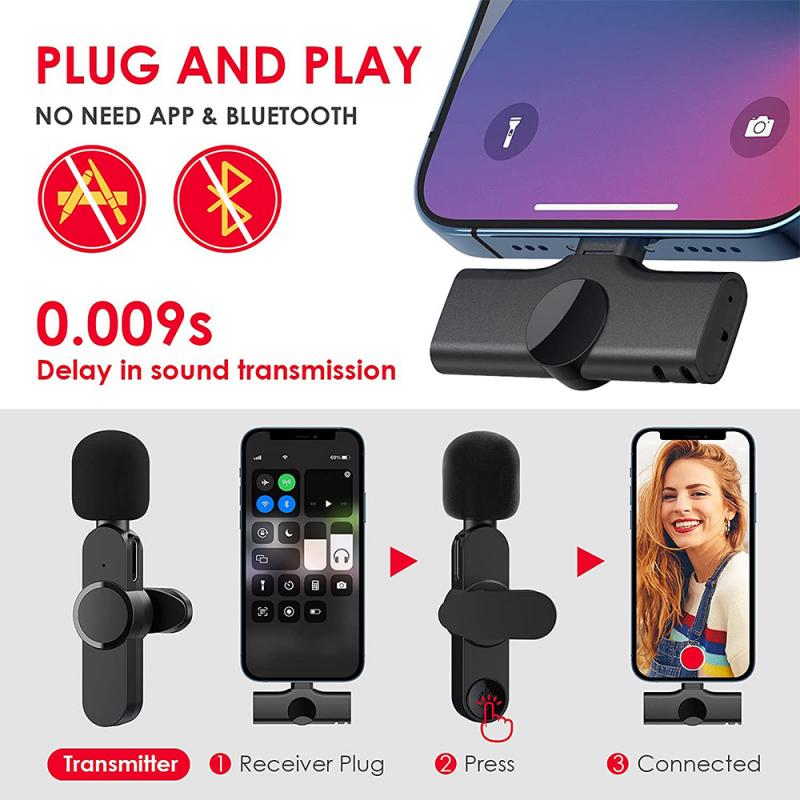
can discord record audio 2

Despite the lack of a built-in recording feature, there are several third-party solutions that users can employ to record audio on Discord. These solutions range from software applications to hardware devices, each with its own set of features and complexities.

Software Solutions
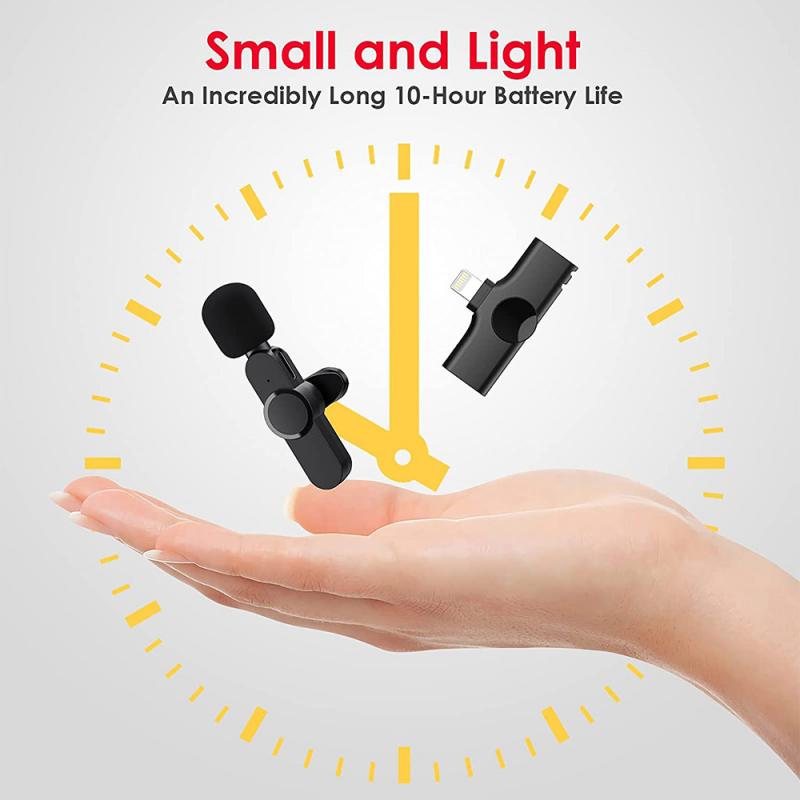
can discord record audio 3

1. OBS Studio (Open Broadcaster Software):

OBS Studio is a free and open-source software that is widely used for video recording and live streaming. It can also be configured to record audio from Discord. To do this, users need to set up an audio input capture source in OBS, select the appropriate audio device (such as a virtual audio cable), and start recording. OBS offers extensive customization options, making it a versatile choice for users who need more control over their recordings.

2. Audacity:

Audacity is another free, open-source software that is primarily used for audio editing but can also record audio. By configuring the audio input settings to capture the sound from Discord, users can record conversations directly into Audacity. This software is particularly useful for those who need to edit the recorded audio, as it offers a wide range of editing tools.

3. Craig Bot:

Craig is a bot specifically designed for recording Discord audio. Once invited to a server, Craig can be commanded to join a voice channel and start recording. The bot records each participant's audio in separate tracks, which can be very useful for post-production editing. Craig also provides download links for the recorded audio files, making it easy to access and share the recordings.

Hardware Solutions
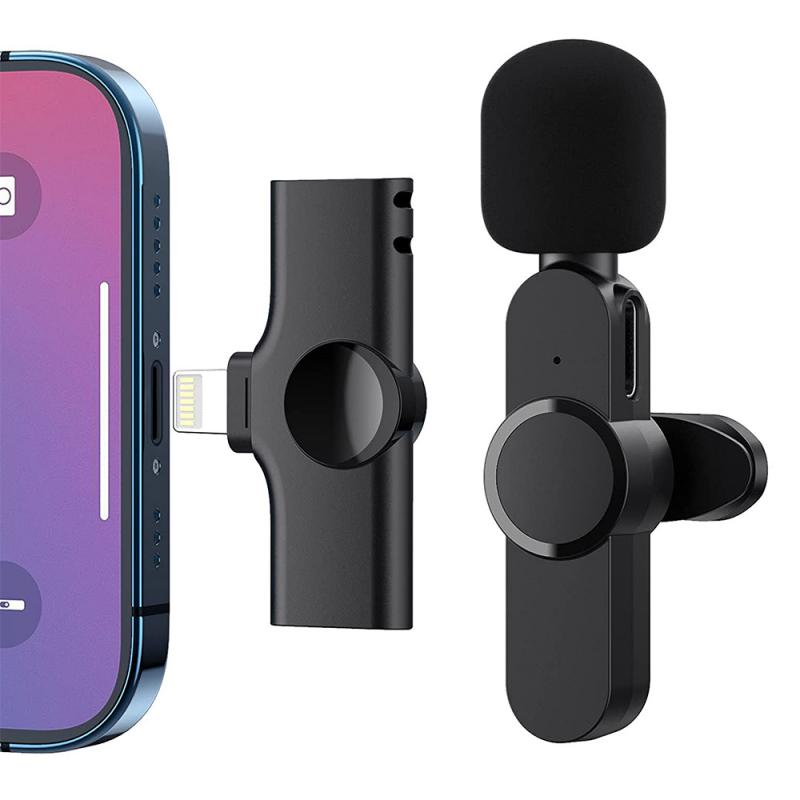
can discord record audio 4

1. External Audio Recorders:

For those who prefer a hardware solution, external audio recorders can be used to capture audio from Discord. These devices can be connected to a computer's audio output and record the sound directly. While this method may require additional equipment and setup, it can provide high-quality recordings and is less dependent on software configurations.

2. Mixers and Audio Interfaces:

Mixers and audio interfaces can also be used to record audio from Discord. By routing the audio through these devices, users can capture the sound with professional-grade quality. This method is particularly popular among podcasters and streamers who require high-fidelity recordings.

Legal and Ethical Considerations

Recording audio, especially in a platform like Discord where conversations are often private, raises several legal and ethical considerations. It's crucial to understand the laws and regulations regarding audio recording in your jurisdiction, as they can vary significantly.

Consent

In many regions, recording a conversation without the consent of all parties involved is illegal. This is known as "two-party consent" or "all-party consent." Before recording any audio on Discord, it's essential to inform all participants and obtain their explicit consent. Failure to do so can result in legal repercussions and damage to personal or professional relationships.

Privacy

Even if recording is legal in your area, it's important to consider the privacy of the individuals involved. Recording conversations without consent can be seen as a breach of trust and may lead to ethical dilemmas. Always prioritize transparency and respect the privacy of others when recording audio on Discord.

Practical Applications for Recording Audio on Discord

There are several legitimate and practical reasons why someone might want to record audio on Discord. Here are a few examples:

1. Podcasting:

Many podcasters use Discord to record interviews and discussions. By recording the audio, they can edit and produce high-quality podcast episodes. The ability to capture each participant's audio in separate tracks (as offered by the Craig bot) can be particularly beneficial for post-production.

2. Content Creation:

Content creators, such as YouTubers and streamers, often record their Discord conversations to include in their videos. This can add an element of authenticity and engagement to their content. Recording audio allows them to capture spontaneous reactions and interactions that can enhance the viewer's experience.

3. Meeting Minutes:

For professional or community meetings held on Discord, recording audio can be a useful way to keep accurate records. This can be particularly helpful for those who need to refer back to the discussion or for those who were unable to attend the meeting in real-time.

4. Educational Purposes:

Educators and students may use Discord for virtual classrooms and study groups. Recording these sessions can provide a valuable resource for review and study. It allows participants to revisit the material and ensure they have a clear understanding of the topics discussed.

While Discord does not natively support audio recording, there are several third-party solutions available that can effectively capture audio from the platform. Whether using software like OBS Studio and Audacity, or hardware solutions like external audio recorders and mixers, users have a variety of options to choose from. However, it's crucial to consider the legal and ethical implications of recording audio, ensuring that all participants are informed and have given their consent.

By understanding the tools and best practices for recording audio on Discord, users can leverage this capability for a range of practical applications, from podcasting and content creation to professional meetings and educational purposes. As always, prioritizing transparency and respect for privacy will ensure a positive and ethical recording experience.


Leave your comment
Cancel reply
Note: HTML is not translated!
Related products
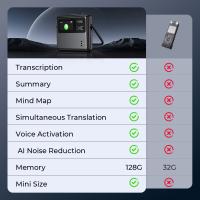
128G Mini Digital Voice Recorder with Color Screen Bluetooth Call Record 3072kbps Kentfaith
HOT Seller
128G Mini Digital Voice Recorder with Color Screen Bluetooth Call Record 3072kbps Kentfaith
15
$119.99 $83.99
Gift Certificate: $200 Value - Can Use with Any Discounts
$200.00 $190.00
Gift Certificate: $300 Value  - Can Use with Any Discounts
Gift Certificate: $300 Value - Can Use with Any Discounts
$300.00 $285.00
Gift Certificate: $1000 Value  - Can Use with Any Discounts
Gift Certificate: $1000 Value - Can Use with Any Discounts
$1,000.00 $950.00
Gift Certificate: $500 Value  -Can Use with Any Discounts
Gift Certificate: $500 Value -Can Use with Any Discounts
$500.00 $475.00
Gift Certificate: $800 Value - Can Use with Any Discounts
$800.00 $760.00
Instant Cross-APP Translator Device for Business & Trade, Video Call Translation, Record, & Transcription, Kentfaith AI Translator Devices
12
$124.99 $99.99
5K Video Camera with 75MP Photos, 8X Optical Zoom, WiFi Transfer, Wireless Mic, Dual Batteries, Support PIP Record, Kentfaith
16
$369.99 $239.99
5K Video Camera with 75MP Photos, 8X Optical Zoom, WiFi Transfer, Foldable Tripod, Wireless Mic, Dual Batteries, Support PIP Record, Kentfaith
16
$312.49 $249.99
AI Translator Device for Business & Trade, 142 Languages Real-Time Online & Offline, Smart Office/Cross-App/Video/Photo Translation, Record & Transcription, Kentfaith
15
$182.49 $145.99
Products You May Like
77mm Black Mist Filter 1/8 + 3pcs Cleaning Cloth with 18 Multi-Layer Coatings Nano-Klear Series
213
$38.99 $30.99
Minolta MD MC Mount Lens to Nikon Z6 Z7 Camera K&F Concept Lens Mount Adapter
26
$87.99 $49.99
K&F Concept 6.1 inch Magnetic Lens Filter Mount Adapter with 67mm Variable ND2-32 Filter Compatible with iPhone, Compatible with 16/15/14/13/12, 16/15/14/13/12 Pro
29
$39.99
67mm Filter Kit MCUV + CPL Circular Polarizer Filter & MCUV Protection Filter HD Ultra-thin with 18 Multi Layer Coatings Nano-Klear Series
46
$37.99 $29.99
ES-62 Lens Hood for Canon
$35.99 $17.99
K&F Concept IP68 10 Meters Waterproof 10x42 Compact Binoculars for Kids and Adults, with Tripod Converter, BAK4 Prism, FMC Lens, Cleaning Cloth for Bird Watching Hunting Travel Camping Stargazing
28
$119.99 $59.99
49mm ND2-ND400 Variable Filter (1-9 Stop), 24 Layers of Nano-coating, K&F Concept Nano-Dazzle Series
26
$49.99 $39.99
62mm Magnetic Lens Filter Kit GND8+ND8+ND64+ND1000+Magnetic Adapter Ring 5 in 1 Quick Swap System Nano X Series
$198.99 $125.99
trail video camera
trail video camera
10
$135.99 $74.99
Tripod Kit 60" Carbon Fiber Camera Tripod,Super Lightweight Compact Travel Tripod with 360° Ball Head A225C0+BH-25L and Multi-Functional Super Clamp Set
81
$139.99
Related articles
How To Record Audio In Discord Mobile?
How To Record Discord Audio On Xbox?
Can Security Cameras Record Audio?
Can Alexa Record Audio For You?
How To Record Discord Voice Calls?
How Long Can My Phone Record Audio?
Can I Record My Phone Screen With Audio?
How Can I Record Audio From The Internet?
How Record Audio On Pc?
What Type Of Camera Filter Helps With Sunlight?
Blog You May Like
How To Record Game Audio And Voice?
Can I Charge Camera Battery With Power Bank?
Can You Use A Canon Lens On A Sony Camera ?
Can You Have A Circular Nd Grad Filter?
How To Transfer Photos On Sd Card Android?
Can You Put A Projector Behind The Screen?
When Did The Digital Camera Start Being Used?
How Do I Get Sound On Screen Recording?
How Many Security Cameras Do You Need?
How To Make Dome For Action Camera?
Related categories
Nikon F Mount Lens Adapters lightweight video tripod C mount lens adapter On-Dash Camera Variable Neutral Density Filter Brand-specific Filters filter mcuv canon m mount lenses sony mount lenses
Popular products
Mini Digital Voice Recorder​ video recording camera for youtube sony camera with microphone uhf wireless microphone system drone carrying case mini web camera wifi Bluetooth mesh intercom background noise cancelling microphone waterproof motorcycle bluetooth headset coin hunting with a metal detector
Related searches
Cheap Camera To Record Videos Night Vision Binoculars That Record Best Camera To Record Time Lapse Cameras That Can Adapt Canon Fd Lens Amscope Ca-can-slr Canon Slr Dslr Camera Adapter Smart Audio Recorder Mini Audio Recorder Leica Sl Audio Adapter Sony A6000 Audio Adapter Sony Fx6 Audio Adapter
Related Scenes
Best Video Camera To Record Sports Best Trail Camera With Audio Best Wireless Security Camera With Audio Best Two Way Audio Security Camera Best 2 Way Audio Security Camera Best Security Camera With 2 Way Audio Best Home Security Camera With 2 Way Audio Best Wireless Security Camera With Two Way Audio Best Security Video Camera The Best Camera For Video Recording
Blog Category
  • Activities
  • Guide
    • Filter Guide
    • Lens Adapter
    • Product Review
  • News & Reviews
    • Camera Reviews
    • Sample Gallery
    • News
  • Tutorials
    • Solar eclipse photography
    • Photography Basics
    • Landscape Photography
  • Inspiration
    • Travel
    • Travel Stories
Search Article
Latest from the Blog
Which Smartwatch Is Most Accurate For Calories?
How To Reduce Noise In Earphones?
Prime Day 2026 - K&F Concept 15th Anniversary Celebration
Which Ring Light Is Best?
How To Take Pictures Through A Telescope?
What Is The Zoom On Binoculars?
Where To Buy A Microphone?
What Bluetooth Headphones Work With Switch?
How Fast Is A Camera Flash?
How To Reduce Noise In Bluetooth Headphones?
  • Easy Payment Multilple Payment Options

  • Free Shipping Global WareHouse Shipment

  • No Risk 30-Day No Reason Return

  • Limited Deals Buy More, Save More

  • Tax Free No any surcharges or tax fee

Information
  • About us
  • Contact Us
  • Site Map
  • Blog
  • Video
  • Gallery
  • VIP Membership Rewards
Service
  • Privacy Policy
  • Terms & Conditions
  • Shipping & Delivery
  • Payment Info
  • Warranty, Return & Refund
  • Intellectual Property Rights
  • Ambassador
  • Affiliates
  • Wholesale
Support
  • My account
  • Order History
  • FAQs
  • Extend Warranty
  • Logistics Tracking
Follow us
NewsLetter

Get the latest product, K&F Concept respects your privacy.
Powered By KENTFAITH © 2026