kfconcept

KENTFAITH
K&F Concept    Blog >

Enjoy Your Selected Digital Life

Recently Viewed
  • Recently Viewed
  • Recently Viewed list is empty.

Compare (0) 0
  • Compare
  • You have not chosen any products to compare.

  • Compare
Currency: USD
  • Currency
Shop by Scene Shop by Rank

Log Into Your Account

Account

Order History

Wish List

Login

Forgotten Password?

Or connect with

Register Account

Already have an Account?Log In

  • Shopping Cart
  • Your shopping cart is empty!

  • Register/Login to purchase, earn points
  • Favorite
  • Your wish list is empty.

  • Register/Login to like, earn points
  • Activities
  • Guide
    • Filter Guide
    • Lens Adapter
    • Product Review
  • News & Reviews
    • Camera Reviews
    • Sample Gallery
    • News
  • Tutorials
    • Solar eclipse photography
    • Photography Basics
    • Landscape Photography
  • Inspiration
    • Travel
    • Travel Stories
  • Home
  • Blog
  • Can Alexa Record Audio For You?

Can Alexa Record Audio For You?

Kentfaith 2025-01-17 00:58:30 0 Comments

In recent years, voice assistants like Amazon's Alexa have become integral parts of many people's homes and lives. With the rise of voice-activated technology, Alexa can do a wide variety of things, from setting alarms and controlling smart home devices to providing weather updates and playing music. However, one of the most common questions users have is whether Alexa can record audio for them, particularly in the context of personal note-taking, reminders, or capturing conversations.
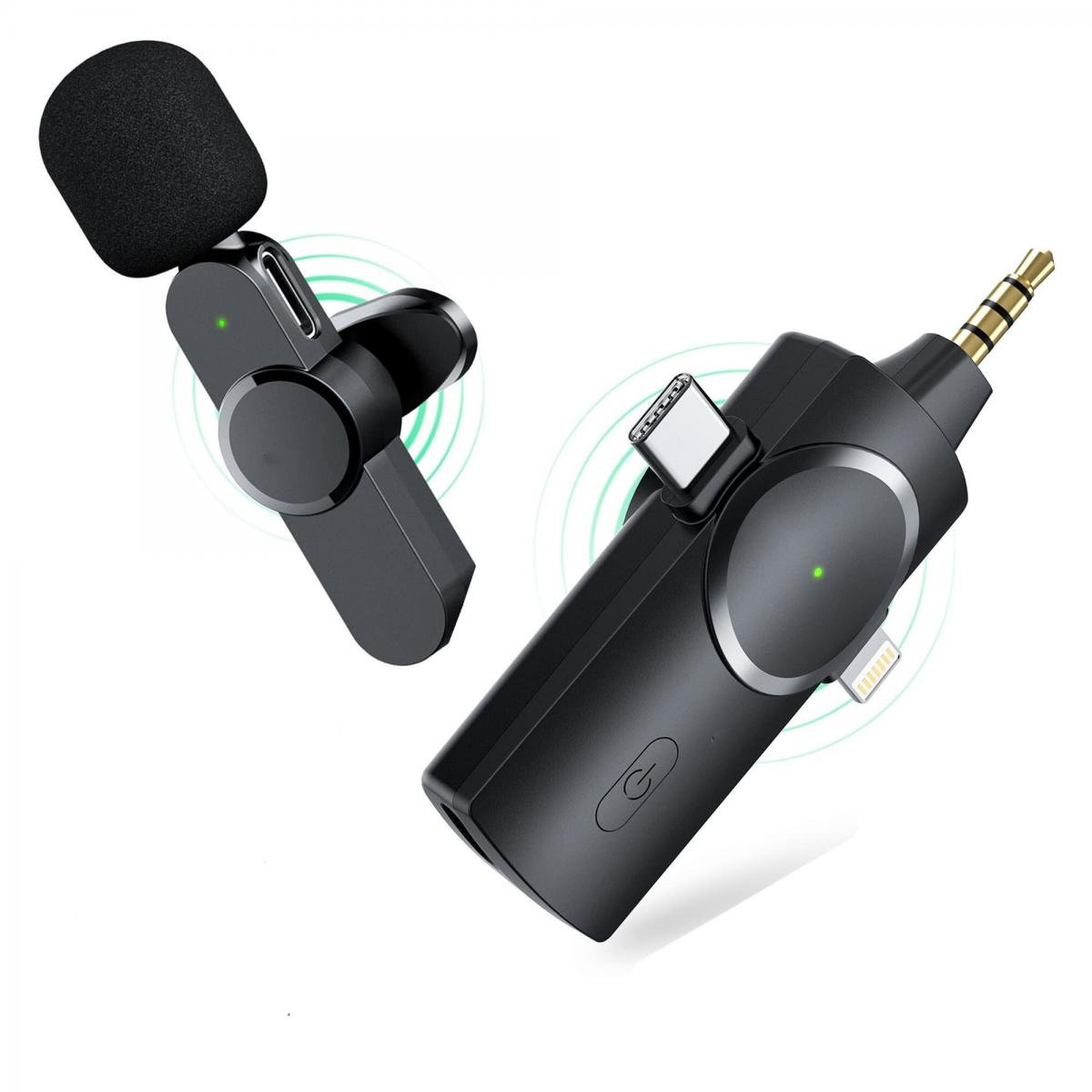

This article aims to explore Alexa’s capabilities when it comes to audio recording, its limitations, and the implications of using Alexa for recording purposes. It will also discuss privacy concerns, as recording devices like Alexa are always listening to ambient sounds.

1. What Alexa Can and Can’t Do in Terms of Audio Recording

First, let’s get a clear understanding of what Alexa can and can’t do when it comes to audio recording. In the most basic sense, Alexa doesn’t work as a simple audio recorder in the way that traditional devices (e.g., voice memo apps or digital recorders) do. However, Alexa does have features that may appear similar to audio recording under certain circumstances.

A. Voice Commands and Notes

Alexa can record audio in specific situations when you provide direct voice commands. For instance, you can ask Alexa to make a note, set a reminder, or create a to-do list. While this is technically a "recording" of your voice command, it's more of a voice-triggered input that Alexa transcribes and uses to trigger specific actions.

For example:

- Setting a Reminder: “Alexa, remind me to call John at 3 PM.”

- Creating a Note: “Alexa, take a note: Remember to buy eggs.”

In these cases, Alexa processes your spoken words and stores them as text-based reminders or notes, which can later be accessed through the Alexa app or via voice command.

B. Voice Recordings for Amazon’s Purpose

Another way Alexa "records" audio is when it listens to user commands. Alexa continuously listens for the "wake word" (e.g., “Alexa”), and once it hears it, it starts recording audio to process your command. These recordings are stored temporarily on Amazon’s servers to help improve Alexa’s functionality, recognize speech patterns, and provide better responses.

You have access to these voice recordings through the Alexa app, where you can listen to, delete, or manage them. This audio data can be used for personal tasks like controlling smart home devices or getting answers to queries, but it is not meant for long-term storage unless a specific action requires it.

C. Alexa Routines and Smart Home Control

Alexa can also record and process audio related to your daily routines. For example, you could set up a routine that triggers actions when Alexa hears specific sounds or phrases. This includes things like turning on lights or adjusting the thermostat when you say something specific.

However, Alexa doesn’t store conversations or audio for long periods unless explicitly asked to do so (such as by creating a reminder or note). Amazon’s design prioritizes user control over what Alexa listens to and records, allowing you to delete recordings at any time.

2. Limitations on Audio Recording with Alexa

While Alexa is capable of recording audio for certain tasks, it comes with limitations that prevent it from being a full-fledged audio recording device.

A. Short-term Storage Only

Alexa doesn't have the ability to record audio for indefinite periods. Any audio captured by Alexa, whether it's a voice command or a sound for a routine, is stored only temporarily on Amazon's servers. You can access these recordings via the Alexa app for a limited time, but they are not meant for long-term storage. Once they are processed, they are often deleted or overwritten based on Amazon's privacy policies.

If you're looking for a way to capture full conversations or lengthy audio clips, Alexa isn’t designed to serve that need.

B. Lack of Continuous Recording

Alexa’s recording capabilities are triggered by the wake word ("Alexa") or a specific command. It does not have the ability to continuously record ambient audio without user initiation. This means you can’t rely on Alexa to record audio for you passively, as it will only start recording when it hears the trigger word or command.

C. Privacy Concerns and Restrictions

Alexa's recording functions are bound by strict privacy policies. Amazon states that any audio recorded by Alexa is processed to deliver the requested service and is not shared with third parties without consent. However, many users are concerned about privacy because Alexa is always listening for its wake word.

Alexa recordings are stored in the cloud, and users have the ability to delete them through the app. However, there are concerns about how this data is managed, who has access to it, and whether Alexa’s always-on microphone could inadvertently capture private conversations.

D. Limited Audio Capture for Personal Use

For example, Alexa cannot act as an audio diary or note-taker like specialized devices or apps (e.g., Evernote or Apple’s Voice Memos). While you can ask Alexa to take notes or set reminders, the actual content captured is minimal, and it’s designed primarily for quick, actionable information, not as a tool for detailed audio recording.

3. How to Manage Alexa’s Audio Recording Features

Given that Alexa does record audio in certain contexts, it’s important to understand how to manage this feature to ensure your privacy and make the most of Alexa’s capabilities.

A. Viewing and Deleting Voice Recordings

Alexa keeps a history of voice recordings, which you can view and delete through the Alexa app. To do this:

1. Open the Alexa app on your phone.

2. Tap on the "More" menu in the lower right corner.

3. Go to "Settings" and then "Alexa Privacy."

4. Select "Review Voice History" to see all recorded interactions.

5. You can then delete individual recordings or clear your entire history.

This option ensures that you have full control over the audio data Alexa stores.

B. Disabling Audio Recording

If you are concerned about Alexa constantly listening and recording, you can disable the device’s microphone by pressing the microphone button on the top of the device. This prevents Alexa from listening to you until you manually enable the microphone again. However, this also disables all of Alexa’s voice-activated features.

C. Adjusting Privacy Settings

You can fine-tune Alexa’s privacy settings to control when and how your data is used. For example, you can disable features like “Voice Purchasing,” “Voice History,” or "Use of Voice Data to Improve Amazon Services." This helps ensure that your data is used only for essential functions.

D. Understanding Alexa’s Recording Mechanism

It’s crucial to understand that Alexa’s microphone is always on, but it is only activated when it hears the wake word or a specific command. It does not actively record every sound in your environment. To provide more context, Alexa’s system is built to avoid unnecessary recordings by only processing what it needs to in response to user commands.

4. Conclusion: Is Alexa an Audio Recording Device?

In summary, Alexa is not designed to function as a traditional audio recorder. While it can record short snippets of audio when activated by the wake word or specific commands, it does not record audio continuously or store large amounts of data. Alexa’s voice command functionality is more about processing input to perform specific tasks, such as reminders, to-do lists, and smart home management, rather than serving as an audio recording tool.

For those concerned about privacy, it’s essential to understand how Alexa works, how to manage its settings, and how to delete voice recordings when desired. While Alexa can be used for limited audio recording purposes, it should not be relied upon for capturing conversations or recording lengthy audio clips. For more advanced recording needs, users will likely need to turn to specialized audio recorders or other voice memo tools.

Ultimately, Alexa is a powerful tool for many tasks, but its capabilities as an audio recording device are limited. Its design prioritizes user control and privacy, ensuring that it serves its intended purpose while giving users the ability to manage and delete recordings as they see fit.
Leave your comment
Cancel reply
Note: HTML is not translated!
Related products
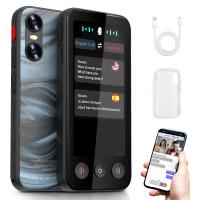
Instant Cross-APP Translator Device for Business & Trade, Video Call Translation, Record, & Transcription, Kentfaith AI Translator Devices
12
$124.99 $99.99
A Camping Lantern That Dances with You, Rechargeable, Telescoping & Compact with Bluetooth Speaker, Emergency Power Bank 14000mAh Battery Kentfaith
116
$199.99 $94.99
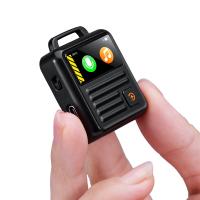
128G Mini Digital Voice Recorder with Color Screen Bluetooth Call Record 3072kbps Kentfaith
HOT Seller
128G Mini Digital Voice Recorder with Color Screen Bluetooth Call Record 3072kbps Kentfaith
15
$119.99 $83.99
AI Translator Device for Business & Trade, 142 Languages Real-Time Online & Offline, Smart Office/Cross-App/Video/Photo Translation, Record & Transcription, Kentfaith
15
$182.49 $145.99
Gift Certificate: $200 Value - Can Use with Any Discounts
$200.00 $190.00
Gift Certificate: $300 Value  - Can Use with Any Discounts
Gift Certificate: $300 Value - Can Use with Any Discounts
$300.00 $285.00
Gift Certificate: $1000 Value  - Can Use with Any Discounts
Gift Certificate: $1000 Value - Can Use with Any Discounts
$1,000.00 $950.00
Gift Certificate: $500 Value  -Can Use with Any Discounts
Gift Certificate: $500 Value -Can Use with Any Discounts
$500.00 $475.00
Gift Certificate: $800 Value - Can Use with Any Discounts
$800.00 $760.00
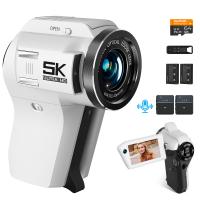
5K Video Camera with 75MP Photos, 8X Optical Zoom, WiFi Transfer, Wireless Mic, Dual Batteries, Support PIP Record, Kentfaith
16
$274.99 $239.99
Products You May Like
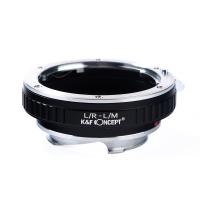
Leica R Lenses to Leica M Lens Mount Adapter K&F Concept M21151 Lens Adapter
32
$75.99 $39.99
Underwater Action Camera 69ft/21m Caseless Waterproof 4K 60FPS Video WiFi Connection
16
$162.49 $136.99
JD900 Cardioid Condenser Microphone Plug & Play With USB 3.5mm Jack
15
$30.99
46mm MCUV Protection Filter with 24 Multi-Layer Green Coatings HD/Hydrophobic/Scratch Resistant Ultra-Slim UV Filter Nano-Dazzle
97
$23.99 $19.04
67mm Lens Filter Kit Neutral Density ND8+ND64+CPL Circular Polarizer for Professional Camera Lens with Multiple Layer Nano Coated
11
$93.99 $59.99
95mm Magnetic Metal Lens Cap 2-in-1
41
$34.99 $27.99
52mm Threaded Screw-in Lens Hood Universal with Cleaning Cloth
7
$7.99
58mm MC UV Protection Filter Slim Frame with Multi-Resistant Coating for Camera Lens Nano-Klear
254
$17.99 $14.99
67mm Centerfield Split Diopter Filter Special Effect Camera Lens Filter Nano-B Series
16
$33.99 $27.99
77mm Filter Set (UV, CPL, FLD, Graduated Blue, Orange, Grey, Red, Green, Brown)
$50.99 $24.99
Related articles
Can Discord Record Audio?
Can You Hook Up Alexa To Bluetooth Speakers?
Can Security Cameras Record Audio?
How Do You Record Facetime With Audio?
How Long Can My Phone Record Audio?
Can Alexa Be A Security Camera?
How To Record Audio On Zoom For Podcast?
How Do You Turn Off Alexa Light Ring?
Can I Record My Phone Screen With Audio?
How To Increase Earphone Volume On Pc?
Blog You May Like
Camera Bag That Can Hold Cameras And Books?
How To Watch On Smart Tv From Android?
When Do I Stop Using Baby Monitor?
Can You Point Phone Camera At Solar Eclipse?
How Do I Find My Camera?
When Should I Use On Camera Flash?
Which Filter For Lens Protection?
How Do I Put The Strap In Camera?
How To Install Car Video Recorder?
Install Uv Filter Lens How Sony Alpha?
Related categories
light pollution filter for astrophotography Lens Filters for DJI Osmo Pocket 4/3 phone camera lens beginner telescope Monopod
Popular products
Mini Digital Voice Recorder​ best camping rechargeable lantern video recording camera for youtube sony camera with microphone uhf wireless microphone system Home Security Wifi Cameras drone carrying case mini web camera wifi background noise cancelling microphone Bluetooth mesh intercom
Related searches
Smart Watch Alexa Leica M Mount For Alexa Mini Camera Tripod That Follows You Arri Alexa Lens Mount Cheap Camera To Record Videos Night Vision Binoculars That Record Best Camera To Record Time Lapse Audio Speakers For Home Audio Recorder For Car Cameras That Can Adapt Canon Fd Lens
Popular searches
Olympus E 410 Lens Adapter 67mm Vnd Filter 77mm Uv Lens Filter Bluetooth Headphones For Iphone Solar Powered Wildlife Camera Uk Sony 1.4x E-mount Teleconverter Tripod With Horizontal Arm Microphone For Mac Mini Point & Shoot Camera With Viewfinder Nikon G Mount Lenses
Blog Category
  • Activities
  • Guide
    • Filter Guide
    • Lens Adapter
    • Product Review
  • News & Reviews
    • Camera Reviews
    • Sample Gallery
    • News
  • Tutorials
    • Solar eclipse photography
    • Photography Basics
    • Landscape Photography
  • Inspiration
    • Travel
    • Travel Stories
Search Article
Latest from the Blog
What To Look For In A Dash Cam?
How Do Night Vision Goggles Work?
How Do Trail Cameras Work? The Ultimate Guide to Trail Cameras
Which Ring Camera Is Wireless?
Where Can I Find Hidden Cameras?
Which Binoculars To Buy?
What Is Nd Filter On Video Camera?
Which Night Vision Monocular Is Best?
How Fast Is A Camera Flash?
How To Reduce Noise In Bluetooth Headphones?
  • Easy Payment Multilple Payment Options

  • Free Shipping Global WareHouse Shipment

  • No Risk 30-Day No Reason Return

  • Limited Deals Buy More, Save More

  • Tax Free No any surcharges or tax fee

Information
  • About us
  • Contact Us
  • Site Map
  • Blog
  • Video
  • Gallery
  • VIP Membership Rewards
Service
  • Privacy Policy
  • Terms & Conditions
  • Shipping & Delivery
  • Payment Info
  • Warranty, Return & Refund
  • Intellectual Property Rights
  • Ambassador
  • Affiliates
  • Wholesale
Support
  • My account
  • Order History
  • FAQs
  • Extend Warranty
  • Logistics Tracking
Follow us
NewsLetter

Get the latest product, K&F Concept respects your privacy.

Powered By KENTFAITH © 2026