Which Memory Card For Dash Cam?
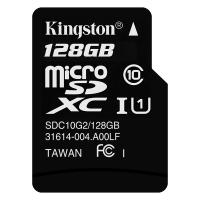
If you’re buying a memory card for a dash cam, don’t just grab the fastest or cheapest microSD card on the shelf. Dash cams are much harder on storage than phones, cameras, or game consoles because they record continuously, overwrite old footage, and often sit in a hot windshield for hours. For most drivers, the best choice is a high-endurance microSD card, ideally 128GB or 256GB, from a reputable brand. Look for cards specifically marketed for dash cams, security cameras, or continuous recording. A regular microSD card may work at first, but it’s more likely to fail early — sometimes without warning.
The short answer
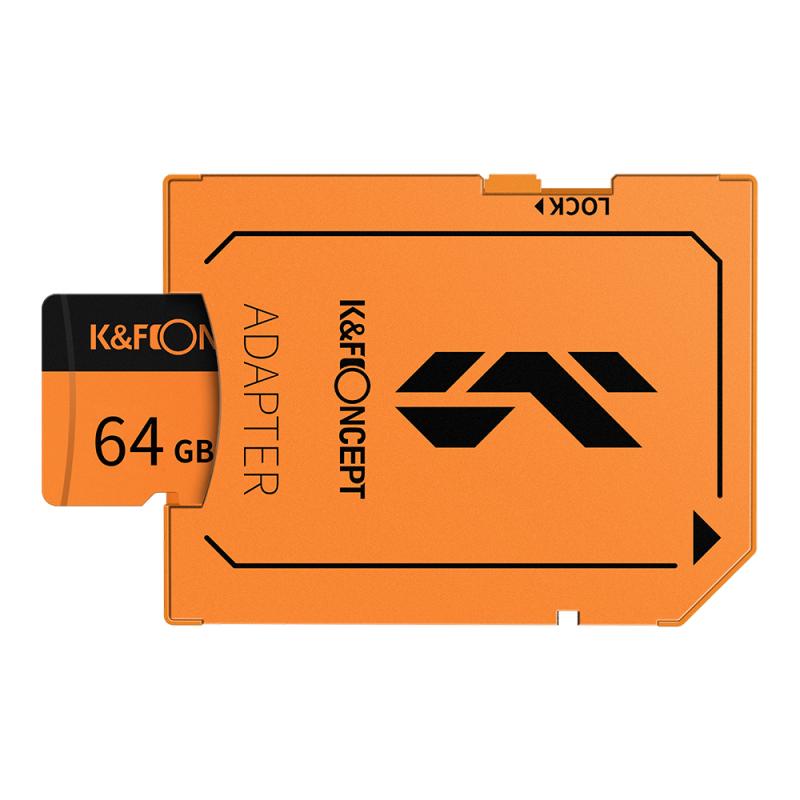
For a typical single-channel dash cam, I’d usually choose: - 128GB high-endurance microSD card for normal daily driving - 256GB high-endurance microSD card if you drive a lot, use parking mode, or record in 2K/4K - U3 / V30 rating if your dash cam records at higher resolution or bitrate - A card from Samsung, SanDisk, Kingston, Transcend, Lexar, or another known storage brand - Avoid no-name cards and suspiciously cheap “1TB” cards Good examples include cards like: - Samsung PRO Endurance - SanDisk High Endurance - SanDisk MAX Endurance - Kingston High Endurance - Transcend High Endurance The exact model matters less than choosing a card built for constant rewriting.
Why dash cams need high-endurance cards

A dash cam doesn’t record like a normal camera. It writes video constantly, minute after minute, every time the car is running. Once the card fills up, the dash cam deletes the oldest files and records over them again. This loop recording is exactly what you want from a dash cam, but it wears out flash memory over time. A normal microSD card is usually designed for casual use: photos, short videos, music, apps, maybe a drone flight here and there. A dash cam card lives a rougher life. It deals with: - constant video writing - repeated overwriting - heat from the windshield - cold starts in winter - sudden power cuts when the car turns off - parking mode recording if your camera supports it This is why many dash cam manufacturers specifically recommend endurance cards. They’re not just upselling you. In real use, the wrong card can cause missing footage, corrupted files, random recording stops, or annoying “memory card error” messages. The worst part is you might not notice until you need the footage.
Capacity: 64GB, 128GB, or 256GB?
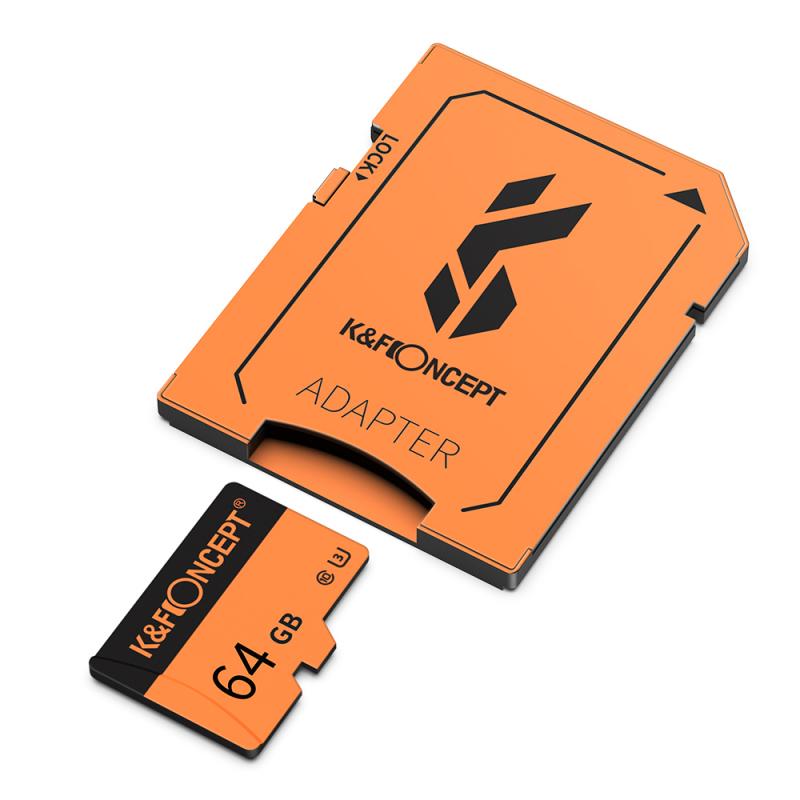
For most people, 128GB is the sweet spot. It gives enough recording history without being expensive, and most modern dash cams support it. A 64GB card can work, especially for a basic 1080p front-only camera, but it fills quickly. If you only drive short distances and don’t care about keeping many hours of old footage, 64GB is fine. I wouldn’t buy smaller than that unless your dash cam is old and has strict limits. A 128GB card is better for everyday drivers. It usually gives a comfortable amount of loop recording before old clips are overwritten. For a single front camera at 1080p, that may be many hours of footage. For 2K or 4K cameras, it’s less, but still reasonable. A 256GB card makes sense if: - your dash cam records in 4K - you have front and rear cameras - you use parking mode - you drive for work - you take long road trips - you want more time before footage is overwritten For rideshare drivers, delivery drivers, commuters with long daily mileage, or anyone using a dual-channel dash cam, I’d lean toward 256GB if the camera supports it. Before buying, check your dash cam manual or product page. Some older models only support up to 64GB or 128GB. Newer ones often support 256GB, 512GB, or more, but not always reliably with every brand.
Speed ratings: what actually matters
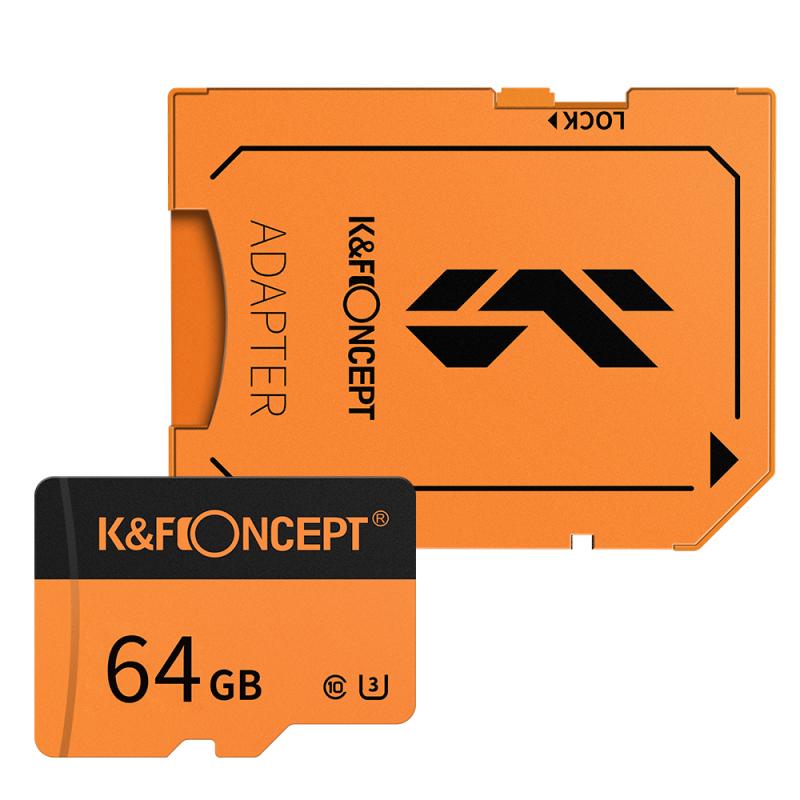
Dash cam buyers often overfocus on speed. You usually don’t need the absolute fastest card. You need a card that can write video steadily without dropping frames. For modern dash cams, look for: - Class 10 - U1 or U3 - V10 or V30 For basic 1080p recording, a Class 10 / U1 card may be enough. For 2K, 4K, high bitrate recording, or front-and-rear setups, I’d choose U3 or V30. The price difference is usually small, and it gives you more headroom. Don’t worry much about huge advertised read speeds like “up to 170MB/s.” That mainly affects how fast files copy to your computer. Your dash cam cares more about stable write performance. Also, avoid using old microSD cards that have been sitting in drawers for years. Even if they technically meet the speed rating, they may have already seen a lot of use.
This is the main decision. A regular card can be tempting because it’s cheaper and may have higher advertised speeds. But dash cams don’t need gaming-console-style performance. They need durability. High-endurance cards are usually rated for a certain number of recording hours and are designed for video surveillance, dash cams, and body cams. They also tend to handle heat better. That matters because a parked car can get brutally hot inside, especially with the dash cam mounted near the glass. A normal card might work for months. Maybe even longer. But if you’re buying storage specifically for a dash cam, saving a few dollars is rarely worth it. The card is the part that stores the only evidence you may have after a crash, hit-and-run, vandalism, or parking lot scrape. If there’s one place not to cheap out, it’s the memory card.
For a 4K dash cam, I’d start at 128GB minimum, but 256GB is more comfortable.
4K footage uses much more storage than 1080p. If the camera also records a rear camera, the card fills even faster. Some premium dash cams use high bitrates to preserve plate detail and night footage, which is good for quality but heavier on storage.
A 64GB card in a 4K dash cam can feel cramped. It may only keep a short history before looping over old footage. That’s not ideal if you discover damage hours later and need to look back.
For 4K front-only recording: 128GB or 256GB
For 4K front plus rear: 256GB if supported
For parking mode use: 256GB or higher if the dash cam allows it
Fake microSD cards are a real problem, especially online. They often claim huge capacities at unbelievable prices. A “512GB” or “1TB” card for a few dollars is almost certainly fake. Fake cards may show the advertised capacity when plugged in, but they can’t actually store that much data. Once they pass their real capacity, files become corrupted or disappear. In a dash cam, that can mean the camera appears to be recording while the footage is unusable. Buy from reputable retailers, not random marketplace sellers. Even on large marketplaces, choose listings sold by the brand itself or by a trusted store. If the packaging looks odd, the print quality is poor, or the price seems unrealistic, don’t trust it. After buying a card, it’s worth testing it briefly in the dash cam. Record for a drive, then check the files on a computer or phone card reader. Make sure clips play properly and the dash cam isn’t showing errors.
Once you buy the card, don’t just insert it and forget about it. Format it inside the dash cam using the camera’s menu. Dash cams often prefer a specific file system and folder structure. Formatting in the device reduces the chance of recording errors. Some cameras will prompt you automatically; others require you to find the option in settings. It’s also good practice to reformat the card every month or two, especially if you drive daily. This clears file clutter and can prevent minor corruption from building up. Many dash cam problems that seem like camera failures are actually card issues. Don’t format the card if you need to save footage. Lock or copy important clips first.
If your dash cam records while the car is parked, the memory card works even harder. Depending on the settings, parking mode may record continuously, record on impact, or use motion detection. Continuous parking recording puts the most wear on the card. For parking mode, I’d avoid the bare minimum card size. Choose at least 128GB, preferably 256GB, and definitely use an endurance model. Also check your dash cam settings. Some cameras reserve separate space for normal driving, locked events, and parking files. If too much space is allocated to protected clips, normal loop recording may overwrite faster than expected.
The most common mistake is using the free card that came bundled with a cheap dash cam. Sometimes those cards are fine, but often they’re low-end. If the dash cam matters to you, replace it with a proper endurance card. Another mistake is buying a huge card without checking compatibility. A 512GB card is useless if your camera only supports 128GB. People also forget to check footage. A dash cam is not a set-and-forget device forever. Every few weeks, glance at the screen or app and confirm it’s recording. Pull a clip occasionally and make sure it plays. It takes a minute and can save a lot of frustration later. Heat is another issue. If your dash cam constantly reports card errors during summer, don’t immediately blame the camera. The card may be struggling. A better endurance card often fixes it.
If you just want a safe choice and don’t want to overthink it, buy a 128GB or 256GB high-endurance microSD card rated U3/V30 from a major brand, then format it in the dash cam. Choose 128GB if you have a normal 1080p or 2K front-only dash cam and drive a typical amount. Choose 256GB if you have 4K recording, front and rear cameras, parking mode, or long daily drives. Avoid no-name cards, old reused cards, and bargain cards with unrealistic capacities. A dash cam is only useful if the footage is there when you need it, and the memory card is a big part of that reliability.