Where Is Microphone?
Understanding the Placement and Functionality of Microphones: A Comprehensive Guide
Microphones are essential tools in countless scenarios, from recording audio and engaging in conversations to broadcasting live content and capturing sounds in professional music production studios. However, understanding their precise location or placement for optimal functionality is not always straightforward, especially for individuals who interact with microphones in different contexts. Whether you're trying to locate the microphone on a device or wondering how to achieve the best sound quality, this article will help clarify practical aspects of microphone placement, usage, and troubleshooting.
Microphone Placement on Standard Devices
Microphones can be found in a variety of everyday devices, some of which are used more frequently than others. Identifying and locating the microphone in these contexts varies depending on the type of device you're interacting with:
1. Smartphones

Modern smartphones are equipped with multiple microphones strategically placed to enhance audio quality, such as for calls, voice recordings, or video capture. Typically, microphones can be found:
Primary microphone: Located at the bottom edge of the phone near the USB charging port. This is primarily used during phone calls.
Secondary microphone: Positioned near the top of the device or close to the back camera. This microphone is often used for noise cancellation or enhanced sound recording in videos.
If your audio quality during calls or recordings is poor, cleaning these areas to remove dust or debris might enhance functionality.
2. Laptops and Computers

Microphones on laptops and desktops are often embedded into the device’s hardware:
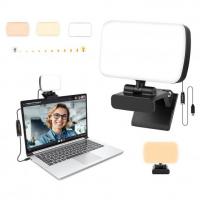
Built-in microphones on laptops: Usually located near the webcam on the top bezel of the screen. This design allows clear audio capture during video conferencing calls.
External microphones for desktops: If a desktop does not have a built-in microphone, external microphones are often used. These are visible peripherals that can be plugged into the microphone port (commonly marked with a pink circle).
When facing issues with sound input, ensure the microphone driver is up-to-date, and check sound settings to confirm the correct input device is selected.
3. Headsets and Earbuds
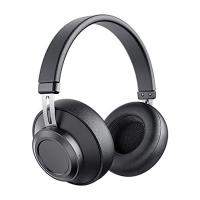
Integrated microphones in headphones are popular for personal and professional audio input. These microphones are typically positioned:
- For wired and wireless headsets: Built into the cord or embedded within the earphone casing.
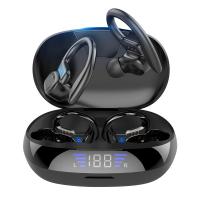
- For true wireless earbuds: Located on the earbud itself, where it can capture sound during calls or while interacting with a voice assistant.
Keep devices clean and confirm the configuration settings for your headphones or earbuds in case the microphone quality becomes suboptimal.
4. Gaming Consoles and Accessories
For gamers using accessories like headphones, the microphone location often varies based on the type of headset. Many gaming headsets have dedicated boom microphones attached to them, which extend close to the user's mouth for clearer communication while gaming online.
5. Video Cameras
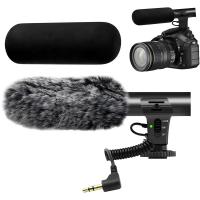
Cameras intended for video recording, such as DSLRs or mirrorless models, often include small built-in microphones. These microphones are generally located near the front edge of the camera body, close to the lens. However, for professional-grade sound, users might opt for external microphones mounted to the camera's onboard accessory slots.
Why Microphone Placement Matters
The placement of a microphone can dramatically affect the quality of the recorded or transmitted sound. Here are some common goals and mistakes tied to microphone placement:
1. Goal: Capturing Clear Audio
Positioning microphones close to the sound source is key for clarity. For example, in interviews or personal voice recordings, handheld or clip-on lavalier microphones are often placed within six inches of the speaker’s mouth to eliminate background noise.
2. Mistake: Muffled Sound
Microphones, particularly those embedded in devices like smartphones or laptops, can suffer from muffled sound due to obstructions. Ensuring microphone areas are free of dirt, dust, or blockage can improve sound quality.
3. Goal: Avoiding Background Noise
Many devices come with noise-cancellation technology integrated into microphones. To maximize this effect, avoid placing the microphone near strong background noise sources (fans, traffic, or loud music).
Troubleshooting Accessibility Problems
Sometimes, locating and optimizing microphone use becomes a challenge, particularly in settings involving malfunction or limited device familiarity. The following strategies can help resolve issues:
Check Settings:
Whether on a smartphone, laptop, or accessory, go to your device’s audio settings to:
- Verify that the "microphone" input source is selected correctly.
- Test for active functionality by using voice recording or sound input tools.
Inspect Microphone Condition:
Physical inspection is another vital step. Using a flashlight to locate embedded microphones can reveal dust or debris build-up. Cleaning these areas with a soft brush or cotton swabs can restore function.
Update Drivers:
Updating driver software for external microphones or built-in laptop microphones is crucial for uninterrupted function. Drivers can often be updated in your device’s control center or settings menu.
Utilize External Microphones:
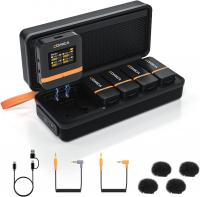
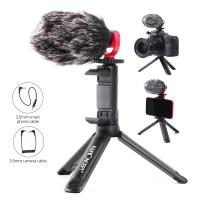
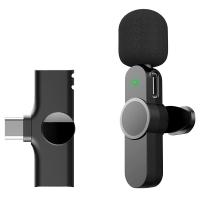
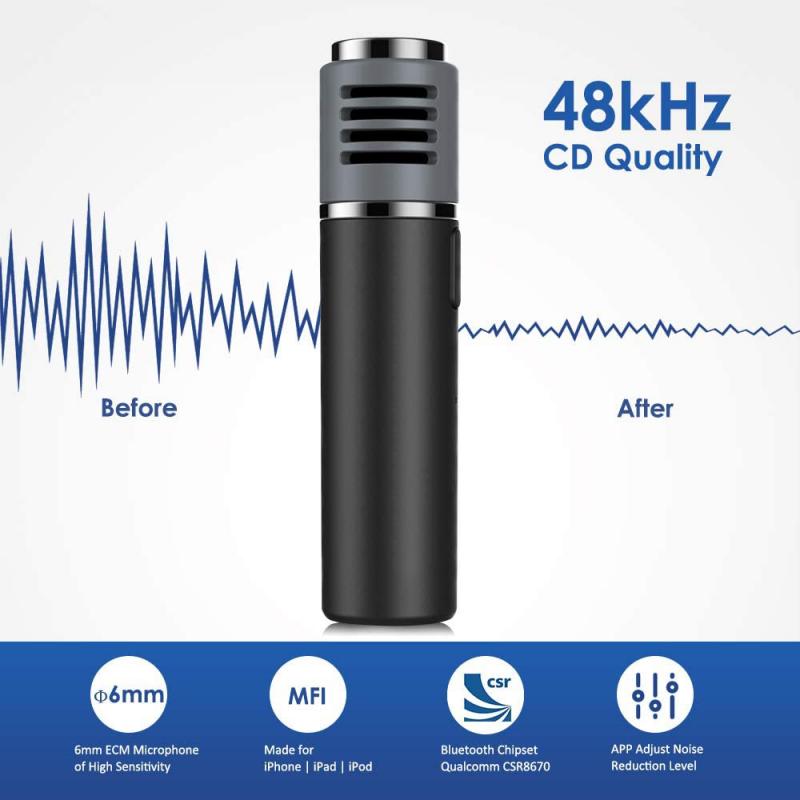
Many users prefer external microphones to overcome internal microphone limitations. USB microphones, lavalier microphones, and studio-grade condenser microphones offer tailored solutions for specific audio needs.
Purpose-Specific Microphone Placements
The choice of microphone placement often depends on the specific use case. Below are examples where proper placement is central to device use:
Professional Settings:
In studios, microphones used for podcasts, music recording, or broadcasting often require strategic placement. For example:
Dynamic microphones: Positioned close to the source during live performances or speeches.
Condenser microphones: Often suspended on stands in isolated locations for optimal sound pickup in controlled environments.
Personal Communication:
For video chatting, embedded laptop and smartphone microphones are more convenient, provided they’re operational. Users could employ external microphones in situations where higher quality or clarity is needed.
Field Recordings:
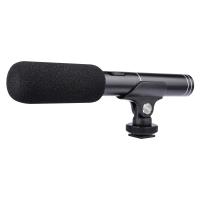
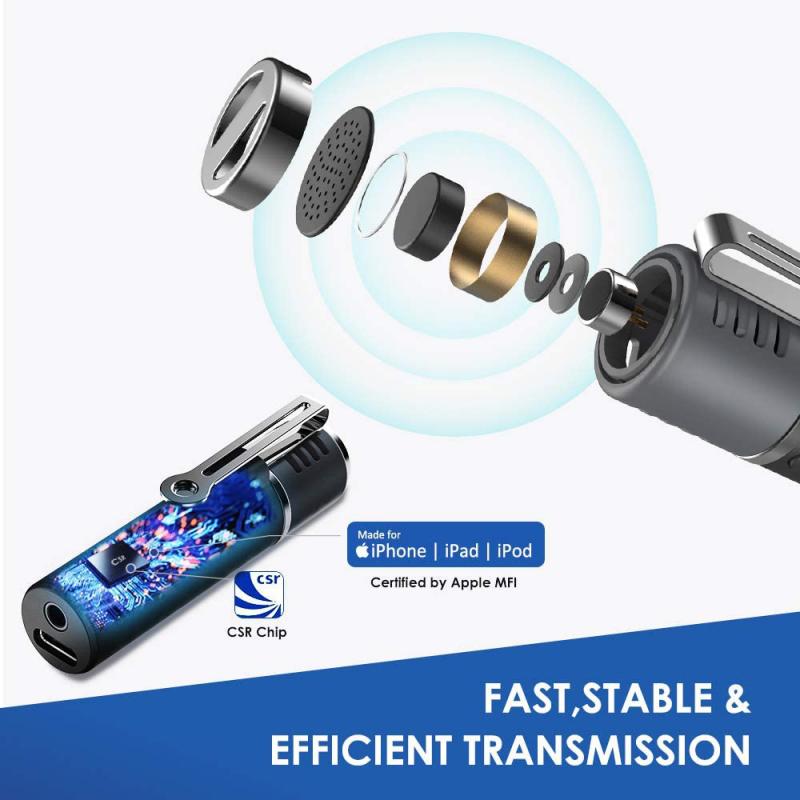
For journalists or outdoor videographers, clip-on or shotgun microphones provide exceptional sound capture with directional focus.
Final Thoughts and Best Practices
Microphones are indispensable for various tasks, yet their functionality heavily depends on proper placement and maintenance. Here are some best practices to follow:
1. Regular Maintenance: Ensure microphone areas are regularly cleaned and free from obstructions like dirt or dust.
2. Optimal Placement: Always position microphones as close to the sound source as possible without introducing distortion or interference.
3. Test and Adapt: Conduct sound input tests to evaluate functionality, and adjust settings or placement accordingly.
4. Invest in Quality Accessories: Depending on your use case, consider upgrading to external microphones that match your audio needs.
Whether you’re looking to access microphones within devices like smartphones or laptops, or seeking solutions to audio quality problems, this article has highlighted the importance of understanding placement, functionality, and troubleshooting efforts. Excelling in these areas allows seamless communication, professional-level recordings, and optimal use of audio technology in daily life.