How To Shoot Without Tripod?
Stabilizing your camera or phone is essential for professional-looking photos and videos. If you're just starting out and don't want to invest in a tripod just yet, there are several DIY hacks and techniques you can use to shoot without a tripod.
DIY Upright Tripod Hacks
Our favorite upright tripod hack is to place the phone against a mug handle or inside a cup. For a larger (DSLR) camera, you need to find a stable support — wall, gatepost, the ground, tree trunk, etc. — to support the camera. Set the self timer to 10 seconds or more, compose the photo knowing where you intend to stand, press the shutter and run into your position before the camera clicks.
- Place phone against a mug handle or inside a cup
- Use a wall, gatepost, the ground, or tree trunk to support a DSLR camera
- Use a gorilla tripod — it's pretty good as long as you have somewhere to place or attach it
- Use a tripod selfie stick with a remote for the best results at tourist spots
- Use a bluetooth remote shutter — not expensive, and you can click away with no need to keep resetting the self timer
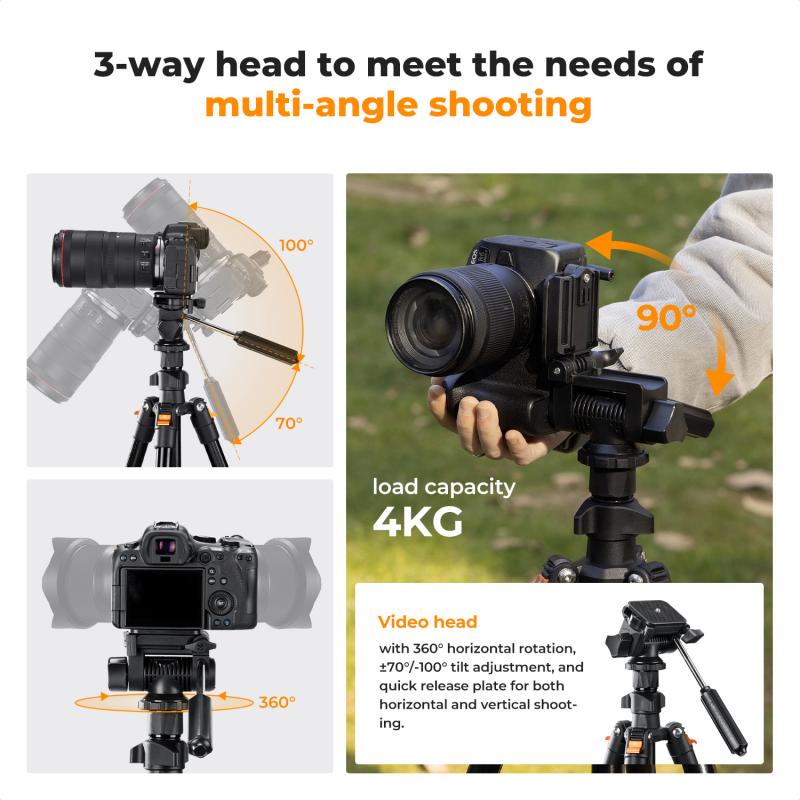
DIY Overhead Tripod Hacks
For flat lays, use the edge of a table, chair, or kitchen cabinet edge as an overhead tripod. If you're getting the legs of your chair or table in the shot, use a book as an extender so your phone can be further out. Still not getting the right shot? You can edit it later in a timeline editor using the "tilt" feature to pinch and zoom in on the video.
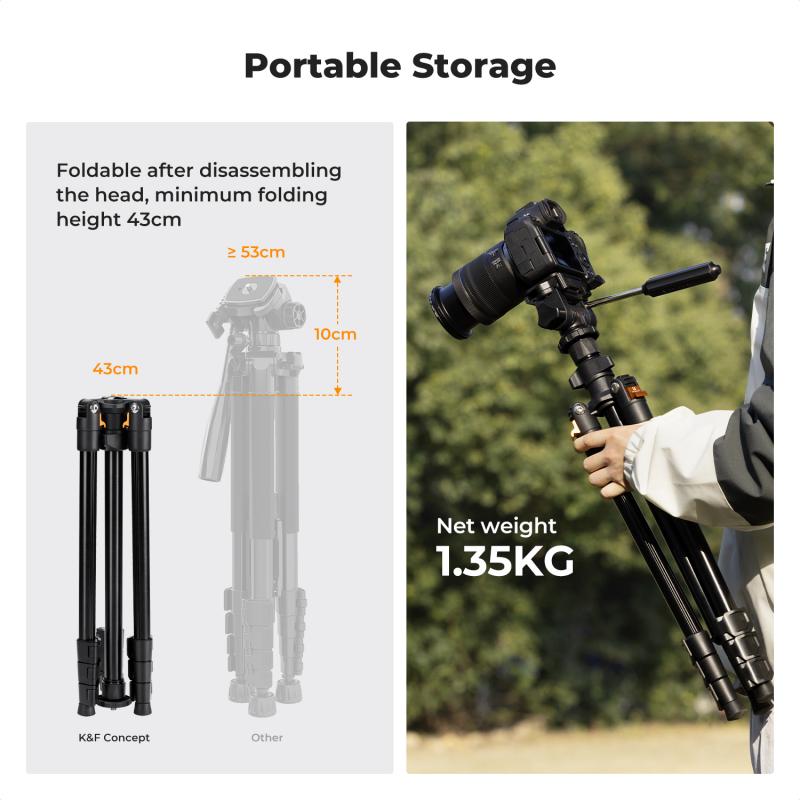
Using Self Timer and Remote Shutter
Once you have a tripod solution, use a built-in interval timer or a bluetooth remote to really take your stop motion or self-portrait to the next level. The chances of your phone moving even the slightest bit with every tap while filming could result in a shaky video.
- Enable both the interval timer and the self timer in your in-app camera
- Once enabled, it will automatically capture 1 photo every x seconds — you can choose how long you want between each shot from 1–60 seconds
- Enable the sound on your phone so you can hear each time the camera takes a photo
- Focus on animating the object or getting into position instead of running back and forth between animating and capturing
- If the camera takes a photo while your hand is in the frame, let it capture the shot again without your hand and delete the previous clip when you're done filming
Shooting Without a Tripod in Low Light
When shooting in low light without a tripod, adjusting your camera settings is key. While shooting in the Valley of Fire, Nevada with a broken tripod during a spectacular sunset, it was possible to make a photo by increasing ISO to 2000 and using a wide aperture of f/5.0 — the widest aperture for the lens in use — when normally a much smaller aperture would have been used for that scene.
- Blurring motion on a crowded bridge
- In Las Vegas, to make an image with a fairly long shutter speed to blur the motion of cars while standing on a narrow pedestrian bridge with a chain link fence, using a tripod was not practical. Instead, using ISO 1250 and proper camera holding techniques allowed holding it steady for half a second.
- Photographing moving subjects at twilight
- Photographing Canada geese flying overhead at twilight required a relatively fast shutter speed to stop the motion. Therefore, a high ISO and wide aperture were needed to enable the faster shutter speed. This image was made at ISO 1600, f/4.5, 1/200 second.
Taking Photos of Yourself Without a Tripod
If you are using a smartphone, hold it at arm's length and face it towards you, compose the picture, and take it. If you are using a small compact camera, do the same — it may be easier to set the self timer to a couple of seconds, and it will be even easier if the camera has an articulated screen.
- Use the self timer on your camera — set it, stand in position, and pose
- Use a bluetooth remote shutter with your phone propped on a stable surface
- Use a tripod selfie stick with a remote in public spaces
- Get creative with balancing your phone and using the timer, or record a video and use a still from it
- Use an Apple Watch to check what you look like in the photos while taking them
- If someone spots you and offers to take the photo, gladly accept
Tips for Asking Strangers to Take Your Photo
When asking strangers to take your photo, tend to ask people in roughly this order:
- Someone who gives off a friendly vibe and doesn't seem rushed — hold your phone up and explain the framing of the shot you're looking for
- Someone with a nice camera around their neck — hopefully they know something about photography
- Someone who is taking a bunch of pictures themselves — hopefully that means they have a good eye for it
- Someone younger, because hopefully they'll be more comfortable using a phone to take pictures
Tell strangers "take five or six!" Afterwards, 9 times out of 10 they'll tell you to take a look and let them know if it's good. You can also politely say "please don't zoom, I'm going to crop it later" — one quick simple instruction won't hurt. If you see a couple taking pictures of each other, offer to take one of them together, then ask them to take a photo of you.