How To Keep Dash Cam Recording?
Keeping a dash cam recording continuously — whether the car is on or off — depends on the camera's features, how it's powered, and what recording mode is active. Storage size, video quality, recording mode, and cloud access all affect how much footage the system can keep. A camera recording in high resolution all day will use storage much faster than one that saves only important events.
Does a Dash Cam Record When the Car Is Off?
Some dash cams do record when the car is off — specifically, dash cams that are hardwired and have an active parking mode feature. But these cameras are not "always on." They have a sleep mode that initiates when there is no activity for a certain amount of time. This sleep mode is designed to give your car battery a break. If a dash cam were on every second of the day, you'd be draining your battery rather quickly.
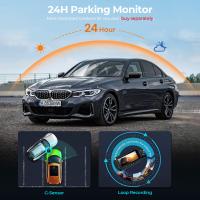
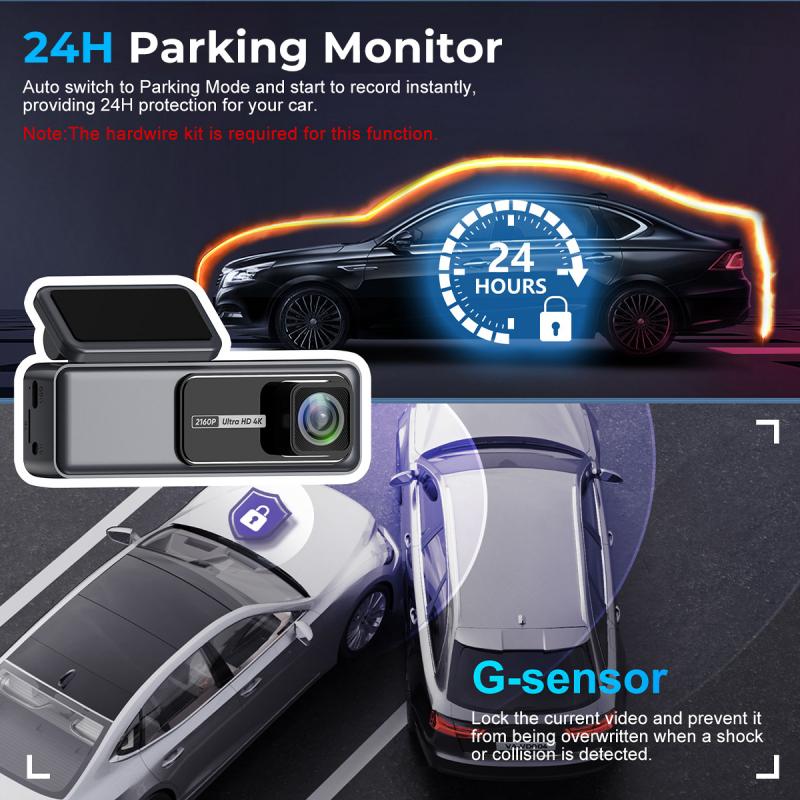
While in parking mode, a dash cam detects movement or impact around the car with special sensors. When it detects something, your dash cam springs into action, waking up from a sleep state and recording things like vandalism, break-ins, or collisions.
Some vehicles shut off the accessory plug right away and some stay on — so recording time after engine shutoff depends on your vehicle. An extra hardwire kit will be a simple solution for parking mode recording. Depending on your needs, a battery pack is also an option.
Recording Modes Available on Dash Cams
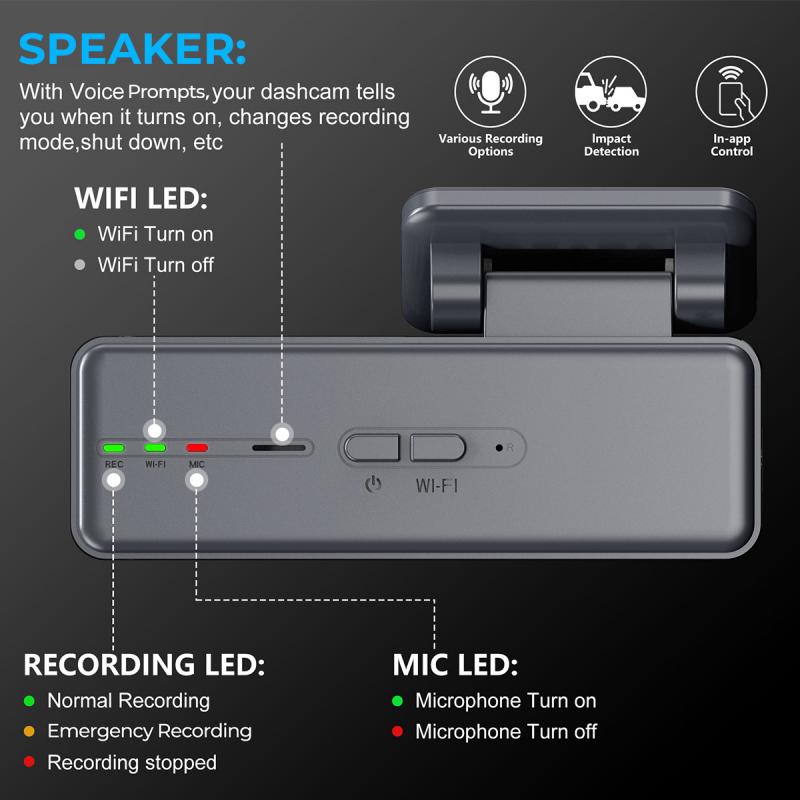
- Loop recording: The dashboard camera continuously records video; however, it starts overwriting old footage with new recordings when the memory card is full. Loop recording automatically deletes old video footage to make room for new footage.
- Continuous recording: Captures everything — every mile, every stop, every moment. It offers complete visibility but consumes storage quickly. Continuous recording refers to recording without interruption until the memory card is full. Loop recording is a very specific type of continuous recording with the distinct characteristic of having an overwrite function.
- Event-based (incident) recording: Captures only when something happens — sudden braking, impact, or unusual driving behavior triggers the camera. Incident recording captures the moments before, during, and immediately after the incident. This footage is safeguarded from overwriting by continuous recording loops. Built-in g-sensors make incident recording possible; these sensors pick up sudden changes in motion.
- Parking mode: Entails recording when the car is off and parked, essentially operating as a surveillance system for capturing incidents while parked. The external-facing camera has the ability to detect motion with a built-in motion detector (visually or physically). In parking mode, your dash cam can capture accidents/collisions, theft, vandalism, or any other unauthorized activity around your car when it is unattended. Standard loop recording stops when the engine turns off; however, if you use parking mode, a dash cam can record 12 to 24 hours while parked, typically using time-lapse to save space.
- Manual recording: Typically activated with the push of a button. When manual recording is activated, the dash cam will record either for a specific amount of time (like one minute) or for as long as you desire. Footage is typically uploaded to the cloud.
What Affects Dash Cam Recording Time
Recording time isn't fixed. It shifts based on how the camera captures and stores video across daily operations. Four variables shape it the most:
- Storage capacity
- Larger memory cards or cloud storage extend how long footage is retained. A 128 GB card will record much more than a 32 GB card.
- Video resolution
- Higher clarity increases file size and shortens recording duration. High bitrate/4K captures license plates clearly but fills your card 2x faster — a 128 GB card might only last 4 hours in 4K. Standard bitrate/1080p gives you double the recording history (8+ hours).
- Frame rate
- Smoother video uses more storage per hour.
- Recording mode
- Continuous recording fills storage faster than event-based capture. A fleet running high-resolution, always-on recording will cycle through storage quickly. A fleet using event-triggered recording can retain footage longer without increasing storage costs.

How Loop Recording Works
- Segmentation: The camera records video in small segments, typically 1, 3, or 5 minutes.
- Capacity check: When the SD card reaches capacity, the camera identifies the oldest file.
- Overwriting: The oldest segment is deleted and replaced by the new footage.
- Continuous cycle: This "first-in, first-out" process repeats indefinitely.
The only real downside of loop recording is the risk of overwriting evidence if it isn't "locked" in time. Modern dash cams solve this with a g-sensor (gravity sensor). When the g-sensor detects a collision or hard braking, it automatically "locks" the current video clip. Locked files cannot be overwritten — they remain safe in a separate "event" folder until you manually transfer them. It is recommended to format your memory card monthly to clear false alarms and keep the camera running smoothly.
Never turn off loop recording. If you do, the camera will stop recording once the card is full, and you will miss any incidents that happen after that point.
How Long Loop Settings Should Be
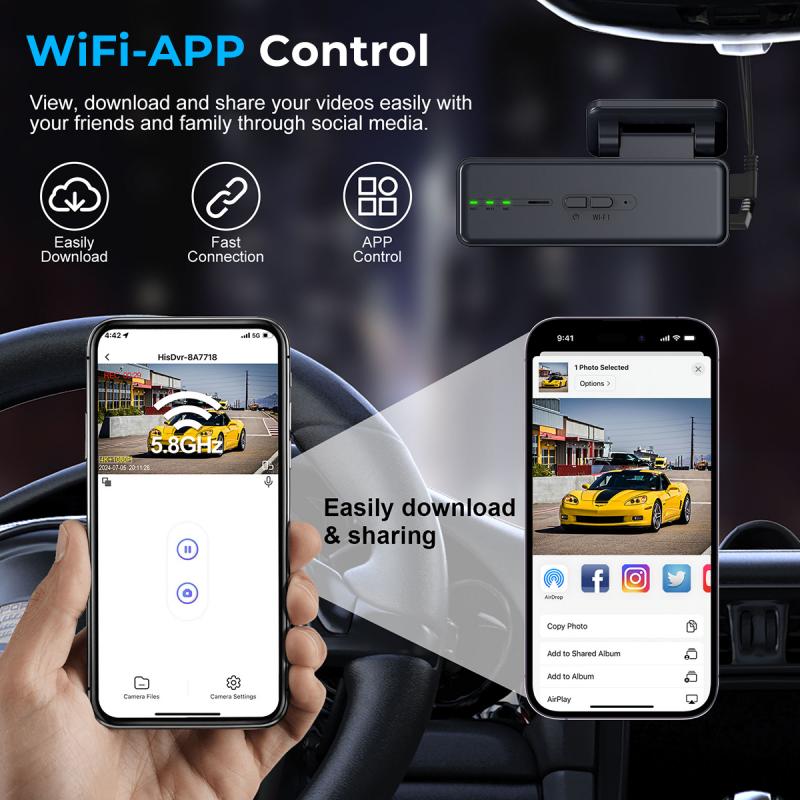
- 1 to 3 minutes (best for most drivers): Short loops are easier to download to your phone via Wi-Fi. Sending a 1-minute clip to an insurance agent is much faster than trying to upload a massive 10-minute file.
- 5 to 10 minutes (best for fleets): Professional fleet managers often prefer longer clips to reduce the total number of files they need to sift through when reviewing a full day's shift.
- Verdict: 3 minutes is the sweet spot.
How Dash Cams Store Video: Cloud vs. Local
Dash cam footage lives in two places: onboard storage or the cloud.
- Local storage (SD cards or DVR systems)
- Video stays inside the vehicle. It's simple and cost-effective but limited by storage size. Accessing footage often requires manual retrieval. Some premium dash cams now come with built-in storage called eMMC (Embedded Multi-Media Card) instead of just relying on removable SD cards. eMMC storage is soldered directly into the camera — if your SD card fails during a crash, advanced cameras can automatically "failover" and loop record onto the internal eMMC storage, ensuring you never lose evidence.
- Cloud storage
- Footage uploads automatically. Fleet managers can access video remotely, review incidents faster, and retain data longer without worrying about storage limits. Cloud-connected dash cams reduce the need to pull footage manually from each vehicle.
Most fleets today use a hybrid approach. Local storage captures everything in real time. Cloud systems store critical footage and make it accessible across the organization. Many fleets keep dash cam footage for 30 to 90 days, depending on their risk, compliance, and claims review needs.
Powering a Dash Cam for Continuous or Parked Recording
Most dash cams only record while the car is on unless they have a parking mode feature with hardwiring or a battery pack. To keep a dash cam recording when the vehicle is off, you'll need one of the following:
- Hardwire kit: Wires the camera directly to the vehicle's 12V battery. Make sure there's a voltage protection setting — modern cameras have a "voltage cut-off" feature that shuts the camera down before your car battery dies.
- External battery pack: A portable power bank can power the camera independently of the vehicle's battery. This is useful when parked or when a hardwire setup is not practical.
- OBD switch: Some users use an OBD switch to toggle between parking mode (on all the time) and driving mode only.
If plugged into the cigarette lighter, the dash cam turns off with the car. It's worth noting that some vehicles' accessory plugs stay on for over an hour by default after the engine shuts off, providing some recording time without hardwiring.
Why Dash Cam Footage Matters When Parked
Footage captured when the vehicle is off can be invaluable when it comes to insurance claims as well as police investigations. Parking mode allows drivers to capture incidents like vandalism, break-ins, hit-and-runs, or theft — even when they're away from the vehicle. Once the loop overwrites a file, it is permanently gone — which is why using the largest SD card your camera supports (128 GB or 256 GB) gives you a bigger "safety buffer" before files are deleted.