kfconcept

KENTFAITH
K&F Concept    Blog >

Enjoy Your Selected Digital Life

Recently Viewed
  • Recently Viewed
  • Recently Viewed list is empty.

Compare (0) 0
  • Compare
  • You have not chosen any products to compare.

  • Compare
Currency: USD
  • Currency
Shop by Scene Shop by Rank

Log Into Your Account

Account

Order History

Wish List

Login

Forgotten Password?

Or connect with

Register Account

Already have an Account?Log In

  • Shopping Cart
  • Your shopping cart is empty!

  • Register/Login to purchase, earn points
  • Favorite
  • Your wish list is empty.

  • Register/Login to like, earn points
  • Activities
  • Guide
    • Filter Guide
    • Lens Adapter
    • Product Review
  • News & Reviews
    • Camera Reviews
    • Sample Gallery
    • News
  • Tutorials
    • Solar eclipse photography
    • Photography Basics
    • Landscape Photography
  • Inspiration
    • Travel
    • Travel Stories
  • Home
  • Blog
  • How To Set Time On Huawei Smart Watch?

How To Set Time On Huawei Smart Watch?

Kentfaith 2025-02-21 01:43:04 0 Comments

Mastering Time Settings on Huawei Smart Watches: A Comprehensive Guide

Smartwatches have become an essential part of modern living, blending the utility of traditional timepieces with the sophistication of digital technology. Among these, Huawei smartwatches stand out for their sleek design, user-friendly interface, and versatile features. Setting the time on a Huawei smartwatch, while seemingly simple, can sometimes be a confusing task for first-time users or those unfamiliar with smartwatch technology. This article offers a detailed guide to help you set the time on your Huawei smartwatch seamlessly, ensuring that your device functions optimally and aligns with your preferences.

---

Understanding the Basics: How Time Works on Huawei Smartwatches
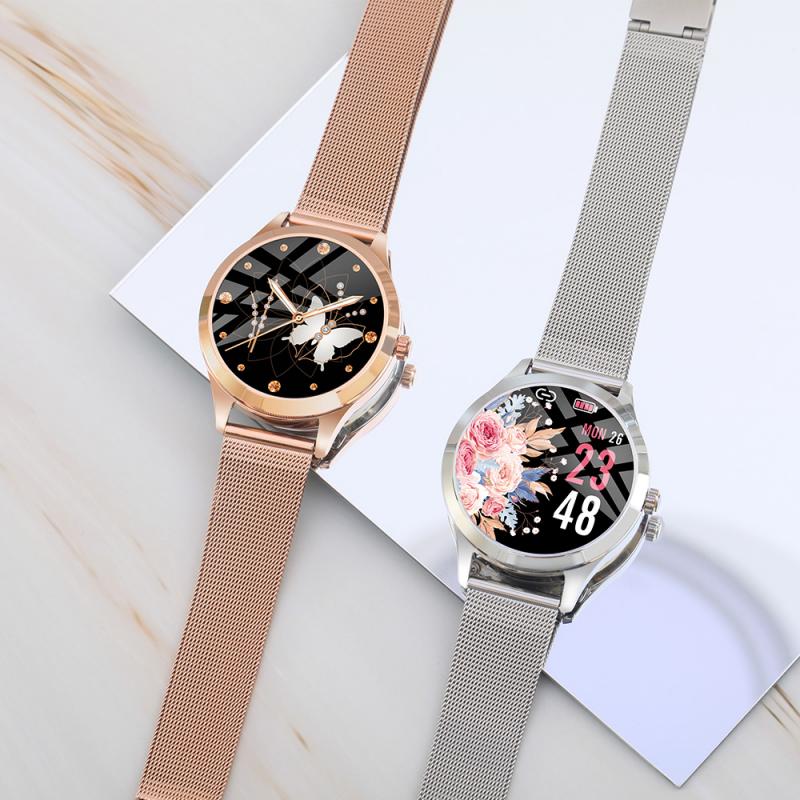
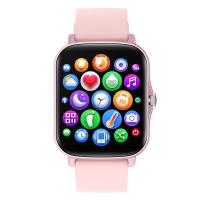
how to set time on huawei smart watch 1

Unlike traditional watches, Huawei smartwatches do not have a manual dial for setting the time. Instead, they synchronize with your smartphone to display the correct time. This synchronization relies on the Huawei Health app, which acts as a bridge between your watch and your smartphone.

Time synchronization ensures that your smartwatch reflects the same time zone, daylight saving settings, and automatic updates as your smartphone. Therefore, to set the time on your Huawei smartwatch, the first step is to configure the time on your smartphone accurately.

---

Step-by-Step Guide to Setting Time on a Huawei Smartwatch
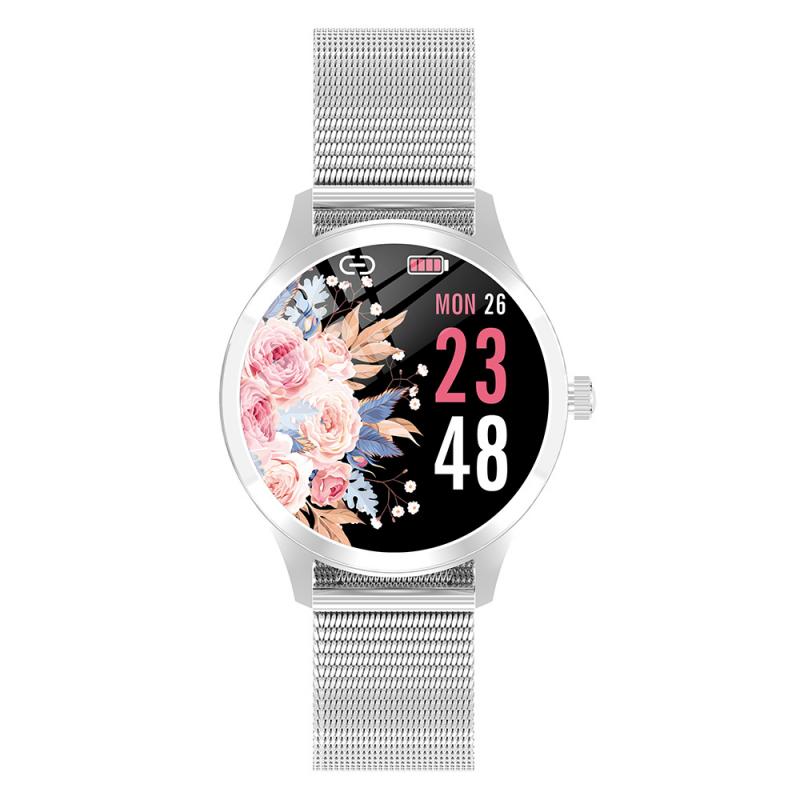
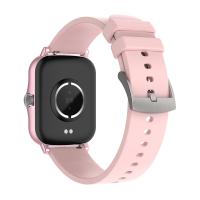
how to set time on huawei smart watch 2

1. Pairing Your Smartwatch with Your Smartphone

To ensure your Huawei smartwatch displays the correct time, it must be paired with your smartphone using the Huawei Health app. Here’s how to do it:

- Download the Huawei Health App: Install the Huawei Health app on your smartphone from the App Store (iOS) or Google Play Store (Android).

- Enable Bluetooth: Turn on Bluetooth on your smartphone and smartwatch.

- Pair Your Device: Open the Huawei Health app, go to the "Devices" section, and follow the prompts to pair your smartwatch with your smartphone.

2. Configuring Time Settings on Your Smartphone

Your Huawei smartwatch automatically syncs time settings from your smartphone. To ensure accurate synchronization:

- Set Your Smartphone’s Time Zone: Navigate to your phone’s settings, locate the “Date & Time” option, and choose the correct time zone.

- Enable Automatic Time Settings: Allow your phone to update the time automatically based on your location. This feature ensures that your smartwatch adjusts to time changes when you travel.

- Manually Adjust Time if Needed: If automatic settings are not preferred, manually set the time on your smartphone. Your smartwatch will replicate this setting during synchronization.

3. Syncing Time to Your Huawei Smartwatch

After configuring your smartphone, ensure the settings reflect on your smartwatch:

- Open the Huawei Health app.

- Access the "Devices" section and select your smartwatch.

- Confirm that the time displayed on your watch matches your smartphone. If not, use the app's synchronization feature to update the time.

---

Common Challenges and Troubleshooting Tips
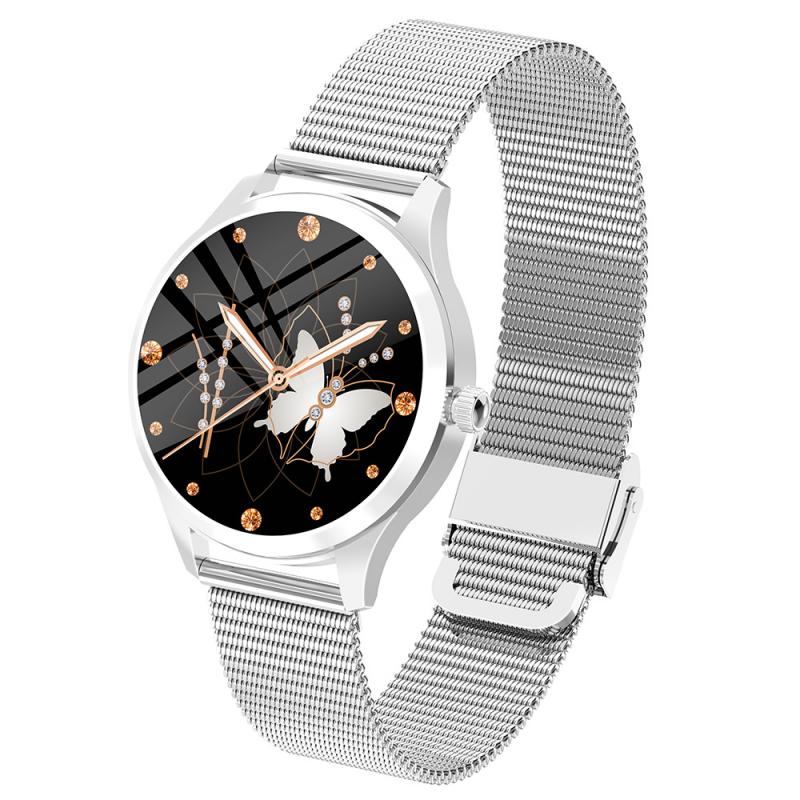
how to set time on huawei smart watch 3

Despite the straightforward process, users may occasionally encounter issues when setting the time on their Huawei smartwatch. Here are common problems and their solutions:

1. Time Not Syncing Correctly

- Check Bluetooth Connection: Ensure Bluetooth is enabled on both your smartphone and smartwatch.

- Update the Huawei Health App: An outdated app version might cause synchronization issues. Always use the latest version of the Huawei Health app.

- Restart Devices: Restarting both your smartwatch and smartphone can often resolve temporary glitches.

2. Incorrect Time Display

- Verify Smartphone Settings: The smartwatch mirrors your smartphone’s time. Double-check your phone’s date, time, and time zone settings.

- Re-Sync the Watch: Use the Huawei Health app to force synchronization if discrepancies persist.

3. Incompatibility Issues

- Check Compatibility: Ensure that your Huawei smartwatch model is compatible with your smartphone and the Huawei Health app.

- Firmware Updates: Install the latest firmware updates for your smartwatch to ensure smooth operation.

---

Advanced Time-Related Features on Huawei Smartwatches
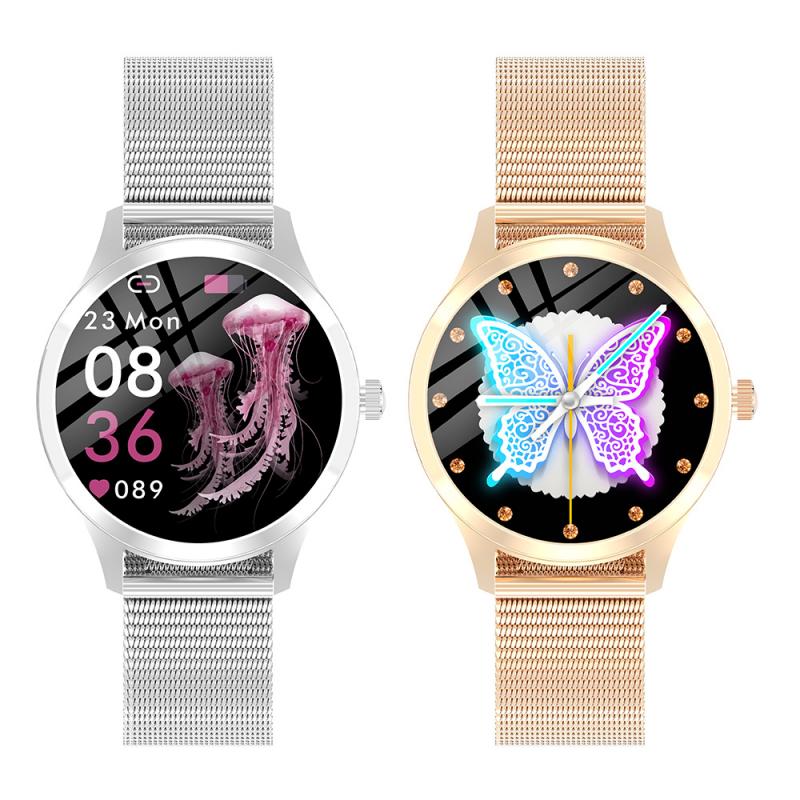
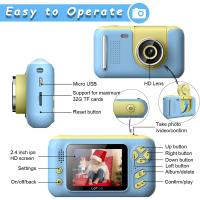
how to set time on huawei smart watch 4

Once you’ve mastered the basics of setting time, you can explore the advanced time-related features offered by Huawei smartwatches:

1. Dual Time Zones

For frequent travelers, Huawei smartwatches support dual time zone settings, enabling you to track time in two regions simultaneously. Configure this feature via the Huawei Health app.

2. Alarms and Timers

Your smartwatch allows you to set alarms and timers directly from the device or the Huawei Health app. These alarms are independent of your smartphone and offer customizable options.

3. World Clock

Some Huawei smartwatch models provide a world clock feature, which displays the current time in multiple cities globally. Access this through the watch’s interface or the accompanying app.

4. Sleep and Activity Tracking

Huawei smartwatches are equipped with advanced sleep and activity tracking features. These rely on accurate time settings to provide precise analytics, such as sleep duration and workout timings.

---

Practical Use Cases: Why Accurate Time Settings Matter

1. Professional Scheduling

Accurate time settings ensure that you stay on top of your appointments and meetings, particularly if you rely on your smartwatch for reminders and notifications.

2. Fitness Goals

Time synchronization is critical for tracking workout durations, steps, and calorie counts. A mismatch in time settings can skew these metrics, affecting your fitness insights.

3. Travel

For travelers, a smartwatch with precise time settings eliminates the hassle of adjusting to new time zones. Automatic synchronization ensures that your device adapts instantly upon arrival.

---

Future Innovations in Huawei Smartwatch Time Settings

Huawei continues to innovate, integrating advanced features to enhance user convenience. Future updates may include:

- AI-Based Time Adjustments: Leveraging artificial intelligence to predict user preferences for time zones, alarms, and reminders.

- Standalone Time Configuration: Introducing an option for manual time adjustments directly on the watch without requiring synchronization with a smartphone.

- Enhanced Global Time Features: Expanding the world clock feature to include dynamic adjustments based on international holidays and regional variations.

---

Setting the time on a Huawei smartwatch is an essential task that combines functionality with the convenience of digital technology. By following the steps outlined in this guide, you can ensure that your smartwatch operates efficiently and meets your daily needs. Whether you’re using it for professional scheduling, fitness tracking, or global travel, accurate time settings are the foundation of a seamless user experience.

Huawei smartwatches are designed to integrate effortlessly with your lifestyle, and mastering their time-setting features is a small yet significant step toward maximizing their potential. As you explore the advanced features and innovative possibilities, your smartwatch will become not just a timepiece but a trusted companion in your everyday life.

Leave your comment
Cancel reply
Note: HTML is not translated!
Related products
AI Translator Device for Business & Trade, 142 Languages Real-Time Online & Offline, Smart Office/Cross-App/Video/Photo Translation, Record & Transcription, Kentfaith
15
$182.49 $145.99
Smart Bird Feeder with 1080P Camera, 11000+ Birds Species Identification, Non-Stop Solar Power, Real Time Alert, 145 ° Super Wide Angle, All-in-one Bird Feeder
27
$299.99 $178.99
AI Smart Glasses with 164 Languages Real-Time Translation, 4 Translation Modes, Voice Control, AI Assistant, Music Playing All-in-one Bluetooth Smartglasses for iPhone, Android, iPad
NEW Arrival
AI Smart Glasses with 164 Languages Real-Time Translation, 4 Translation Modes, Voice Control, AI Assistant, Music Playing All-in-one Bluetooth Smartglasses for iPhone, Android, iPad
93
$99.99 $79.99
Real-time Translator Earbuds with 150 Languages, Offline Translation, Video & Voice Call Translation, 40H Battery Life, Clip-on Design, Kentfaith
16
$137.49 $109.99
67mm Clip-on CPL Phone Camera Lens Filter Kit Applicable to All Mobile Phone Models
40
$18.99
67mm Clip-on ND2-32 Phone Camera Lens Filter Kit Applicable to All Mobile Phone Models
NEW Arrival
67mm Clip-on ND2-32 Phone Camera Lens Filter Kit Applicable to All Mobile Phone Models
13
$37.99
63'' Magnetic Iphone Tripod Phone Selfie Stick Tripod And Clip-On ND Filter(1-9 stops) For All Phone Set
207
$113.99 $59.99
4G Cellular Trail Camera, 2.7K Videos 32MP Photos with Real-time Notifications, 0.3S Trigger Time, 65ft Night Vision, IP66 Waterproof, Kentfaith
15
$137.49 $109.99
67mm Clip-on Black Mist 1/4 Phone Camera Lens Filter Kit Applicable to All Mobile Phone Models
7
$29.99
52mm Clip-on CPL Phone Camera Lens Filter Kit, Circular Polarizer Polarizing Filter Applicable to All Mobile Phone Models
24
$19.99
Products You May Like
Minolta MD Lenses to Pentax Q Lens Mount Adapter K&F Concept M15161 Lens Adapter
$45.99 $24.99
40.5mm Black Mist Filter 1/4 Special Effects Filter Cinematic Look Black Diffusion Effect Filter for Camera Lens Nano-X Series
$54.99 $35.99
67mm Snap-On Center Pinch Lens Cap 5 in 1 with Anti-Loss Keeper Leash Compatible with Nikon, Canon, Sony, Fujifilm Camera Lenses
$17.99 $8.99
67mm CPL+MCUV+ND1000+Lens Cap Circular Polarizing Filter MCUV Protection Neutral Density Lens Filters Kit with 24 Layer Coatings Nano-Dazzle Series
36
$62.99 $49.99
V02 Mic Light, 2 in 1 LED Camera Fill Light with Dual Stereo Mic , 360° Full Colour Photo Light, 4000mAh Rechargeable, CRI 95+, 2500-9000K, Dimmable Panel Fill Light
18
$89.99 $69.99
Outdoor Expert Trail Camera
10
$162.99 $106.99
DJI Osmo Action 4 & Osmo Action 5 Pro Action Camera Filter Set CPL + ND8 + ND16 + ND32 Screw On Polarizing Neutral Density Filter HD Optical Glass / Multi-Coated / Metal Frame
37
$35.99
Square Lens Holder Adapter 46mm (Laser Size)
$17.99 $9.99
TAM-L Manual Focus Compatible with Tamron Adaptall (Adaptall-2) Lens to L Mount Camera Body Lens Mount Adapter
80
$53.99 $29.99
Nikon NIK(G) Mount Lens to Sony E Camera Body with Matting Varnish Design K&F Concept Lens Mount All Copper Adapter
146
$39.99
Related articles
How To Change A Smart Watch Time?
How To Set Smart Watch Clock?
How To Set Smart Band Watch?
How To Set Smart Watch With Phone?
How To Set Up My Android Smart Watch?
How To Watch Livebarn On Smart Tv ?
How To Turn On Smart Band Watch?
How To Play Video On Smart Watch?
How To Watch Cable On Vizio Smart Tv ?
How To Put Psp Games On Memory Card?
Blog You May Like
How Much Are The Ring Lights?
What Smart Watches Measure Blood Pressure?
Can I Mount Fx Lens On Dx Camera?
Can You Use Multiple Sd Cards For Switch?
Dash Cam Can Connect To Phone?
How Do I Find Hidden Cameras?
What Size Screws For Sony Tv Wall Mount?
Can You Change Lens While Film In Camera?
Can I Use Nikon Lens On Fujifilm Camera?
How To Make A Chicken Coop Automatic Door?
Related categories
time lapse camera On-Dash Camera step up lens filter adapter rings C mount lens adapter camera filter kit m4/3 adapter Outdoor Security Camera Wifi
Popular products
bluetooth smart sports watch hd screen smart watch waterproof smart watch for swimming 3atm smart watch new waterproof smart watch smart watch in waterproof Full Touch Screen Smart Watch smart watch compatible with iphone android smart watch for women sleep monitoring smart watch
Related searches
Smart Watch Connect To Iphone Smart Watch To Monitor Heart Extra Smart Watch Outdoor Smart Watch Advanced Smart Watch Black Smart Watch Rugged Smart Watch Smart Wrist Watch Smart Watch Alexa Smart Watch Store
Related Scenes
Best Carry On Camera Bag Best Camera To Video Sports Best Camera To Capture Wildlife Best Video Camera To Record Sports Best Night Time Surveillance Camera Best Night Time Security Camera Best Night Time Trail Camera Best Camera For Night Time Photography Best Action Camera For Time Lapse Best Lightweight Binoculars For Travel
Blog Category
  • Activities
  • Guide
    • Filter Guide
    • Lens Adapter
    • Product Review
  • News & Reviews
    • Camera Reviews
    • Sample Gallery
    • News
  • Tutorials
    • Solar eclipse photography
    • Photography Basics
    • Landscape Photography
  • Inspiration
    • Travel
    • Travel Stories
Search Article
Latest from the Blog
UV Filter: Everything You Need to Know About UV Protection Lens Filters
Which Is The Best Outdoor Wireless Security Camera?
How To Reduce Noise In Bluetooth Headphones?
How To Use Your Phone As A Microphone?
What Is The Best Smartwatch For Heart Health?
What Size Screen For Projector?
Is the Sony A7M5 worth buying?
How To Adjust Binoculars With Glasses?
How To Choose A Home Security Camera System?
How Do Trail Cameras Work? The Ultimate Guide to Trail Cameras
  • Easy Payment Multilple Payment Options

  • Free Shipping Global WareHouse Shipment

  • No Risk 30-Day No Reason Return

  • Limited Deals Buy More, Save More

  • Tax Free No any surcharges or tax fee

Information
  • About us
  • Contact Us
  • Site Map
  • Blog
  • Video
  • Gallery
  • VIP Membership Rewards
Service
  • Privacy Policy
  • Terms & Conditions
  • Shipping & Delivery
  • Payment Info
  • Warranty, Return & Refund
  • Intellectual Property Rights
  • Ambassador
  • Affiliates
  • Wholesale
Support
  • My account
  • Order History
  • FAQs
  • Extend Warranty
  • Logistics Tracking
Follow us
NewsLetter

Get the latest product, K&F Concept respects your privacy.

Powered By KENTFAITH © 2026