kfconcept

KENTFAITH
K&F Concept    Blog >

Enjoy Your Selected Digital Life

Recently Viewed
  • Recently Viewed
  • Thermal Imaging Monocular with 4K Infrared Night Vision 60Hz Frame Rate <25mk NETD Kentfaith
    Thermal Imaging Monocular with 4K Infrared Night Vision 60Hz Frame Rate <25mk NETD Kentfaith
    $687.49 $549.99
    22lbs/10KG Load Capacity Fluid Head Tripod Camera Tripod Maximum Height 75.2"/1.91m Video Tripod VA3+BV20
    22lbs/10KG Load Capacity Fluid Head Tripod Camera Tripod Maximum Height 75.2"/1.91m Video Tripod VA3+BV20
    $199.99
    5K Digital Video Camera Camcorder WIFI IR Night Vision for Vlogging Youtube
    5K Digital Video Camera Camcorder WIFI IR Night Vision for Vlogging Youtube
    $269.99 $189.99
    62"/1.6m Professional Carbon Fiber Tripod 15kg/33lbs Max Load,Compact & Portable,with 360° Ball Head & Detachable Monopod,A255C2+BH-36L
    62"/1.6m Professional Carbon Fiber Tripod 15kg/33lbs Max Load,Compact & Portable,with 360° Ball Head & Detachable Monopod,A255C2+BH-36L
    $129.99
Compare (0) 0
  • Compare
  • You have not chosen any products to compare.

  • Compare
Currency: USD
  • Currency
Shop by Scene Shop by Rank

Log Into Your Account

Account

Order History

Wish List

Login

Forgotten Password?

Or connect with

Register Account

Already have an Account?Log In

  • Shopping Cart
  • Your shopping cart is empty!

  • Register/Login to purchase, earn points
  • Favorite
  • Your wish list is empty.

  • Register/Login to like, earn points
  • Activities
  • Guide
    • Filter Guide
    • Lens Adapter
    • Product Review
  • News & Reviews
    • Camera Reviews
    • Sample Gallery
    • News
  • Tutorials
    • Solar eclipse photography
    • Photography Basics
    • Landscape Photography
  • Inspiration
    • Travel
    • Travel Stories
  • Home
  • Blog
  • How To Open Switch Sd Card Slot?

How To Open Switch Sd Card Slot?

Kentfaith 2024-11-05 01:55:50 0 Comments

The Nintendo Switch is a hugely popular gaming console, but it's not without its quirks and complexities. One of the simplest yet occasionally confounding aspects of the device is locating and opening the SD card slot. This task, while elementary to some, can be challenging for new users or those who are not as tech-savvy. In this article, we'll delve into a detailed guide on how to open the SD card slot on a Nintendo Switch, troubleshoot common issues, and provide some contextual insights to ensure a seamless experience.

Understanding the Importance of the SD Card

how to open switch sd card slot 1

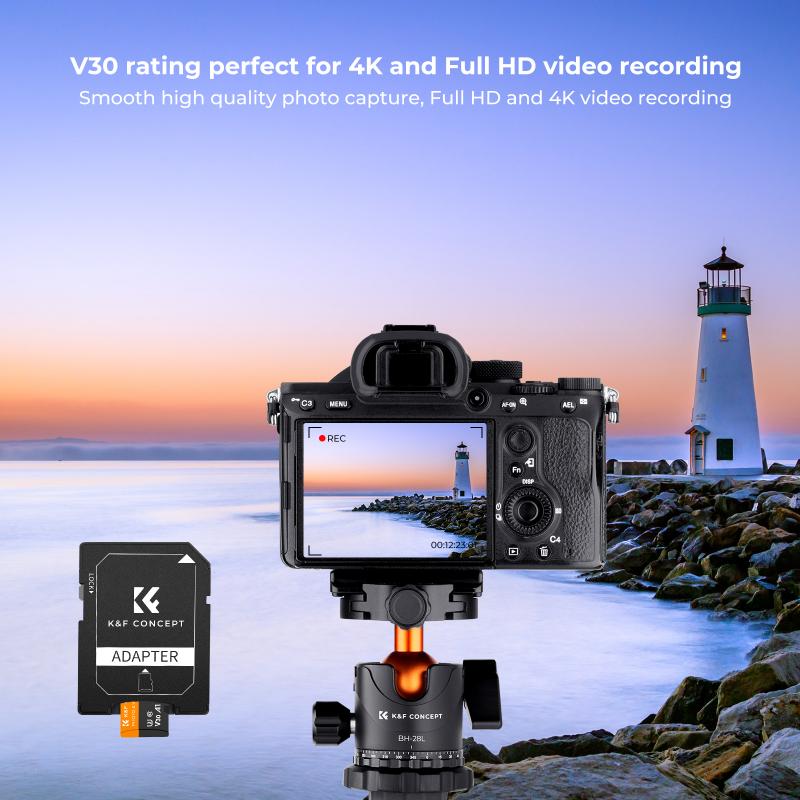
Before diving into the specifics of opening the SD card slot, it's vital to understand the importance of securing an SD card for your Nintendo Switch. The SD card primarily serves to expand the storage capacity of your console, allowing you to store more games, downloadable content (DLCs), screenshots, and videos. Given that the Nintendo Switch's internal storage is just 32 GB, which can be consumed rapidly, an SD card is essential for any serious gamer.

Locating the SD Card Slot
how to open switch sd card slot 2

The SD card slot on the Nintendo Switch is ingeniously hidden to preserve the aesthetic and functional design of the console. You can find it behind the kickstand on the back of the device. The kickstand is a small, removable piece which you can pry open gently. Here's a step-by-step guide on how to locate and open the SD card slot:

1. Turn Off the Console: Always ensure the console is entirely powered down before attempting to insert or remove the SD card. This prevents any potential data corruption.

2. Position the Switch: Lay the console flat on a stable surface. Ensure the screen of the Nintendo Switch is facing downwards for better accessibility.

3. Open the Kickstand: Locate the kickstand at the back of the console. Gently lift it from the bottom until it is fully open. You don’t need to force it; gentle pressure should suffice.

4. Access the SD Card Slot: Beneath the kickstand, you will see a small slot designated for the microSD card. This is where you will insert your SD card to expand your storage.

Inserting the SD Card
how to open switch sd card slot 3

With the SD card slot exposed, the next step involves inserting the SD card correctly.

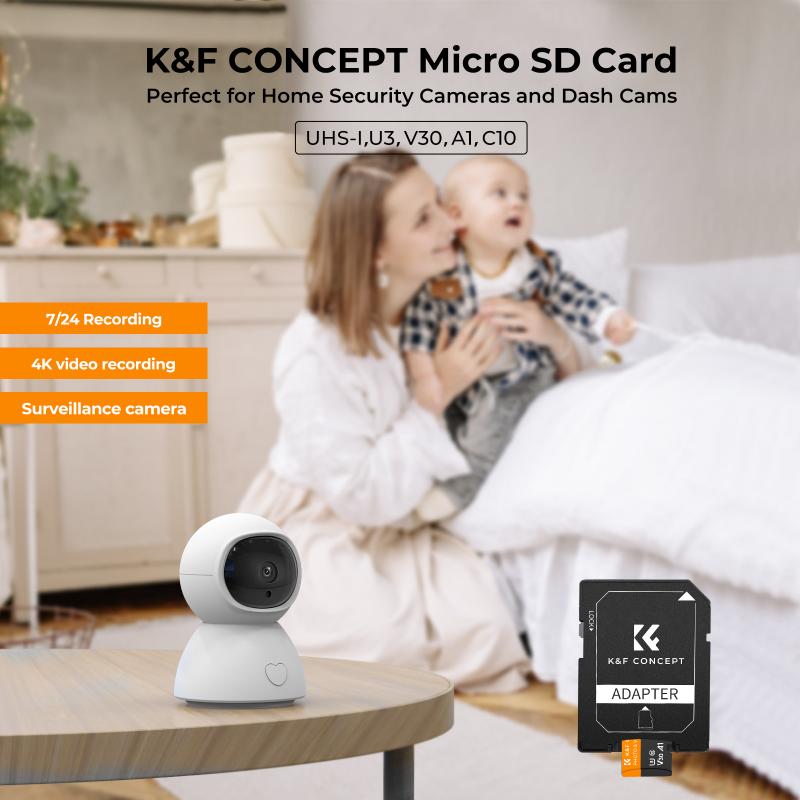
1. Check for Compatibility: Ensure that your SD card is compatible with the Nintendo Switch. The console supports microSD, microSDHC, and microSDXC cards.

2. Insert the Card: With the connector side facing down, gently insert the SD card into the slot until it clicks into place. If it does not go in smoothly, do not force it; make sure it’s aligned correctly and try again.

3. Close the Kickstand: Once in place, carefully close the kickstand to cover the SD card slot.

4. Power On the Console: Turn on the Nintendo Switch and navigate to 'System Settings' > 'System' > 'System Update' to ensure that the console recognizes the new SD card.

Troubleshooting Common Problems
how to open switch sd card slot 4

Several issues might arise and can be easily resolved with a bit of troubleshooting:

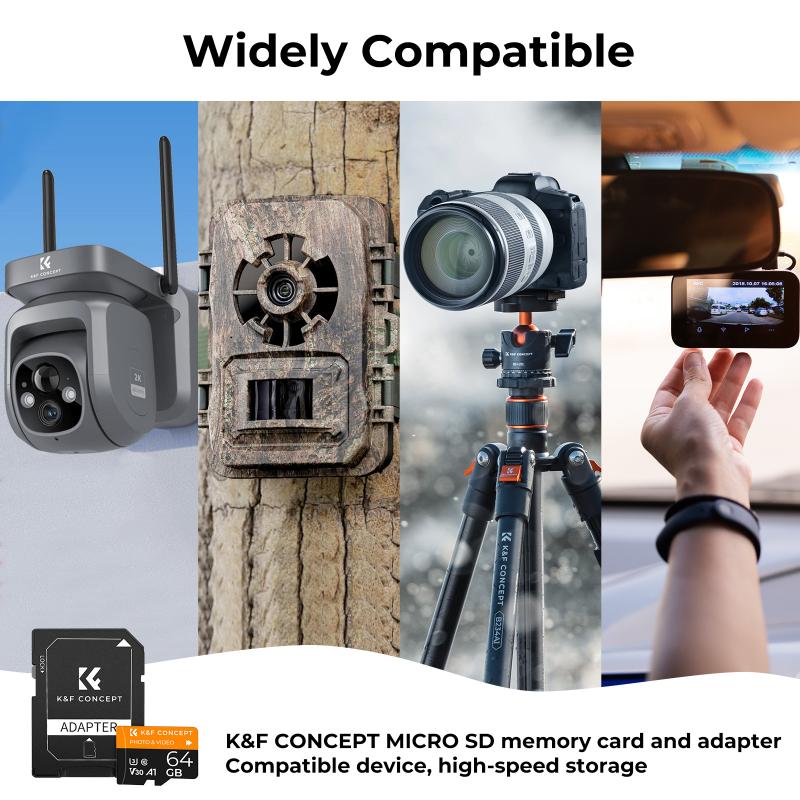
1. SD Card Not Recognized: If the console fails to recognize the SD card, first verify if the card is properly inserted and is compatible. You may need to format the SD card using the Switch’s system settings.

2. Kickstand Issues: If the kickstand is not opening smoothly, check for any obstructions or dirt lodged in the slot. Cleaning it with a soft brush can help.

3. Data Corruption: If data seems to be corrupt, ensure you turn off the console before removing the SD card. From time to time, it’s also advisable to back up your data.

Formatting the SD Card

When an SD card is newly inserted, the Nintendo Switch may prompt you to format it. Formatting is a crucial step to ensure compatibility and optimum performance:

1. Backup Data: Always backup important data if you are using an already-utilized SD card, as formatting will erase everything on it.

2. Navigate to Settings: From the Home menu, go to 'System Settings', then scroll down to 'System'.

3. Select 'Format SD Card': Follow the on-screen instructions, which will lead you through the formatting process.

Best Practices for Using SD Cards

1. Choose a Reliable Card: Invest in a high-quality SD card from reputed manufacturers like SanDisk or Samsung. Performance and durability are crucial.

2. Capacity Considerations: Opt for a high-capacity card such as 128GB or 256GB, keeping future storage needs in mind.

3. Regular Updates: Ensure your console’s system software is constantly updated to avoid compatibility issues.

4. Proper Handling: Always power down the console when inserting or removing the SD card to prevent data corruption.

Using the Nintendo Switch with the SD card

The most significant advantage of using an SD card is the enhanced storage capacity:

1. Installing Games and Updates: Games and updates can consume significant storage. With an SD card, you can ensure seamless installation without worrying about capacity.

2. Saving Screenshots and Videos: The Switch allows you to capture screenshots and video clips of your favorite gaming moments. These can be stored efficiently on an SD card.

3. Transfers and Saves: In situations where you get a new Switch, you can easily transfer game data and backups using the SD card.

Though the task of locating and using the SD card slot on a Nintendo Switch may initially seem trivial, it can be a bit tricky for newcomers. However, with this comprehensive guide, the process should be more approachable. Remember to handle your device and the SD card with care, ensuring your console remains in optimal condition. By following best practices for inserting, formatting, and maintaining your SD card, you can significantly enhance your gaming experience by leveraging expanded storage capabilities. Enjoy your uninterrupted and expanded gaming sessions!


Leave your comment
Cancel reply
Note: HTML is not translated!
Related products
SD Card Reader for iPhone/iPad/Android/Mac/Computer/Camera, 4 in 1 Micro SD Card Reader Tracking Camera Viewer, Portable Memory Card Reader SD Card Adapter Compatible with SD and Micro SD Card/TF Card ( black)
$14.99
K&F Concept 36 Slots SD Micro SD Memory Card Case, Water-Resistant SD Card Holder, Anti-Shock Card Carrying Storage Box for 24 Micro SD SDXC SDHC TF Cards and 12 SD SDXC SDHC Cards
$18.99 $9.99
K&F Concept 28 Slots Micro SD Card Case,Water-Resistant Anti-Shock Anti-Dust TF Card Holder,Micro SD/Micro SDHC/Micro SDXC Card Box Organizer Storage
$18.99 $9.99
128GB MicroDrive Micro SD UHS-I Memory Card
2
$31.99
K&F Concept 24 Slots SD Card Holder Memory Card Case, Water-Resistant Shockproof Memory Card Storage Carrying Case for 12 SD SDXC SDHC Cards, 12 CFexpress Type A Cards
$18.99 $9.99
32GB Micro SD Card U3/V30/A1 with Adapter, Memory Card for Cameras, Borescopes,  Microscopes, Night Vision Goggles, Kentfaith
32GB Micro SD Card U3/V30/A1 with Adapter, Memory Card for Cameras, Borescopes, Microscopes, Night Vision Goggles, Kentfaith
$19.99 $15.99
64GB Micro SD Card U3/V30/A1 with Adapter, Memory Card for Cameras, Borescopes,  Microscopes, Night Vision Goggles, Kentfaith
64GB Micro SD Card U3/V30/A1 with Adapter, Memory Card for Cameras, Borescopes, Microscopes, Night Vision Goggles, Kentfaith
$23.75 $23.73
4K 32MP Hunting Camera, 100° Wide Motion Sensor 0.2s Trigger IP67 Waterproof, 2.31" Display, with 64G SD Card +Card Reader
$114.99
Digital Mini Microscope for Kids, 100x-1000x Handheld Microscope with 32GB SD Card & Battery
32
$92.99 $65.99
Products You May Like
4K Night Vision Binoculars with Magnified 7" Display Backlit Buttons 32G Card Kentfaith
12
$209.99 $139.99
K&F Concept570 II Flash for Canon Nikon with Single-Contact Shoe Mount
32
$51.99
Mini 600 Trail Camera
10
$162.99 $106.99
77mm Blue Streak Filter (2mm) Optical Glass Ultra-clear Waterproof Anti-Scratch Anti-Reflection Green Film Nano-X Series
$81.99 $49.99
Y90 Children's Smart Watch Toys 3-8 Years Old Girls Toddler Watch HD Dual Camera Pink Children's Watch All-in-One 5-12 Years Old Girls Birthday Gifts Educational Toys Children's Christmas Gifts Blue
$49.00 $31.99
60”/1.5m Carbon Fiber Camera Tripod Lightweight Travel Tripod 17.6lbs Load 360° Ball Head for Vlog,Travel & Work DSLR, A225C0+BH-25L
90
$189.99 $109.99
Golf Rangefinder, 900 Yards Hunting Rangefinder with Scan Mode, Rangefinder with Slope, Flag Pole Locking, Vibration, Scan Mode, Track Prey
$116.99
Mini Pocket LED Projector 1080P Full HD Work With TV Stick (US Plug)
2
$57.99
95mm MCUV Protection Filter with 28 Multi-Layer Coatings HD/Hydrophobic/Scratch Resistant/Ultra-Slim UV Filter for 95mm Camera Lens Nano-Xcel Series
79
$69.99 $50.34
49mm True Color Variable ND2-32 (1-5 Stops) ND Lens Filter, Adjustable Neutral Density Filter with 28 Multi-Layer Coatings Nano-Xcel Series
88
$93.99 $74.99
Related articles
How To Open Sd Card Packaging?
How To Open Sd Card On Macbook Pro?
How To Insert Micro Sd Card Switch?
How To Replace Sd Card Reader Switch?
How To Change Sd Card In Switch?
How Much Sd Card For Switch?
How To Store Switch Games On Sd Card?
How To Install Sd Card On Nintendo Switch?
Where To Install Sd Card On Switch?
What Is Monocular Camera?
Blog You May Like
How To Remove Memory Card From Note 8?
What Does Static Sound Like On A Record?
 Which UV Filter is Best?
Which UV Filter is Best?
How To Set Sound Recorder On Computer?
How To Choose Camera Filter Size?
What Is Vr On A Camera Lens?
How To Install Cameras On House?
How To Install Baby Monitor On Wall?
What Colour Is Speed Camera Flash?
How Does A Dash Camera Get Power?
Related categories
camera card memory C mount lens adapter m4/3 adapter On-Dash Camera 67mm Lens Filters
Popular products
portable sd card reader best open ear air conduction headphones 64Gb Micro Sd Memory Card 32gb sd flash memory card 4k sd memory card Full Size Sd Memory Card sd memory card carrying case 64gb memory card micro micro sd card speed sd card reader for mac
Related searches
Micro To Sd Card Adapter Sd Card Cameras Sd Card Recorder Standard Sd Card Internal Sd Card Sd Card Security Cameras Camera Sd Card Holder Micro Sd Card Adapters Canon Sd Card Adapter Sd Card For Cameras
Popular searches
Night Vision Camera Goggles Vivitar Series 1 100-400 Lens Mount 28 70mm Sony Lens Filter Thorlabs Camera Lens Mount Action Camera Wide Angle Lens Screw Mount Lens Adapter Wireless Ring Light Nikon F2 Lens Mount Ef-m To Mft Adapter Pentax F 1.7 Af Adapter
Blog Category
  • Activities
  • Guide
    • Filter Guide
    • Lens Adapter
    • Product Review
  • News & Reviews
    • Camera Reviews
    • Sample Gallery
    • News
  • Tutorials
    • Solar eclipse photography
    • Photography Basics
    • Landscape Photography
  • Inspiration
    • Travel
    • Travel Stories
Search Article
Latest from the Blog
What Is Nd Filter On Video Camera?
Is the Sony A7M5 worth buying?
Which Binoculars To Buy?
What Power Binoculars For Long Distance Viewing?
What Tripod To Buy?
Camera That Can Wifi Photos To Phone?
UV Filter: Everything You Need to Know About UV Protection Lens Filters
How To Put Sd Card In Camera?
What is A Variable ND Filter? The Complete Guide to Mastering Exposure Control
How To Fix The Straps On A Camera?
  • Easy Payment Multilple Payment Options

  • Free Shipping Global WareHouse Shipment

  • No Risk 30-Day No Reason Return

  • Limited Deals Buy More, Save More

  • Tax Free No any surcharges or tax fee

Information
  • About us
  • Contact Us
  • Site Map
  • Blog
  • Video
  • Gallery
  • VIP Membership Rewards
Service
  • Privacy Policy
  • Terms & Conditions
  • Shipping & Delivery
  • Payment Info
  • Warranty, Return & Refund
  • Intellectual Property Rights
  • Ambassador
  • Affiliates
  • Wholesale
Support
  • My account
  • Order History
  • FAQs
  • Extend Warranty
  • Logistics Tracking
Follow us
NewsLetter

Get the latest product, K&F Concept respects your privacy.

Powered By KENTFAITH © 2025