kfconcept

KENTFAITH
K&F Concept    Blog >

Enjoy Your Selected Digital Life

Recently Viewed
  • Recently Viewed
  • Recently Viewed list is empty.

Compare (0) 0
  • Compare
  • You have not chosen any products to compare.

  • Compare
Currency: USD
  • Currency
Shop by Scene Shop by Rank

Log Into Your Account

Account

Order History

Wish List

Login

Forgotten Password?

or connect with

Register Account

Already have an Account?Log In

  • Shopping Cart
  • Your shopping cart is empty!

  • Register/Login to purchase, earn points
  • Favorite
  • Your wish list is empty.

  • Register/Login to like, earn points
  • Activities
  • Guide
    • Filter Guide
    • Lens Adapter
    • Product Review
  • News & Reviews
    • Camera Reviews
    • Sample Gallery
    • News
  • Tutorials
    • Solar eclipse photography
    • Photography Basics
    • Landscape Photography
  • Inspiration
    • Travel
    • Travel Stories
  • Home
  • Blog
  • How Do I Adjust Microphone Sensitivity ?

How Do I Adjust Microphone Sensitivity ?

Kentfaith 2023-05-02 08:28:42 0 Comments
What is microphone sensitivity?
Microphone sensitivity refers to the microphone's ability to capture sound. It is usually measured in decibels (dB) and represents the output level produced by a microphone at a certain sound pressure level (SPL). The higher the sensitivity, the greater the microphone's ability to capture weaker sounds; the lower the sensitivity, the louder the sound is required to produce noticeable output.
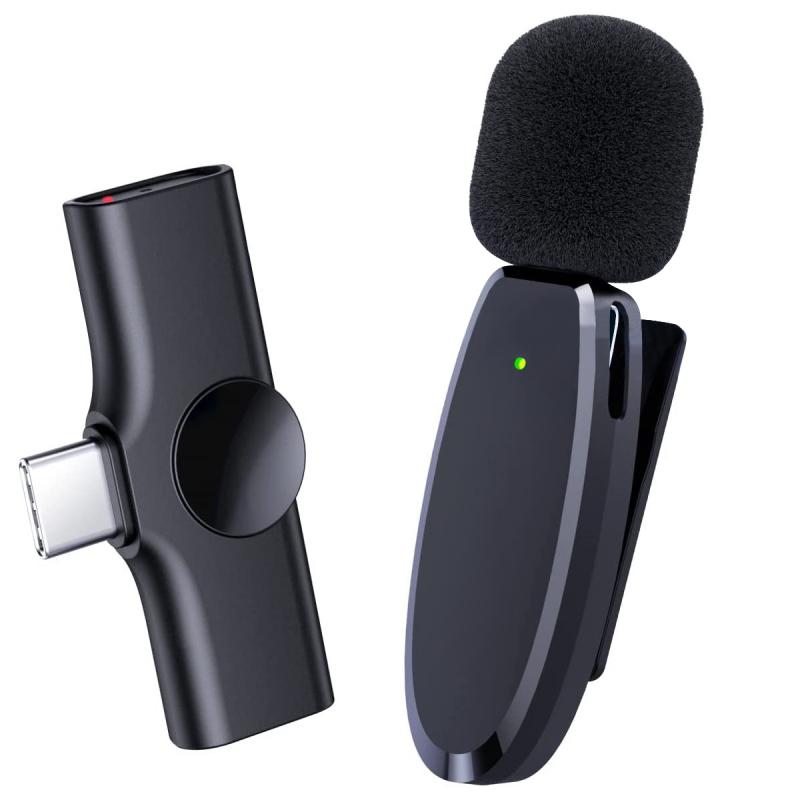
Adjust microphone sensitivity:
1. Computer settings
Windows settings:
Right-click the sound icon in the taskbar and select "Open Sound Settings".
Adjust your input device: Click Device Properties under the Input section and use the slider to increase or decrease the microphone volume.
Advanced Settings: Go into "Additional Device Properties" and under the "Level" tab adjust microphone gain to fine-tune sensitivity.
macOS settings:
Open "System Preferences", click "Sound", and enter the "Input" tab.
Adjust input volume: Select your microphone from the list and use the input volume slider to adjust sensitivity.
2. Mobile devices
iOS settings:
Open the Settings app, go to Privacy and select Microphone.
Application permissions:
Make sure the app you are using has permission to access the microphone. If there are microphone settings options in the app, you can adjust them in the app.
Android settings:
Open the Settings app, go to Apps & Notifications and select the apps you use.
App permissions: Make sure the app has microphone permissions. If there is a microphone sensitivity adjustment option in the app settings, you can adjust it in the app.

Why adjust microphone sensitivity?
Adjusting microphone sensitivity can help you find the balance between capturing the sound you want and minimizing unnecessary noise. This is especially important for a variety of scenarios, such as recording vocals, participating in video conferences, or online streaming. Proper sensitivity settings ensure your voice is clear and free of background noise, improving overall sound quality.
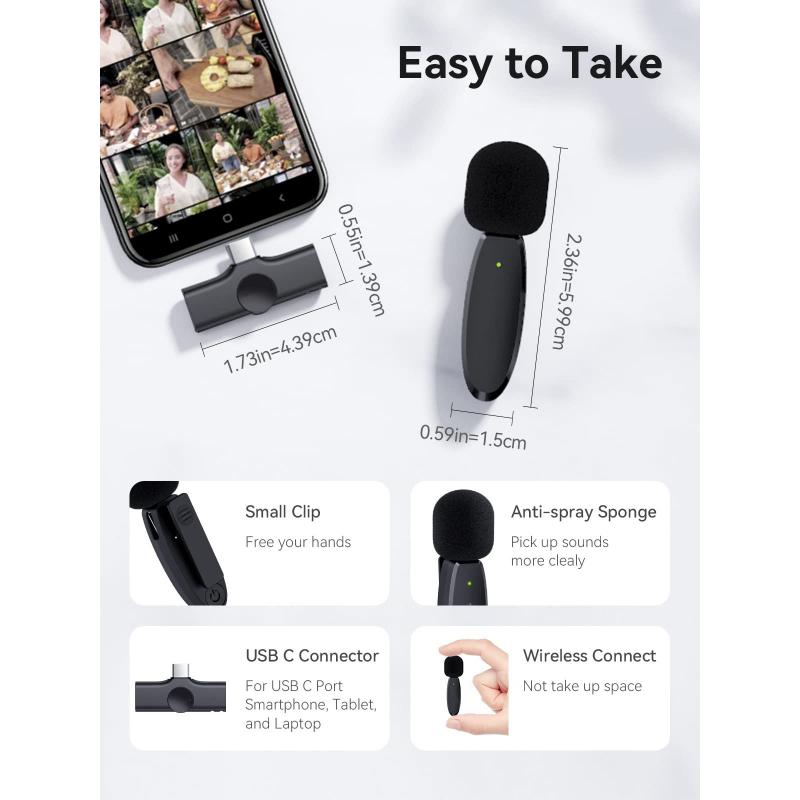
environmental impact
The environment in which the microphone is used has a significant impact on the sensitivity setting. In noisy environments, lower sensitivity settings can help reduce background noise. In contrast, in a quiet recording studio, higher sensitivity can capture the minute details of sound.

Use pop and windshields
Pop filters and windshields are accessories that manage microphone sensitivity and reduce plosives (like "p"s and "b"s) and wind noise. They are especially useful for recording vocals and for outdoor use.

Advances in microphone technology have brought features such as automatic gain control, which dynamically adjusts microphone sensitivity based on input sound levels. Some modern microphones and audio interfaces offer real-time feedback and adjustments through companion apps, making sensitivity settings even more convenient.
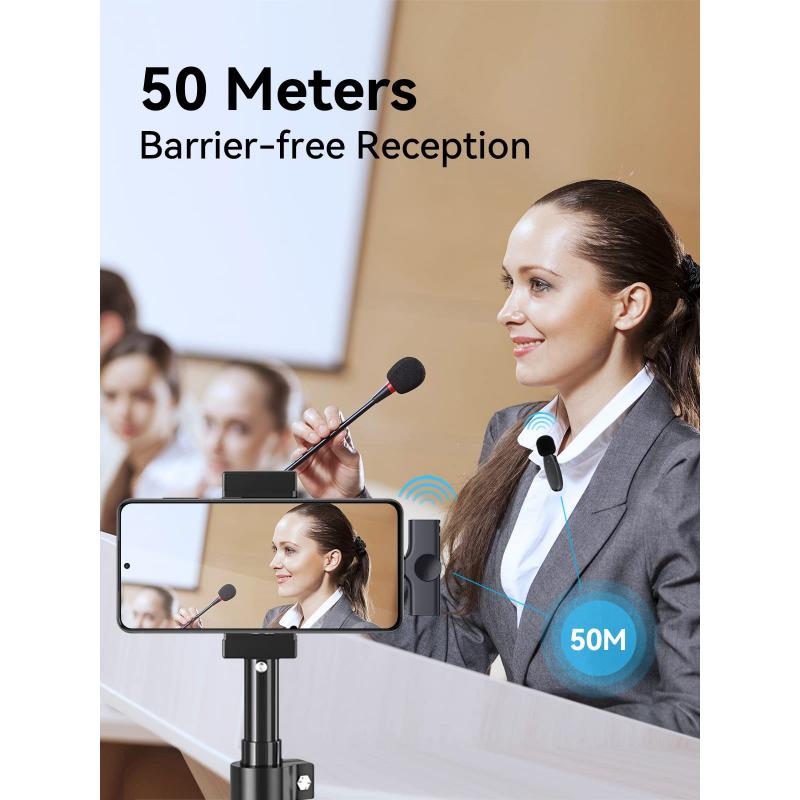
Practical suggestions for different usage scenarios
1. Podcasting and Dubbing
Use a condenser microphone, which has higher sensitivity to capture detailed audio, place the microphone correctly and use a pop filter to reduce plosives, and adjust the gain to ensure clear audio without clipping.
2. Games and streaming media
Dynamic microphones are often preferred due to their lower sensitivity, which can reduce background noise. Use a noise gate to cut off sounds below a certain threshold when quiet to reduce unnecessary noise. Adjust microphone sensitivity in streaming software to obtain Best sound quality.
3. Video conferencing
Make sure the microphone is placed close to your mouth, but not too close to avoid distortion. Use the microphone settings built into your computer or conferencing software to adjust sensitivity. Consider using headphones with a built-in microphone for better control over audio capture.
Troubleshooting common issues
1. Background noise
If there is too much background noise, reduce microphone sensitivity, use noise reduction software or plug-ins to clean up the audio, and move the microphone closer to the sound source to capture more direct sound and reduce ambient noise.
2. Audio distortion
If the audio clips or distorts, lower the gain, check for interference with the automatic gain control settings, and adjust accordingly, making sure the microphone is not placed too close to the sound source.
3. Low volume
If the volume is too low, increase microphone sensitivity or gain, check all connections to make sure the microphone is set up correctly, and use an amplifier or preamp to boost the signal if needed.
Adjusting microphone sensitivity is an important skill for achieving high-quality audio, whether in a professional recording studio or during everyday video calls. By understanding the various factors that affect microphone sensitivity and applying the appropriate adjustments to your situation, you can significantly improve your audio experience. Whether you're a podcast host, a gamer, a content creator, or a remote worker, mastering the art of adjusting your microphone sensitivity will ensure your voice is always clear and loud. Stay up to date on the latest techniques and methods to keep your audio setup in top shape and ready to take on any challenge.
Leave your comment
Cancel reply
Note: HTML is not translated!
Related products
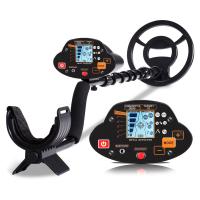
Professional Metal Detector, Gold Detection, High Sensitivity, With Identification Mode, Waterproof
HOT Seller
Professional Metal Detector, Gold Detection, High Sensitivity, With Identification Mode, Waterproof
285
$179.99 $115.99
Metal Detector, 360 ° Scanning, Waterproof, Handheld, High Sensitivity, Supporting Precise Positioning and Searching
HOT Seller
Metal Detector, 360 ° Scanning, Waterproof, Handheld, High Sensitivity, Supporting Precise Positioning and Searching
20
$35.99 $25.99
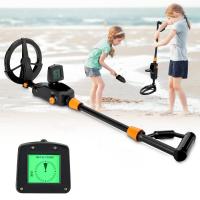
Children’s Entry-Level Metal Detector, High Sensitivity, With LCD Display and Sound Indication, Suitable for Beginners
TOP Best
Children’s Entry-Level Metal Detector, High Sensitivity, With LCD Display and Sound Indication, Suitable for Beginners
144
$64.49 $50.99
Wireless Earbuds Bluetooth Headphones TWS Waterproof with Microphone
66
$31.99
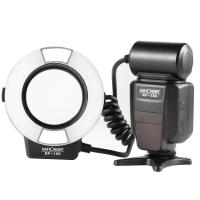
K&F Concept KF-150 I-TTL Macro Ring Light Flashs LCD Display and Wireless Slave Function Speedlite with 6pcs Adapter Rings Compatible with Nikon DSLR Cameras
102
$119.99 $115.99
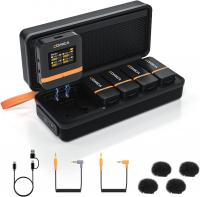
Wireless Lavalier Microphone System with 4 Transmitters and 1 Receiver
$434.99 $304.99
Camera Microphone, Super Cardioid  Shotgun Mic for DSLR Close Interview, Noise Reduction Video Microphone for Canon Nikon Sony Fuji with Windscreen, Compatible with Camera with 3.5mm TRS Plug, Kentfaith
Camera Microphone, Super Cardioid Shotgun Mic for DSLR Close Interview, Noise Reduction Video Microphone for Canon Nikon Sony Fuji with Windscreen, Compatible with Camera with 3.5mm TRS Plug, Kentfaith
11
$62.49 $49.99
TWS Bluetooth Headset With Microphone Sports Ear Hook LED Display Earbuds
HOT Seller
TWS Bluetooth Headset With Microphone Sports Ear Hook LED Display Earbuds
211
$29.99
Saramonic Wireless Lavalier Microphone for Smartphone Camera 492ft Range 20h Battery Life
11
$224.99 $157.99
Camera Video Microphone Kit for YouTube, Vlog Windscreen 3.5mm for Phone and Camera
45
$34.99 $19.99
Products You May Like
Minolta MD MC Mount Lens to Canon EOS R Camera Body Lens Mount Adapter
50
$87.99 $48.99
62mm Blue Streak Filter (2mm)  Anamorphic Lens Effect Filter Optical Glass Ultra-clear Waterproof Anti-Scratch Anti-Reflection Green Film Nano-Klear Series
62mm Blue Streak Filter (2mm) Anamorphic Lens Effect Filter Optical Glass Ultra-clear Waterproof Anti-Scratch Anti-Reflection Green Film Nano-Klear Series
32
$40.49 $26.99
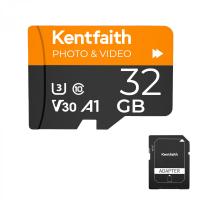
32GB Micro SD Card U3/V30/A1 with Adapter, Memory Card for Cameras, Borescopes,  Microscopes, Night Vision Goggles, Kentfaith
32GB Micro SD Card U3/V30/A1 with Adapter, Memory Card for Cameras, Borescopes, Microscopes, Night Vision Goggles, Kentfaith
$29.99 $19.99
Motion Sensor Trail Camera
10
$162.99 $106.99
77mm UV Lens Filter HD MCUV Ultraviolet 28 Multi-Coated Filters (Nano-Xcel series Toughened Glass)
78
$57.99 $45.99
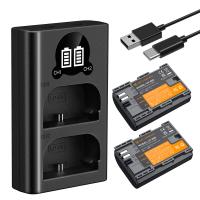
K&F Concept 2400mAh LP-E6P 2-Pack Battery and Dual Slot USB Charger Compatible with EOS R5 Mark II, R5, R62, R6, R7
NEW Arrival
K&F Concept 2400mAh LP-E6P 2-Pack Battery and Dual Slot USB Charger Compatible with EOS R5 Mark II, R5, R62, R6, R7
71
$59.99
77mm CPL Circular Polarizer Magnetic Lens Filter HD Waterproof Scratch-Resistant Anti-Reflection Nano-Xcel Series
56
$76.99 $68.99
4K 48MP WiFi Bluetooth Trail Camera 120° Detection Starlight Night Vision 0.2s Trigger IP66 Waterproof with 64GB SD Card+8 Batteries
90
$162.99 $112.99
Real Time Trail Camera
10
$162.99 $106.99
67mm Variable ND2-400 Filter With Cap, K Pro Fader ND2 to ND400 (9 Stop)
1
$51.99 $33.99
Related articles
Can I Micro Adjust Sony E Mount Lens?
How To Adjust Binoculars?
How To Adjust Tripod?
How To Adjust Nikon Binoculars?
How Do I Choose Binoculars?
How To Adjust Binoculars With Glasses?
How To Adjust Scope For Range?
How Do I Find My Camera?
How Do I Find Hidden Cameras?
Trail Camera You Can View From Your Phone?
Blog You May Like
Pressure In Ear When Wearing Headphones?
How Much Is Bluetooth Earphones?
How To Soften Flash On Camera?
What Type Of Mount Is Nikon D7100?
What Camera Filter To Use For Solar Eclipse?
Uv Filter Camera Why?
What Is Inverted Filter On Camera?
Where To Get Digital Cameras?
How To Repair Cctv Camera No Video?
What is the Best Golf Rangefinder with Slope?
Related categories
streaming video camera Live Ring Light GND filter kit​ hard edge graduated neutral density GND filter​
Popular products
finding gold with a metal detector handheld waterproof metal detector gold detector for jewelry metal detector for beach metal detector best for gold gold detector for jewelry memory card microsd 32gb rf hidden camera detector micro sd memory card 64gb memory micro sd card
Related searches
Quick Adjust Tripod I Touch Smart Watch Sdhc Uhs I Memory Card I Touch 3 Smart Watch Turn I Kit Iphone Lens Adapter Soligor I-s Interchangeable Lens Mount 32gb Microsdhc Uhs I Memory Card Canon 5d Mark I Mount Lens Compatibility Sandisk Ultra 16gb Microsdhc Uhs I Card Sandisk 32gb Ultra Microsdhc Uhs I Class 10
Related Scenes
Best Compact Camera Microphone Best Vlogging Camera Microphone Best Camera Microphone For Vlogging Best Vlogging Camera And Microphone Best Vlogging Camera With Microphone Best Camera And Microphone For Streaming Best Camera And Microphone For Vlogging Best Camera With Microphone For Vlogging Best Binoculars For Low Light Best Quality Trail Camera
Blog Category
  • Activities
  • Guide
    • Filter Guide
    • Lens Adapter
    • Product Review
  • News & Reviews
    • Camera Reviews
    • Sample Gallery
    • News
  • Tutorials
    • Solar eclipse photography
    • Photography Basics
    • Landscape Photography
  • Inspiration
    • Travel
    • Travel Stories
Search Article
Latest from the Blog
Can You Wear A Smartwatch In The Shower?
How To Take Photos Without A Tripod?
Smartwatch That Can Make And Receive Calls?
How To Remove Lens Filter Canon?
Can Trail Cameras Record Video?
How Does A Microphone Record Sound?
How To Adjust Microphone Sensitivity?
What Is The Range Of A Trail Camera?
What Do You Use Your Smartwatch For?
What Blocks A Metal Detector?
  • Easy Payment Multilple Payment Options

  • Free Shipping Global WareHouse Shipment

  • No Risk 30-Day No Reason Return

  • Limited Deals Buy More, Save More

  • Tax Free No any surcharges or tax fee

Information
  • About us
  • Contact Us
  • Site Map
  • Blog
  • Video
  • Gallery
  • VIP Membership Rewards
Service
  • Privacy Policy
  • Terms & Conditions
  • Shipping & Delivery
  • Payment Info
  • Warranty, Return & Refund
  • Intellectual Property Rights
  • Ambassador
  • Affiliates
  • Wholesale
Support
  • My account
  • Order History
  • FAQs
  • Extend Warranty
  • Logistics Tracking
Follow us
NewsLetter

Get the latest product, K&F Concept respects your privacy.

Powered By KENTFAITH © 2026