Can I Take Pictures Without A Memory Card?
Whether you're a budding photographer or an occasional camera enthusiast, the question of whether you can take pictures without a memory card is one that may have crossed your mind. Cameras have evolved significantly in recent years, and with advancements in technology, many users are unsure of how their devices perform under different circumstances. This article will explore whether taking pictures without a memory card is feasible, delving into practical solutions and tips to help you better understand how your camera works and what you can do in such situations.
Understanding the Functionality of Memory Cards
Memory cards have long been the standard for storing digital photos. They not only provide convenient storage for images but also extend the capacity of your camera to hold more data. Without a memory card, most cameras lack the ability to save images, as they rely on external storage to retain the files after they're captured. However, modern cameras may offer alternative methods to capture and view images temporarily without a memory card, which can be useful in scenarios where you’ve forgotten or misplaced your card.
Capturing Photos Without a Memory Card: Is It Possible?
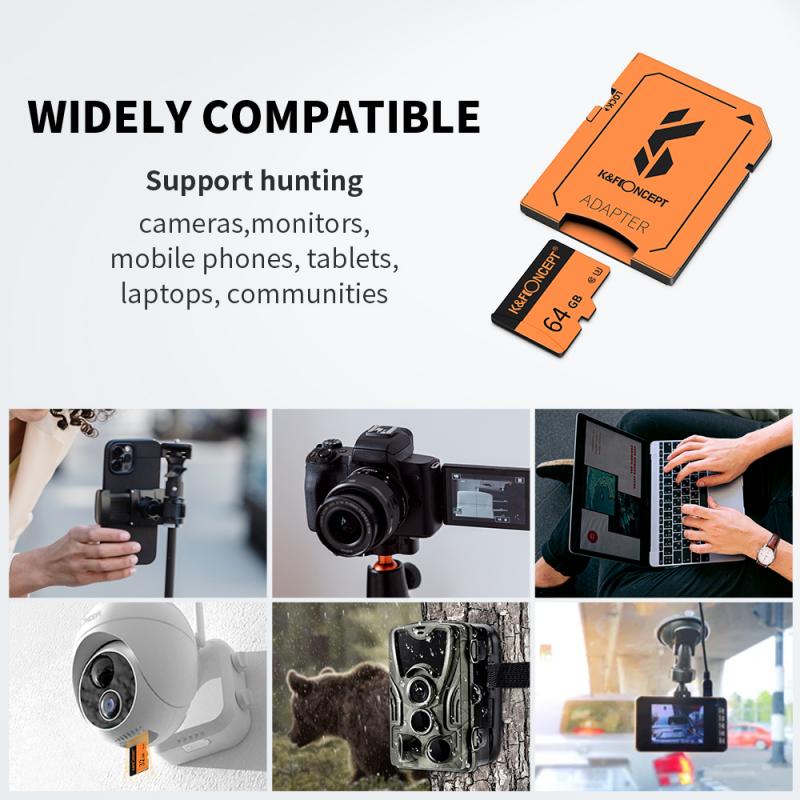
The ability to take pictures without a memory card largely depends on your camera model. Many digital cameras, including DSLRs, mirrorless models, and compact point-and-shoot cameras, require a memory card to store photos. However, newer models often come equipped with features such as internal memory or live preview modes that allow you to interact with the camera even in the absence of a card.
Internal Memory
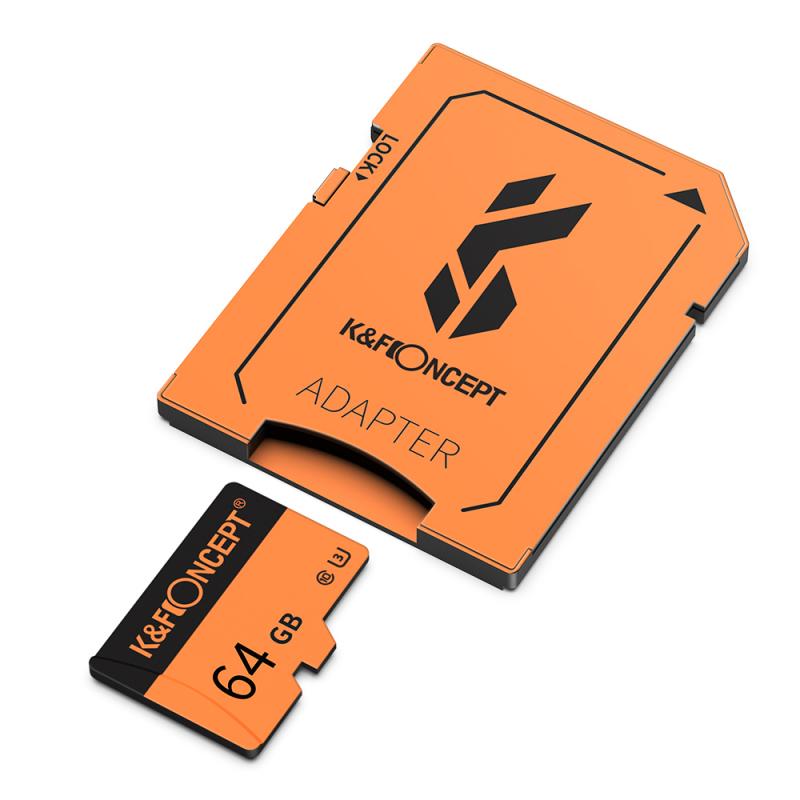
Some cameras are designed with a small amount of built-in storage, known as internal memory. This can serve as an emergency solution when you don’t have a memory card installed. While the internal memory won’t offer the same storage capacity as a dedicated memory card, it may allow you to capture a limited number of images. Check your camera's specifications to determine if it includes internal storage.
The downside of internal memory is that it is usually insufficient for high-resolution image files, such as RAW images. In most cases, cameras can store only a handful of JPEG-format pictures, making this feature impractical for prolonged use.
Live Preview and Tethered Shooting
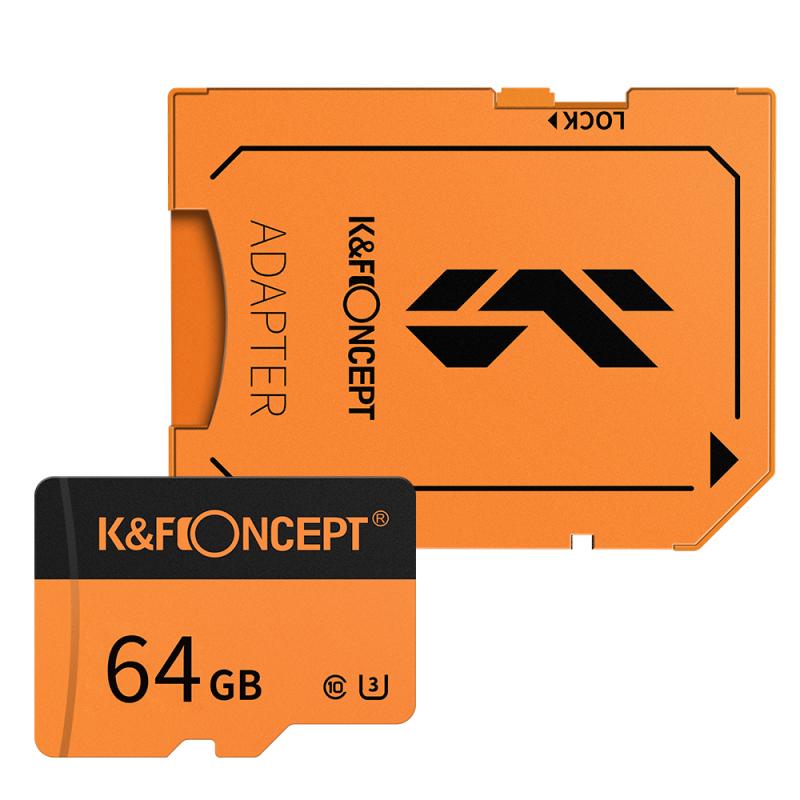
Even without a memory card, some cameras can still function for live preview on their LCD screens or electronic viewfinders. This means you can compose your shot, adjust your settings, and view your subject without having storage available for saving the final image. Essentially, the camera displays the scene in real-time without recording it.
If you're working in a studio or using your camera for tethered shooting, you can often connect the device directly to a computer via a USB cable or use wireless functionality (if supported). In this setup, your camera streams the image data directly to your software or cloud storage, bypassing the need for a memory card entirely. While this requires additional equipment or setup, it’s an excellent option for photographers who want a card-free workflow in controlled environments.
Camera Settings and Error Messages
Bear in mind that many cameras are programmed to block you from taking pictures if a memory card isn’t inserted. Default settings often display an error message like "No memory card" or "Insert memory card" when attempting to capture a shot. This restriction prevents accidental shooting without storage and aims to avoid confusion later. Checking your camera’s user manual to see if there’s an option to override this functionality may be worthwhile.
Practical Workarounds When You’re Without a Card
If you find yourself in a situation where you don’t have a memory card, there are still some practical steps you can take to ensure the best use of your time and equipment.
Borrow or Buy a New Memory Card
When you realize you’re missing your memory card, one of the quickest solutions is to borrow one from someone nearby (assuming it’s compatible with your camera) or purchase a replacement. Memory cards are widely available at camera accessory shops, electronics stores, and even online platforms with expedited delivery options. Carrying an extra card in your camera bag ensures you're always prepared for emergencies.
Use Smartphone Integration
Many modern cameras allow integration with smartphones or tablets via Wi-Fi or Bluetooth connections. In some cases, you can use your smartphone app as external storage, transferring images to your mobile device instead of relying on a memory card. This methodology tends to be slower and less efficient for high-volume photography but may suffice for casual use or small session.
Optimal Settings for Minimal Memory Capacity
If your camera has limited internal memory or you’re shooting tethered, setting your camera to a lower resolution can reduce the size of each image file, allowing you to store or transfer more photos without overloading the available storage space. These settings can often be adjusted within your camera’s menu.
Capturing Without Saving: A Unique Perspective
Another valid reason for using a camera without a memory card might be to experiment with compositions, camera settings, or techniques without the need for storage. Beginners, for example, might practice shooting in manual mode to understand exposure triangles and depth of field adjustments while focusing solely on the live preview display. This approach helps develop skill sets without endlessly capturing and uploading files. However, it’s important to remember that anything you shoot won’t be saved for later viewing.
The Importance of Preparedness
While it’s clear that some workarounds allow for limited functionality without a memory card, they aren’t permanent solutions. The importance of preparedness cannot be overstated, especially if you plan to use your camera for professional shoots or once-in-a-lifetime moments. Always check your equipment before setting out on a project — ensuring your card is inserted, formatted, and has sufficient capacity is good practice.
Additionally, maintaining a set of backup cards and accessories in your photography kit is invaluable. This not only minimizes stress during shoots but also ensures your workflow remains uninterrupted regardless of unexpected issues.
Final Thoughts
To summarize, taking pictures without a memory card is possible in certain circumstances, but it comes with limitations. Depending on your camera model, you may have access to features such as internal memory, tethered shooting, or smartphone integration to manage photos temporarily. For situations that don’t allow image storage, experimenting with the camera’s live preview mode can still provide meaningful insights and skill development.
Ultimately, a memory card remains an essential component of most photography setups, and ensuring you have one (or a backup) is critical for successful photography endeavors. By mastering the functionality of your camera and preparing for all contingencies, you can avoid unnecessary setbacks and focus on capturing the moments that matter the most.