Can Gimbal Be Used As Tripod?
Mounting a gimbal on a tripod is a legitimate and useful filming technique that combines the stability of a tripod with the motor-driven capabilities of a gimbal. Whether you're dealing with tripod vibrations, need hands-free tracking, or want smoother panning, the gimbal-on-tripod setup addresses shooting scenarios that neither tool handles well on its own.
Why Use a Gimbal on a Tripod
There are at least four situations where a gimbal mounted on a tripod proves useful:
- On a bridge that has heavy vehicles or trains driving across it, a gimbal will at least mitigate if not completely subdue tripod tremors that do occur.
- On a vessel, tripods are next to useless on a boat or any ship smaller than a cruise superliner or supertanker. Having a tripod with a gimbal in direction-hold mode mounted on it will definitely help to keep your static frame really static.
- When your tripod is just a tad bit shorter than you need in a given situation, and/or your gimbal is too cumbersome to balance and calibrate.
- When you need to make as smooth a panning shot as you can muster: gimbals, being electronic devices, are naturally more adept at constant-velocity panning than even the most trained cameramen using the best panning heads.
Using a gimbal statically will put less stress on its motors and inherently save some battery compared to regular use when a gimbal always counteracts the slightest motion according to its mode.
What a Tripod for Gimbal Actually Is
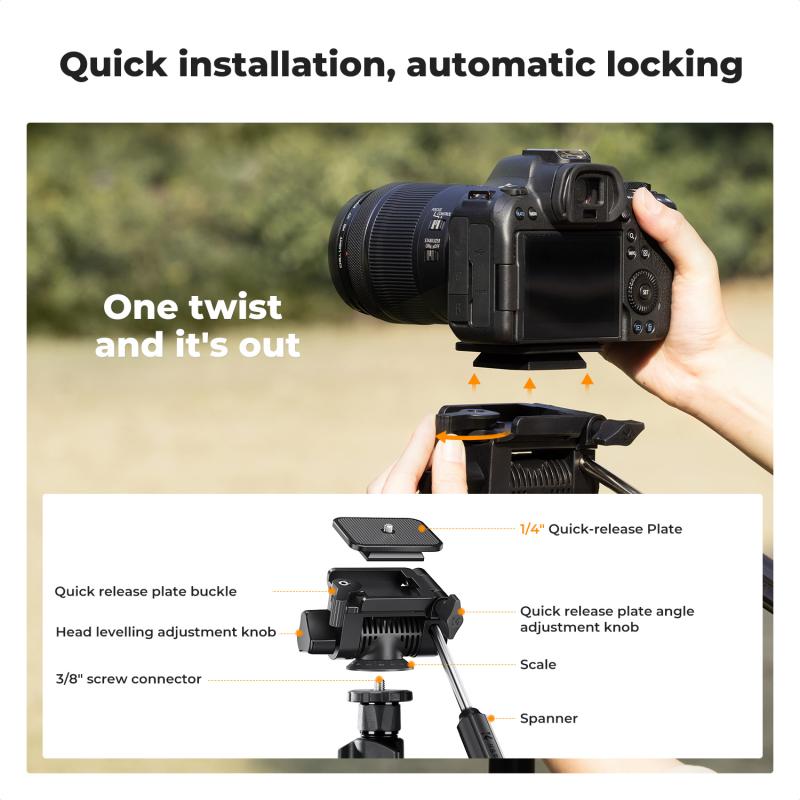
A tripod for a gimbal is any three- or four-legged stand that accepts a standard 1/4"-20 mounting thread — the same universal screw found on the base of nearly every handheld gimbal. When you attach your gimbal to a tripod, you convert it from a handheld stabilizer into a stationary or low-movement filming platform, with the gimbal's motors still active and ready to track. Without a tripod, your gimbal is limited to movement shots. Add one, and the same device doubles as a hands-free automated camera operator.
Tripod for Gimbal vs Standard Camera Tripod
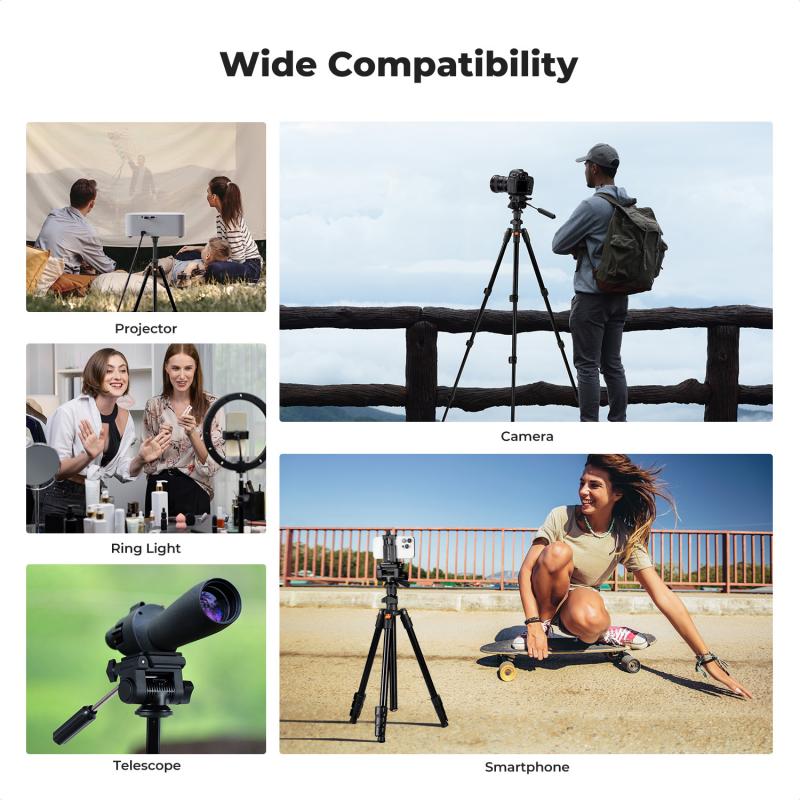
Not every tripod is the right fit for a gimbal setup. Key differences to check before buying:
- Mounting Thread
- Most gimbals use the standard 1/4"-20 mounting thread, which means they'll work with the majority of consumer tripods right out of the box. The only time compatibility can become an issue is with larger professional video tripods that use a 3/8" thread instead. In those cases, you'll simply need a small thread adapter.
- Weight Rating
- Unlike DSLR setups, gimbals are relatively lightweight. Most phone gimbals weigh under 1 kg even with a phone or camera attached, so using a heavy-duty tripod rated for 5–10 kg is usually unnecessary. A tripod with a 1.5–3 kg load capacity is typically more than enough while staying lighter, smaller, and easier to travel with.
- Foldability and Travel Size
- One of the biggest advantages of a handheld gimbal is portability, so it makes sense to pair it with a tripod that's just as easy to carry around. Compact tripods that fold down to under 40 cm and weigh less than 400 g are ideal for travel and everyday shooting.
Types of Tripods That Pair with a Gimbal
Not all tripods serve the same purpose in a gimbal workflow. Here's how the main form factors break down:
- Mini / Tabletop Tripod — Typically 10–20 cm tall when opened, it gives you a stable base for desk setups, low-angle b-roll, and group selfies. It's not designed for standing head-height shots, but for static and AI-tracking applications at table or floor level, nothing beats its simplicity and pocketability.
- Extendable Gimbal Tripod (Selfie-Stick Hybrid) — The most versatile option for most gimbal users. Some models extend from a compact tripod base into a selfie stick up to 58 cm long, giving you multiple configurations in one. Use it collapsed as a stable desk stand, extended for overhead or elevated angles, or locked with legs out for mid-height AI tracking shots.
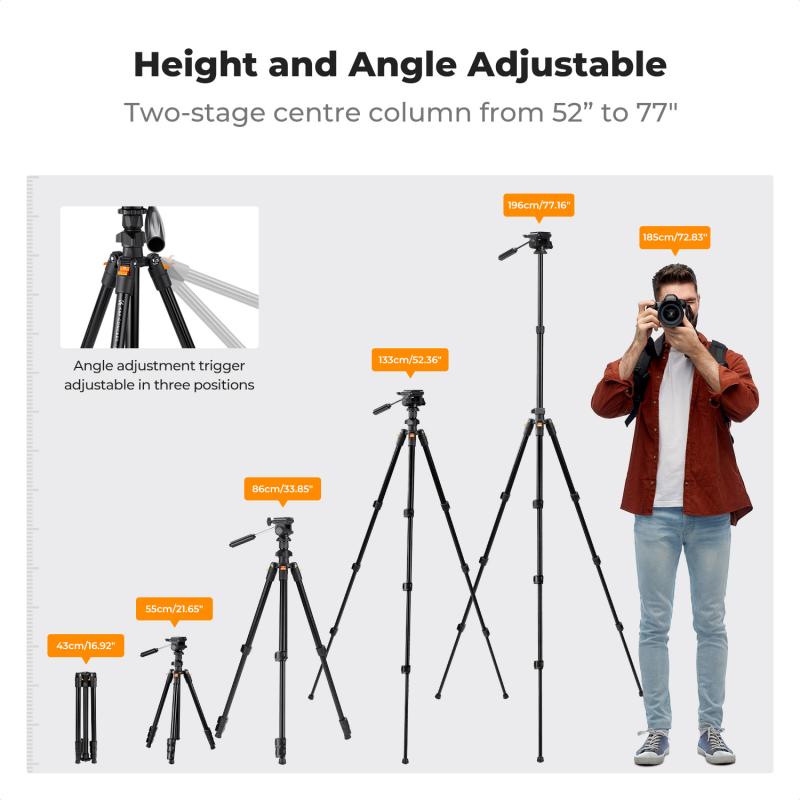
- Full-Height Travel Tripod — For talking-head content where eye-level framing matters, a travel tripod in the 60–150 cm range is the right tool. These are compact enough to fit in a carry-on, sturdy enough to hold a loaded gimbal steady, and tall enough to get the camera to standing eye height. Look for models with ball-head mounts that accept the 1/4"-20 thread.
- Vertical-Mode Tripod — TikTok, Reels, and YouTube Shorts creators who shoot in portrait orientation need a tripod that supports vertical framing without improvised workarounds. If your content is primarily vertical-first, verify the tripod you choose accommodates a gimbal in portrait mode before buying.
- Gorilla-Style Flexible Tripod — Flexible tripods are useful when you're shooting outdoors or working in spaces without a flat surface nearby. Their bendable legs can wrap around poles, railings, or uneven objects to help secure your setup. They're not meant to replace a standard tripod, but they can be a handy secondary option for travel or outdoor filming.
Using a Gimbal Head on a Tripod for Video Panning
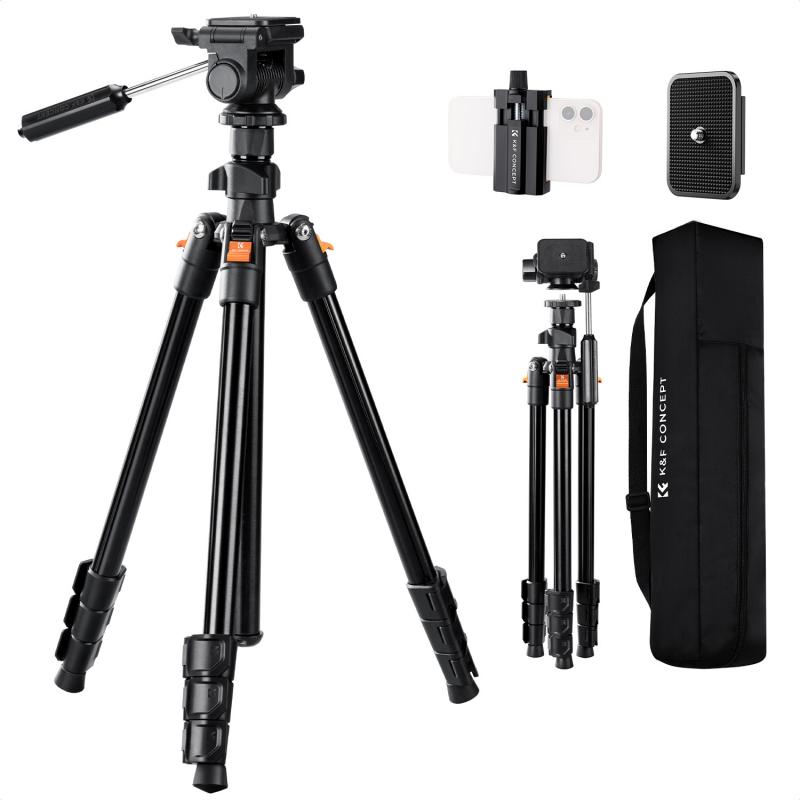
Some videographers specifically mount a mechanical gimbal head — such as a Wimberley WH-200 — on a tripod for video panning, with mixed results. Sometimes you get decent footage panning and tilting, but it is very hard to do so consistently with a gimbal head compared to even an inexpensive fluid head. A trick to try is use of a rubber band hooked on the gimbal or other movable camera mount with the other end of the rubber band around a finger of the hand used to move the camera during panning — it acts as a kind of shock absorber for smoothing out small jiggles during movement.
One user also noted using a Weebill 2 gimbal stabilizer on a tripod for video panning, with the Weebill programmed to pan between different points. The gimbal can produce perfectly smooth and repeatable tapered deceleration at the end of a quick pan — something difficult to replicate manually with any head type.
An alternative approach involves using a monopod with a gimbal rather than a full tripod. Using a monopod with a gimbal from time to time can be worth it for longer shots, and when you need to pick it up and go, you simply release it via a quick release system.
Filming Setups Where a Tripod and Gimbal Combo Works
- Solo vlogger talking-head with AI tracking — Set the gimbal on a full-height tripod, enable AI subject tracking, and start your video. The gimbal's motors follow you as you move, keeping you in frame without an operator. Result: smooth, tracked footage without paying for an extra crew member.
- Time-lapse / hyperlapse — Mount the gimbal on a mini or extendable tripod, lock all three axes, and let the camera capture a slow scene change over minutes or hours. The gimbal keeps the frame perfectly still while the world moves around it.
- Live stream desk setup — Place the mini tripod on your desk and point the gimbal-mounted phone at your seating position. The gimbal handles any minor camera movement or vibration, giving your stream a cleaner, more professional image than a standard phone mount.
- Group photos with remote shutter — Set up the gimbal on a tripod, frame the group shot, and trigger the shutter with an app or a Bluetooth remote. Everyone's in the shot, the frame is locked, and you're not running back and forth to the camera.
- Low-angle b-roll — Place the mini tripod on the ground and shoot upward. The gimbal's tilt range lets you dial in angles that a fixed tripod mount can't achieve without custom rigging. This setup is particularly effective for dynamic product shots or environmental establishing footage.
Height Considerations and Practical Limits
There's no hard limit on tripod height for a gimbal setup, but most gimbal-plus-tripod setups are used at table height (15–30 cm) or eye level (150–170 cm). Anything taller introduces stability concerns. If you need overhead shots, a boom arm is a more stable solution than extending a tripod to its maximum reach. For seated or desk-level AI tracking, a mini tripod is sufficient. For full-body tracking where you need the camera at standing eye height, a mini tripod won't cut it — use an extendable tripod or a full travel tripod for that scenario.