Apeman Action Camera 4k How Many Fps?
Understanding the Frame Rate Capabilities of the Apeman Action Camera 4K
Action cameras have become an essential tool for adventurers, vloggers, and content creators who want to capture high-quality footage in a compact and portable device. Among the many options available in the market, the Apeman Action Camera 4K stands out as a budget-friendly yet feature-rich choice. One of the most common questions users have about this camera is: "How many frames per second (fps) can it record in 4K resolution?" This article will explore the frame rate capabilities of the Apeman Action Camera 4K, explain the significance of fps in video recording, and provide practical advice for users to make the most of their device.
What is FPS and Why Does It Matter?
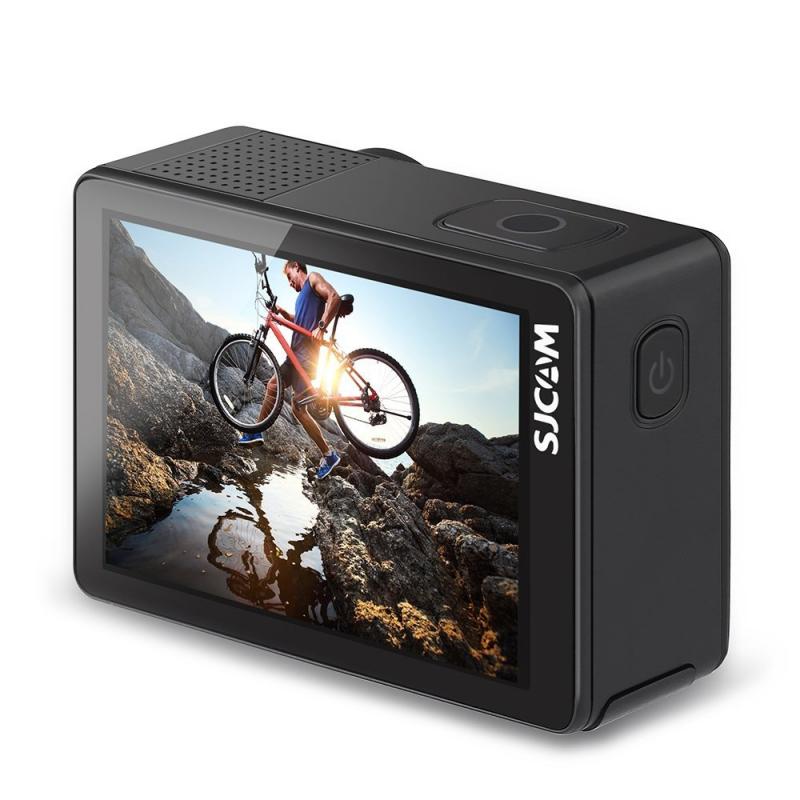
Before diving into the specifics of the Apeman Action Camera, it’s important to understand what fps means and why it’s a critical factor in video recording. FPS stands for "frames per second," which refers to the number of individual frames or images captured in one second of video. The higher the fps, the smoother the motion appears in the video. For example:
- 24 fps: Commonly used in cinema for a "film-like" look.
- 30 fps: Standard for most TV broadcasts and online videos.
- 60 fps: Provides smoother motion, ideal for sports or fast-moving subjects.
- 120 fps or higher: Used for slow-motion effects, as the footage can be slowed down without losing quality.
The fps you choose depends on the type of content you’re creating and the level of detail you want to capture. For action-packed scenes, higher fps is often preferred to ensure smooth playback.
Frame Rate Options in the Apeman Action Camera 4K
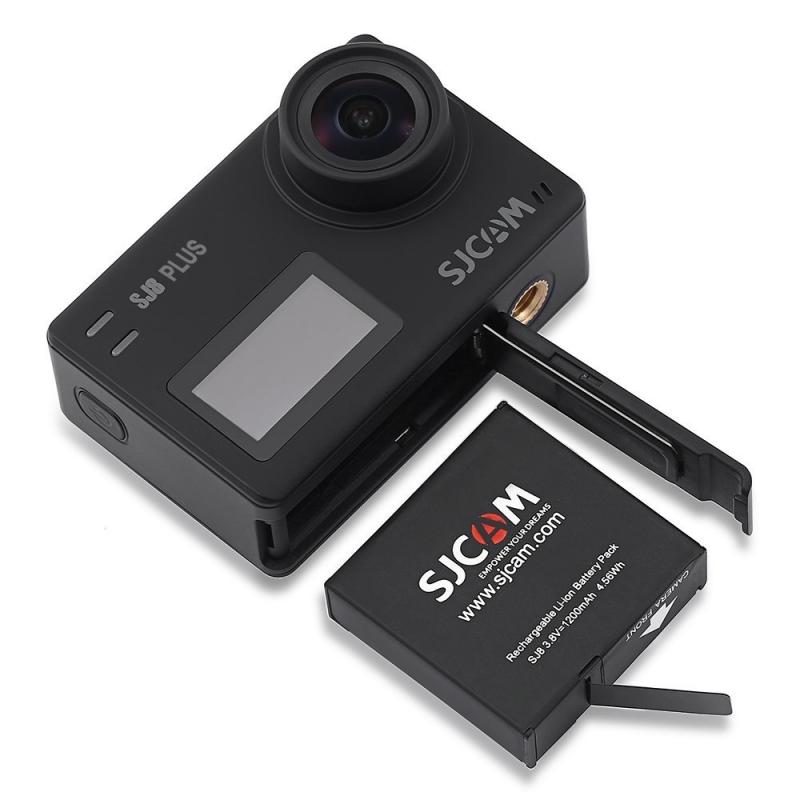
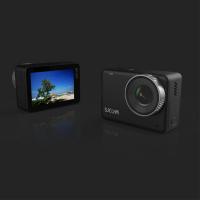
The Apeman Action Camera 4K is designed to cater to a wide range of users, from casual hobbyists to more serious content creators. While it offers 4K resolution, the fps options available at this resolution are typically limited compared to lower resolutions. Based on the specifications of most Apeman 4K models, here are the frame rate options you can expect:
- 4K Resolution: The camera can record at 30 fps in 4K. This is a standard frame rate for high-resolution video and is suitable for capturing detailed footage with a cinematic feel.
- 2.7K Resolution: At this resolution, the camera may offer 30 fps, providing a balance between resolution and smooth motion.
- 1080p (Full HD) Resolution: The camera can record at 60 fps or even 120 fps, making it ideal for fast-moving subjects or creating slow-motion effects.
- 720p (HD) Resolution: Some models support up to 240 fps at this resolution, which is excellent for ultra-slow-motion videos.
It’s worth noting that the specific frame rate options may vary slightly depending on the exact model of the Apeman Action Camera you own. Always refer to the user manual or product specifications for precise details.
Practical Applications of Different Frame Rates
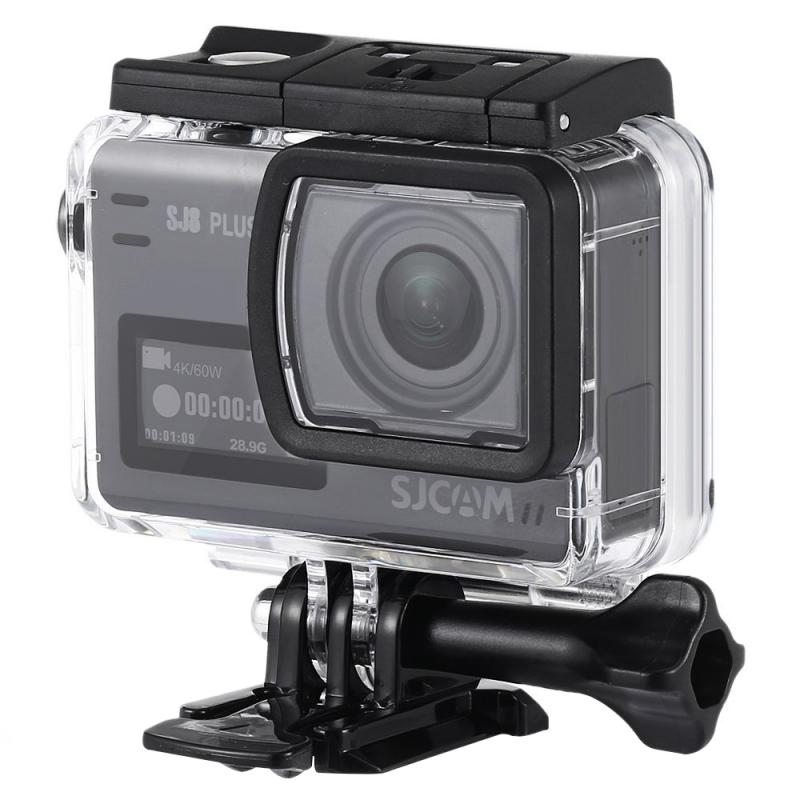
Understanding the frame rate options is only half the battle; knowing when to use each setting is equally important. Here are some practical scenarios where different fps settings can be used effectively:
1. 4K at 30 fps: This setting is ideal for capturing high-resolution footage of landscapes, travel vlogs, or any scenario where detail is more important than motion smoothness. For example, if you’re filming a scenic mountain hike, 4K at 30 fps will provide stunning clarity.
2. 1080p at 60 fps: Use this setting for sports, action shots, or any fast-moving scenes where you want smoother motion. For instance, if you’re recording a bike race or a surfing session, 1080p at 60 fps will ensure the footage looks fluid and professional.
3. 1080p at 120 fps or 720p at 240 fps: These settings are perfect for creating slow-motion videos. If you’re filming a skateboard trick or a splash in a swimming pool, the higher fps will allow you to slow down the footage without losing quality, adding a dramatic effect to your video.
4. Lower Resolutions for Extended Recording: If you’re running low on storage space or battery life, consider using a lower resolution and fps. For example, 720p at 30 fps can still produce decent-quality footage while conserving resources.
Tips for Optimizing Your Apeman Action Camera 4K
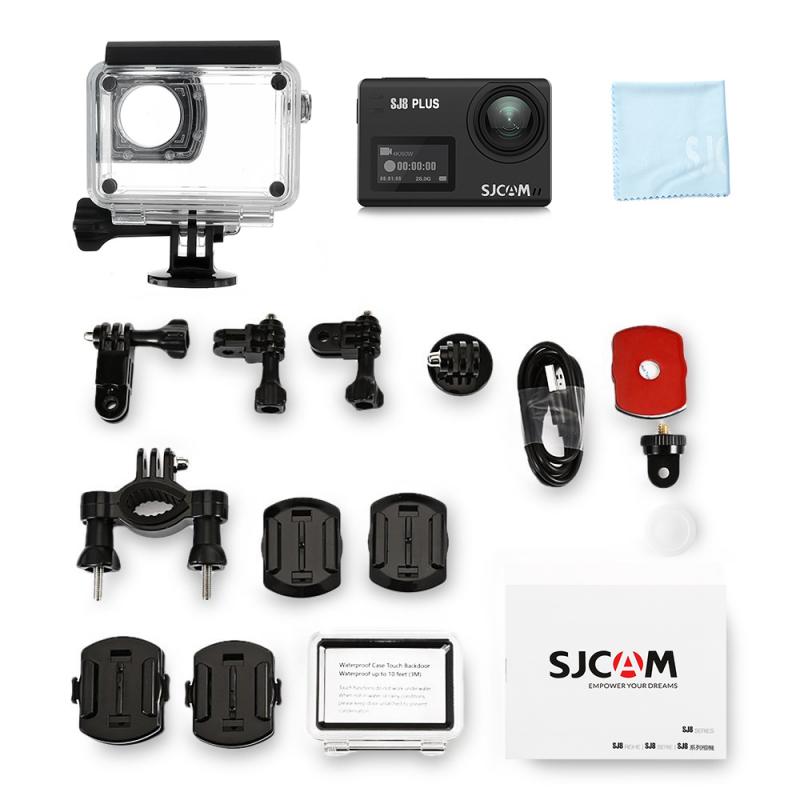
To get the best results from your Apeman Action Camera, follow these tips:
1. Choose the Right Resolution and FPS for Your Needs: Higher resolutions and fps settings consume more storage and battery life. If you’re filming a long event, consider using a lower resolution or fps to extend recording time.
2. Use a High-Quality MicroSD Card: Recording in 4K at 30 fps requires a microSD card with a fast write speed. Look for cards labeled as UHS-I U3 or V30 to ensure smooth recording without dropped frames.
3. Stabilize Your Camera: While the Apeman Action Camera includes electronic image stabilization (EIS), using a gimbal or tripod can further enhance the stability of your footage, especially at higher resolutions.
4. Experiment with Settings: Don’t be afraid to try different combinations of resolution and fps to see what works best for your specific project. Practice makes perfect, and experimenting will help you understand the strengths and limitations of your camera.
5. Keep Firmware Updated: Check for firmware updates regularly to ensure your camera is running the latest software. Updates can improve performance, add new features, and fix bugs.
6. Plan for Post-Production: If you plan to edit your footage, consider how the resolution and fps will affect your workflow. Higher resolutions require more processing power, so ensure your computer and editing software can handle the files.
The Apeman Action Camera 4K is a versatile and affordable option for capturing high-quality video. With the ability to record 4K footage at 30 fps, it’s well-suited for a variety of applications, from travel vlogs to cinematic projects. By understanding the frame rate options and how to use them effectively, you can unlock the full potential of your camera and create stunning videos that stand out.
Whether you’re a beginner or an experienced videographer, the key to success lies in experimenting with different settings, planning your shots, and optimizing your workflow. With a little practice, your Apeman Action Camera 4K can become a powerful tool for bringing your creative vision to life.