kfconcept

KENTFAITH
K&F Concept    Blog >

Enjoy Your Selected Digital Life

Recently Viewed
  • Recently Viewed
  • Recently Viewed list is empty.

Compare (0) 0
  • Compare
  • You have not chosen any products to compare.

  • Compare
Currency: USD
  • Currency
Shop by Scene Shop by Rank

Log Into Your Account

Account

Order History

Wish List

Login

Forgotten Password?

Or connect with

Register Account

Already have an Account?Log In

  • Shopping Cart
  • Your shopping cart is empty!

  • Register/Login to purchase, earn points
  • Favorite
  • Your wish list is empty.

  • Register/Login to like, earn points
  • Activities
  • Guide
    • Filter Guide
    • Lens Adapter
    • Product Review
  • News & Reviews
    • Camera Reviews
    • Sample Gallery
    • News
  • Tutorials
    • Solar eclipse photography
    • Photography Basics
    • Landscape Photography
  • Inspiration
    • Travel
    • Travel Stories
  • Home
  • Blog
  • How To Restart Canon Camera Lens Error ?

How To Restart Canon Camera Lens Error ?

Kentfaith 2023-06-21 00:44:44 0 Comments

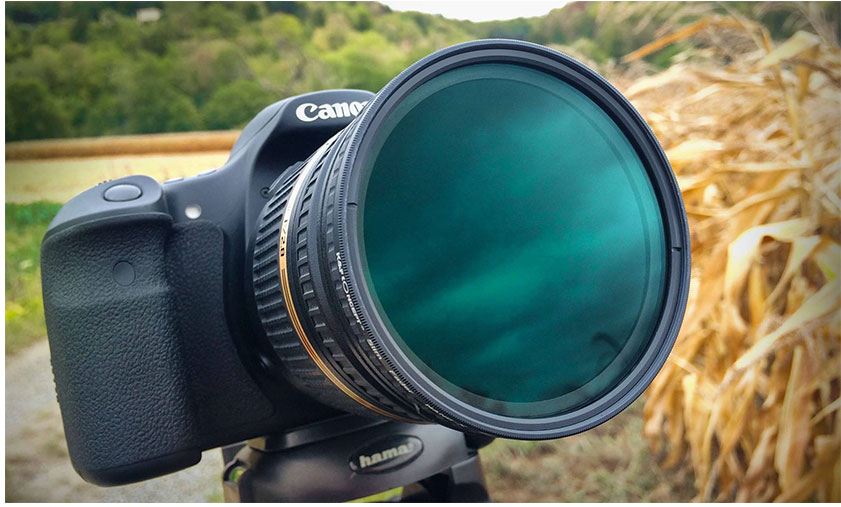
It’s so annoying that your Canon camera lenses encounter various errors that prevent the lens from working properly when you are going to take a shoot for a beautiful scene, which not only affects the shooting experience but also may cause you to miss valuable shooting moments. Now, let me explain in detail how to reboot and repair an error-prone Canon camera lens, including identifying the type of error and symptoms, basic troubleshooting methods, advanced repair techniques, as well as preventive measures, and maintenance recommendations.

Identifying Error Types and Symptoms

To effectively fix Canon camera lens problems, you first need to accurately identify the error types and symptoms. Here are some common error types and their symptoms:

Lens won't retract: This is one of the most common problems and usually occurs when there is a malfunction in the lens motor or mechanical part. Symptoms include the lens getting stuck or not being able to fully retract.

Lens fails to focus: Focusing problems can be due to an error in the autofocus system or a faulty focus motor inside the lens. Symptoms include the lens not being able to focus automatically or focusing abnormally slowly.

Lens communication error: A communication failure between the camera and the lens usually results in an error code being displayed on the camera screen. Symptoms include the inability to take pictures or the camera displaying a "lens error" message.

Foreign objects stuck in the lens: Dust, sand, or other foreign objects may get inside the lens and prevent it from functioning properly. Symptoms include abnormal noise or jams when the lens is operating.

Reboot and Basic Troubleshooting

After identifying a lens problem, you can try the following basic reboot and troubleshooting methods:

Turn off and reboot the camera: This is the simplest solution and applies to many temporary errors. Switch off the camera, wait a few seconds, and then reboot to check if the problem is resolved.

Remove and reinstall the lens: Sometimes the connection between the lens and the camera may be loose. Switch off the camera, remove the lens, clean the lens contact points, then reinstall the lens and switch on the camera.

Replace the batteries: A low battery may cause the camera and lens to not function properly. Try restarting the camera with a fully charged spare battery.

Reset camera settings: Errors in the camera settings may cause the lens to not work properly. Go to the camera menu and select the "Reset All Settings" option to restore the camera's factory settings.

Check for firmware updates: Canon regularly releases firmware updates to fix known issues and improve performance. Visit Canon's official website to download and install the latest firmware update.

Advanced Fixing Tips
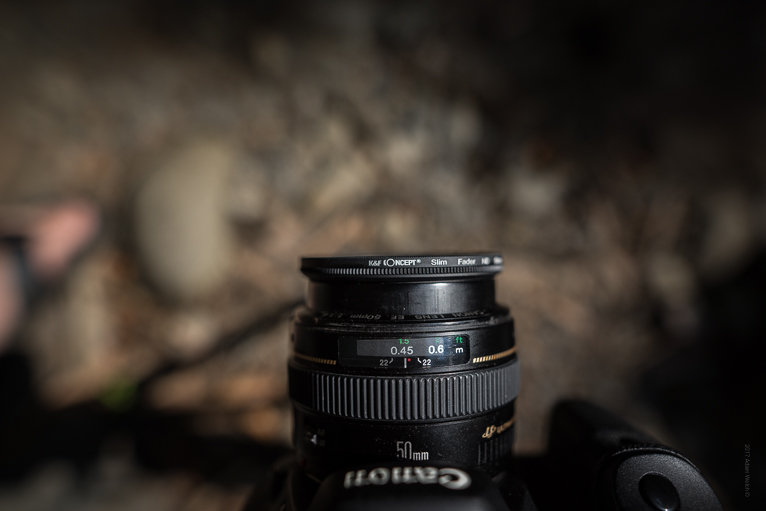


If the basic methods do not solve the problem, you can try the following advanced fixing techniques:

Clean the inside of the lens: Use a professional camera cleaning tool to gently clean the inside of the lens of dust and foreign objects. Make sure to keep the inside of the lens in a dry and dust-free environment during the cleaning process.

Manual Focus Test: Switch to manual focus mode and try to adjust the focus manually. If manual focus works properly, the problem may be with the autofocus system.

Check the lens motor: Listen for abnormal noise in the lens. If there is, the lens motor may be damaged. It is recommended to send the lens to a professional repair center for overhaul.

Check the lens contact points: The contact points between the lens and the camera may be oxidized or damaged. Use anhydrous alcohol and a cotton swab to gently wipe the contact points to ensure good contact.

Test with a spare lens: Replace a spare lens and check if the camera works properly. If the camera and the spare lens work properly, the problem may be with the original lens.

Preventive Measures and Maintenance Recommendations

To avoid lens errors, daily prevention and maintenance are very important:

Keep the lens clean: Clean the surface and inside of the lens regularly to avoid dust and foreign objects from entering. Use a professional camera cleaning kit for cleaning.

Avoid moisture in the lens: Humid environments may cause rust or mold inside the lens. Use a desiccant to keep the inside of your camera bag dry and avoid using your camera for long periods in humid environments.

Store your lens correctly: Use a shock-proof, dust-proof camera bag to store your lens and avoid external impacts and contamination.

Regular maintenance: Send your lens to a professional repair center for regular inspection and maintenance to ensure that the lens is always in the best condition.

Avoid Frequent Lens Replacement: Frequent replacement of lenses may lead to wear and tear or damage to the contact points. Minimise unnecessary lens replacement to protect the contact points.

Conclusion

Mastering the skills of rebooting and repairing Canon camera lenses, so that they can quickly solve the problem when encountering lens problems and restore the shooting function. Daily prevention and maintenance are also important skills for you to reduce effectively the occurrence of lens errors.
Leave your comment
Cancel reply
Note: HTML is not translated!
Related products
Canon EOS Lens to Canon EOS R Camera Body Lens Mount Adapter
49
$55.99 $31.99
Canon FD FL Lens to Canon EOS R Camera Body Lens Mount Adapter
49
$87.99 $49.99
Nikon G Lens to Canon EOS R Camera Body Lens Mount Adapter
49
$100.99 $56.99
NIK DSLR Lens to Canon EOS R Camera Body Lens Mount Adapter
50
$66.99 $39.99
Pentax PK Lens to Canon EOS R Camera Body Lens Mount Adapter
50
$58.99 $43.99
Olympus OM Lens to Canon EOS R Camera Body Lens Mount Adapter
49
$87.99 $45.99
Leica M Mount Lens to Canon EOS R Camera Body Lens Mount Adapter
50
$87.99 $49.99
Leica M39 Mount Lens to Canon EOS R Camera Body Lens Mount Adapter
49
$55.99 $31.99
Canon EOS EF Mount Lens to Leica M Lens Camera Body Lens Mount Adapter
31
$45.99 $35.99
Lens Mount Adapter FD to NEX Copper Adapter Compatible with Canon FD FL Lens to NEX E-Mount Camera
151
$56.99 $29.99
Products You May Like
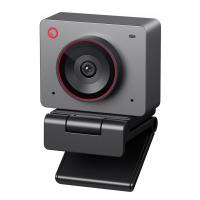
OBSBOT 4K 60 FPS Webcam for PC with 1/2" Sensor AI Framing & Autofocus Dual Mics Beauty Mode
NEW Arrival
OBSBOT 4K 60 FPS Webcam for PC with 1/2" Sensor AI Framing & Autofocus Dual Mics Beauty Mode
$174.99 $139.99
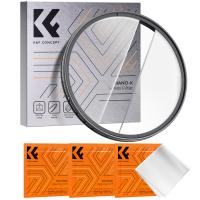
58mm Centerfield Split Diopter Filter Special Effect Camera Lens Filter Nano-B Series
16
$31.99 $24.99
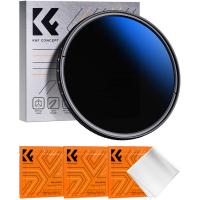
67mm ND2-ND2000 Filter (1-11 Stops) with 3 Vacuum Cleaning Cloths Nano-Klear Series
56
$44.99 $35.99
Metal detector, high-precision, with LCD display screen, suitable for detecting treasures, 7.5 inch waterproof detection disk
$104.99 $83.99
Wireless Solar Trail Camera
10
$162.99 $106.99
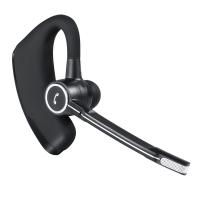
V8S Stereo Wireless Business Intelligence Noise Reduction Bluetooth Headset for Business/Office/Driving
33
$16.99
【$59.99 Flash Deal One order per customer】Selfie Ring Light ,11 inch(28 cm) Ring Light with 78.7 inch (200cm) Tripod and Phone Holders, 3 Color Modes, Bluetooth Remote Control Photography Lighting (Only Ship to US)
55
$125.99
AT-G20G Kids Camera Waterproof 1080P HD Action Camera for Birthday Holiday Gift Camera Toy 2.0'' LCD Screen (pink)
79
$29.99
Portable Camera, Built-in 32GB Memory Card, 1080P Wearable Portable Security Camera, Pocket Clip-on Infrared Dash Cam with Night Vision for Home, Outdoor, Law Enforcement, Guard
10
$36.99
Minolta MD Lenses to Fuji GFX Mount Camera Lens Adapter K&F Concept M15211 Lens Adapter
10
$81.99 $42.99
Related articles
How To Clean Camera Lens Canon?
Can Canon Lens Fit On Nikon Camera?
How To Fix Memory Card Error On Camera?
Can You Use Nikon Lens With Canon Camera?
What Is Canon Rf Lens Mount?
Can I Mount Canon Lens On Nikon?
How To Change Canon Camera Wifi Password?
How To Fix Strap On Canon Camera?
Can You Use A Canon Lens On A Sony Camera ?
How To View Sd Card On Android Tablet?
Blog You May Like
Where To Put Speakers In A Room?
How Much Data Do 4g Security Cameras Use?
How To View Photos In Akaso Action Camera?
How To Record Phone Calls With Voice Recorder?
How To Charge Smart Tracker Watch?
What Filter To Use On Camera?
How To Charge Camera With Battery Inside It?
How Do Night Vision Goggles Work?
Can I Charge Camera Battery With Power Bank?
How To Format A Sd Card In Linux?
Related categories
C mount lens adapter canon cameras lens canon ef lens mount Cannon camera battery m4/3 adapter canon ring flash canon lens filters canon m mount lenses Canon RF Mount Adapter
Popular products
EF To R Lens Adapter Canon FD To RF Adapter EF EOS R Mount Adapter canon ef-eos r mount adapter leica lens canon mount leica r lens to canon eos adapter beschoi lens adapter canon sony e mount adapter minolta camera lens mount canon lens fuji body adapter
Related searches
Bc Error Canon Eos 1 Adapter Samsung Nx Adapter No Lens Error Sony Adapter Srac-a1 Error Nikon Lens To Canon Camera Adapter Adapter 4x5 Lens To Canon Mirrorless Camera Nikon To Canon Lens Nikon To Canon Lens Adapter Canon To Lumix Lens Adapter Konica To Canon Lens Adapter Canon To Fujifilm Lens Adapter
Popular searches
Nisi Square Filter Kit Sony Alpha Battery Charger Ef To Sony E Mount Adapter Bluetooth Earbuds With Volume Control For Tv Most Versatile Lens Mount Canon Fd Mount Lens For Sale Canon 5d Mark Ii Battery Canon Fd Autofocus Adapter M42 To Leica M Adapter Wireless Hidden Camera Detector
Blog Category
  • Activities
  • Guide
    • Filter Guide
    • Lens Adapter
    • Product Review
  • News & Reviews
    • Camera Reviews
    • Sample Gallery
    • News
  • Tutorials
    • Solar eclipse photography
    • Photography Basics
    • Landscape Photography
  • Inspiration
    • Travel
    • Travel Stories
Search Article
Latest from the Blog
How Does a WiFi Trail Camera Work?
How To Find A Good Digital Camera?
What Is Surveillance Camera Control System?
How Much Storage For Security Camera?
Dash Cam That Can Connect To Phone?
What is A Variable ND Filter? The Complete Guide to Mastering Exposure Control
Which Camera Is Best For Low Light Photography?
Is the Sony A7M5 worth buying?
How To Find Camera Roll On Iphone 5s?
Which Binoculars To Buy?
  • Easy Payment Multilple Payment Options

  • Free Shipping Global WareHouse Shipment

  • No Risk 30-Day No Reason Return

  • Limited Deals Buy More, Save More

  • Tax Free No any surcharges or tax fee

Information
  • About us
  • Contact Us
  • Site Map
  • Blog
  • Video
  • Gallery
  • VIP Membership Rewards
Service
  • Privacy Policy
  • Terms & Conditions
  • Shipping & Delivery
  • Payment Info
  • Warranty, Return & Refund
  • Intellectual Property Rights
  • Ambassador
  • Affiliates
  • Wholesale
Support
  • My account
  • Order History
  • FAQs
  • Extend Warranty
  • Logistics Tracking
Follow us
NewsLetter

Get the latest product, K&F Concept respects your privacy.

Powered By KENTFAITH © 2026