kfconcept

KENTFAITH
K&F Concept    Blog >

Enjoy Your Selected Digital Life

Recently Viewed
  • Recently Viewed
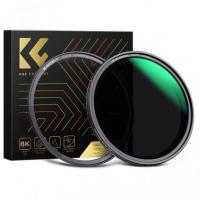
  • 72mm ND8 (3 Stop) Neutral Density Filter + CPL Circular Polarising Filter 2 in 1 for Camera Lens, Ultra Clear Super Slim Waterproof
    72mm ND8 (3 Stop) Neutral Density Filter + CPL Circular Polarising Filter 2 in 1 for Camera Lens, Ultra Clear Super Slim Waterproof
    $42.99
Compare (0) 0
  • Compare
  • You have not chosen any products to compare.

  • Compare
Currency: USD
  • Currency
Shop by Scene Shop by Rank

Log Into Your Account

Account

Order History

Wish List

Login

Forgotten Password?

Or connect with

Register Account

Already have an Account?Log In

  • Shopping Cart
  • Your shopping cart is empty!

  • Register/Login to purchase, earn points
  • Favorite
  • Your wish list is empty.

  • Register/Login to like, earn points
  • Activities
  • Guide
    • Filter Guide
    • Lens Adapter
    • Product Review
  • News & Reviews
    • Camera Reviews
    • Sample Gallery
    • News
  • Tutorials
    • Solar eclipse photography
    • Photography Basics
    • Landscape Photography
  • Inspiration
    • Travel
    • Travel Stories
  • Home
  • Blog
  • How To Reset Battery Indicator On Blink Camera ?

How To Reset Battery Indicator On Blink Camera ?

Kentfaith 2023-11-01 10:24:50 0 Comments

Blink Camera is a popular home security device that has a long battery life and is easy to install. However, sometimes the battery indicator may display abnormally and needs to be reset to ensure an accurate reflection of the battery level. This article will detail how to reset the battery indicator on your Blink Camera and address issues you may encounter during the connection process.
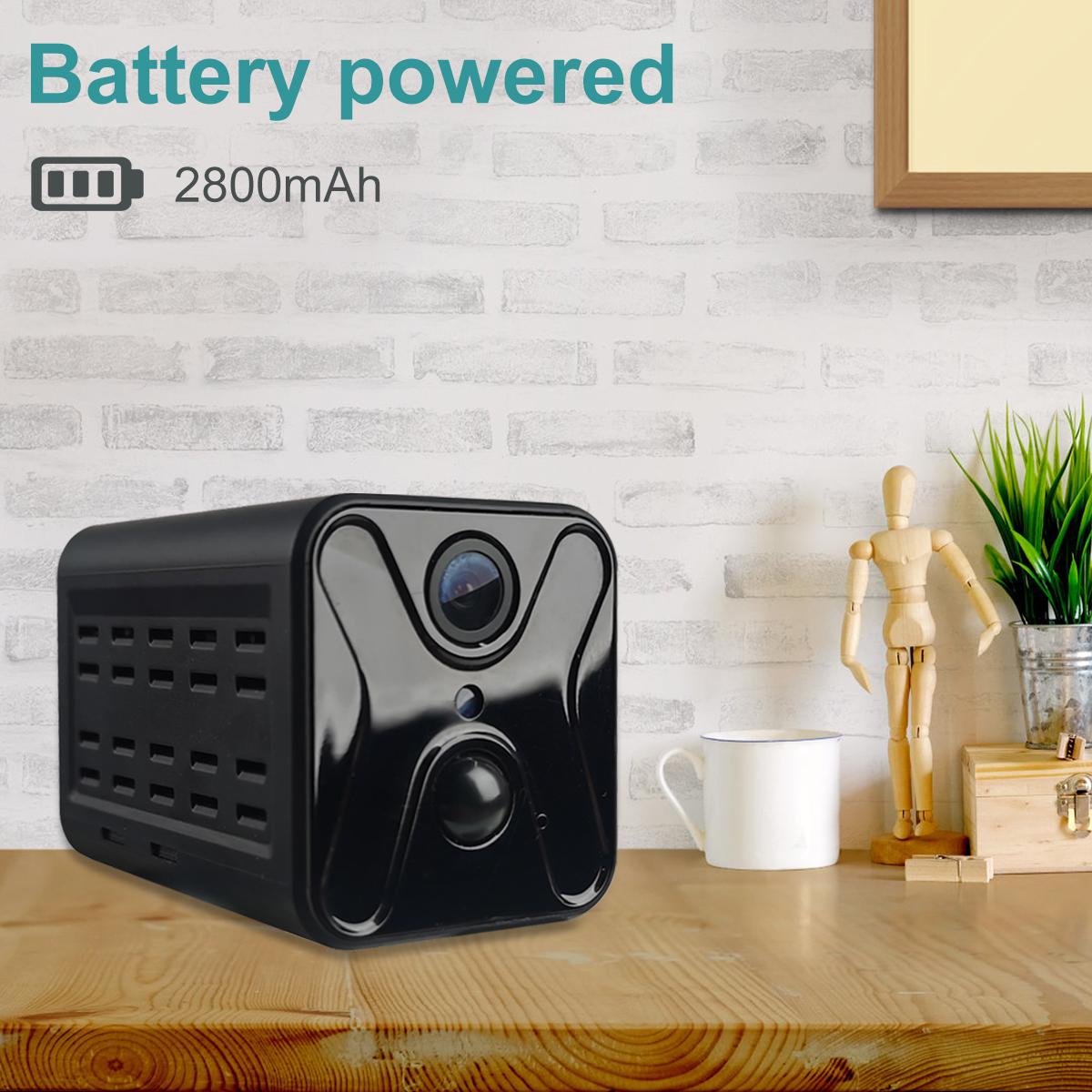

Understanding How to Reset the Battery Indicator on a Blink Camera

Resetting the battery indicator on a blinking camera can be accomplished in several ways:

Through a device reboot

Step 1: Turn off the camera and remove the battery.

Step 2: Wait for a few minutes and reinstall the battery.

Step 3: Reboot the camera and check if the battery indicator is back to normal.

Reset via Device Settings 

Step 1: Open the Blink app and select the camera you want to reset.

Step 2: Go to the camera settings and find the "Battery" option.

Step 3: Select the "Reset Battery Indicator" option and follow the instructions.

Update via Firmware

Step 1: Check if the camera firmware is the latest version.

Step 2: If not, update the camera firmware and reboot the camera after completing the update.

Step 3: Check if the battery indicator is displayed normally.
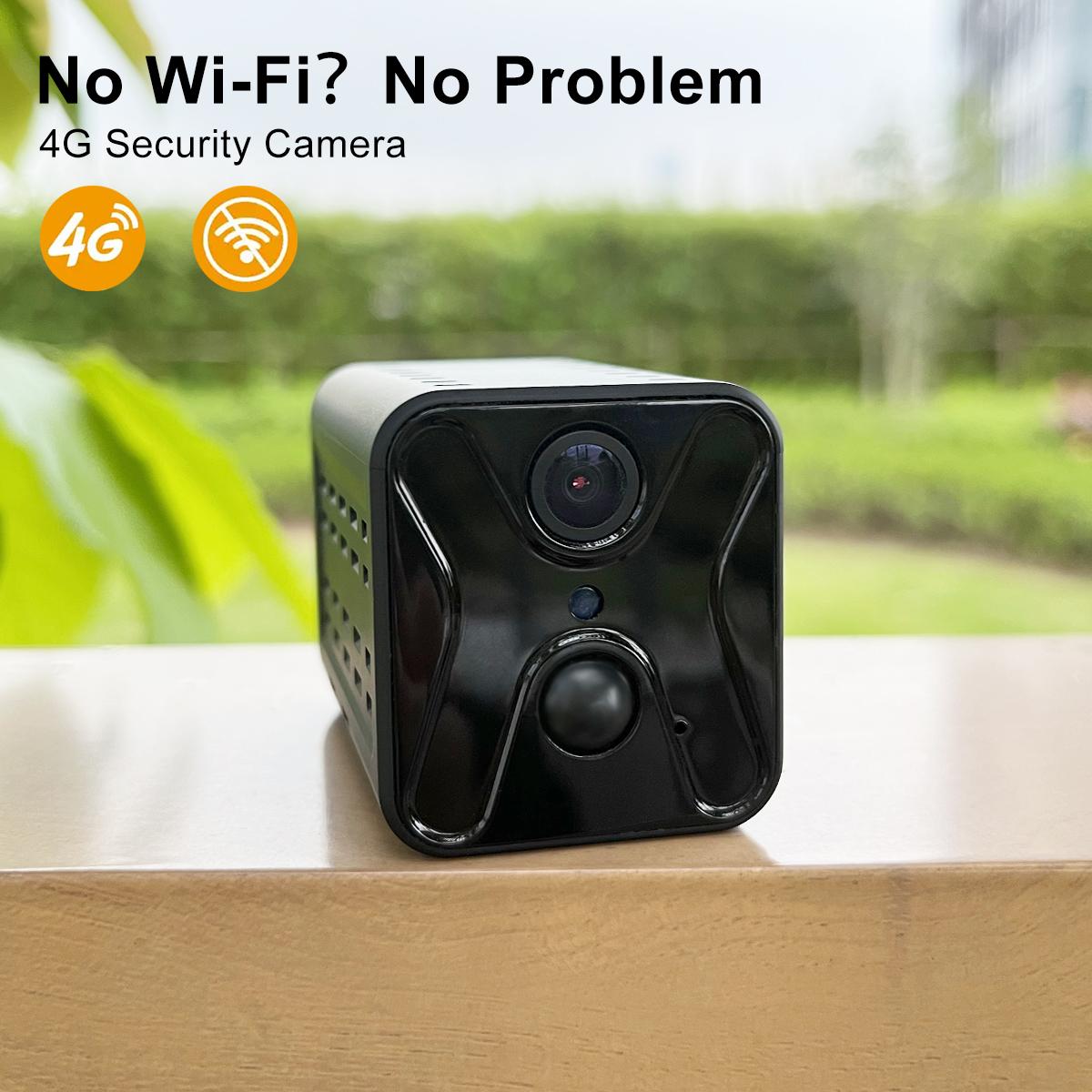

Solve the problem of abnormal display of the blinking camera battery indicator

During the reset process, you may encounter various problems causing the battery indicator to display abnormally. Here are some common problems and their solutions:

Battery indicator does not light up

Check Battery Installation: Make sure the battery is installed correctly and has good contact.

Replace Battery: Use a new battery and make sure the battery has sufficient charge.

Battery indicator light blinks

Check Battery Level: Verify that the battery level is low and replace the battery if necessary.

Restart the imager: Turn the imager off and restart it to see if the indicator returns to normal.

Battery indicator shows incorrect level

Reset Device Settings: Reset the Battery Indicator setting via the Blink application.

Update Firmware: Check and update the camera firmware to ensure that the device software is the latest version.

Common Troubleshooting for Blink Camera Battery Indicator Reset

Even if the reset is successful, sometimes you may encounter some faults that affect the use of the camera, the following are common problems and solutions:

Battery indicator is still abnormal after reset

Check the firmware version: Make sure the firmware is the latest version, and update the firmware if necessary.

Reset camera settings: Restore factory settings through the application, and then reconfigure the camera.

Camera does not connect

Check WiFi signal: Make sure the WiFi signal strength between the camera and the router is good.

Re-pair device: Re-pair the camera and system via the Blink app.

Short battery life

Check usage environment: Verify that the camera is not subjected to high-frequency use or extreme temperatures.

Use high-quality batteries: Choose a durable, reliable battery brand to improve battery life.

Detailed Procedures and Settings for Resetting the Blinking Camera Battery Indicator

The following are the detailed steps and settings for resetting the blinking camera battery indicator:

Preparation

Confirm that the camera and battery are in good condition, and replace the battery with a new one if necessary.

Open the Blink app and make sure it is connected to the camera.

Reboot the camera

Turn off the camera and remove the battery, wait a few minutes and reinstall the battery.

Reboot the camera and check that the battery indicator is back to normal.

To reset the battery indicator settings

Select the camera in the Blink app and go to the camera settings page.

Find the "Battery" option, select "Reset Battery Indicator" and follow the instructions.

Update Firmware

Check the camera firmware version, if it is not the latest version, update it.

After the update is complete, restart the camera to ensure that the battery indicator is working properly.

Maintenance Tips for Improving the Accuracy of the Battery Indicator on Flashing Cameras

To ensure the accuracy of the battery indicator and the normal operation of the camera, the following are some maintenance tips:

Checking the Battery Regularly

Check the status of the batteries every so often to make sure that they are free of leakage, swelling, and other problems.

Replace batteries regularly to ensure stable camera operation.

Keep the firmware up-to-date

Regularly check and update the camera firmware to make sure the device software is the latest version.

Pay attention to official firmware updates and maintenance recommendations released by Blink.

Optimize the usage environment

Ensure that the camera operates within the appropriate temperature range to avoid extreme environments affecting battery life.

Control the frequency of using the camera to avoid frequent triggering leading to rapid battery consumption.


In short, resetting the battery indicator on a blink camera is not complicated, just follow the steps and pay attention to maintenance, you can ensure a good experience of using the camera. We hope this article can provide practical reference and help for the majority of users to enjoy the convenience and fun of smart home devices.

Leave your comment
Cancel reply
Note: HTML is not translated!
Related products
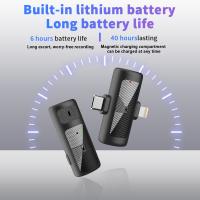
S13 Wireless Lavalier Microphone for Type-C, Charging Case with Battery Indicator, Plug-And-Play with 2 Microphones for Video Recording, TikTok, YouTube, Auto-Sync & Noise Cancellation
40
$38.99
67mm Clip-on CPL Phone Camera Lens Filter Kit Applicable to All Mobile Phone Models
24
$18.99
67mm Clip-on ND2-32 Phone Camera Lens Filter Kit Applicable to All Mobile Phone Models
24
$37.99
67mm Clip-on Black Mist 1/4 Phone Camera Lens Filter Kit Applicable to All Mobile Phone Models
24
$29.99
52mm Clip-on CPL Phone Camera Lens Filter Kit, Circular Polarizer Polarizing Filter Applicable to All Mobile Phone Models
24
$16.99
67mm Clip-on CPL&Black Mist 1/4 2-in-1 Phone Camera Lens Filter Kit Applicable to All Mobile Phone Models
24
$29.99
K&F CONCEPT Mini On-Camera Flash GN12, 5600K, 2000mAh Built-in Battery, Compatible with Canon, Fuji, Sony, Nikon, Panasonic, Olympus, Pentax & Other DSLR/Mirrorless Cameras with Standard Hot Shoe.
$42.99
Variable ND2-32 Filter Compatible with DJI Osmo Action 5 Pro/Osmo Action 4/Osmo Action 3, Snap-on Installation, no need to remove the original filter
$24.99
Variable ND32-512 Filter Compatible with DJI Osmo Action 5 Pro//Osmo Action 4/Osmo Action 3, Snap-on Installation, no need to remove the original filter
$24.99
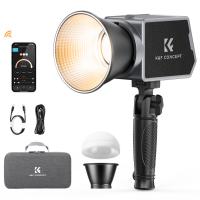
K&F Concept PL-60B 60W COB Photography light with Built-in 4500mAh Battery, supports Type-C PD Fast Charging, 12 Light Effects,  Video Light for Shooting on The Move with Handle and Storage Bag
K&F Concept PL-60B 60W COB Photography light with Built-in 4500mAh Battery, supports Type-C PD Fast Charging, 12 Light Effects, Video Light for Shooting on The Move with Handle and Storage Bag
41
$129.99
Products You May Like
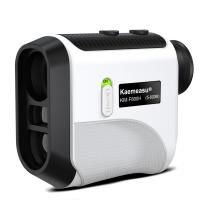
KM-F800H 6.5x Golf Rangefinder, High Precision 800m Rechargeable Laser Hunting Rangefinder with Slope, Flagpole Lock, for Golf, Hunting and Measuring
35
$235.19 $100.99
52mm Slim MC UV Filter
22
$24.99 $12.99
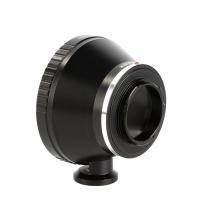
Olympus OM Lenses to Pentax Q Camera Mount Adapter with tripod mount
$55.99 $29.99
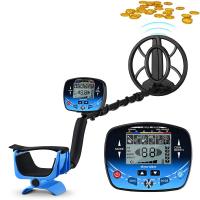
Adult Professional Metal Detector, Professional Treasure Hunting Gold Detector, IP68 Waterproof 10 Inch Detection Plate, High-Precision
21
$219.59 $96.99
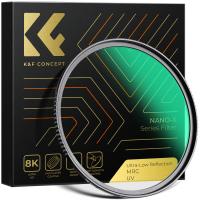
62mm UV Filter 0.1% Ultra-low Reflection (titanium coating ) with 28 Multi-Layer Coatings Nano-Xcel Series
76
$45.99 $36.49
Wireless Ip Trail Camera
10
$162.99 $106.99
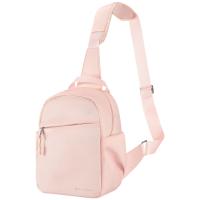
Camera Sling Bag Small Camera Crossbody Shoulder Backpack DSLR/SLR/Mirrorless Camera Compact Case Photography Bags 5L - Urban Wander 08 (Pink)
88
$58.99 $35.99
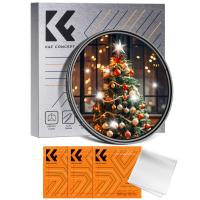
58mm Star Filter 4-8 Points Variable Starburst Filter Cross Screen, 18 Layer Coating Ultra Slim Optical Glass, with 3 Pcs Cleaning Cloths
$20.99
Thermal Imaging Monocular with 4K Infrared Night Vision 60Hz Frame Rate <25mk NETD Kentfaith
$687.49 $549.99
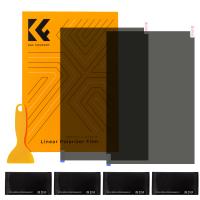
Polarized Film 300*200mmx2, with a Film Scraper, 4 Dry and Wet Cloth Alcohol Bags, with Packaging
28
$24.99 $23.99
Related articles
How Do You Charge A Blink Camera Battery ?
Why Is Blink Camera Battery Keeps Dying?
How To Reset Headphones?
How To Reset Your Smart Watch?
How To Add A Blink Outdoor Camera?
How To Fix Camera Battery?
How To Change Battery On Selfie Stick L01?
How To Replace Battery On Smart Health Watch?
Will Blink Camera Work Without Wifi ?
Neutral Density Filter: The Ultimate Guide for Photographers and Videographers
Blog You May Like
What Does the ND (Neutral Density) Filter Number Mean and How to Purchase One?
How To Do Screen Recording With Sound?
Which Security Camera Has The Best App?
How To Set Up Selfie Stick Iphone 6?
What Filter Should I Buy For My Lens?
What Does A Scanning Electron Microscope Show?
How To Put Bluetooth Speakers In Motorcycle Helmet?
How To Improve The Quality Of Recorded Voice?
Where Does Sound Recorder Store?
Where Can I Find My Camera In Laptop?
Related categories
On-Dash Camera battery operated outdoor security camera camera battery FUJIFILM Camera Battery battery for camera Nikon Sony battery camera Lumix camera battery Cannon camera battery C mount lens adapter
Popular products
Polarize Filter For Mobile Phone microphone with noise cancellation clip on phone camera lens microphone for long distance high quality condenser microphone good metal detector for beach coin hunting with a metal detector nd filter for dji osmo action Led Cob Light infrared hd video camera
Related searches
On Camera Flashes On Camera Microphones Flash On Camera Video Camera On Tripod On Camera Video Monitor Photography Camera On Tripod Clip On Camera Strap Snap On Camera Lens On Camera Wireless Microphone Speed Camera On Tripod
Popular searches
Tripod For Cell Phone With Remote Best Diy Security Cameras Nikon Wireless Adapter For D3200 D5200 D7100 77mm Magnetic Filter Earphone For Bluetooth Olympus Om Lens Adapter Action Pro Sports Camera Night Vision Helmet External Webcam And Microphone Fujifilm Xm-fl S X Mount Filter Lens
Blog Category
  • Activities
  • Guide
    • Filter Guide
    • Lens Adapter
    • Product Review
  • News & Reviews
    • Camera Reviews
    • Sample Gallery
    • News
  • Tutorials
    • Solar eclipse photography
    • Photography Basics
    • Landscape Photography
  • Inspiration
    • Travel
    • Travel Stories
Search Article
Latest from the Blog
ND Filter: The Complete Guide to Neutral Density Filters for Photography and Video
How To Wear Monocular?
Black Friday 2025 Special at Kentfaith
Best Metal Detector for Kids in 2025
Neutral Density Filter: The Ultimate Guide for Photographers and Videographers
How Big A Memory Card For Camera?
Which Bluetooth Earphones?
What Is Surveillance Camera Control System?
How Do Night Vision Goggles Work?
UV Filter: Everything You Need to Know About UV Protection Lens Filters
  • Easy Payment Multilple Payment Options

  • Free Shipping Global WareHouse Shipment

  • No Risk 30-Day No Reason Return

  • Limited Deals Buy More, Save More

  • Tax Free No any surcharges or tax fee

Information
  • About us
  • Contact Us
  • Site Map
  • Blog
  • Video
  • Gallery
  • VIP Membership Rewards
Service
  • Privacy Policy
  • Terms & Conditions
  • Shipping & Delivery
  • Payment Info
  • Warranty, Return & Refund
  • Intellectual Property Rights
  • Ambassador
  • Affiliates
  • Wholesale
Support
  • My account
  • Order History
  • FAQs
  • Extend Warranty
  • Logistics Tracking
Follow us
NewsLetter

Get the latest product, K&F Concept respects your privacy.

Powered By KENTFAITH © 2025