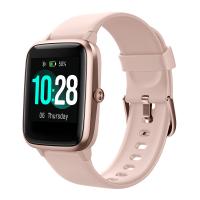
How To Play Music From Smartwatch?
To store music on your smartwatch, you must have a paid music subscription. Download the watch app for your preferred music service and log into a paid account. Follow the instructions in your chosen music app to download music directly to the smartwatch. Once downloaded, you can connect Bluetooth headphones to listen phone-free at any time.
Music Storage and Playback on Samsung Galaxy Smartwatch
Your Galaxy smartwatch lets you control music playback, including volume adjustments, switching between device playlists, and navigating tracks. Access your music library and additional controls like shuffle and repeat directly from your watch.
- Navigate to the music app on your watch and switch the music source to the watch.
- Find and tap Music Manager and start.
- Enter the IP address shown on your watch into your computer's web browser.
- Confirm the connection on your watch, then add new tracks via your browser.
- Choose the files you want to add, then select Open. After the transfer, confirm on the web page and disconnect on your watch.
- To choose multiple files, hold the Ctrl key (Windows) or Command key (Mac) before selecting Open.
Deleting tracks is straightforward and does not affect the music on your phone. Navigate to the music app on your watch, select the tracks you wish to delete, and confirm the removal.
For select watch models, you can switch the control between different music apps on your connected phone directly from your watch. Simply open the music app on your watch, tap to switch to the phone control mode, then select the desired music player from the list.
Note for Galaxy Fit users: while direct music storage isn't available, you can control music playback from your phone using the music controller widget. Volume adjustments are possible with the Galaxy Fit2.
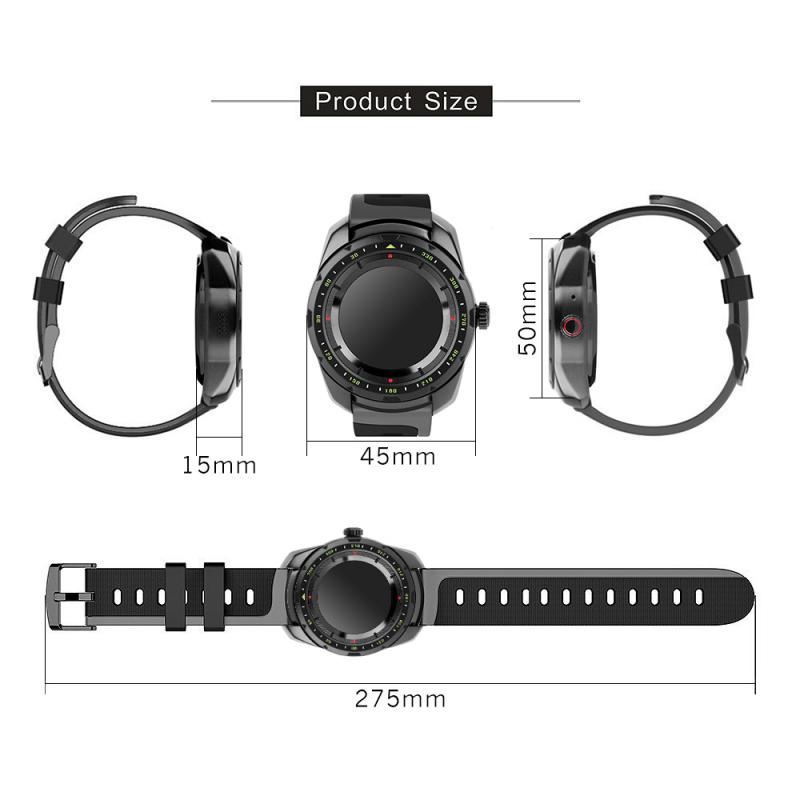
Pairing Bluetooth Headphones to Your Smartwatch
Sometimes it's hard to keep the music going at the office without disturbing anyone around you. Instead, you should connect your smartwatch to a pair of Bluetooth headphones, so you can enjoy the soundtrack of your life. You can easily switch between Bluetooth devices and alter their settings. Whether your watch comes with a built-in speaker or you prefer using Bluetooth headphones, your music is always at your wrist.
Available screens and settings may vary depending on the provider, phone, or watch model. Network connection is required: ensure your computer and watch are connected to the same Wi-Fi network before attempting to transfer music.
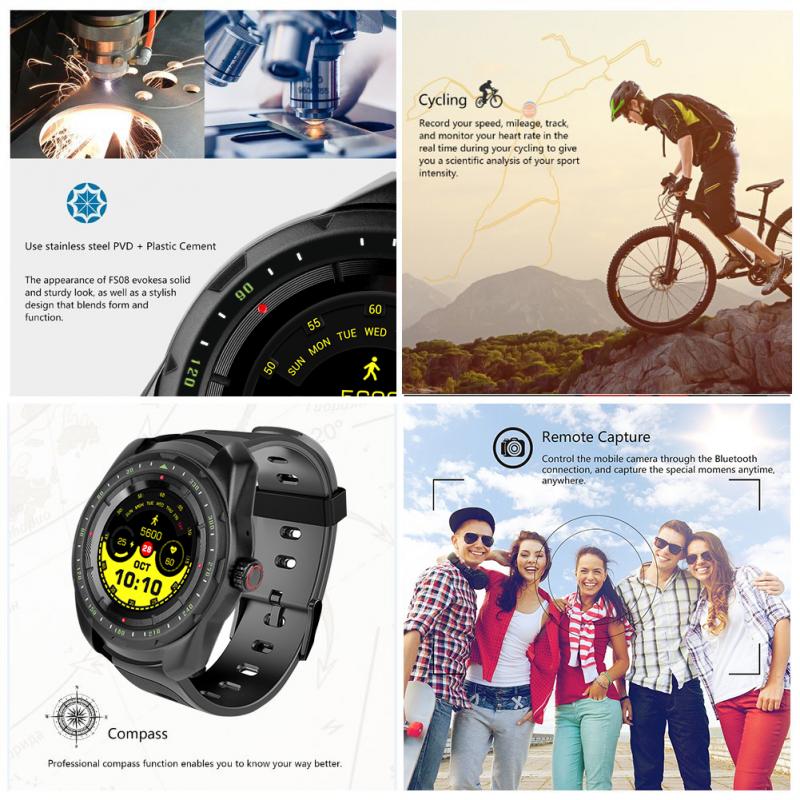
Smartwatch Models That Support Offline Music Playback
There are some watches that offer offline music, i.e. the ability to play music from the watch to a Bluetooth headset connected to the watch, or through the watch's inbuilt speakers. These watches can play the offline music whether connected to a phone or not connected to a phone. Note that offline music is battery intensive, so most watches offer between 3 to 7 hours of continuous play.
- Apple Watch
- Can play own and offline playlists to subscription services like Spotify, Amazon, Deezer, Apple Music, assuming you have a subscription to the premium service. Apple watches are locked to iPhone.
- Wear OS Watches
- Offer own, Spotify, Amazon, and YouTube Music. Options include Samsung GW4/GW5/GW6, Pixel/Pixel 2, Fossil Gen 6, TicWatch Pro 5, Xiaomi Watch 2, and others. Wear OS watches are locked to Android.
- Garmin
- Offers own, Spotify, Amazon, and YouTube (via third-party app). Garmin music watches can work with iPhone or Android and generally have much longer battery life.
- Coros, Amazfit, Polar, Huawei
- These tend to at least offer the ability to store and play your own MP3 files.
Virtually all smartwatches offer the ability to control phone media when connected to a phone.
Offline Spotify on Smartwatches
Offline Spotify requires a subscription and is limited to the following platforms:
- Apple watches (locked to iPhone, so only an option if you have an iPhone)
- Wear OS watches (locked to Android, so only an option if you have an Android phone)
- Garmin music watches (can work with iPhone or Android and generally have much longer battery life)
Most Garmin watches offer extensive support, although it's worth noting that other major sports watch brands often lack partnerships for music integration. Music support can vary between brands: some that promise music playback actually require manual MP3s to be added, while others can only provide music playback control when the watch is connected to a phone.
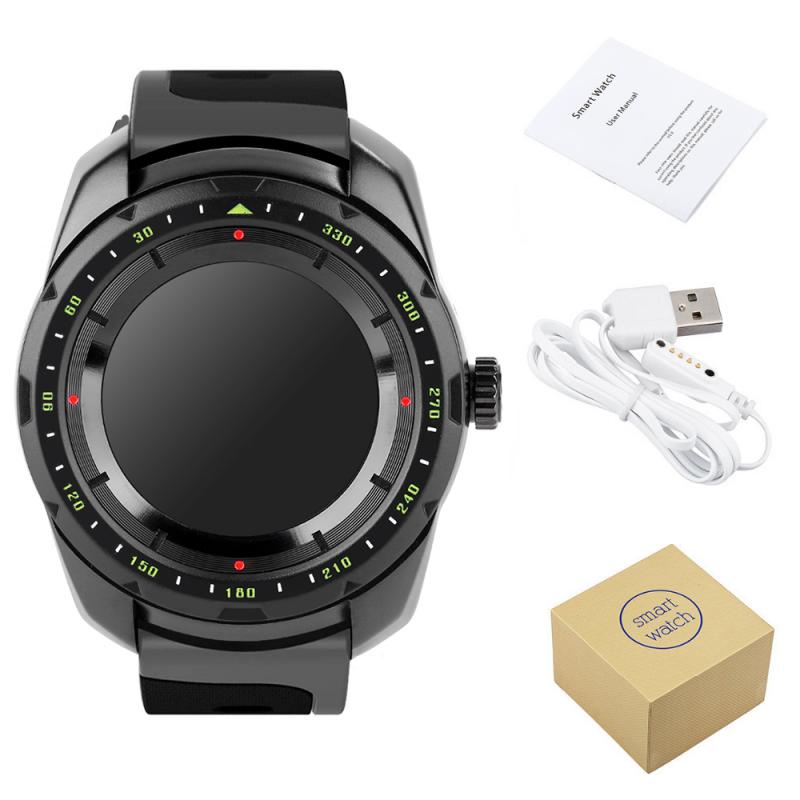
Battery Life and LTE Considerations
To receive calls and notifications without the phone being nearby, you need an LTE watch. This generally means an Apple Watch or a Wear OS watch. Note that using LTE can also drain battery life significantly. Apple Watch and Wear OS, depending on the model, offer between 18 hours to 3 days of battery life, excluding GPS tracking and offline music play.
Offline music is battery intensive, so most watches offer between 3 to 7 hours of continuous play. If you can live without LTE, then Coros offers some reasonably priced watches with good battery life, or you could go with a Garmin, who also offer an excellent strength training app.
Recommended Smartwatches for Music Playback
Plenty of running watches and smartwatches offer built-in music playback, meaning you're spoilt for choice if you're looking to enjoy phone-free workouts with tunes. The following are among the top running watches that are as good for training as they are for playing music:
- Garmin Forerunner 165 Music
- Apple Watch (Series 11, Ultra 3 & SE 3)
- Garmin Forerunner 970
- Samsung Galaxy Watch 8 Series & Galaxy Watch Ultra
- Garmin Fenix 8 (AMOLED)
- Google Pixel Watch 4
- Garmin Venu 4
- Coros Pace 4
Which is best depends on your GPS activity use. Garmin has among the best GPS and sport tracking features, next would be an Apple Watch, then the Wear OS watches (either the new OnePlus or Pixel Watch 2, then Samsung). Recommended models for music specifically include: Garmin Vivoactive 5, Garmin Venu 3, Forerunner 165 Music, Forerunner 255 Music, or Forerunner 265.
Key Considerations When Choosing a Smartwatch for Music
- Does it work with Spotify?
- Offline Spotify is available on Apple Watch, Wear OS watches, and Garmin music watches, all requiring a Spotify premium subscription.
- Does it work with Apple Music?
- Apple Music offline playback is available on Apple Watch with an Apple Music subscription.
- Music controls or music player?
- Some watches only control music from a connected phone, while others store and play music independently via Bluetooth headphones or built-in speakers.
- How to add music?
- Some require manual MP3 transfers via Wi-Fi or a browser-based music manager; others sync directly from streaming apps with a paid subscription.
- Battery life impacts
- Offline music playback is battery intensive. Most watches offer between 3 to 7 hours of continuous music play. LTE use also significantly reduces battery life.