Smartwatch That Can Answer Calls?
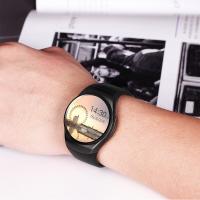
A smartwatch that can answer calls keeps you connected right from your wrist, as long as it has a built-in mic and speaker. Depending on your galaxy watch model, you can make and answer calls right from your wrist — you just need to make sure the watch is connected to your phone through bluetooth or through a mobile network. With an LTE watch model, you can even handle calls remotely.
How Call Answering Works on a Smartwatch
As long as the watch has a mic and speaker, you can generally take calls on the watch. Some may be able to leverage the phone, or you may need to copy your contacts to the watch's contact app to enable outgoing calls. The watch will behave as a speakerphone, unless you are also using a headset.
- When a call comes in, you can answer by swiping the green phone icon to the right.
- To ignore a call, swipe the red phone icon to the left and the call will be declined.
- If another call comes in while you're already talking, swipe the green phone icon, then tap hold current call or end current call.
- To transfer the call to your phone from a Galaxy Watch model with Wear OS, tap more options (the three dots), and then tap switch to phone.
- If you have an LTE model, you can make calls directly from the watch without being connected to your phone.
Text Messaging Capabilities by Watch Type
Watch will mirror notifications of phone — taskbar for Android, lock screen for iPhone. If on Android, the watch may offer the option to respond with a quick reply. For full reply functionality, the options are more specific:
- Wear OS watches (Samsung Galaxy Watch, Pixel Watch, TicWatch Pro 5, Xiaomi Watch 2 Pro, OnePlus Watch)
- Run Google's Wear OS and have full text reply functionality, including WhatsApp support on Pixel Watch 2 and Samsung Galaxy Watch 6.
- Garmin Venu 3
- Allows for customized full replies.
- Budget / non-Wear OS watches
- Typically only show notification mirrors; many use standardized third-party apps for connectivity that often do not work well, resulting in no calls or notifications.
- Redmi Watch 5 Active
- Runs on Xiaomi's HyperOS, which doesn't let you install additional apps; you do receive notifications on the watch.
- Xiaomi Watch 2
- Uses Wear OS, which lets you install additional apps, and you can easily see and respond to WhatsApp messages. The only downside is it will only work with an Android phone.
Bluetooth vs. LTE Connectivity
There are two distinct modes of connectivity for call-capable smartwatches:
- Bluetooth connection: The watch leverages the paired phone's connection to make and receive calls. The phone must be nearby.
- LTE / eSIM connection: The watch has independent connectivity, allowing you to receive calls and messages without needing to be tethered to a smartphone. Samsung's range of smart watches includes both bluetooth and LTE-compatible models.
- Wi-Fi fallback: With the Galaxy Watch Active2, Galaxy Watch3, and smart watch models with Wear OS, you can make calls remotely over Wi-Fi in the event the bluetooth connection between your phone and the watch disconnects.
Enabling Calls on a Connected Phone
If you are unable to answer or make calls using your watch, you may need to enable the watch's calling option:
- On the connected phone, navigate to and open Settings.
- Tap Connections, and then tap Bluetooth.
- Tap the settings icon next to your paired watch.
- Tap the switch next to Calls to enable calls.
Note: Call & Text on Other Devices currently does not work with Verizon and AT&T phones, or with an LTE Galaxy smart watch that has active mobile service. Call forwarding will not be available. You may not receive incoming calls when connected remotely.
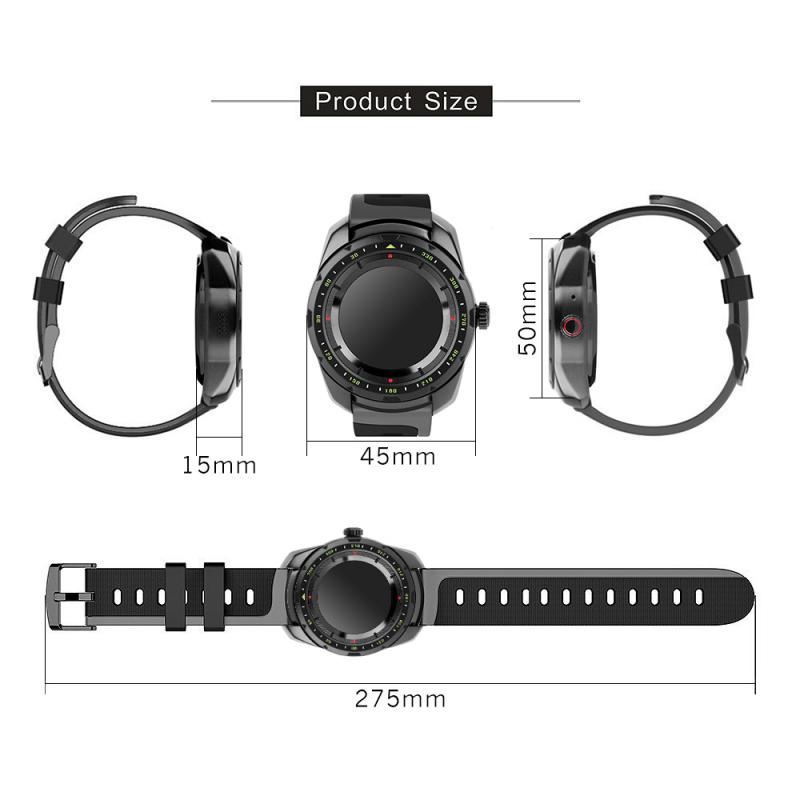
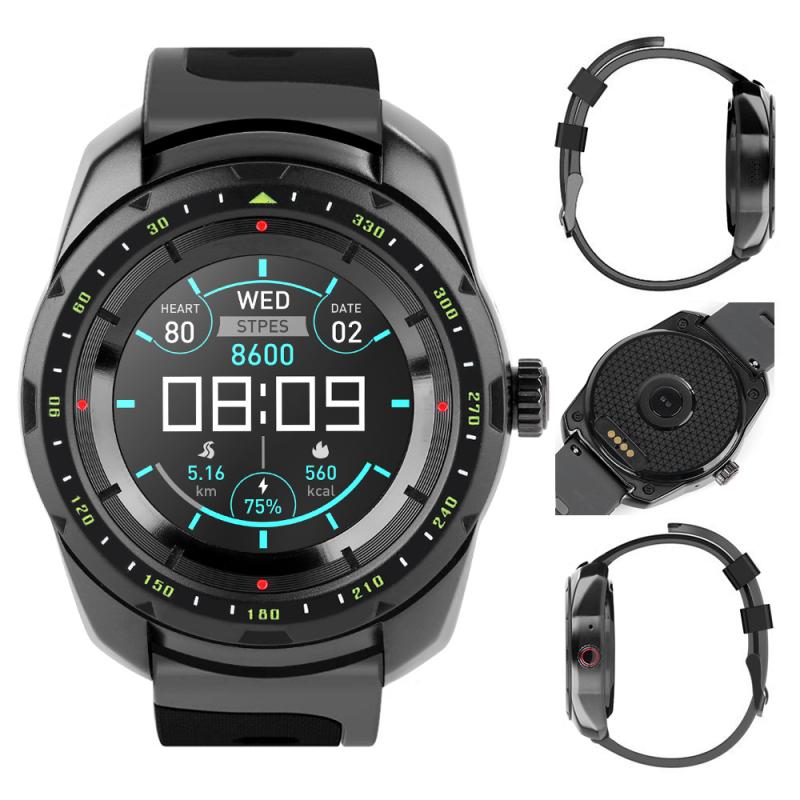
Budget Smartwatches with Bluetooth Calling
There is a wide range of budget smartwatches under $50 that include Bluetooth calling capability, compatible with both Android and iPhone:
- Luomate Smart Watch — 1.91" touchscreen, Bluetooth calling, 100+ sport modes, IP68 waterproof, from $23.99
- Mingdaln 1.85" HD Smart Watch — Bluetooth answer/make calls, 120+ sports modes, 10 days standby, IP68 waterproof, from $23.99
- Mingdaln 2.1" AMOLED Military Smart Watch — answer/make calls, 100+ sport modes, 1ATM waterproof, from $29.99
- OwnTech 1.83" Smart Watch — Bluetooth answer/make calls, message reminder, 120+ sports modes, IP67 waterproof, from $15.57
- 3Plus Vibe Lite BT Smartwatch — Bluetooth calling, unisex, $29.88
- 3Plus Mega Smartwatch — 2.02" AMOLED screen, answer & make calls, sleep monitoring, heart rate, 100+ workout modes, quick reply, from $39.88
- Blackview 2.01" Military Smartwatch — calling, flashlight, compass, 900mAh battery, from $31.34
- Military Smart Watch for Men — 1.39" HD, answer/make calls, pedometer, 130+ sports modes, IP68 waterproof, $39.99
Recommended Wear OS Smartwatches for Calls and Texts
If you want to answer texts properly from your watch, you need a watch that supports Wear OS. The following models are commonly recommended:
- Samsung Galaxy Watch 8 (40mm / 44mm, BT or LTE) — aluminum or stainless steel, advanced health tracking, long battery life, Wear OS, Galaxy AI, from $219.00
- Samsung Galaxy Watch 9 (40mm / 44mm, LTE) — armor aluminum, health tracking, fitness coaching, AI voice assistance (2026)
- Samsung Galaxy Watch Ultra 47mm LTE — titanium, from $299.95
- Pixel Watch 2 — Wear OS, supports WhatsApp, available around 200–230€
- Apple Watch Series 11 (GPS 42mm) — silver aluminum, from $299.00 (iOS only)
- Apple Watch Ultra 2 (GPS+Cellular 49mm) — titanium case, cellular
Note that a lot of the cheap watches use standardized third-party apps for connectivity and often they do not work well, resulting in no calls or notifications — worth keeping in mind about cheap ones. Wear OS watches only work with Android phones. If you want to take calls and you are on Android, you need Wear OS. If you want WhatsApp on your smartwatch, that's either a Pixel Watch 2 or Samsung Galaxy Watch 6.