kfconcept

KENTFAITH
K&F Concept    Blog >

Enjoy Your Selected Digital Life

Recently Viewed
  • Recently Viewed
  • Recently Viewed list is empty.

Compare (0) 0
  • Compare
  • You have not chosen any products to compare.

  • Compare
Currency: USD
  • Currency
Shop by Scene Shop by Rank

Log Into Your Account

Account

Order History

Wish List

Login

Forgotten Password?

Or connect with

Register Account

Already have an Account?Log In

  • Shopping Cart
  • Your shopping cart is empty!

  • Register/Login to purchase, earn points
  • Favorite
  • Your wish list is empty.

  • Register/Login to like, earn points
  • Activities
  • Guide
    • Filter Guide
    • Lens Adapter
    • Product Review
  • News & Reviews
    • Camera Reviews
    • Sample Gallery
    • News
  • Tutorials
    • Solar eclipse photography
    • Photography Basics
    • Landscape Photography
  • Inspiration
    • Travel
    • Travel Stories
  • Home
  • Blog
  • How To Make A Usb Web Camera Wireless?

How To Make A Usb Web Camera Wireless?

Kentfaith 2024-11-22 01:01:59 0 Comments

In today's rapidly advancing technological world, the idea of creating a wireless environment for our devices has become not just a luxury, but often a necessity. One such transformation that many people are interested in is converting a USB web camera into a wireless camera. This can enhance flexibility, mobility, and convenience in several scenarios, such as in surveillance, video conferencing, and creative projects. In this article, we will delve deeply into the step-by-step process of making a USB web camera wireless, the required equipment, potential challenges, and useful tips for success.

Understanding the Basics
how to make a usb web camera wireless 1

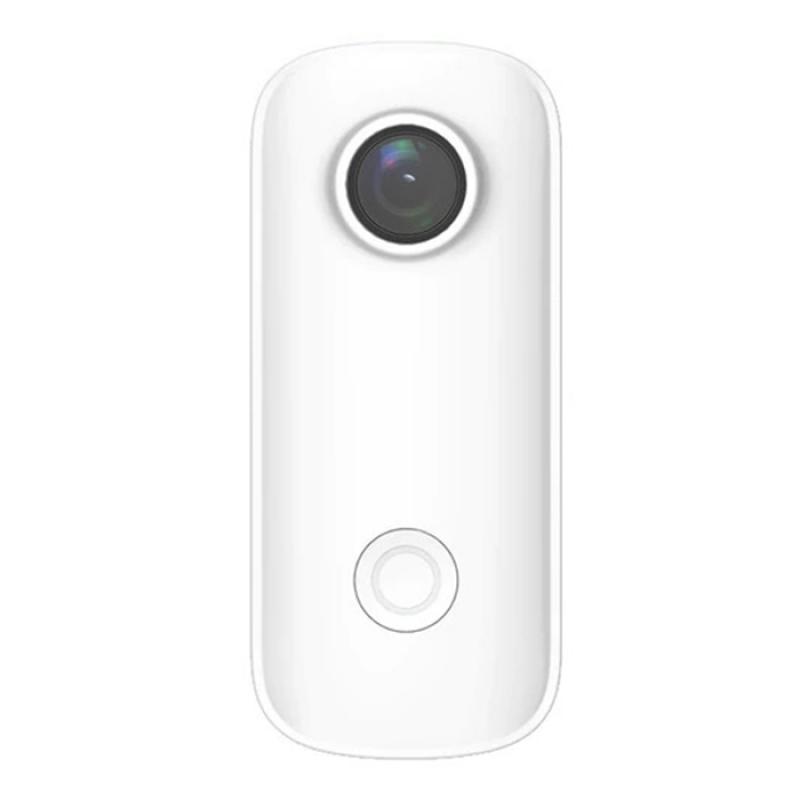
Before getting into the technicalities, it's vital to understand the basic concept. A USB web camera is designed to connect directly to a computer via a USB port. Making this camera wireless means enabling it to send video signals through a WiFi network instead of a physical cable. This can be done using various methods, such as connecting it to a wireless router, using a WiFi dongle, or even integrating it into a more extensive home automation system.

Equipment Needed
how to make a usb web camera wireless 2

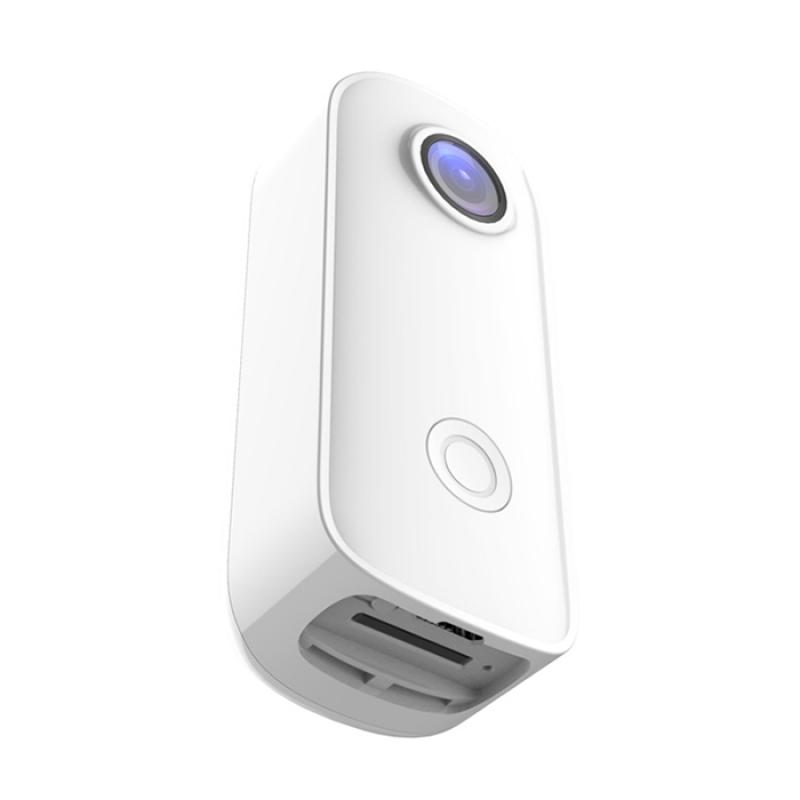
1. USB Web Camera: The primary device you will be converting.

2. WiFi Router: A router to connect the camera to your wireless network.

3. WiFi Dongle or Adapter: Depending on your camera, this device can help in connecting to the WiFi network.

4. Computer: For initial setups and configurations.

5. Power Adapter: To keep the camera powered on.

6. Software: Necessary drivers and possibly third-party applications for video transmission.

Step-by-Step Process
how to make a usb web camera wireless 3

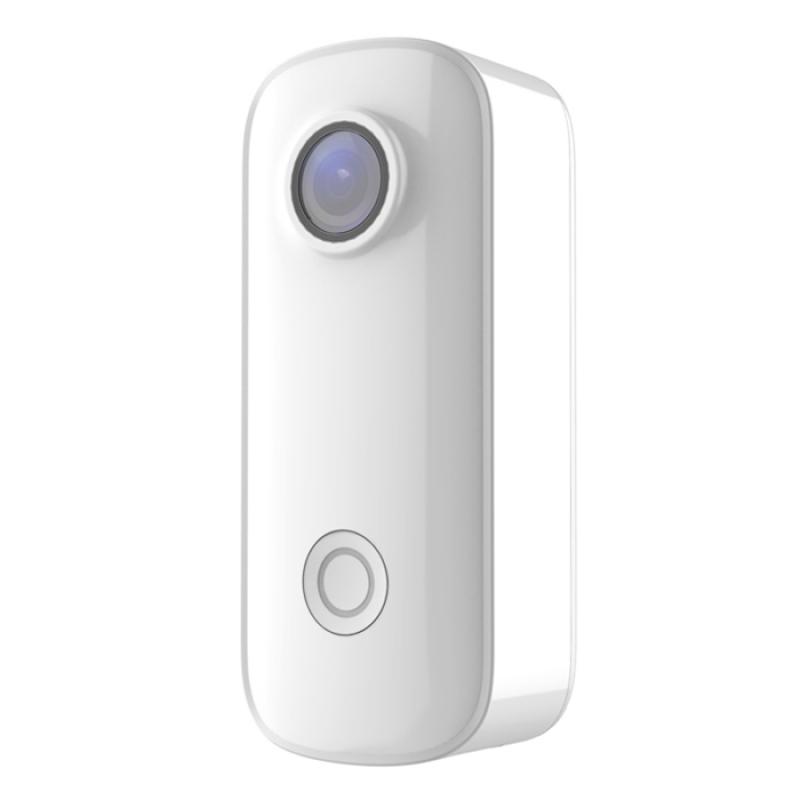
Step 1: Setting Up the WiFi Network

how to make a usb web camera wireless 4

Ensure that you have a stable and secure WiFi network. The camera’s video feed will be transmitted over this network, so a reliable and fast internet connection is essential.

1. Configure Your Router: Set up your router for the best performance. Make sure it’s placed centrally in your home or office to provide optimal signal strength.

2. Security Settings: Implement WPA3 or at least WPA2 encryption to prevent unauthorized access.

Step 2: Powering the Camera

Most USB web cameras require power to operate, which traditionally comes from the connected computer. Since we are making the camera wireless, you will need an external power source.

1. Choose a Power Adapter: Find a suitable power adapter that matches the power requirements of your camera.

2. Connecting the Adapter: Plug the camera into the power adapter. If using a portable power bank, ensure it can supply power for the duration you intend to use the camera.

Step 3: Configuring the WiFi Connection

Depending on the type of camera, use a WiFi dongle or any built-in wireless capability.

1. WiFi Dongle: If your camera doesn’t have a built-in WiFi capability, use a WiFi dongle to provide the necessary connectivity.

2. Software Installation: Install necessary drivers and software either on the camera (if it supports) or on your computer to manage the connectivity.

Step 4: Establishing the Connection

Connect the camera to your WiFi network so that it can start transmitting data wirelessly.

1. Scanning for Networks: Use the software or the camera’s interface to scan and find your WiFi network.

2. Entering Credentials: Enter your network’s SSID (network name) and password.

3. Connecting: Once the credentials are verified, the camera should connect to the WiFi network.

Step 5: Streaming Video Wirelessly

Now that your camera is connected to the WiFi, you need to set it up to stream the video feed to your device.

1. IP Address: Find out the camera's IP address on the network. This can usually be done via the router’s admin settings.

2. Streaming Software: Use streaming software that supports IP cameras. Many free and paid options are available, such as OBS Studio, VLC Media Player, or dedicated camera apps.

3. Add Camera Source: In the streaming software, add the camera's IP address as a video source.

4. Adjust Settings: Configure the video settings for quality, bandwidth, and frame rate according to your needs.

Troubleshooting Common Issues

Connectivity Issues

1. Weak Signal: Ensure your WiFi signal is strong enough where your camera is positioned.

2. Interference: Reduce interference from other electronic devices by changing the WiFi channel on your router.

Power Consumption

1. Insufficient Power Supply: Make sure your power adapter provides enough current to avoid the camera shutting down intermittently.

2. Power Cable Length: Use a cable length that doesn’t result in power loss, or consider using a powered USB hub.

Software Configuration

1. Unsupported Formats: Ensure your streaming software supports the camera’s video format.

2. Driver Issues: Keep drivers and software updated to prevent compatibility issues.

Practical Uses for a Wireless USB Web Camera

The transformation of a USB camera to a wireless one opens up a plethora of practical applications:

1. Home Security: Use your wireless camera for home surveillance by setting it up at key entry points.

2. Remote Monitoring: Place the camera in a location hard to reach with traditional cabling for remote monitoring.

3. Video Conferencing: Use it in dynamic work environments where cameras need to be repositioned based on meeting room layouts.

Converting a USB web camera to wireless is a project that can save you money and provide immense functional flexibility. With the right equipment and a systematic approach, you can eliminate the hassle of cables and take advantage of wireless technology to better suit your needs.

By following the outlined steps carefully and being aware of potential issues, you can successfully make your USB web camera wireless, opening up a range of new possibilities for its use. This not only enhances convenience but also allows you to utilize your environment more efficiently without the constraints of wired connections.
Leave your comment
Cancel reply
Note: HTML is not translated!
Related products
BF-888S dual-purpose walkie-talkie wireless high power (USB connector)
210
$35.99 $31.99
Wireless USB Inspection Camera, Waterproof Endoscope Inspection Camera with 6 LED Lights, 3 in 1 HD Endoscope Camera, Suitable for PC, Laptop, Computer, Android
9
$17.99
V Mount Battery, 99Wh Mini V-Mount Battery, 6700mAh 14.8V Support 65W PD USB-C Fast Charger, with D-TAP, USB-A, USB-C, BP, OLED Screen, for Cameras and Camcorders
61
$137.99 $109.99
V Mount Battery 50Wh 3400mAh Mini V-Mount Battery with 65W Output and TFT Screen, 2H Full Charge, DC, D-Tap, USB-C, USB-A for Camera Camcorder Video Light Monitor
14
$89.99
K&F Concept V Mount Battery 99Wh (14.8V/6700mAh) PD100W Mini V-Mount Battery with DC/D-Tap/Dual USB-C/USB-A/TFT Display for Camera Camcorder Video Light Monitor V99 Pro
46
$137.99 $109.99
ALLPOWERS SP026 Portable Solar Panel 60W, Waterproof IP67 Foldable Solar Panel Charger with 18V DC, PD 60W USB-C and 5V USB-A Output for Laptop Cellphone Solar Generator 12V Battery
$239.99 $167.99
Minolta A / Sony A Lenses to Leica M Lens Mount Adapter K&F Concept M47151 Lens Adapter
31
$75.99 $39.99
Minolta A / Sony A Lenses to Pentax Q Lens Mount Adapter K&F Concept M22161 Lens Adapter
$45.99 $23.99
Sony Alpha Minolta AF A-Type Lens to NEX E-Mount Mirrorless Camera with Matting Varnish Design
146
$64.99 $35.99
Minolta A / Sony A Lenses to Pentax Q Lens Mount Adapter with Tripod Mount K&F Concept M22162 Lens Adapter
$55.99 $28.99
Products You May Like
best wifi trail camera
10
$135.99 $106.99
95mm MCUV Filter Lens Protection Filter Ultra-Thin 18 Layers of Coating with a Vacuum Cleaning Cloth Nano-Klear Series
144
$19.99 $15.89
58mm Magnetic MCUV Filter,HD Waterproof Scratch-Resistant Anti-Reflection Green Film with Magnetic Metal Cover Nano-Xcel series
75
$44.99 $35.99
77mm Blue Streak Filter (2mm) Optical Glass Ultra-clear Waterproof Anti-Scratch Anti-Reflection Green Film Nano-Xcel Series
40
$74.99 $59.99
62mm Shimmer Diffusion 1 Filter Optical Glass Glimmer Effect Filter for Camera Lens Nano-Xcel Series
34
$58.99 $46.99
12x42 HD Binoculars for Adults - Super Bright Binoculars with Large View- Lightweight Waterproof Binoculars for Bird Watching Hunting stargazing Hiking Sports
299
$52.37 $39.99
Celluar Trail Cameras
9
$135.99 $74.99
Pentax K Lenses to Nikon Lens Mount Adapter with Optical Glass K&F Concept M17171 Lens Adapter
1
$113.99 $59.99
DJI Osmo Pocket 3 Magnetic Variable ND2-ND32 & Black Mist 1/4 2 in 1 Filter, Multi-Coated / HD Optical Glass / Gimbal Compatible
85
$24.99
Contax Yashica Lenses to M43 MFT Lens Mount Adapter K&F Concept M14121 Lens Adapter
104
$53.99 $27.99
Related articles
How To Make Wireless Camera Screen?
How To Make Spy Camera Wireless?
How To Install Outdoor Web Camera?
How To Make An Underwater Wireless Camera?
How To Connect Your Phone To A Projector Using Usb ?
How To Make A Camera Detector?
How To Make A Camera Flash?
How To Detect A Wireless Camera Signal?
How To Create A Small Wireless Camera?
Why Isn't My Camera Flash Working?
Blog You May Like
How Big A Memory Card For Camera?
How To Record Audio On My Macbook Pro?
How Much Can You Save With Solar Panels?
Can I Add A Microphone To My Headphones?
How Measure Stops Of Nd Filter?
What Does A Dash Camera Look Like?
What Size Nd Filter For Sony A6000?
How To Build A Camera Lens?
How To Remove The Selfie Stick From Video?
How Much Data Do 4g Security Cameras Use?
Related categories
streaming video camera A Mount Lens Adapter C mount lens adapter Floodlight Camera Wireless Sony A Mount Lens Adapters minolta a mount lenses
Popular products
mini web camera wifi mini v mount battery Best Dual Band Walkie Talkie gopro hero 9 battery 99wh V Mount Battery​ handheld digital microscope usb solar power battery charger for iphone leica m sony e mount adapter sony minolta adapter USB endoscope waterproof inspection camera
Related searches
Wireless Web Camera Wireless Usb Camera Web Video Camera Good Camera To Make Videos A Wireless Camera Usb Wireless Earbuds A Wireless Microphone Adapter To Make Manual Lens Autofocus Lens Adapter To Make Focal Length Longer Extension To Make E Mount Lens Macro
Popular searches
Sd Card Security Cameras 40mm Filter Lens Adapter Nikonos To F Mount Moondog Anamorphic Lens Nd Filter Ef-s-mount Lens Aps-c Format Construction Time Lapse Camera Wifi Good Variable Nd Filter Adapter M42 To Sony E Mount A Mount Fisheye Lens Light Stands Photography
Blog Category
  • Activities
  • Guide
    • Filter Guide
    • Lens Adapter
    • Product Review
  • News & Reviews
    • Camera Reviews
    • Sample Gallery
    • News
  • Tutorials
    • Solar eclipse photography
    • Photography Basics
    • Landscape Photography
  • Inspiration
    • Travel
    • Travel Stories
Search Article
Latest from the Blog
What Is The Best Wireless Outdoor Security Camera?
Which Camera Is Best For Low Light Photography?
How Do Trail Cameras Work? The Ultimate Guide to Trail Cameras
How To Put Sd Card In Camera?
How To Make A Camera Flash After Effects?
How Many Stops Is An Nd 8 Filter?
Camera That Can Wifi Photos To Phone?
Which Bluetooth Earphones?
What Does Tripod?
What Tripod To Buy?
  • Easy Payment Multilple Payment Options

  • Free Shipping Global WareHouse Shipment

  • No Risk 30-Day No Reason Return

  • Limited Deals Buy More, Save More

  • Tax Free No any surcharges or tax fee

Information
  • About us
  • Contact Us
  • Site Map
  • Blog
  • Video
  • Gallery
  • VIP Membership Rewards
Service
  • Privacy Policy
  • Terms & Conditions
  • Shipping & Delivery
  • Payment Info
  • Warranty, Return & Refund
  • Intellectual Property Rights
  • Ambassador
  • Affiliates
  • Wholesale
Support
  • My account
  • Order History
  • FAQs
  • Extend Warranty
  • Logistics Tracking
Follow us
NewsLetter

Get the latest product, K&F Concept respects your privacy.

Powered By KENTFAITH © 2025