How To Install Ring Camera Solar Panel?
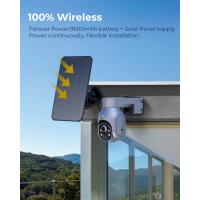
Installing a solar panel for your Ring camera is a practical way to ensure continuous power supply without frequent battery changes or reliance on wired connections. Solar panels are eco-friendly and convenient, making them an ideal solution, especially for outdoor security cameras located in hard-to-reach areas. This guide will help you understand the step-by-step process of installing a Ring camera solar panel, as well as common troubleshooting tips and best practices.
Why Install a Solar Panel for Your Ring Camera?
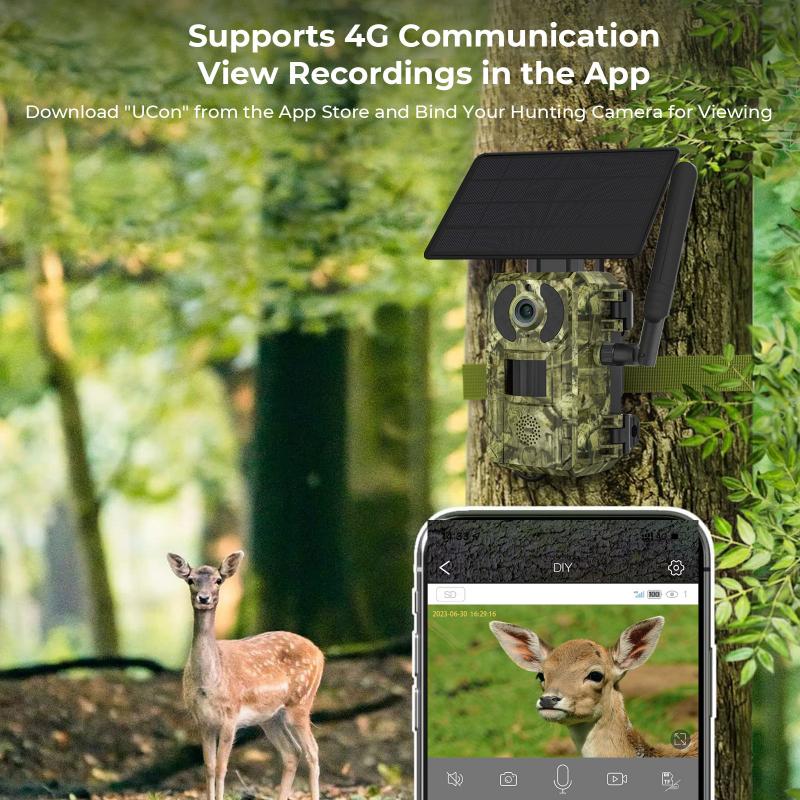
If you own a Ring camera, you know it helps in monitoring your home, deterring potential intruders, and giving you peace of mind. However, cameras powered solely by batteries often require regular recharge or replacement, creating unnecessary hassle. Solar panels provide a renewable energy source that charges the camera's battery during the day and keeps it functional through the night. This is particularly useful for homeowners who place their Ring cameras in high-maintenance outdoor areas or live in sunny climates.
Tools and Materials You'll Need
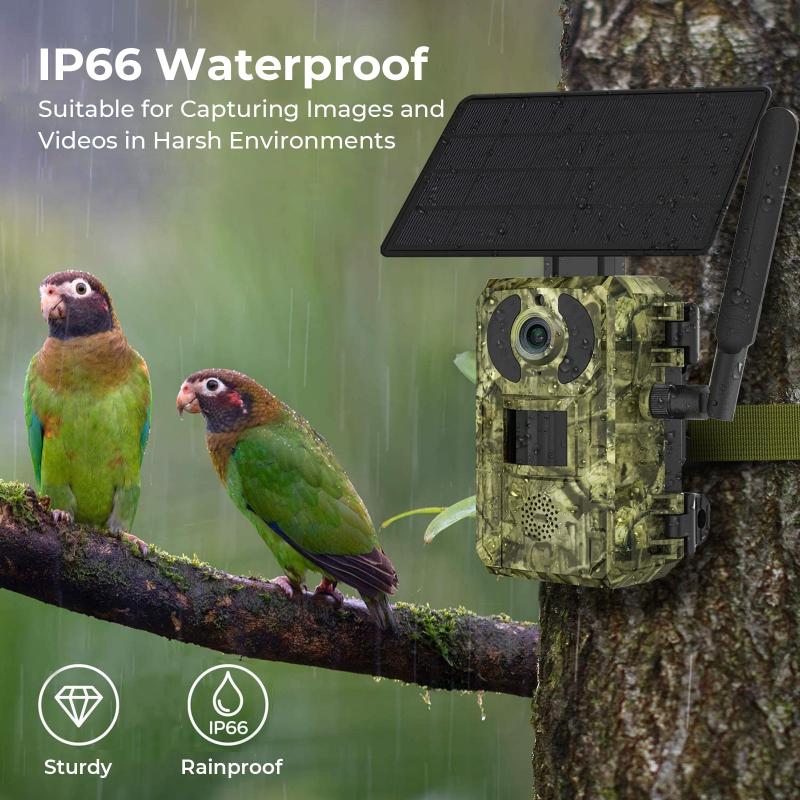
Before getting started, ensure you have the necessary tools and materials. These typically include:
- The Ring Solar Panel (compatible with your specific Ring camera model).
- Your Ring camera.
- A mounting bracket (usually included with the solar panel kit).
- Screws and wall anchors (also typically included in the kit).
- A screwdriver or drill.
- Measuring tape.
- A ladder (depending on the height of the installation).
Step-by-Step Guide to Installing a Ring Camera Solar Panel

Follow these instructions carefully for a hassle-free installation process:
1. Select the Installation Location
Choosing the right location is critical. Ensure the solar panel receives maximum sunlight throughout the day. Sites such as rooftops, walls facing south in the Northern Hemisphere, or areas free from shade are ideal. Avoid placing the panel under trees, awnings, or other structures that may obstruct sunlight.
Also, consider the proximity between the solar panel and the Ring camera. The attached cable should be able to reach the camera without straining or being exposed to potential damage. Measure the distance beforehand using a tape measure for precision.
2. Prepare the Area and Assemble the Mount
Once you’ve chosen the right spot for your solar panel, use your ladder to access the location if necessary. To prepare the mounting area:
- Clean the wall or surface to remove any dust and debris.
- Use the included mounting bracket to mark drilling spots with a pencil.
The mounting bracket is usually adjustable, so angle it in a direction where it can absorb the most sunlight. After marking the spots, drill holes and insert wall anchors if you are installing on drywall, wood, or another non-concrete surface.
3. Attach the Solar Panel to the Mounting Bracket
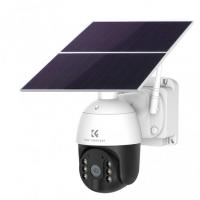
Secure the solar panel to the mounting bracket using the screws provided in the kit. Be sure to tighten these screws sufficiently to prevent the solar panel from being loose or falling off.
Before fully securing it, adjust the angle of the solar panel based on your location. The angle is vital for solar efficiency; typically, experts recommend tilting the panel perpendicular to direct sunlight. For optimal results, research the best angle for your geographical region.
4. Connect the Ring Camera to the Solar Panel
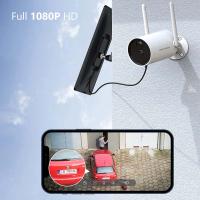
Once the solar panel is mounted, locate the cable or charging port meant for your Ring camera model. Plug the solar panel cable into the charging port of the camera. Ensure the cable is securely connected, as loose connections might result in inconsistent charging.
If the cable length is longer than necessary, carefully coil it and secure it using cable ties to organize your setup and prevent tripping hazards.
5. Test the Setup
Once the physical installation is complete, test your setup:
- Open the Ring app on your smartphone.
- Navigate to your camera settings and check the power status. The app should indicate that your camera is connected to the solar panel and charging.
If it isn’t charging, check the solar panel’s sunlight exposure, connection points, and the angle of installation. Minor adjustments may help resolve any issues.
6. Secure and Finalize the Installation
Finally, ensure everything is firmly secured—both the solar panel mount and the camera. Tighten any loose screws and confirm that the wiring is safe from environmental factors such as rain or excessive heat.
Maintenance Tips for Ring Solar Panel Performance
Though solar panels are low-maintenance, a few practices can help ensure optimal performance:
1. Clean the Panel Regularly: Dirt, leaves, and bird droppings can block the panel's surface, reducing its ability to absorb sunlight. Cleaning it periodically with a damp cloth will help maximize efficiency.
2. Check the Position Seasonally: The sun’s angle changes with the seasons. Adjust the tilt as needed to keep the panel exposed to maximum sunlight.
3. Inspect the Connections: Occasionally inspect the cable for signs of wear, corrosion, or damage. Replace it promptly if you observe any issues.
4. Monitor Battery Levels: Use the Ring app to regularly check the camera’s battery status to ensure the solar panel is working effectively.
Common Troubleshooting Tips
Even a properly installed Ring solar panel may encounter issues over time. Here are common problems and solutions:
Problem: The Camera Isn't Charging
- Check if the solar panel gets adequate sunlight. Relocate or adjust the angle of the panel if shading is obstructing it.
- Verify cable connections to ensure they are plugged in properly without dirt or debris blocking electrical contact.
Problem: Sudden Battery Drain
- Confirm whether the panel is receiving enough sunlight or if harsh weather conditions may have impacted performance.
- Clean the solar panel’s surface, as dirt build-up may disrupt energy absorption.
Problem: Loose Mounting Hardware
- Tighten screws and verify the mounting bracket’s stability. If the screws are stripped or the surface of installation is compromised, consider using stronger, different types of anchors.
Benefits of Solar Panels for Ring Cameras
Adding a solar panel to your security camera setup not only saves energy but also enhances functionality and convenience. Some key benefits include:
Eco-Friendly Energy Source: Solar panels use renewable energy, reducing your carbon footprint.
Lower Maintenance Costs: Eliminate the need for regular battery replacements or wiring maintenance.
Increased Camera Uptime: Your camera stays operational consistently, ensuring uninterrupted security monitoring.
Convenient Outdoor Installation: Solar panels make it easy to install cameras in remote or hard-to-reach areas without extensive wiring.
Final Thoughts
Installing a solar panel for your Ring camera is a straightforward process that significantly boosts the device’s reliability and efficiency. By following best practices for installation, maintenance, and troubleshooting, you can enjoy seamless security monitoring powered by energy from the sun.
Whether you’re a homeowner looking for a sustainable option for camera power or someone seeking to maximize their device’s uptime, the integration of a solar panel is a worthwhile investment. With the steps outlined above, you now have the knowledge and tools to install your Ring camera solar panel confidently and effectively.