kfconcept

KENTFAITH
K&F Concept    Blog >

Enjoy Your Selected Digital Life

Recently Viewed
  • Recently Viewed
  • Recently Viewed list is empty.

Compare (0) 0
  • Compare
  • You have not chosen any products to compare.

  • Compare
Currency: USD
  • Currency
Shop by Scene Shop by Rank

Log Into Your Account

Account

Order History

Wish List

Login

Forgotten Password?

Or connect with

Register Account

Already have an Account?Log In

  • Shopping Cart
  • Your shopping cart is empty!

  • Register/Login to purchase, earn points
  • Favorite
  • Your wish list is empty.

  • Register/Login to like, earn points
  • Activities
  • Guide
    • Filter Guide
    • Lens Adapter
    • Product Review
  • News & Reviews
    • Camera Reviews
    • Sample Gallery
    • News
  • Tutorials
    • Solar eclipse photography
    • Photography Basics
    • Landscape Photography
  • Inspiration
    • Travel
    • Travel Stories
  • Home
  • Blog
  • How To Back Focus A Camera Lens?

How To Back Focus A Camera Lens?

Kentfaith 2024-08-23 01:17:16 0 Comments

Back focusing a camera lens is a critical skill for photographers and videographers who want to ensure their images are sharp and clear. This process involves adjusting the lens to ensure that the focus point is accurate, which is particularly important for achieving precise focus in various shooting conditions. In this article, we will delve into the steps required to back focus a camera lens, the tools you need, and some practical tips to ensure you get the best results.

Understanding Back Focus
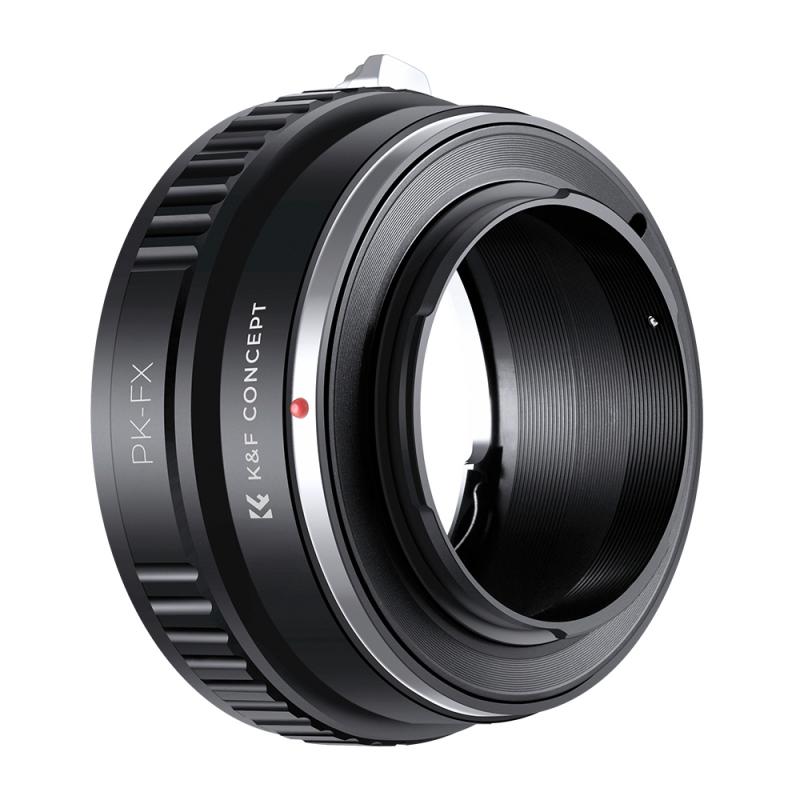
how to back focus a camera lens 1

Back focus refers to the distance between the rear lens element and the camera's sensor or film plane. If this distance is not correctly set, the camera may not focus accurately, leading to blurry images. This issue is more common in video cameras and DSLRs with interchangeable lenses, where the lens mount and sensor alignment can vary slightly.

Tools You Need
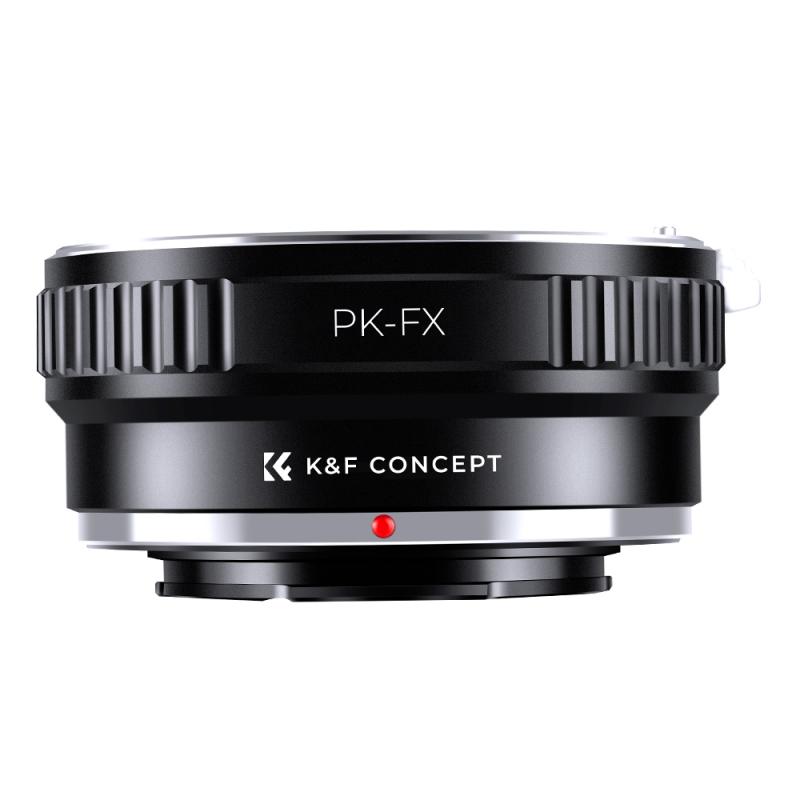
how to back focus a camera lens 2

Before you start the back focusing process, gather the following tools:

1. Tripod: To keep the camera steady during adjustments.

2. Focus Chart: A printed or digital chart with clear, high-contrast patterns.

3. Screwdriver: For making physical adjustments on the lens or camera body.

4. External Monitor: Optional but helpful for better visibility of focus details.

5. Good Lighting: Ensure the area is well-lit to see the focus clearly.

Steps to Back Focus a Camera Lens
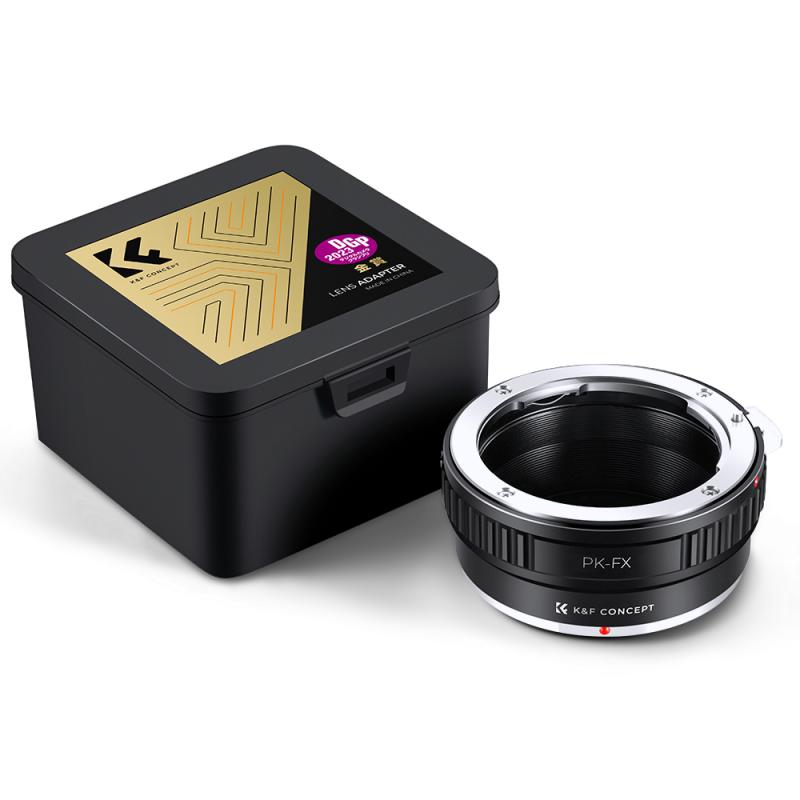
how to back focus a camera lens 3

Step 1: Set Up Your Camera and Lens

how to back focus a camera lens 4

Mount your camera on a tripod to ensure it remains stable throughout the process. Attach the lens you want to adjust and make sure it is securely fastened.

Step 2: Position the Focus Chart

Place the focus chart at a distance that you commonly shoot at. For general purposes, a distance of about 10 feet is a good starting point. Ensure the chart is parallel to the camera sensor to avoid any angle-induced focus errors.

Step 3: Adjust the Camera Settings

Set your camera to manual focus mode. This allows you to make precise adjustments without the camera's autofocus system interfering. Use the widest aperture available on your lens to minimize the depth of field, making it easier to see focus errors.

Step 4: Focus on the Chart

Look through the viewfinder or use the live view mode to focus on the chart. Adjust the focus ring until the chart appears as sharp as possible. If you have an external monitor, use it to get a clearer view of the focus.

Step 5: Check the Focus

Take a test shot or observe the live view to see if the focus is accurate. If the focus is off, you will need to make adjustments. This is where the process can vary depending on your camera and lens model.

Step 6: Make Adjustments

For cameras with back focus adjustment screws (common in professional video cameras), use a screwdriver to make small adjustments. Turn the screw slightly and recheck the focus. For DSLRs and mirrorless cameras, you may need to use the camera's micro-adjustment feature, often found in the settings menu.

Step 7: Recheck and Fine-Tune

After making adjustments, recheck the focus by taking another test shot or observing the live view. Repeat the process of adjusting and checking until the focus is accurate. This may take several iterations, so be patient.

Step 8: Lock the Settings

Once you are satisfied with the focus, lock the adjustment screw (if applicable) to prevent it from moving. For cameras with digital adjustments, save the settings in the camera's memory.

Practical Tips for Back Focusing

1. Use a High-Contrast Chart: A chart with clear, high-contrast patterns makes it easier to see focus errors.

2. Good Lighting: Ensure the area is well-lit to see the focus clearly.

3. External Monitor: If available, use an external monitor for better visibility.

4. Patience: The process can be time-consuming, so take your time to get it right.

5. Regular Checks: Periodically check the back focus, especially if you frequently change lenses or the camera undergoes physical shocks.

Common Issues and Solutions

Issue: Focus Still Off After Adjustment

Solution: Ensure the chart is parallel to the camera sensor. Check for any play in the lens mount that could affect focus.

Issue: Inconsistent Focus

Solution: This could be due to a faulty lens or camera body. Try using a different lens to see if the issue persists.

Issue: Difficulty Seeing Focus

Solution: Use an external monitor or magnify the live view to get a clearer view of the focus.

Back focusing a camera lens is an essential skill for photographers and videographers who want to ensure their images are sharp and clear. By following the steps outlined in this article and using the right tools, you can achieve precise focus and improve the quality of your work. Remember to be patient and methodical in your approach, and regularly check your focus to maintain optimal performance. With practice, back focusing will become a routine part of your camera maintenance, ensuring you always capture the best possible images.
Leave your comment
Cancel reply
Note: HTML is not translated!
Related products
MAF-L Manual Focus Compatible with Sony A (Minolta AF) Lens to L Mount Camera Body Lens Mount Adapter
80
$62.99 $34.99
FIT ART MAF-NEX Lens Mount Adapter Manual Focus Compatible with Minolta AF/Sony Alpha A Series Lens to Sony-E NEX Mount Camera Body with Matting Varnish Design
72
$75.99 $43.99
Camera Backpack, 40L Large Capacity Camera Bag, Waterproof DSLR Camera Back Pack, Extra Large Photography Bag Backpack
18
$269.99
M39-L Manual Focus Compatible with Leica M39 Lens to L Mount Camera Body Lens Mount Adapter
80
$51.99 $27.99
PK-L Manual Focus Compatible with Pentax K(PK) Lens to L Mount Camera Body Lens Mount Adapter
80
$53.99 $29.99
OM-L Manual Focus Compatible with Olympus OM SLR Lens to L Mount Camera Body Lens Mount Adapter
80
$53.99 $29.99
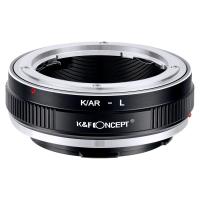
K/AR-L Manual Focus Compatible with Konica AR Lens to L Mount Camera Body Lens Mount Adapter
80
$53.99 $29.99
EOS-L Manual Focus Compatible with Canon (EF/EF-S) Lens to L Mount Camera Body Lens Mount Adapter
80
$53.99 $29.99
TAM-L Manual Focus Compatible with Tamron Adaptall (Adaptall-2) Lens to L Mount Camera Body Lens Mount Adapter
80
$53.99 $29.99
Minolta A / Sony A Lenses to Leica M Lens Mount Adapter K&F Concept M47151 Lens Adapter
31
$75.99 $39.99
Products You May Like
62mm Camera UV + Polarizing Lens Filters + Lens Cap Kit, 3pcs of Cleaning Cloths and a Filter Pouch Included, K&F Concept Nano-Klear Series
30
$45.99 $36.24
Big Rack Trail Camera
10
$135.99 $74.99
77mm Magnetic CPL Filter Circular Polarizer Lens Filter Optical Glass Ultra Slim with 18 Multi-Layer Coatings Nano-Klear Series
43
$32.99 $25.99
67mm-77mm Magnetic Lens Filter Adapter Ring
7
$22.99
58mm Variable ND Filter ND2-ND32 (1-5 Stops) Lens Filter Waterproof Scratch Resistant with 18 Layers of Nano-coating Nano-Klear Series
30
$36.99 $28.99
Mini Digital Camera 1080P Keychain Camera 0.96in for 5-12-year-old Boys & Girls Kids Students Travelers
13
$68.99 $48.99
43mm MCUV Lens Protection Filter with Lens Cap Optical Glass Ultra Slim 18 Multi-Layer Coatings Nano-Klear Series
$8.99
1080P 20MP Wildlife Trail  Camera with Night Vision 0.2S Trigger Motion Activated IP66 Waterproof, 64G SD Card, Tree Spike, Card Reader
1080P 20MP Wildlife Trail Camera with Night Vision 0.2S Trigger Motion Activated IP66 Waterproof, 64G SD Card, Tree Spike, Card Reader
77
$154.99 $79.99
K&F Concept Camera Lens Replaceable Cleaning Pen Set, APS-C Cleaning Stick*20
$37.99 $19.99
DJI Osmo Action 4 & Osmo Action 5 Pro ND32 (5 stop) Lens Filter 28 Multi-Coated Neutral Density Light Reduction Filter Optical Glass / Aluminum Alloy Frame
37
$19.99
Related articles
How To Focus A Telescope?
How Does A Rangefinder Camera Focus?
How To Focus Binoculars?
How Do You Focus A Telescope?
How Good Is Wireless Back Up Camera?
How To Attach A Camera Lens?
How To Build A Camera Lens?
How To Light Back Background Product Photography?
How To Fix A Scratched Camera Lens?
How To Find Focal Length Of Camera?
Blog You May Like
How To Keep Earphones In When Running?
How To Filter It Light From Cameras?
How Good Is Wireless Back Up Camera?
When To Use A Graduated Neutral Density Filter?
Can You Combine Nd Filter And Polarizer?
Can You Turn The Microphone Off On Iphone?
How To Protect Outdoor Camera From Weather?
How To Allow Camera And Microphone In Fb Messendger ?
How To Change Language On Bluetooth Headphones ?
How To Reset Battery Indicator On Blink Camera ?
Related categories
A Mount Lens Adapter Sony A Mount Lens Adapters C mount lens adapter m4/3 adapter minolta a mount lenses camera lens adapter Magnetic Lens Filter lens CPL filter camera lens filters
Popular products
af lens adapter sony nex 3 lens adapter camera backpack with extra storage backpack with removable pouch leica m sony e mount adapter sony minolta adapter sony a mount to minolta adapter leica t adapter sigma l mount adapter leica sl lens adapter
Related searches
Back To Back Lens Adapter On Ebay Nikon F-mount Back Focus Distance Camera Back Bag Sling Back Camera Bag Iphone 13 Back Camera Lens Replacement Manual Focus Camera Lens Auto Focus Adapter For Minolta A Mount Sony Camera To A Minolta Lens Adapter Back Light For Photography Iphone 5 Total Back Lens Adapter
Popular searches
50mm Lens Cs Mount 3 Axis Gimbal Stabilizer For Phone Best Lens Filter For Sunsets Lens For Z Mount Wiki Sony E Mount Vs 35mm Focal Length Canon Eos 3 Lens Mount Usb Video Conference Camera Fit Pro Smart Watch Nikon 1 J1 Lens Adapter Wide Angle Night Vision Security Camera
Blog Category
  • Activities
  • Guide
    • Filter Guide
    • Lens Adapter
    • Product Review
  • News & Reviews
    • Camera Reviews
    • Sample Gallery
    • News
  • Tutorials
    • Solar eclipse photography
    • Photography Basics
    • Landscape Photography
  • Inspiration
    • Travel
    • Travel Stories
Search Article
Latest from the Blog
What Is The Difference Between Binoculars And Telescope?
How Much Does It Cost For Security Cameras?
What Does Tripod?
Can I Charge Camera Battery With Power Bank?
How To Remove Memory Card From Nikon Camera?
What Is Surveillance Camera Control System?
Can You Save Facebook Videos To Camera Roll?
Is the Sony A7M5 worth buying?
UV Filter: Everything You Need to Know About UV Protection Lens Filters
How Big A Memory Card For Camera?
  • Easy Payment Multilple Payment Options

  • Free Shipping Global WareHouse Shipment

  • No Risk 30-Day No Reason Return

  • Limited Deals Buy More, Save More

  • Tax Free No any surcharges or tax fee

Information
  • About us
  • Contact Us
  • Site Map
  • Blog
  • Video
  • Gallery
  • VIP Membership Rewards
Service
  • Privacy Policy
  • Terms & Conditions
  • Shipping & Delivery
  • Payment Info
  • Warranty, Return & Refund
  • Intellectual Property Rights
  • Ambassador
  • Affiliates
  • Wholesale
Support
  • My account
  • Order History
  • FAQs
  • Extend Warranty
  • Logistics Tracking
Follow us
NewsLetter

Get the latest product, K&F Concept respects your privacy.

Powered By KENTFAITH © 2025