How To Use Slope On Rangefinder?
When it comes to outdoor recreational activities, particularly golf and hunting, precision is essential for success. Rangefinders are invaluable tools for determining distances, but modern technology has introduced more advanced features such as slope calculation. If you're looking to understand how to use slope on a rangefinder effectively, this article provides the necessary insights and practical know-how to maximize your efforts.
Understanding Slope Functionality on a Rangefinder
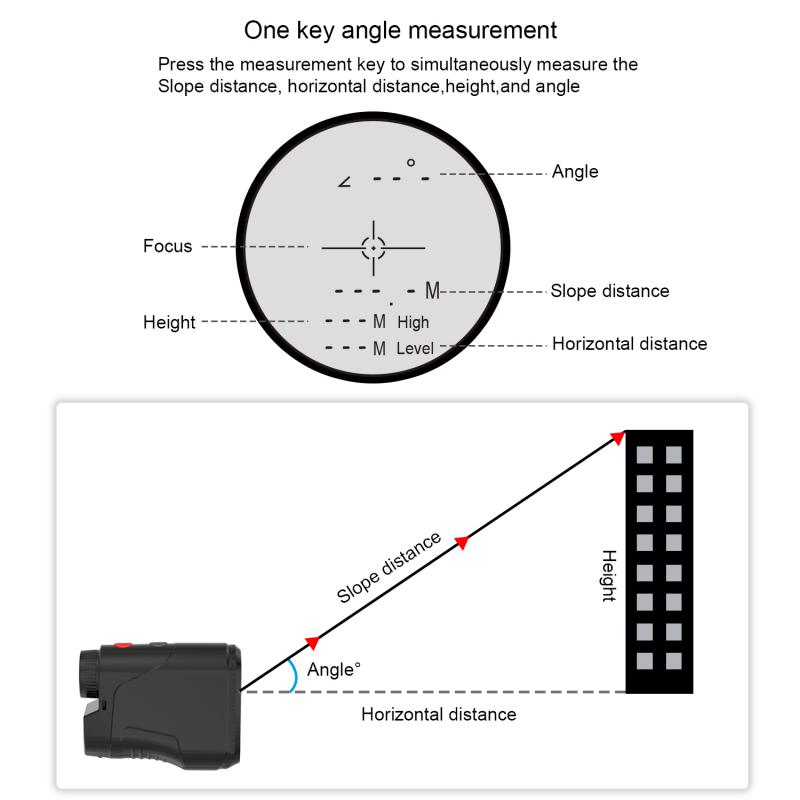
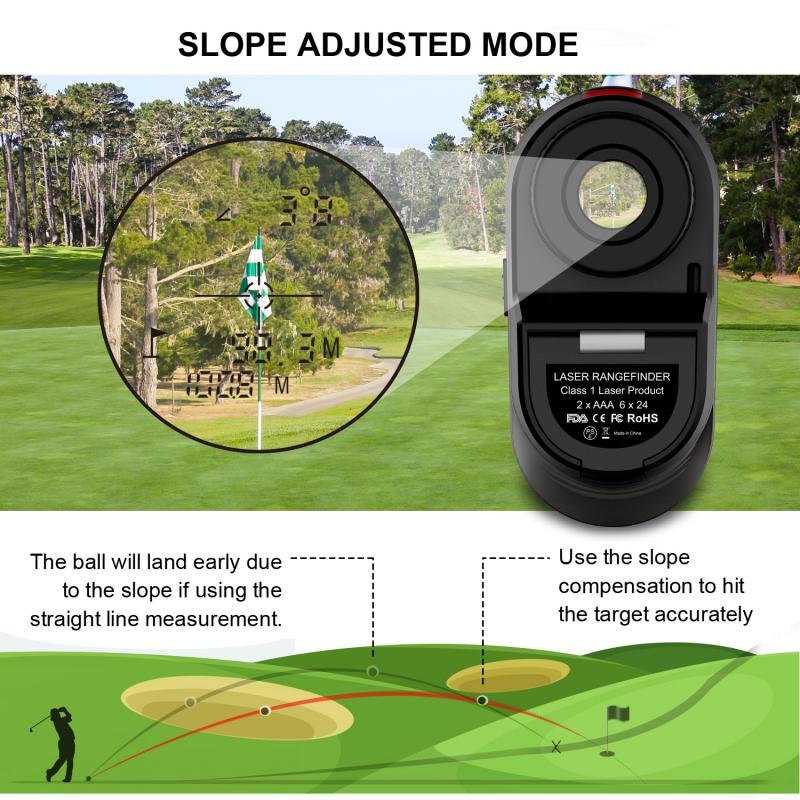
Before delving into its use, let's first understand what slope is and why it’s important. Slope is the measure of elevation change between you and your target. In the simplest terms, it accounts for whether you're aiming uphill or downhill. Many traditional rangefinders only measure straight-line distances, which means they don’t take into account the angle influencing that distance. However, rangefinders with slope technology adjust the distance reading based on elevation changes, providing more accurate data.
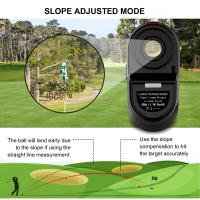
For instance, in golf, a shot uphill typically requires more power than a shot downhill, even if the straight-line distance is the same. Similarly, in hunting, an uphill or downhill shot may require you to adjust your aim or tactics depending on the gradient. Slope technology automates these calculations, providing actionable information.
How Slope Technology Works in Rangefinders
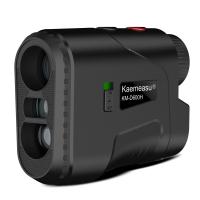
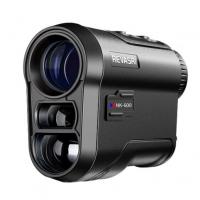
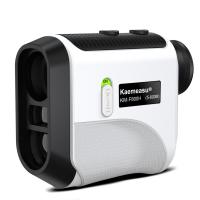
Rangefinders equipped with slope functionality use built-in inclinometer sensors to calculate the angle of elevation or depression. This angle is then factored into the straight-line distance measurement, and the adjusted “playing distance” is displayed. Here’s a breakdown of the process:
1. Measurement of Distance: The rangefinder uses a laser to measure the straight-line distance between you and your target.
2. Measurement of Angle: The device identifies the angle between the direct line of sight and the horizontal axis (level ground).
3. Distance Adjustment: Using the angle and straight-line distance, the rangefinder applies a formula to calculate the slope-adjusted distance. This function gives you the effective distance you should use to plan your shot or action.
Because of this ability to account for slope, such devices are useful for terrains with varying elevations. However, it’s worth noting that slope-adjusted distances are not universally legal in certain competitive situations, such as many professional golf tournaments.
Practical Application: Using Slope on a Rangefinder
Below are step-by-step guidelines to help you use slope functionality on a rangefinder effectively:
1. Understand Your Device
Different rangefinders come with unique features. Some models allow you to easily toggle slope functionality on or off, while others may require additional settings adjustments. Before heading out, familiarize yourself with the user manual and settings menu of your rangefinder. If the device allows toggling between slope mode and a standard mode, know how to switch between the two quickly.
2. Set Up and Aim
Position yourself in a stable stance and aim the rangefinder at your target. Always ensure the rangefinder’s lens is clean and the laser has a clear path to read the distance accurately.
3. Activate Slope Mode
Turn on the slope calculation feature; this setting varies depending on your rangefinder model. Once activated, the rangefinder will not only display the straight-line distance but also the slope-adjusted effective distance.
4. Interpret the Data
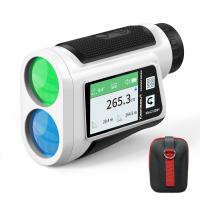
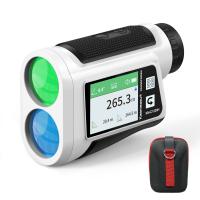
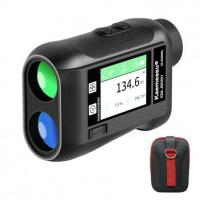
The screen will show two distances: the unadjusted straight-line distance and the slope-adjusted distance. Use the slope-adjusted distance for more precise actions. For example, in golf, this number helps you select the appropriate club based on how the slope affects your shot, rather than relying on the raw distance alone.
5. Make Adjustments
Whether you’re on a golf course or in a hunting situation, use the slope-adjusted distance to make your decision. In hunting, this might mean adjusting your firearm’s sight to compensate for elevation. In golf, this could mean recalibrating the force of your swing.
6. Practice and Experiment
While slope-enabled rangefinders are intuitive, mastering their use requires practice. Spend time experimenting in different environments. Try measuring distances at varying angles, both uphill and downhill, to familiarize yourself with how slope influences the adjusted distance readings.
Benefits of Slope Technology
1. Enhanced Accuracy
Slope technology provides far more accurate distance readings than conventional rangefinders. By factoring in elevation changes, these devices minimize errors in decision-making and execution.
2. Improved Gameplay in Golf
On uneven courses, slope functionality can give golfers a competitive edge, helping them choose the right club and make better judgments about power and aim.
3. Better Hunting Experience
For hunters, reducing guesswork in distance calculation leads to better accuracy, and therefore, more effective and ethical shooting practices.
4. Saves Time
Without having to manually estimate the impact of slope, users can make faster decisions. This is particularly beneficial in time-sensitive tasks or competitions.
Limitations of Slope-Enabled Rangefinders
Despite their advantages, slope-enabled rangefinders have their limitations. Here are some potential drawbacks to consider:
1. Legal Restrictions
Certain sports or competitions, such as professional golf tournaments, prohibit the use of slope calculation. Always check rules and regulations before using a rangefinder in competitive settings.
2. Dependence on Technology
Training yourself to rely on slope-adjusted data may limit your intuition when the device is unavailable or restricted. Experienced users should balance technological reliance with skill development.
3. Battery Life
Slope-enabled rangefinders often require more battery power due to the additional processing involved. Ensure your device is adequately charged before heading out.
4. Price
Rangefinders with slope functionality typically cost more than standard models. While the investment can significantly improve your game or hunting experience, it’s not always accessible to budget-conscious users.
Tips for Choosing a Slope-Enabled Rangefinder
When selecting a rangefinder with slope functionality, consider the following factors:
Legal Compliance: Opt for a model with a toggle feature to disable slope mode for competitive or restricted environments.
Ease of Use: Choose a device with a simple interface and clear screen display.
Durability: For outdoor use, ensure the rangefinder is waterproof and resistant to impact.
Portability: Select a compact and lightweight model.
Battery Life: Look for devices with long-lasting battery life or energy-efficient technology.
Final Thoughts
Slope-enabled rangefinders are powerful tools for activities requiring precision, such as golf and hunting. By accounting for elevation changes and providing slope-adjusted distances, these devices help users make better decisions and improve their overall success rates. Whether you're a golfer navigating hilly courses or a hunter tracking prey across varied terrain, mastering slope functionality could be the game-changer you've been seeking.
However, it’s important to use the tool responsibly, abide by regulations, and maintain a balance between technological reliance and personal skill. As you grow more familiar with your rangefinder's slope capabilities, you'll find that the adjustments become second nature, turning this seemingly complex feature into an indispensable part of your outdoor toolkit.