What A Smartwatch Can Do?
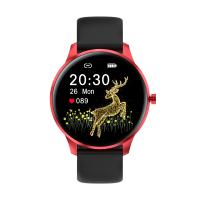
A smartwatch is a portable device worn on the wrist that supports apps and acts as an extension of your mobile phone in some cases. Depending on the make and model, they have numerous functions that can have a big impact on day to day life. Simply put, a smartwatch does more than just telling time — it's almost like having a mini-computer right on your wrist. A smartwatch contains an operating system (OS) and memory, and usually has a touchscreen to operate it.
What Makes a Smartwatch "Smart"
What makes a smartwatch really 'smart' is the data it measures and collects about your body and health. Based on this data, you can then receive advice about your lifestyle, training, nutrition, etc. A smartwatch is very similar to a smartphone, but in watch size. Just like with a smartphone, you operate the smartwatch via a touchscreen (sometimes with additional push buttons). There are also many similarities on the inside, such as a chip, operating system (OS), working memory and storage memory. Using the sensors and meters, the smartwatch uses algorithms to determine what activities you perform and whether you experience stress.
A watch displays tiny bits of information at a quick glance. Traditional watches are generally limited to the current time, the current date, and sometimes a few other bits. Smartwatches are able to display many different types of data, often personalized to you or your location — such as the current time, date, temperature, and the next meeting on your calendar.
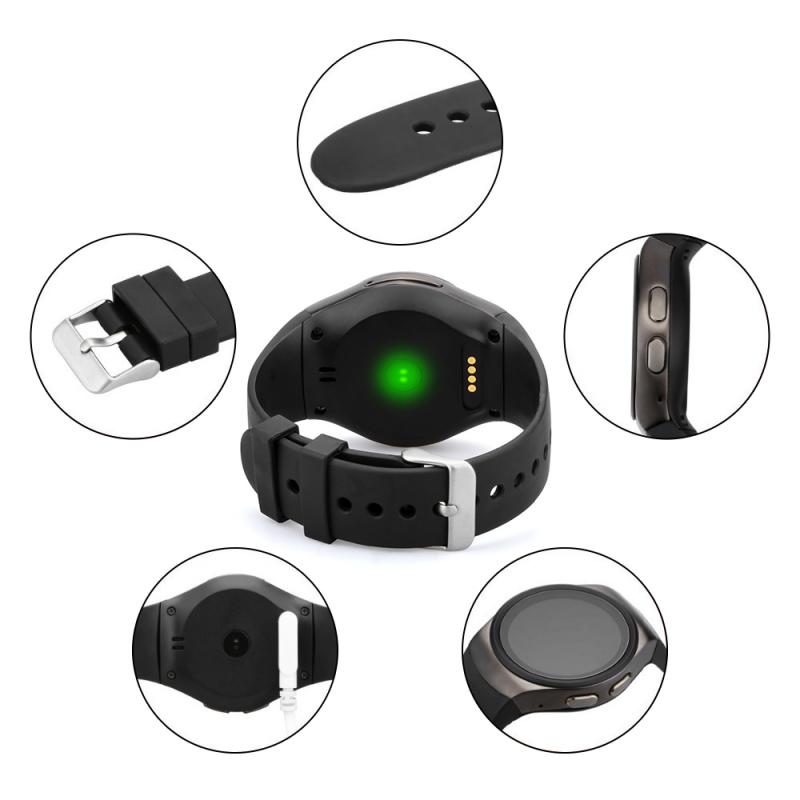
Health and Fitness Tracking
One of the most popular reasons that people look to buy a smartwatch is to track fitness. Many smartwatches can do exactly what most popular fitness trackers do, but with the added benefit of receiving notifications and other mobile phone functions, meaning you don't always need to carry your phone around when you're on the move. Smartwatches are also able to track various health and activity metrics like heart rate or steps taken.
- Heart rate monitoring via optical PPG sensor, which measures heart rate by means of green flashes of light that shine through your skin and reflect back to the sensor
- ECG sensor (electrocardiogram) that measures the electrical activity of the heart to check whether you have a healthy heart rate
- Blood oxygen/SpO2 sensor that measures the saturation level in your blood by shining a beam of light on your wrist and capturing the reflected light
- Sleep tracking to gain insights into your sleep patterns
- Step counting and calories burned tracking
- Built-in GPS to track running routes accurately and efficiently
- Sports modes to provide tailored tracking for different activities like running, cycling, and swimming
- Hydration reminders, breathing exercises, and sedentary reminders on some models
Please note: smartwatches are not medical equipment and only provide an indication of blood pressure, heart rate and saturation. Always consult a doctor if you experience health issues.
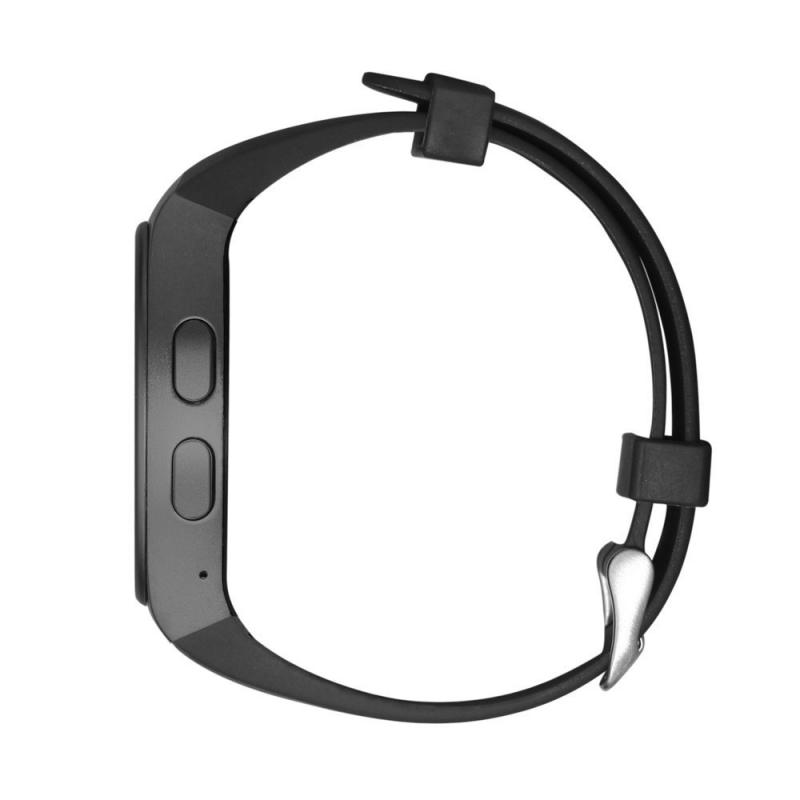
Communication and Notifications
One of the features that makes a smartwatch most like a smartphone is the ability to send both text and voice messages. Most smartwatches display notifications from your smartphone, and some smartwatches even let you make calls and send messages from your wrist. If your phone and your smartwatch aren't in the same room, you'll still be able to see any notifications pop up on the watch's interface. This is a very handy feature that means you don't need to carry your phone around with you everywhere, especially when you're doing things that might need your hands to be free, such as cycling, running, or simply cooking dinner.
Sometimes it is also possible to respond to a message via voice control or via pre-programmed answers, without having to use your smartphone. With cellular connectivity available on some models, you can even leave your phone behind and still stay in touch.
Smartwatch Apps and Everyday Features
Just like your smartphone, a smartwatch has an app store that allows you to download apps. The great thing about apps on your smartwatch is that you don't have to take your phone out of your pocket to use messaging apps, check the weather forecast, or pay for your groceries. Many of your favorite apps that are available on your smartphone are also available to download straight to your smartwatch.
- Navigation
- For athletes and those who enjoy the great outdoors, the navigation features of smartwatches can be essential. Instead of being distracted by notifications on your phone, you can take a quick glance down to see if you are turning left or right. You can also set up a navigation system on a watch to vibrate whenever you need to make a turn.
- Mobile Wallet / Payments
- Many smartwatches use services like Samsung Pay or Apple Pay to store your card information, meaning it's readily accessible at the click of a button. You no longer need to have your wallet and phone on you when you're out and about. All you have to do is bring your watch close to the payment terminal — your payment details are automatically entered and the payment will be processed.
- Music Control
- Smartwatches are able to connect to Bluetooth. You can use music streaming apps to deliver your favorite tunes sent right to your headphones from your watch. You can do this using your phone as an intermediary, or you can purchase the watch with a separate data connection to stream music directly.
- Voice Assistant
- Set reminders, send texts, or control music just by speaking to your watch. Ask for weather updates, control apps, or initiate searches without touching your device. Whether you're driving, cooking, or multitasking, using voice commands makes it easier to manage your day.
- Find My Phone
- If you lose your phone, you can locate it with your watch. This feature is available on several smartwatch platforms and is used frequently by many owners.
- Ride-Hailing
- You can order an Uber or a Lyft right from your smartwatch. The smartwatch can request a driver to your location immediately and provide ETA details. You can also share your location with other friends and family members to improve security during your experience.
- Reminders and Calendar
- Sync with your phone's calendar to view and manage events and appointments. Set custom reminders for tasks, meetings, or fitness goals. Alarms and timers keep you on schedule, whether for work or workouts.
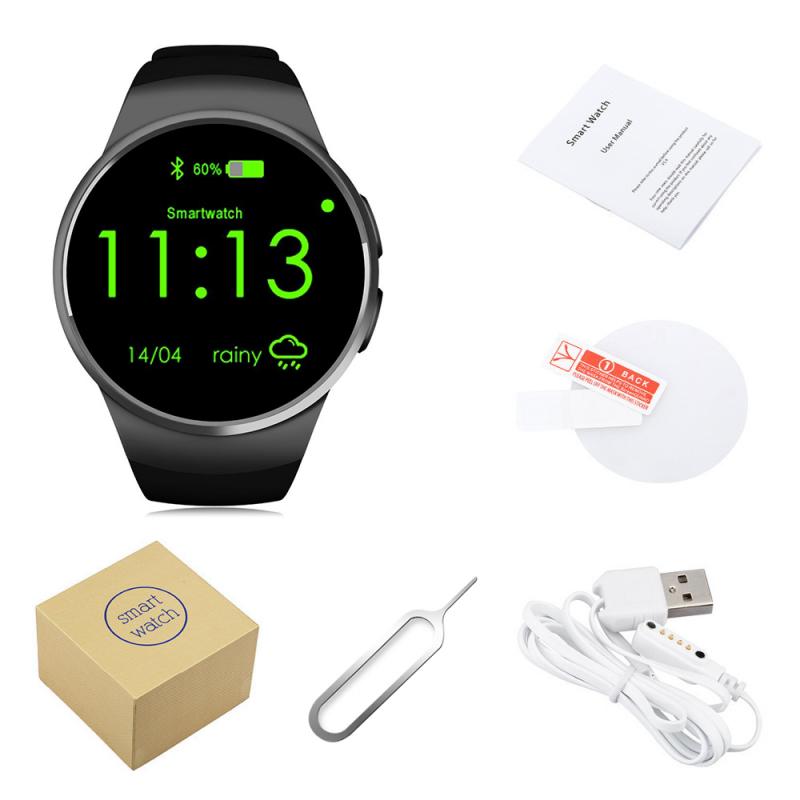
Customization and Watch Faces
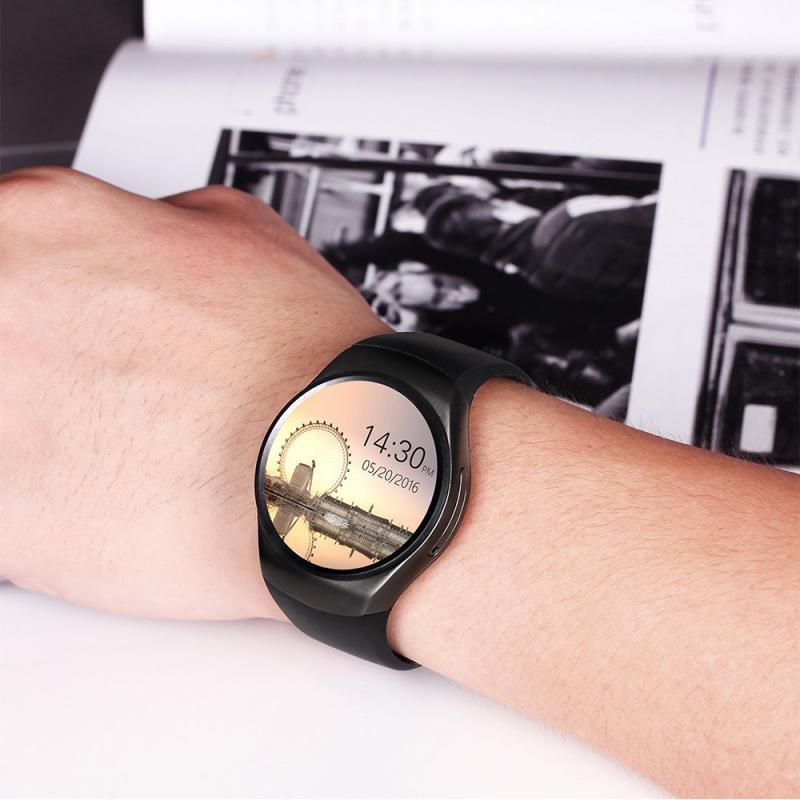
Most smartwatches will come pre-installed with many watch faces. These include classic styles to mimic an analog watch face and modern digital faces. There are special apps available to download onto your smartwatch so that you can tinker with and tweak the style to be exactly as you want — updating the shapes, images, expressions, and fonts to your specifications.
Many smartwatches come with an easily replaceable standard (silicone rubber) strap. You can then very easily exchange the strap for a more traditional leather strap, or a sturdy metal bracelet. The nice thing about a smartwatch is that you can adjust it completely to your own taste — for example, a classic dial when you wear a suit or bright colours when you exercise.
Smartwatch Hardware and Connectivity
Under the hood of a smartwatch lies Bluetooth connectivity, heart rate or pulse sensors, and other hardware. There is a built-in memory chip and computer system that runs off of an operating system. Manufacturers can make long-term updates to the software through the cloud — there is no need to plug anything in because you can download the latest update to correct any bugs or errors.
- To connect your smartwatch to your phone, download the smartwatch brand's app to your phone and turn on Bluetooth on both devices.
- You will usually receive a request on your watch or phone to connect the devices — click agree, and your smart devices are connected.
- Many smartwatches nowadays have their own WiFi connection so that you can connect to the internet to perform updates or download apps without needing your phone nearby.
- Smartwatches with a built-in eSIM card can work independently — with these smartwatches you can make calls, receive messages and use the internet without needing your phone. You will probably have to take out a separate mobile data subscription to use this watch.
- Note: An Apple Watch can only be linked to an iPhone. Always check whether the watch is compatible with your smartphone before purchasing.
Since the rise of wireless communication technology and the availability of increasingly smaller and cheaper silicon chips, it has become possible to make watches with smartphone-like functions. By connecting your smartwatch to your smartphone, these two devices exchange data and work together — for example, smartwatches display incoming messages and send a notification when you receive a call, while you can view and analyze data that your watch collects on your smartphone, such as your training schedule and routes walked.