How To Put Sd Card In Camera?
When it comes to using a digital camera, one important first step is knowing how to insert an SD card correctly. Whether you're new to photography or upgrading to a camera that uses an SD card for storage, properly handling and inserting the card is crucial. This article will provide a step-by-step explanation of how to put an SD card into your camera, along with tips to avoid common pitfalls and ensure your device works efficiently. By the end of this guide, you'll be well-prepared to manage your camera's storage system and troubleshoot any common issues you might encounter.
Why the SD Card Matters
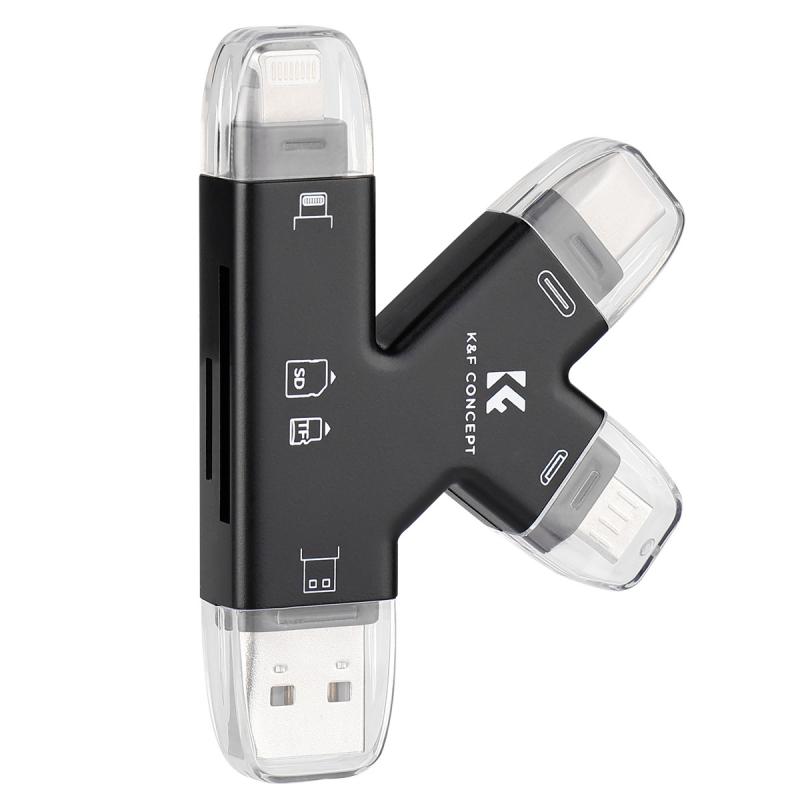
An SD card plays a critical role in capturing and storing photos and videos on a digital camera. It serves as the main storage for your media files, ensuring you have plenty of space to capture high-quality photos and extended video footage. SD cards come in various sizes and speeds (e.g., SD, SDHC, SDXC), and knowing how to properly handle and insert these cards can increase their lifespan and optimize their performance.
Step-by-Step Guide to Inserting an SD Card
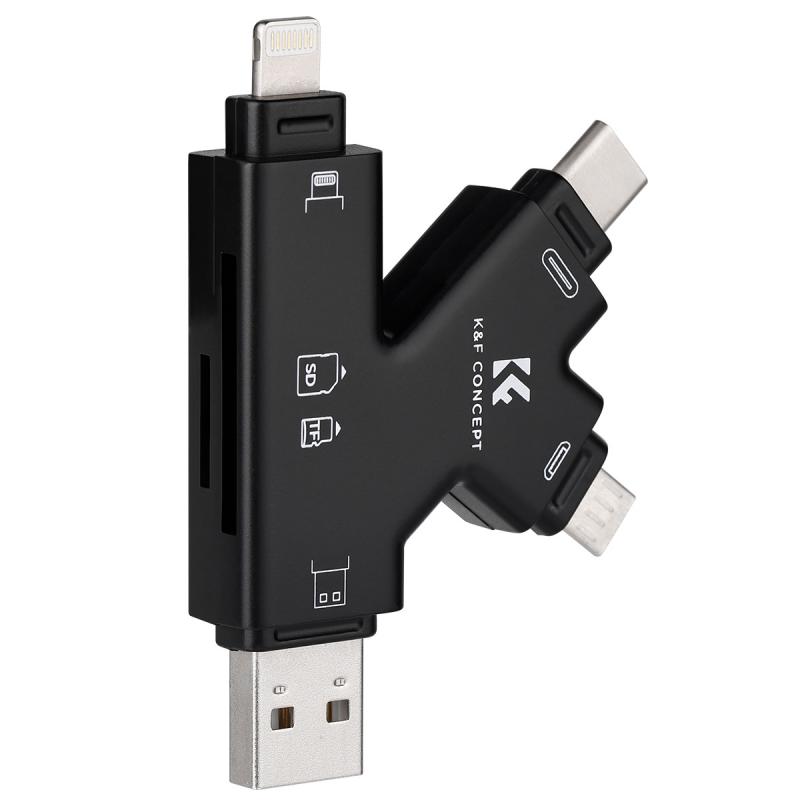
1. Check the Camera's Specifications
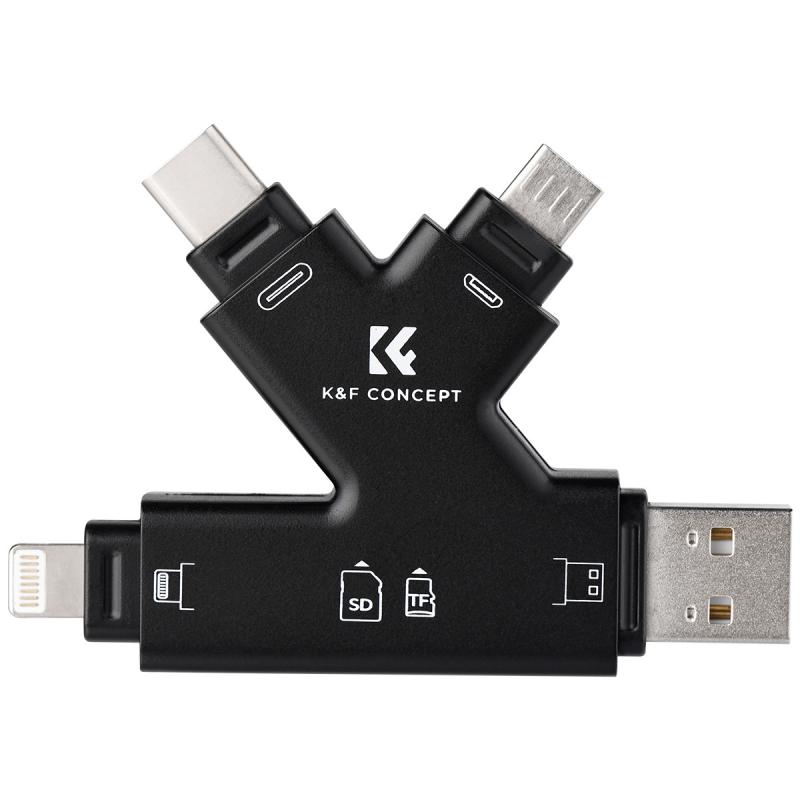
Before inserting an SD card, refer to your camera’s manual or the manufacturer's official website to ensure you’re using a compatible SD card. Cameras often indicate which type (e.g., SDHC or SDXC) and speed class (e.g., Class 10, UHS-I, UHS-II) card will work best. Using an incompatible card may result in malfunction or limited performance.
2. Turn Off Your Camera
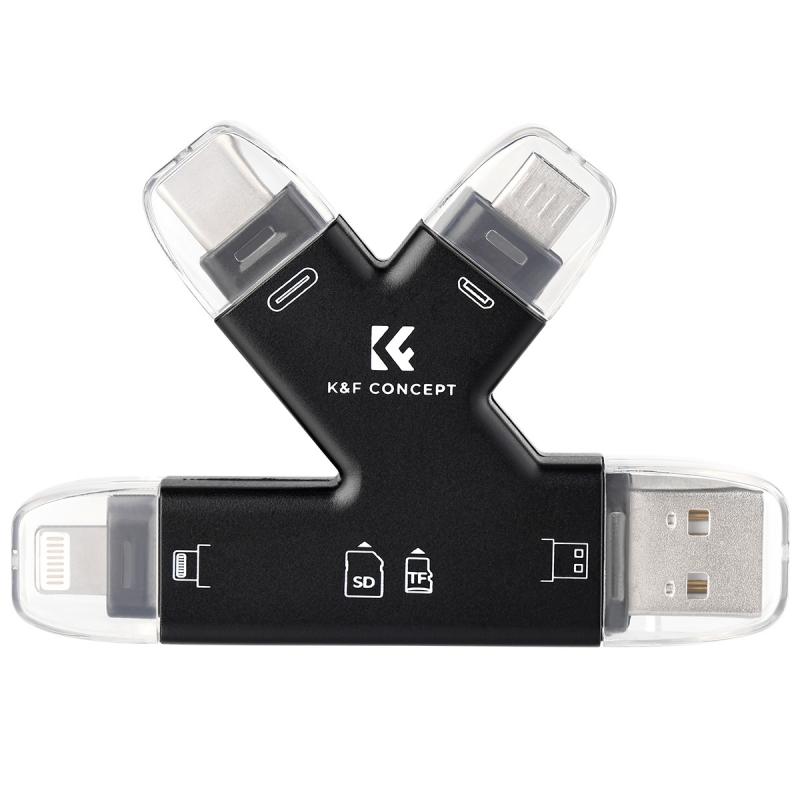
This step is crucial. Always ensure the camera is turned off before inserting or removing the SD card. Most modern cameras have sensitive electronic systems, and handling the SD card while the camera is powered on could corrupt the card or damage the camera’s memory slot.
3. Locate the SD Card Slot
The SD card slot is generally located near the battery compartment or on the side of the camera, depending on the camera model. Look for a small compartment with a sliding or hinged cover marked "Card" or "SD."
Side-mounted slots: Common in mid-range to professional cameras.
Battery-compartment slots: Often found in compact cameras and some entry-level DSLRs.
4. Insert the SD Card Correctly
Most SD cards are notched at one corner to ensure they can be inserted only one way. However, forcing the SD card in the wrong direction can damage the slot or the card. Here’s how to avoid that:
- Hold the SD card with its label facing outward or as per the orientation suggested by your camera’s manual.
- Slide the card gently into the slot. Most cameras will "click" into place when the card is inserted correctly.
If the card doesn’t slide in smoothly, don’t force it. Take it out, check the orientation, and try again.
5. Secure the Card Cover
Close the SD card compartment cover firmly. Many cameras have a safety mechanism that prevents operation if the cover isn’t secured.
6. Power On the Camera
Turn the camera back on and navigate to the storage or memory settings menu. Confirm that the camera has recognized the SD card. A successful card insertion will often show the amount of storage you have remaining.
7. Format the SD Card (Optional but Recommended)
It’s usually advisable to format the SD card when using it in a new device for the first time. This step ensures compatibility and removes any existing data that could disrupt the performance of your camera. To format:
- Go to your camera menu.
- Locate the “Format Card” or “Initialize” option.
- Follow the prompts to proceed.
Note: Formatting will erase all data on the SD card, so make sure you back up any important files beforehand.
Common Mistakes to Avoid
1. Forcing the Card
Inserting the card the wrong way can damage both the card and the camera. Always double-check the orientation before inserting.
2. Inserting or Removing While Powered On
Handling the SD card while the camera is powered can lead to data corruption or even physical damage.
3. Using an Incompatible SD Card
Ensure that you only use SD cards within the specifications supported by your camera. For instance, SDXC cards may not work in older cameras that only support SDHC.
4. Not Formatting the Card
Using a previously unformatted card might lead to error messages. This is especially the case with cards used in multiple devices.
5. Touching the Metal Contacts
Avoid touching the gold contacts on the SD card. Dirt, oil, or scratches can impair its functionality.
Troubleshooting SD Card Issues
If your camera doesn’t recognize the SD card after insertion, it might be due to one of these issues:
Card Not Properly Inserted: Check the orientation and reinsert the card.
Incompatible Card: Consult the camera’s manual and switch to a compatible model.
Corrupted Card: Try formatting the card in the camera or via a computer. If it still doesn’t work, the card may need to be replaced.
Dirty or Damaged Slot: Inspect the SD card slot for damage or debris. Avoid using sharp items to clear debris and seek professional repair services if necessary.
Tips for Extending the Life of Your SD Card
To maximize the longevity and reliability of your SD card:
1. Eject with Care: Always wait for your camera to power down completely before removing the SD card.
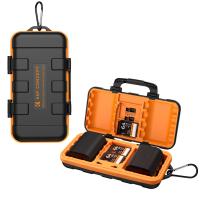
2. Store Properly: Keep your SD card in its protective case when not in use to prevent damage.
3. Avoid Extreme Conditions: Don’t expose your SD card to extreme temperatures, water, or magnetic fields.
4. Regular Backups: Copy your files to a computer or cloud storage regularly to avoid data loss.
5. Replace Older Cards: SD cards have a limited number of read/write cycles, so consider replacing them after years of heavy use to preempt failure.
Final Thoughts
Understanding how to properly insert an SD card into your camera is a foundational skill every photographer should master. While the process is straightforward, taking the time to ensure you’re using a compatible card, inserting it correctly, and maintaining its condition can prevent a host of potential issues.
By following the steps and tips outlined above, you’ll create a seamless workflow for storing your photos and protecting your creative endeavors. If a problem does arise, you’ll be better equipped to identify and resolve the issue promptly.
So, whether you're capturing priceless memories on vacation, working on professional projects, or simply enjoying photography as a hobby, having the confidence to manage your camera’s SD cards will empower you to focus more on the art and less on the technical hassles.