kfconcept

KENTFAITH
K&F Concept    Blog >

Enjoy Your Selected Digital Life

Recently Viewed
  • Recently Viewed
  • Recently Viewed list is empty.

Compare (0) 0
  • Compare
  • You have not chosen any products to compare.

  • Compare
Currency: USD
  • Currency
Shop by Scene Shop by Rank

Log Into Your Account

Account

Order History

Wish List

Login

Forgotten Password?

or connect with

Register Account

Already have an Account?Log In

  • Shopping Cart
  • Your shopping cart is empty!

  • Register/Login to purchase, earn points
  • Favorite
  • Your wish list is empty.

  • Register/Login to like, earn points
  • Activities
  • Guide
    • Filter Guide
    • Lens Adapter
    • Product Review
  • News & Reviews
    • Camera Reviews
    • Sample Gallery
    • News
  • Tutorials
    • Solar eclipse photography
    • Photography Basics
    • Landscape Photography
  • Inspiration
    • Travel
    • Travel Stories
  • Home
  • Blog
  • How To Improve Audio Recording Quality On Laptop?

How To Improve Audio Recording Quality On Laptop?

Kentfaith 2024-08-28 01:17:11 0 Comments

Improving audio recording quality on a laptop is a common concern for many users, whether they are podcasters, musicians, or professionals needing clear audio for presentations and meetings. Achieving high-quality audio recordings on a laptop involves a combination of hardware upgrades, software adjustments, and environmental considerations. In this article, we will explore various strategies to enhance your laptop's audio recording capabilities, ensuring that your recordings are crisp, clear, and professional.

1. Invest in a Quality Microphone
how to improve audio recording quality on laptop 1

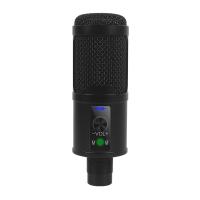
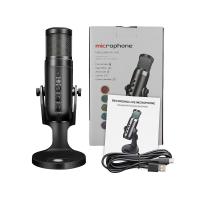
The built-in microphone on most laptops is not designed for high-quality audio recording. Investing in an external microphone can make a significant difference. Here are a few types of microphones to consider:

- USB Microphones: These are easy to use and connect directly to your laptop's USB port. They offer good sound quality and are ideal for podcasting, voiceovers, and general recording.

- XLR Microphones: These require an audio interface but provide superior sound quality. They are commonly used by professional musicians and podcasters.

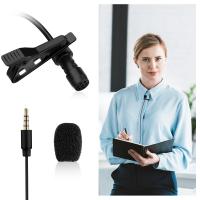
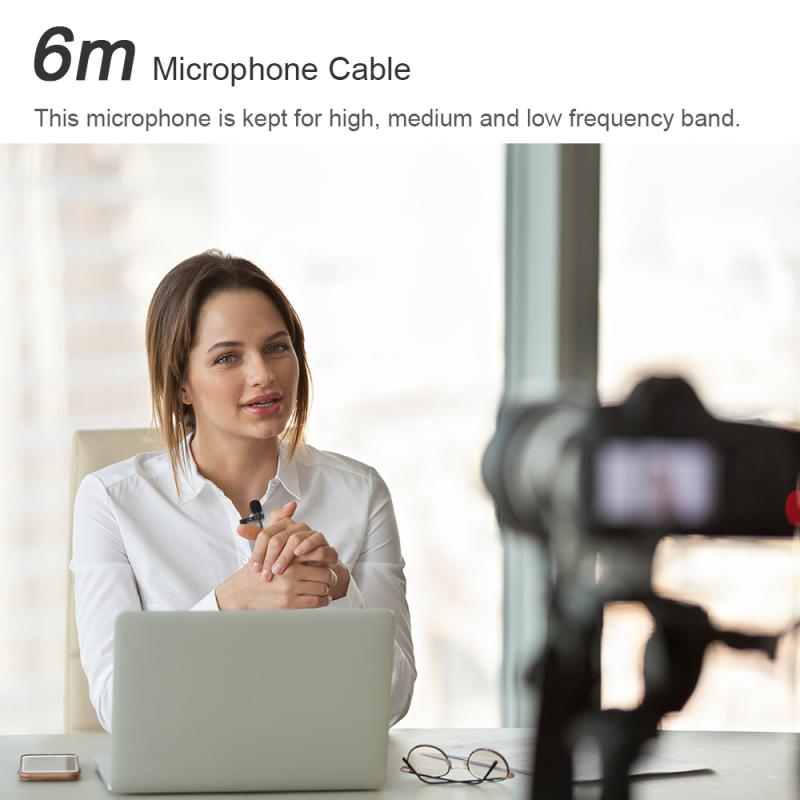
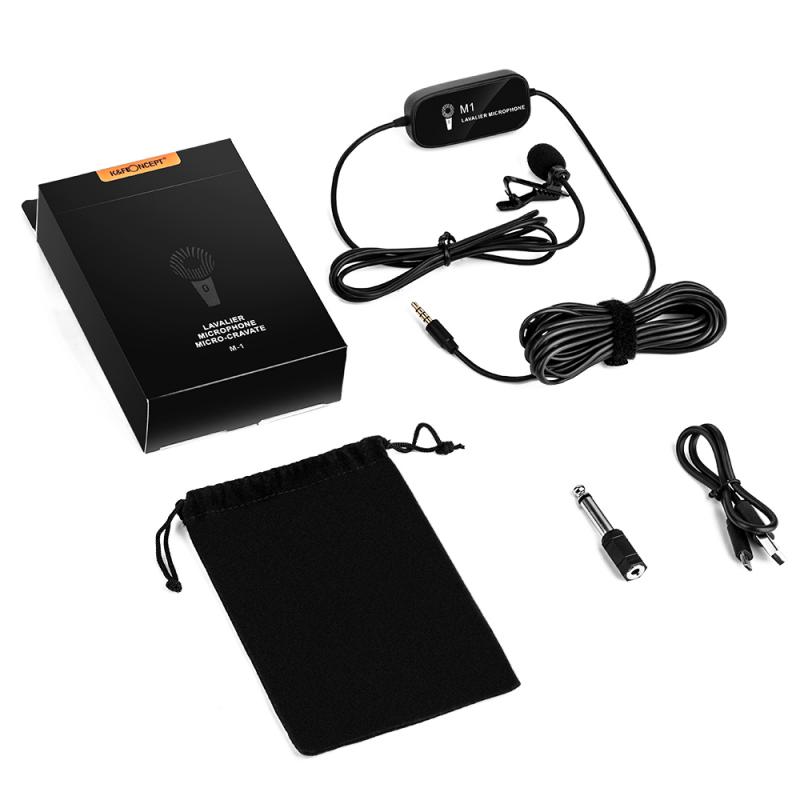
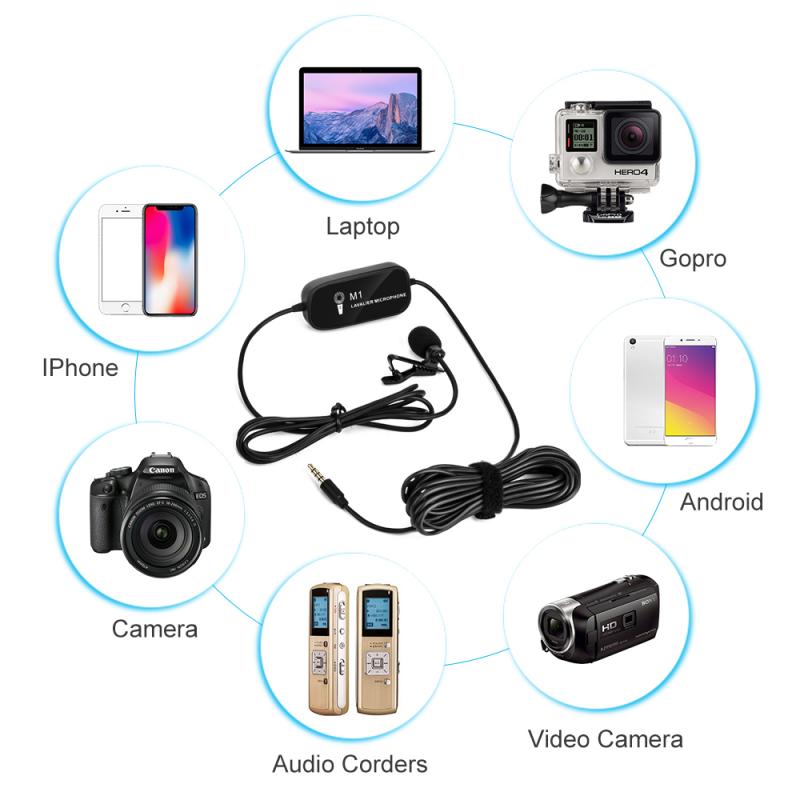
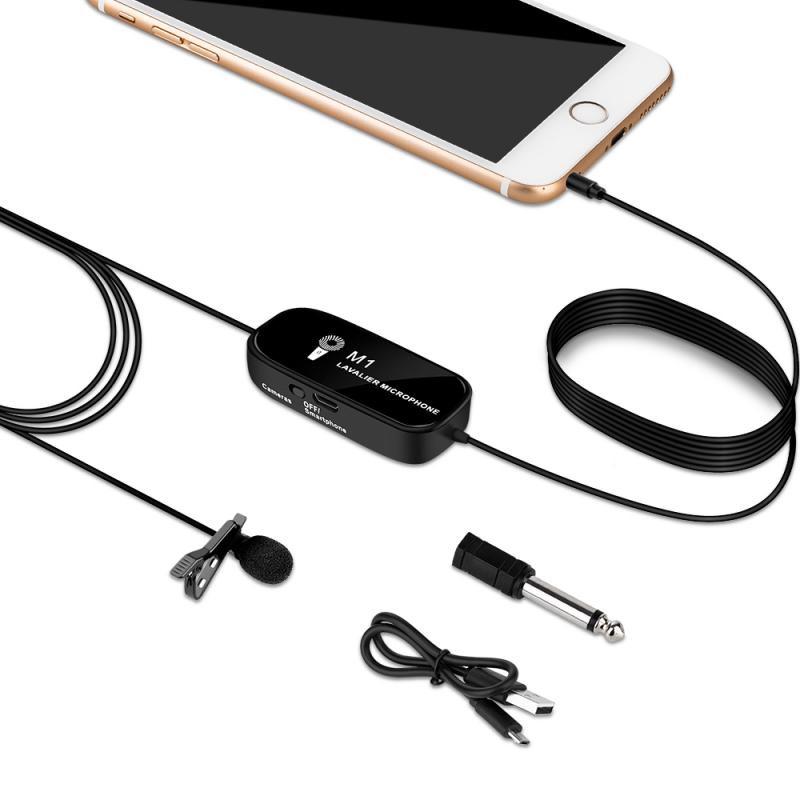
- Lavalier Microphones: These small, clip-on microphones are great for interviews and presentations.

2. Use an Audio Interface
how to improve audio recording quality on laptop 2

An audio interface is a device that converts analog signals from your microphone into digital signals that your laptop can process. It also improves the overall sound quality by providing better preamps and converters than those built into your laptop. When choosing an audio interface, consider the following:

- Number of Inputs: Ensure it has enough inputs for your needs, especially if you plan to record multiple sources simultaneously.

- Phantom Power: Necessary for condenser microphones.

- Latency: Look for low-latency interfaces to avoid delays during recording.

3. Optimize Your Recording Environment
how to improve audio recording quality on laptop 3

The environment in which you record can greatly impact the quality of your audio. Here are some tips to optimize your recording space:

- Soundproofing: Use foam panels, carpets, and heavy curtains to reduce echo and background noise.

- Quiet Space: Choose a quiet room away from external noise sources like traffic or air conditioning units.

- Microphone Placement: Position your microphone correctly to capture the best sound. Typically, this means placing it close to the sound source and using a pop filter to reduce plosive sounds.

4. Adjust Your Laptop Settings
how to improve audio recording quality on laptop 4

Your laptop's settings can also affect audio quality. Here are some adjustments you can make:

- Disable Built-in Microphone: If you're using an external microphone, disable the built-in one to avoid interference.

- Adjust Input Levels: Ensure your microphone input levels are set correctly to avoid distortion or low volume.

- Update Drivers: Make sure your audio drivers are up to date to ensure compatibility and performance.

5. Use Professional Recording Software

While free recording software like Audacity can be sufficient for basic needs, professional software offers more features and better sound quality. Some popular options include:

- Adobe Audition: Known for its powerful editing tools and effects.

- Pro Tools: Industry-standard software used by professionals.

- Logic Pro X: A favorite among musicians and producers.

6. Apply Post-Processing Techniques

Post-processing can significantly enhance the quality of your recordings. Here are some techniques to consider:

- Noise Reduction: Use software tools to remove background noise.

- Equalization (EQ): Adjust the balance of frequencies to improve clarity and tone.

- Compression: Even out the volume levels to ensure a consistent sound.

- Reverb and Effects: Add depth and character to your recordings.

7. Monitor Your Recordings

Using headphones to monitor your recordings in real-time can help you catch issues early. Look for closed-back headphones that provide good isolation and accurate sound reproduction.

8. Regular Maintenance and Upgrades

Regularly maintaining and upgrading your equipment can ensure consistent audio quality. This includes:

- Cleaning Microphones: Dust and debris can affect sound quality.

- Replacing Cables: Faulty cables can introduce noise and signal loss.

- Software Updates: Keep your recording software and drivers up to date.

Practical Tips for Specific Scenarios

For Podcasters

- Script and Practice: Plan your content and practice delivery to minimize mistakes and retakes.

- Interview Techniques: Use separate microphones for each participant and ensure they are positioned correctly.

For Musicians

- Instrument Placement: Position instruments and microphones to capture the best sound.

- Multi-Track Recording: Record each instrument separately for better control during mixing.

For Professionals

- Presentation Tools: Use screen recording software with high-quality audio capture for presentations.

- Meeting Etiquette: Encourage participants to mute their microphones when not speaking to reduce background noise.

Improving audio recording quality on a laptop involves a combination of hardware, software, and environmental adjustments. By investing in a quality microphone, using an audio interface, optimizing your recording environment, adjusting your laptop settings, using professional recording software, applying post-processing techniques, monitoring your recordings, and maintaining your equipment, you can achieve professional-grade audio recordings. Whether you're a podcaster, musician, or professional, these tips will help you produce clear, high-quality audio that meets your needs.

Leave your comment
Cancel reply
Note: HTML is not translated!
Related products
Recording Sunglasses with 1200P 30FPS Videos, 36MP photos, 6-axis Image Stabilization, UV 400 Protection, Open-ear Audio, for Cycling, Hiking, Fishing, Kentfaith
15
$162.49 $129.99
67mm Clip-on CPL Phone Camera Lens Filter Kit Applicable to All Mobile Phone Models
40
$18.99
67mm Clip-on ND2-32 Phone Camera Lens Filter Kit Applicable to All Mobile Phone Models
NEW Arrival
67mm Clip-on ND2-32 Phone Camera Lens Filter Kit Applicable to All Mobile Phone Models
13
$37.99
67mm Clip-on Black Mist 1/4 Phone Camera Lens Filter Kit Applicable to All Mobile Phone Models
7
$29.99
4K30FPS Mini Body Camera, 350min for Recording, 98FT Waterproof, EIS, WiFi Remote Control, Portable Vlogging, Hands-Free POV Recording for Cycling, Motorcycle, Kentfaith
13
$137.49 $109.99
52mm Clip-on CPL Phone Camera Lens Filter Kit, Circular Polarizer Polarizing Filter Applicable to All Mobile Phone Models
24
$19.99
V53 3.0" IPS 4K HD Car Recorder with 170° Recording Angle with G Sensor, GPS, WiFi, Loop Recording, Parking Monitoring, Night Vision (4K @3840*2160P) Dual Cameras
113
$155.99 $94.99
67mm Clip-on CPL&Black Mist 1/4 2-in-1 Phone Camera Lens Filter Kit Applicable to All Mobile Phone Models
3
$29.99
Digital Voice Recorder with Ultra-long 1000H Continuous Recording, Voice-Activated & Magnetic 128G
11
$134.99 $89.99
Mini Sound Recorder 128GB 1600H Recording Capacity with 1.4" Screen, Voice Activated Mode Kentfaith
NEW Arrival
Mini Sound Recorder 128GB 1600H Recording Capacity with 1.4" Screen, Voice Activated Mode Kentfaith
12
$99.99 $79.99
Products You May Like
Canon EF EF-S Mount Lens to Fuji FX Mount Cameras EF/EF-S to FX Electronic Lens Adapter K&F Concept Auto Focus Lens Mount Adapter Ring
92
$362.99 $199.99
4in1 DSLR Camera Cleaning Kit (Lens Dust Blower Cleaner + Cleaning Pen + Macrofiber Cleaning Cloth)
5
$37.99 $19.99
70"/1.77m Lightweight Aluminum Tripods for Photograph and Live Streaming Model K234A0+Video Head
$99.99 $49.99
Good Quality Trail Camera
18
$162.99 $106.99
Trinocular Stereo Microscope with 3.5x-45x Magnification 0.5x CTV Adapter 144pcs LEDs Kentfaith
$574.99 $459.99
4G Cellular Security Camera & Mini Voice Recorder Magnetic Kit, 2K Dual Lens 6X Optical Zoom Camera with 360 PIR Motion Detection, 800H Voice-Activated Recorder with Noise Cancelling 64G, Kentfaith
$169.99 $135.99
Gopro HERO 4K Action Camera CPL Lens Filter Multi-Coated HD Glass Optical Glass Aluminum Alloy Frame Action Camera Polarizing Reduce Glare Filter
NEW Arrival
Gopro HERO 4K Action Camera CPL Lens Filter Multi-Coated HD Glass Optical Glass Aluminum Alloy Frame Action Camera Polarizing Reduce Glare Filter
20
$19.99
Ultimate Wild Trail Camera
10
$162.99 $106.99
T Post Trail Camera Holder
10
$162.99 $106.99
67mm Magnetic Filter Adapter, Quick Release Magnet Phone Lens Filter Ring, with Cold Shoe Mount, Locking Knob, Compatible models: iPhone 15 series / 14 series / 13 series / 12 series / 11 series and other iPhone phones, Galaxy S22 S23 Ultra
114
$19.99
Related articles
How To Improve Sound Quality Of Recorded Video?
How To Improve The Quality Of Recorded Voice?
How To Improve Video Quality In Low Light?
How To Download Zoom Audio Recording?
How To Make An Mp3 Audio Recording?
How To Record Audio During Screen Recording?
How To Filter Noise From Audio Recording?
Does Screen Recording Include Audio?
How To Use Video Camera On Laptop?
Can Projector Work On Wall?
Blog You May Like
How Wireless Camera Works?
How To Allow Camera And Microphone?
How To Get Good Lighting With Ring Light?
How To Change Sd Card In Switch?
Can A Camera Flash Damage Your Eyes?
When Do School Cameras Flash At Traffic Lights?
How To Watch Video From Sd Card?
How Do I Know Camera Filter Size?
How To Get Voice In Screen Recording?
What People Look Like Under Uv Filter?
Related categories
On-Dash Camera C mount lens adapter m4/3 adapter Lens Filters for DJI Osmo Pocket 4/3 DJI Mavic 3 classic filter ND2-ND2000 Filters black mist nd filter​ black pro mist 1 2 filter Monopod
Popular products
infrared hd video camera quality trail cameras good quality trail camera good quality trail cameras high quality trail camera high quality trail cameras wireless microphone transmitter receiver light with power bank Polarize Filter For Mobile Phone WIFI solar security
Related searches
Microphone For Recording Audio On Computer Best Audio Quality Earbuds Best Quality On Ear Headphones Voice Recording Microphone For Laptop Cctv Camera With Audio Recording Hidden Camera With Audio Recording Mini Camera With Audio Recording Security Camera With Audio Recording Small Camera With Audio Recording Micro Camera With Audio Recording
Related Scenes
Best Carry On Camera Bag Best Camera To Video Sports Best Camera To Capture Wildlife Best Dslr Camera Laptop Backpack Best Backpack For Camera And Laptop Best Video Camera To Record Sports Best Travel Backpack For Camera And Laptop Best Trail Camera With Audio Best Quality Security Camera Best Quality Outdoor Camera
Blog Category
  • Activities
  • Guide
    • Filter Guide
    • Lens Adapter
    • Product Review
  • News & Reviews
    • Camera Reviews
    • Sample Gallery
    • News
  • Tutorials
    • Solar eclipse photography
    • Photography Basics
    • Landscape Photography
  • Inspiration
    • Travel
    • Travel Stories
Search Article
Latest from the Blog
Which Ring Light Is Best?
Prime Day 2026 - K&F Concept 15th Anniversary Celebration
Can A Digital Camera Record Video?
What Is The Field Diameter Of A Microscope?
What Is The Best Smartwatch For Heart Health?
How Expensive Is A Metal Detector?
How Long To Charge Bluetooth Headphones?
How To Choose A Lens For Your Camera?
What Battery For Smoke Detector?
What Do You Use A Ring Light For?
  • Easy Payment Multilple Payment Options

  • Free Shipping Global WareHouse Shipment

  • No Risk 30-Day No Reason Return

  • Limited Deals Buy More, Save More

  • Tax Free No any surcharges or tax fee

Information
  • About us
  • Contact Us
  • Site Map
  • Blog
  • Video
  • Gallery
  • VIP Membership Rewards
Service
  • Privacy Policy
  • Terms & Conditions
  • Shipping & Delivery
  • Payment Info
  • Warranty, Return & Refund
  • Intellectual Property Rights
  • Ambassador
  • Affiliates
  • Wholesale
Support
  • My account
  • Order History
  • FAQs
  • Extend Warranty
  • Logistics Tracking
Follow us
NewsLetter

Get the latest product, K&F Concept respects your privacy.
Powered By KENTFAITH © 2026