How To Control A Drone?
drone controls—learning the basics for flying a drone
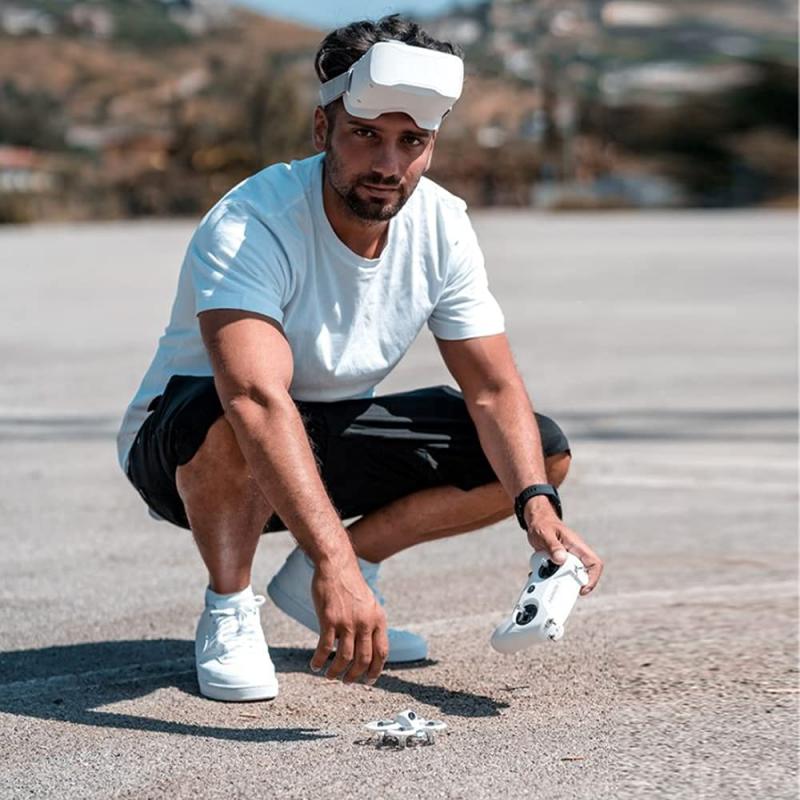
just getting started with learning how to fly a drone?
don’t worry. eventually, the controls will become second nature and you won’t even think about how to move them. you’ll just be flying.
but to get there, you need to practice. a lot.
the first thing to say is that, when you first start out, push the sticks very gently so the drone performs slight movements. as you get more comfortable, you can make sharper movements.
(note: for simplicity’s sake, this article assumes that the left stick controls yaw and throttle, andthe right stick controls roll and pitch. some transmitters allow the pilot to switch these controls based on what’s most comfortable.)
the four main drone controls
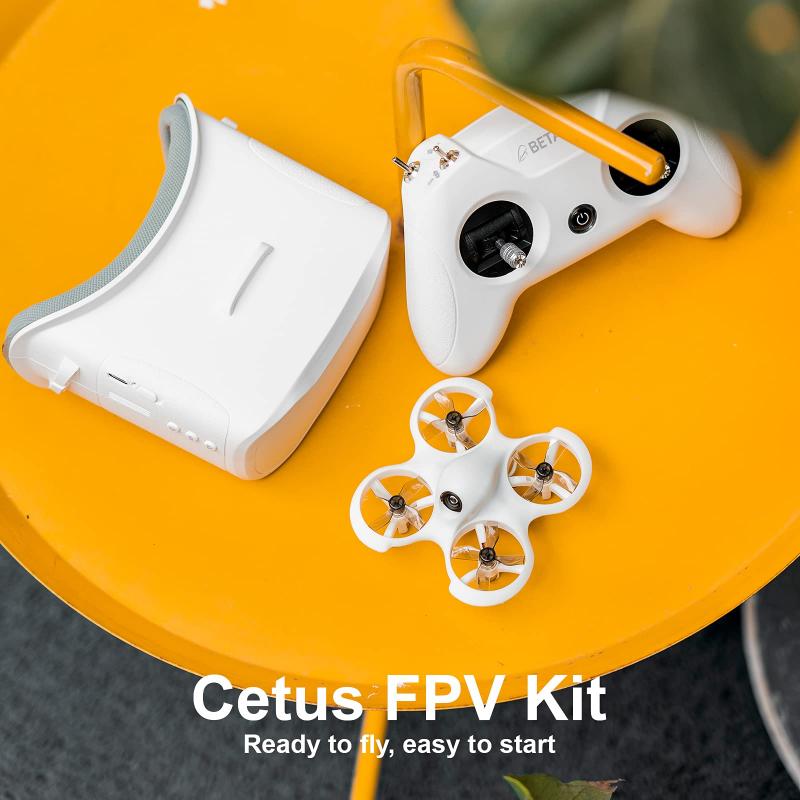
let’s go through each of them.
- drone control—roll (right stick)
- roll moves your drone left or right. it’s done by pushing the right stick on your controller to the left or to the right.
- it’s called “roll” because it literally rolls the drone.
- for example, as you push the right stick to the left, the drone will roll to the right.
- when you push the right stick to the right, the drone will roll to the left.
- drone control—pitch (right stick)
- pitch is done by pushing the right stick on your controller forwards or backward. this will tilt the drone, resulting in forwards or backward movement.
- when the right stick is pushed forward, the back of the drone will pitch up causing the air to push the drone forward.
- if the right stick is pulled backward, the front of the drone will pitch up causing the air to push the drone backward.
- drone control—yaw (left stick)
- yaw was a little bit confusing for me in the beginning. essentially, it rotates the drone clockwise or counterclockwise.
- yaw is typically used at the same time as throttle during continuous flight. this allows the pilot to make circles and patterns. it also allows videographers and photographers to follow objects that might be changing directions.
- drone control—throttle (left stick)
- throttle gives the propellers on your drone enough power to get airborne. when flying, you will have the throttle engaged constantly.
- to engage the throttle, push the left stick forward. to disengage, pull it backwards.
- make sure not to disengage completely until you’re a couple of inches away from the ground. otherwise, you might damage the drone, and your training will be cut short.
important note
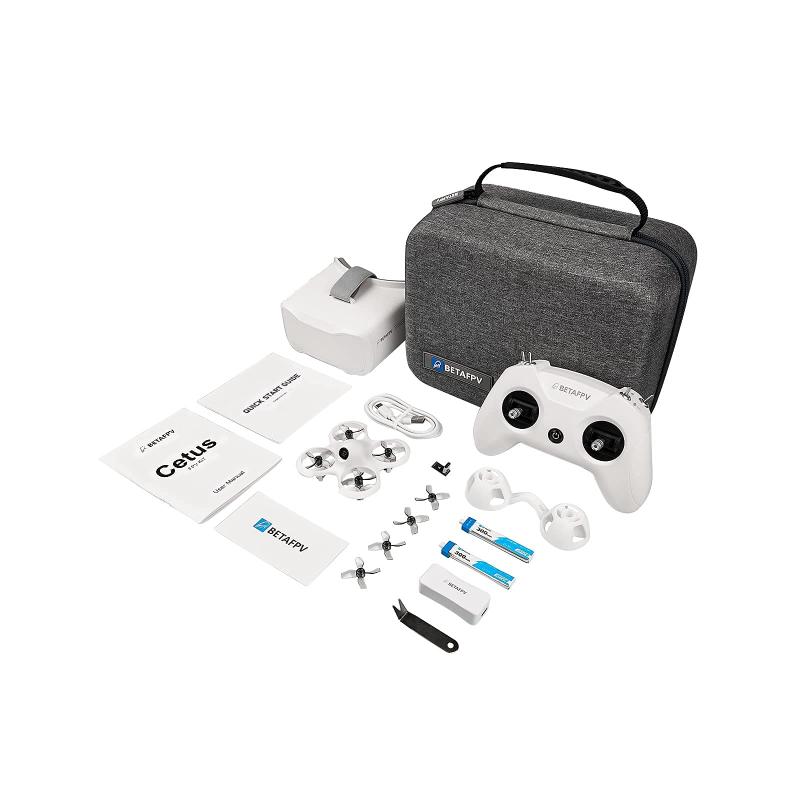
when the drone is facing ‘away from you’, camera pointed away from you, the controls are intuitive and:
- pushing the right stick to the ‘right’ rolls the drone right and pushing the stick to the ‘left’ rolls the drone to the left.
- pushing the right stick ‘forward’ moves the drone away from you and pulling the stick ‘backward’ causes the drone to move toward you.
but when the drone’s camera is facing you, the controls are inverted and the drone will move in the opposite direction based on the stick input.
- if you move the right stick to the right the drone will move left and if you push the stick to the left the drone will move right.
- so pay close attention to the way the drone is oriented toward you when you start providing stick input.
safety tips for learning how to fly a drone
first’ it’s important to note that drones aren’t toys and can be dangerous. let’s lay out some initial safety precautions to ensure a safe flight:
- if you’re about to crash into something, turn the throttle down to zero, so you don’t potentially destroy your drone, injure somebody, or injure yourself.
- take out the battery of the drone before doing any work on it. if it turns on accidentally and the propellers start spinning, you might have a tough time doing future flights with missing fingers.
- keep your fingers away from the propellers when they’re moving.
- if you’re a beginner learning to fly indoors, tie the drone down or surround it with a cage.
getting your drone off the ground
alright! now that you understand the controls and you’ve taken all of the right safety precautions, you’re ready to fly.
to get your drone in the air, the only control you need is the throttle.
- push the throttle (left stick) up very slowly, just to get the propellers going. then stop.
- repeat this multiple times and until you’re comfortable with the throttle’s sensitivity.
- slowly push the throttle further than before, until the copter lifts off the ground. then pull the throttle back down to zero and let the drone land.
congrats! you know how to get your drone airborne.
now, let’s learn how to hover in mid-air.
hovering in midair and landing your drone
raising your drone off the ground to a hover and then bringing it back down is an essential skill, and the first one we’re going to highlight in this guide.
here are the steps for hovering in midair and then landing:
how to fly a drone left/right and forward/backward
to fly a drone left, right, forwards, and backwards, you will need to hold the throttle at a steady rate to keep it airborne. you will then use the right stick to maneuver the drone in the direction you want it to go.
here are the steps for flying left/right and forward/back:
- first, bring your drone to a hover.
- push the right stick forward to fly it a couple of feet forward.
- pull the right stick back to bring it back to its original position.
- now, move it further backwards a couple of feet, and return it to its original position.
- push the right stick to the left to move your copter a couple of feet to the left.
- move it back to its original position, then fly it a couple of feet to the right.
- if it starts to rotate (yaw), adjust the left stick to the left or right to keep the drone facing the same direction.
pro tip: when you move in either direction, you will probably notice the drone dropping in altitude. to keep the drone at the same altitude, push the throttle and give it more power whenever you turn or move.
how to fly a drone in a square
you’ve gotten off the ground, and you know how to fly a drone in the four basic directions.
now, it’s time to combine these skills and start flying in patterns. this will help you get a feel forsimultaneously engaging the controls.
here are the seps for flying in a square:
- to fly in a square pattern, keep the drone facing away from you the entire time.
- push the right stick forward (pitch) and fly forward a couple of feet. then, return the right stick to the middle and hover in place.
- then push the right stick to the right (roll) and fly to the right a couple of feet. then, hover in place for a few seconds.
- pull the right stick backwards and fly backwards a couple of feet. then, hover in place for a few seconds, and push the right stick to the left and return the drone to its original position.
you’ve just flown in a square! keep doing this until you get comfortable with it, and then move on to our next pattern—flying in a circle.
how to fly a drone in a circle
this is where you will hone your simultaneous control skills.
to fly a drone in a circle, you will use pitch, roll, and throttle at the same time.
here are the steps for flying in a circle:
how to fly a drone using yaw to rotate it
above, we practice flying in a square and circle with no yaw.
now that you’ve gotten both of those exercises under your belt we’re going to incorporate yaw into your practice.
here are the steps for flying so you rotate using yaw:
how to fly a drone continuously
flying a drone continuously requires you to rotate and change directions simultaneously.
this will take some getting used to, because the drone will be facing different angles in relation to how you’re facing, so you will need to pay close attention to how each movement of the sticks will affect the drone’s flight.
here are the steps for flying continuously:
- first, take off and hover.
- rotate (yaw) your drone to a slight angle.
- use the right stick to fly it left/right and forwards/backwards. get comfortable flying the drone while it faces a different direction.
- rotate it to another angle, and use the right stick to maneuver it again.
- keep doing this until you’re comfortable flying at different angles.
- to fly continuously, slowly push the right stick forward.
- as you’re pushing the right stick forward, push the right stick slightly to the left or to the right at the same time.
- fly in different directions by pushing the right stick forward (pitch) and adjusting it left and right, and using the left stick (yaw) to change the direction the drone is facing.
- then, try adjusting the drone’s height by moving the left stick forward and backward (throttle).
congrats! now you know how to fly a drone with continuous movement.
keep practicing until you can direct your drone at will. then, move on to the next section, where we’ll discuss different milestones for you to shoot for.
different milestones to hit
use these milestones to keep you organized during the learning process.
they will help you gauge where you’re at and what you should be going for next.
- learn how the four main drone controls – roll, pitch, yaw, and throttle – affect a drone’s movement.
- understand the parts of your drone and what each of them does.
- prepare a pre-flight checklist and go through it before each take-off (see chapter 3).
- understand the safety precautions.
- use the throttle to get airborne, and make any necessary settings adjustments.
- get comfortable hovering in mid-air and gently landing your drone.
- take off to an altitude of 3 feet and land in the same position.
- take off to an altitude of 3 feet and spin the uav around 180 degrees.
- get comfortable flying your drone left/right and forwards/backwards.
- learn how to fly a drone in a square pattern.
- learn how to fly a drone in a circle.
- learn how to rotate (yaw) a drone.
- learn how to fly a drone continuously.
- do all of the above, but at an altitude of 25 feet.
- pick two targets on the ground, and repeatedly land, fly, and land on each one.
advanced flying techniques
here are some advanced flying techniques for you to master:
- fly in a “figure 8” pattern. this will require you to fly the drone with the front-facing forwards the entire time.
- bank turns (a consistent circular turn in either the clockwiseor counterclockwisedirection.) keep a little forward pitch for forward movement. apply throttle, and roll the drone in the direction of the turn (left or right).