How To Charge Gopro Battery Without Camera?
Most GoPro cameras use rechargeable lithium-ion (Li-ion) and lithium polymer (LiPo) batteries to get power. There are three main ways to charge a GoPro camera: using a USB adapter, using a GoPro battery charger, and using a portable power station.
GoPro Charging Port and Indicator
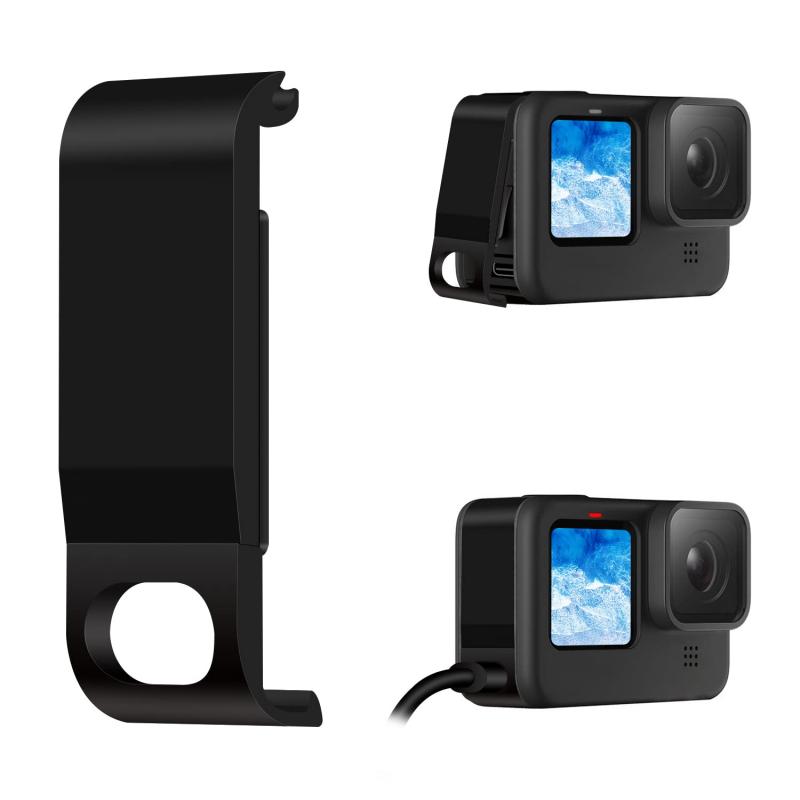
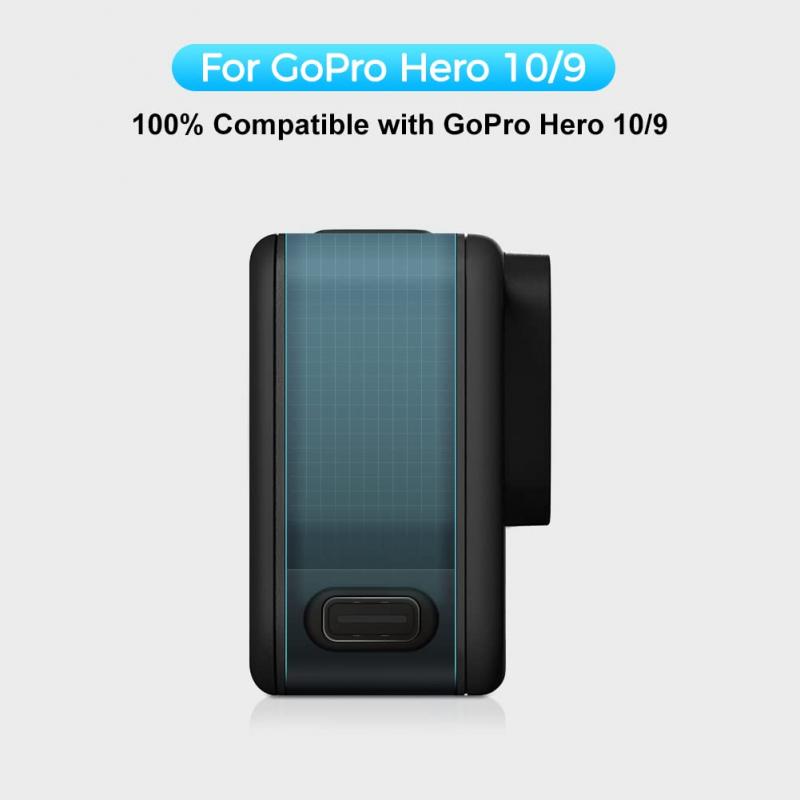
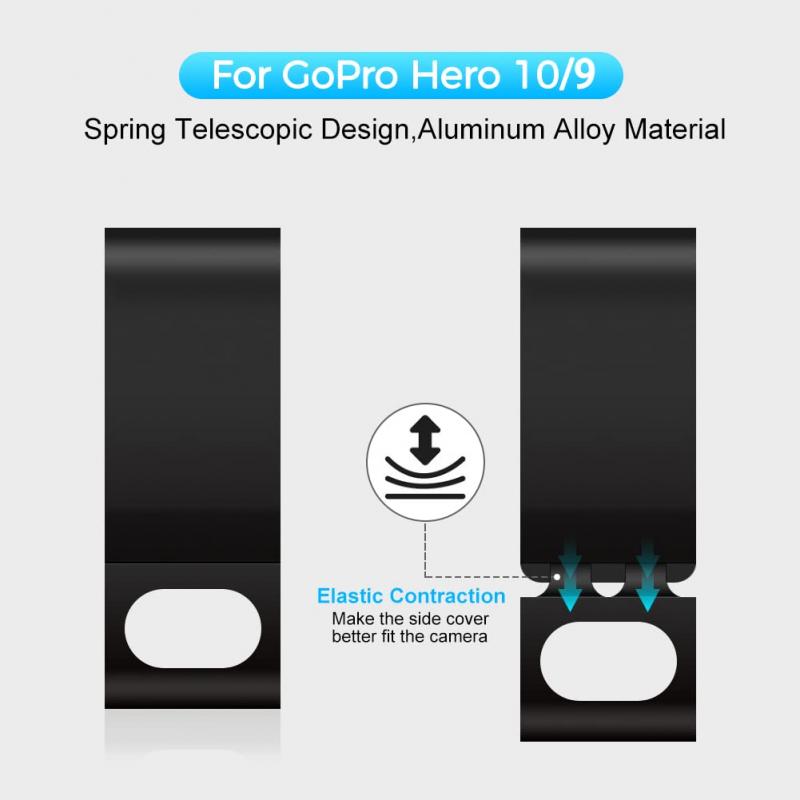
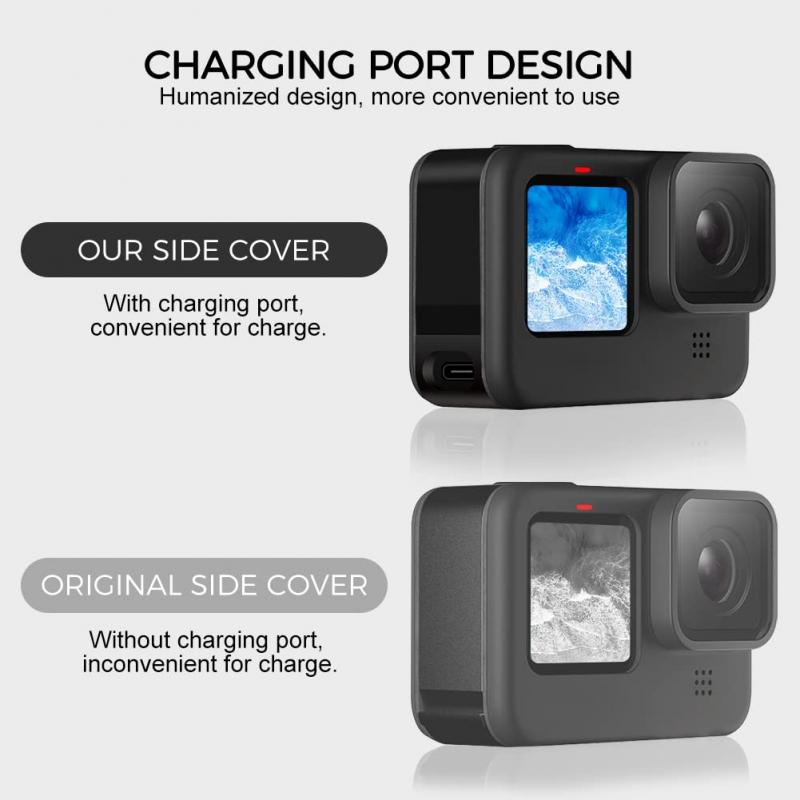
Most modern GoPro models feature a USB-C charging port, which is located behind a small flap on the side of the camera. This flap is designed to protect the port from dust and moisture when not in use. Older GoPro models, like the Hero 3 or Hero 4, use a mini-USB or micro-USB port in the same general area. Always make sure the camera is powered off before plugging in the cable for safe and efficient charging.
GoPro cameras use LED indicators and screen icons to show charging status. When the camera is charging, you'll see a solid or flashing red light, or a charging icon on the display. Once the battery is fully charged, the red light turns off, or you'll see a green light or a "100%" battery symbol on the screen. Some newer models also display the exact percentage of charge, making it easy to know when the battery is ready.
USB Wall Adapter Charging
Most people choose this method to charge their GoPro because it is simple and easy to use, and it can be used anywhere there is a power outlet.
- Connect the GoPro's USB cable to the wall adapter. Most new GoPros use a USB-C cable, while older models require a mini-USB or micro-USB cable.
- Find the camera's charging port. It is usually behind a small door on the side.
- Plug the cable into the camera's charging port. Make sure it is firmly inserted to avoid power loss.
- Check the LED indicator. Red means charging, and green means completion.
This is the most convenient method for home use. Almost everyone has a wall adapter, and you don't need to buy extra equipment. The downside is you can only charge one battery at a time. For some GoPro models, you may need to keep the battery compartment latch open when charging this way. It's also not recommended to charge the camera through ports on internal or external devices that connect to a computer, like a USB hub.
GoPro Battery Charger (Dual Charger)
If you need to charge multiple batteries at the same time, the dual charger is very useful. It's especially handy when you need backup batteries or when you shoot for a long time.
- Take out the battery from your GoPro. Open the battery door and remove it.
- Put both batteries into the charger slots. You will hear a click sound when they are in the right position.
- Connect the charger's USB cable to a power source. You can use a wall adapter or a computer.
- Look at the LED lights. Each battery has its own charging light to show progress.
This method is great for people who use multiple batteries. You can have backup batteries ready while you are still filming. The dual charger is also small and easy to carry when you travel. Charging two batteries at once takes about 2 hours per battery.
Charging GoPro Battery Without the Camera Using a Portable Power Station
Portable power stations are very helpful when you cannot find a wall outlet, like during camping trips, hikes, or when you need to shoot for a long time.
- Choose a power bank that has enough power. You should look for at least 2.4A output and 20,000mAh capacity.
- Use the correct USB cable to connect your GoPro to the power bank.
- If you are recording video, keep your internal battery inside the camera. This way, you can charge the camera without stopping the video.
- Check both battery levels. You need to watch your GoPro battery and the power bank battery to ensure you don't run out of power while recording.
For best results, choose a power bank with at least 20,000mAh capacity and a 2.4A output to ensure efficient charging. Portable power stations can charge multiple devices at once and provide fast charging similar to wall outlets. Pairing a power bank with solar panels can also keep your GoPro powered during long outdoor adventures.
USB Output Requirements by GoPro Model
Different GoPro models require different power outputs for charging:
- 5V 2A
- Hero12 Black, Hero11 Black, Hero11 Black Mini, Hero10 Black, Hero9 Black
- 5V 1–2A
- Max, Hero8 Black, Hero7 White/Silver/Black, Hero6 Black, Hero5 Black, Hero (2018), Fusion, Hero5 Session, Hero Session
- 5V 1A
- Hero4 and earlier
Charging While Recording
You can connect an additional battery, like a power bank, to the GoPro and run it on that external battery. The camera runs as long as the additional battery has enough power. However, when the camera is switched on, the internal battery will not be charged. The internal battery will only be charged when the camera is switched off.
You can also run the GoPro on external power with the battery completely removed. This minimizes heat. The downside is that if the external power cable is removed while recording, the clip gets interrupted, and once your external power bank is drained, you can't swap it with anything else on the fly while recording. If you keep a battery in the GoPro while plugged into external power, you can hot-swap external power banks, since the internal battery is used while you're swapping.
- Battery only: hottest, shortest runtime, no hot-swap
- Battery + external: longest runtime, lets you hot-swap power banks since the battery is used while swapping
- External only: coolest, no hot-swap
GoPros have a temperature issue, and charging the battery heats up the camera even more. This is why GoPro does not allow charging while recording on certain models — to avoid damaging the camera.
Charging Time by Method
- USB wall adapter
- A full charge takes about 2 hours. You can get around 80% charge in just 1 hour, which is often enough for most shoots. GoPro's Supercharger can speed this up by 20–70%.
- Dual battery charger
- Also takes about 2 hours per battery. Since it charges two batteries at once, it's more convenient when you have multiple batteries to keep ready.
- Portable power station
- A higher-output portable power station can charge your GoPro as fast as a wall charger, reaching 80% in around an hour. Lower-output power banks will charge your GoPro more slowly.
Some other factors can affect charging time. New batteries charge faster than old ones. GoPro's Enduro batteries are about 13% faster than standard batteries. Cold weather makes all charging slower, so room temperature works best.
Battery Care and Charging Habits
- Change your camera settings based on what you want to shoot. Lower resolution and frame rates use less battery power. Higher settings will drain the battery very fast.
- Turn off features you don't need like Wi-Fi, GPS, and voice control. Wi-Fi uses battery power even when the camera is turned off, so you should disable it. You can also make your screen less bright to save power.
- Remove extra accessories before you start charging. Some power-related accessories can make charging harder.
- Avoid extreme temperatures when storing or charging. High heat can damage battery health, while cold conditions can reduce performance. If you often shoot in cold weather, consider using Enduro batteries, as they maintain power and last longer compared to standard GoPro batteries.
- Use external power smartly for long recording sessions. Removing the internal battery can help reduce heat during extended shoots. However, without the internal battery, you won't be able to swap power sources while recording.
- Store batteries at half charge when you don't use your GoPro for weeks. This is better for battery health than storing them completely full or completely empty.