kfconcept

KENTFAITH
K&F Concept    Blog >

Enjoy Your Selected Digital Life

Recently Viewed
  • Recently Viewed
  • Recently Viewed list is empty.

Compare (0) 0
  • Compare
  • You have not chosen any products to compare.

  • Compare
Currency: USD
  • Currency
Shop by Scene Shop by Rank

Log Into Your Account

Account

Order History

Wish List

Login

Forgotten Password?

Or connect with

Register Account

Already have an Account?Log In

  • Shopping Cart
  • Your shopping cart is empty!

  • Register/Login to purchase, earn points
  • Favorite
  • Your wish list is empty.

  • Register/Login to like, earn points
  • Activities
  • Guide
    • Filter Guide
    • Lens Adapter
    • Product Review
  • News & Reviews
    • Camera Reviews
    • Sample Gallery
    • News
  • Tutorials
    • Solar eclipse photography
    • Photography Basics
    • Landscape Photography
  • Inspiration
    • Travel
    • Travel Stories
  • Home
  • Blog
  • How To Backup Sd Card Android Without Computer?

How To Backup Sd Card Android Without Computer?

Kentfaith 2024-10-23 02:51:27 0 Comments

In today's fast-paced digital world, our reliance on mobile devices is greater than ever. For Android users, one common concern is ensuring that the data on an SD card is securely backed up, especially in situations where a computer isn't available. Whether it's cherished photos, vital documents, or essential app data, losing such information can be distressing. Fortunately, there are various methods to back up an SD card on an Android device without needing a computer. This article explores several practical approaches, offering step-by-step guidance to safeguard your precious data.

1. Using Cloud Storage Services
how to backup sd card android without computer 1

Cloud storage services have revolutionized data management, providing a reliable and accessible means to store and retrieve data from virtually anywhere. Here's how you can use popular cloud services to back up your SD card data:

Google Drive
how to backup sd card android without computer 2

Google Drive is a widely used cloud storage solution that integrates seamlessly with Android devices. To back up your SD card data to Google Drive:

1. Install the Google Drive app (if not already installed).

2. Open the app and log in with your Google account.

3. Navigate to the "Files" app on your Android device.

4. Access your SD card from within the Files app.

5. Select the files or folders you want to back up.

6. Tap on the share button and choose Google Drive from the list.

7. Select the destination folder within Google Drive and tap on "Save".

Your selected files will now be uploaded to Google Drive, ensuring they're safely backed up.

Dropbox
how to backup sd card android without computer 3

Dropbox is another popular cloud storage option that can be used similarly to Google Drive:

1. Install the Dropbox app from the Play Store.

2. Sign in to your Dropbox account.

3. Open your device's Files app and locate your SD card.

4. Select the data you wish to back up.

5. Share the selected files to Dropbox.

6. Choose the desired destination folder in Dropbox and upload.

Dropbox provides a convenient way to keep your files accessible and secure.

2. Using Dedicated Backup Apps
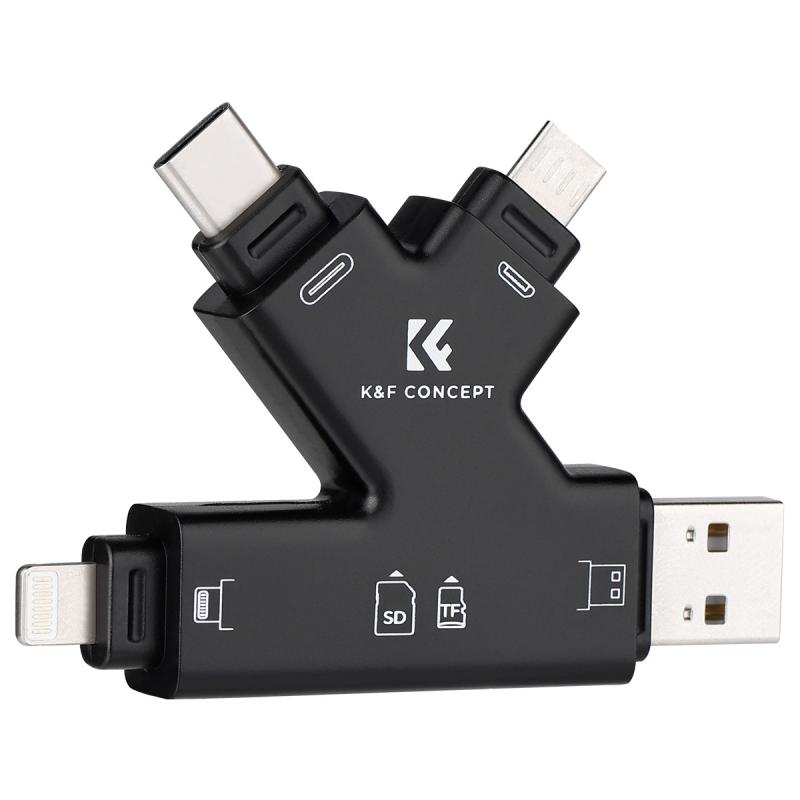
how to backup sd card android without computer 4

Several apps are specifically designed to facilitate the backup process on Android devices. These apps can be particularly useful if you're looking for a more targeted backup solution. Here are a couple of recommended apps:

1. Helium - App Sync and Backup

Helium is an excellent choice for backing up app data without requiring root access. Here's how to use it:

1. Download and install Helium from the Google Play Store.

2. Open the app and follow the setup instructions (ensure USB debugging is enabled on your device).

3. Select the apps and data to back up.

4. Choose the backup destination, which can be the internal storage, SD card, or cloud storage options like Google Drive or Dropbox.

5. Initiate the backup process.

Helium efficiently backs up your app data, making it easy to restore later.

2. Super Backup & Restore

Super Backup & Restore is another robust app offering comprehensive backup solutions. To use it:

1. Install Super Backup & Restore from the Play Store.

2. Open the app and choose the type of data you want to back up (apps, contacts, SMS, etc.).

3. Select SD card as the backup destination.

4. Start the backup process.

This app simplifies the backup process, allowing you to keep your important data secure.

3. Using File Manager Apps

File manager apps can be very handy for manually copying data from your SD card to another secure location. Here's how you can use a popular file manager like ES File Explorer:

1. Install ES File Explorer from the Play Store.

2. Open the app and navigate to your SD card.

3. Select the files or folders you want to back up.

4. Copy the selected data.

5. Paste the files into a secure location, such as your device's internal storage or a dedicated backup folder on the SD card itself.

ES File Explorer provides a simple and effective way to manage and back up your files.

4. Using External Storage Devices

If you have access to an OTG (On-The-Go) cable, you can transfer your SD card data to an external USB drive. Here’s how:

1. Get an OTG cable compatible with your Android device.

2. Connect the USB drive to the OTG cable, then plug the OTG cable into your phone.

3. Use a file manager app to access both the SD card and the USB drive.

4. Transfer the files from the SD card to the USB drive.

This method ensures that you have a physical backup of your data, which can be particularly useful in case of device malfunction.

5. Setting Up Automatic Backups

Automation can save a lot of time and ensure that your data is consistently backed up without the need for manual intervention. Many of the aforementioned apps and services support automatic backups:

- Google Photos for images and videos: Automatically sync your media files to Google Photos.

- Google Drive for documents: Set up automatic syncing for important documents.

- Super Backup & Restore: Schedule regular backups of your selected data.

By setting up automatic backups, you can ensure that your data is consistently protected with minimal effort.

Backing up your SD card on an Android device without a computer may seem daunting, but with the plethora of tools and services available, it’s quite manageable. Whether you opt for cloud storage solutions, dedicated backup apps, file manager apps, external storage, or automatic backups, each method offers a reliable way to preserve your valuable data.

By implementing one or multiple methods discussed above, you can achieve peace of mind knowing that your data is secure. Regular backups are crucial, and integrating them into your routine can prevent potential data loss, ensuring that your digital life remains intact no matter what challenges come your way.

Remember, the real key to effective data management is consistency. Regularly updating your backups and verifying their integrity will ensure that your data is always ready to be restored when needed. With these strategies, you can confidently protect your SD card data, keeping it safe from unforeseen events and technical glitches.

Choose the method that best fits your needs and start securing your data today!

Leave your comment
Cancel reply
Note: HTML is not translated!
Related products
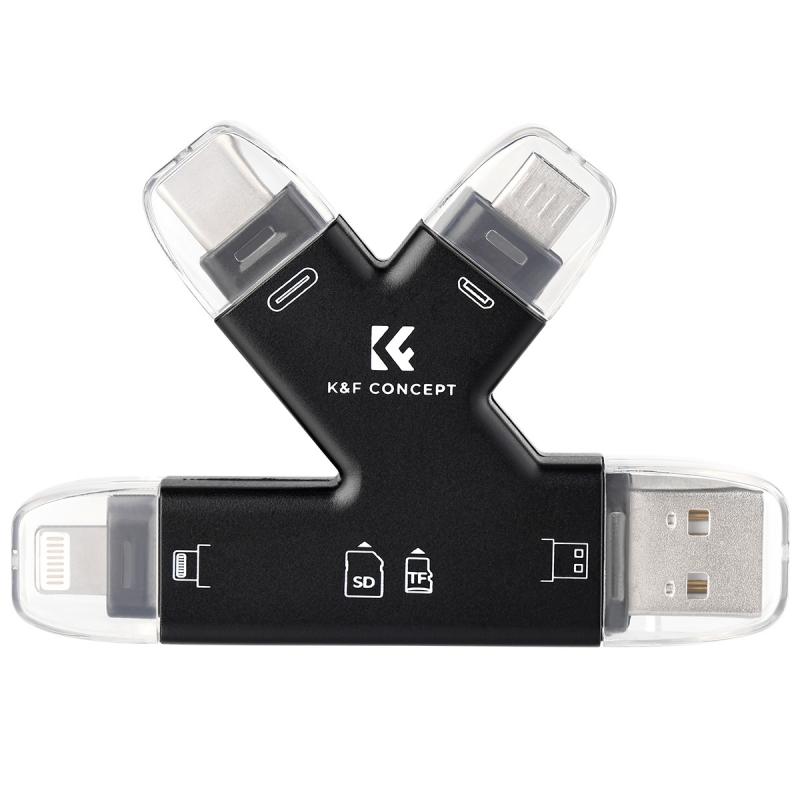
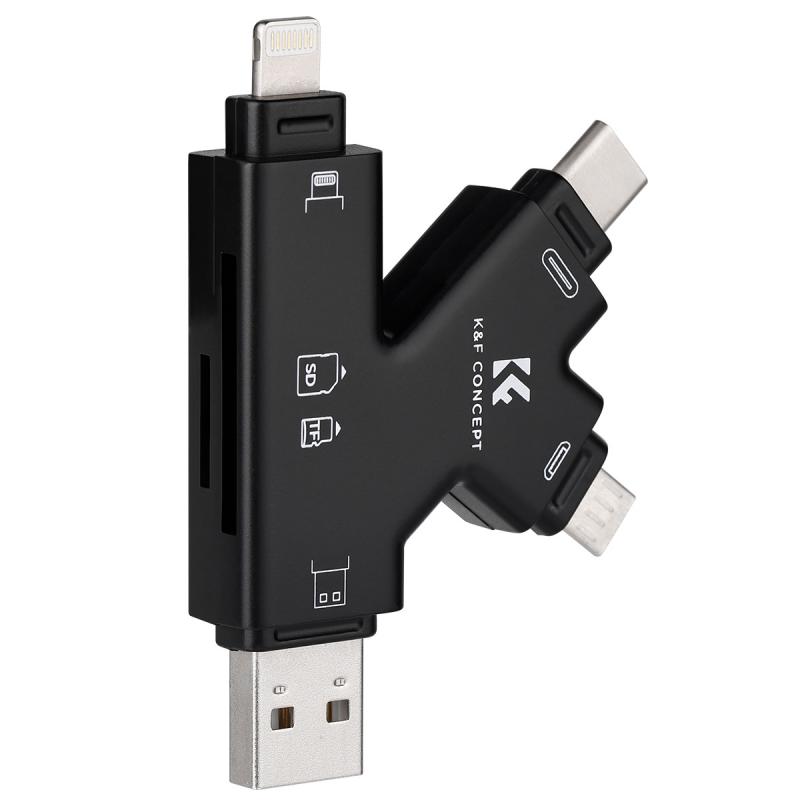
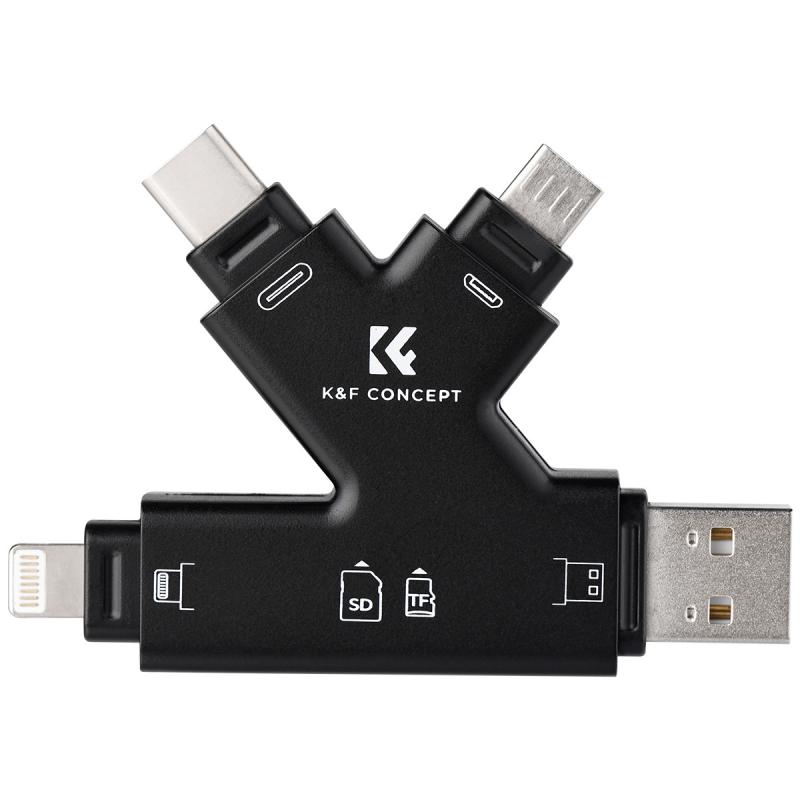
SD Card Reader for iPhone/iPad/Android/Mac/Computer/Camera, 4 in 1 Micro SD Card Reader Tracking Camera Viewer, Portable Memory Card Reader SD Card Adapter Compatible with SD and Micro SD Card/TF Card ( black)
$14.99
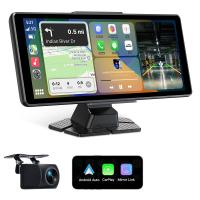
8" Wireless CarPlay Screen Android Auto Car Stereo with 1080P Backup Camera
14
$179.99 $125.99
 US Sim Card Without Contract
US Sim Card Without Contract
$10.90
K&F Concept 36 Slots SD Micro SD Memory Card Case, Water-Resistant SD Card Holder, Anti-Shock Card Carrying Storage Box for 24 Micro SD SDXC SDHC TF Cards and 12 SD SDXC SDHC Cards
$18.99 $9.99
K&F Concept 28 Slots Micro SD Card Case,Water-Resistant Anti-Shock Anti-Dust TF Card Holder,Micro SD/Micro SDHC/Micro SDXC Card Box Organizer Storage
$18.99 $9.99
K&F Concept 24 Slots SD Card Holder Memory Card Case, Water-Resistant Shockproof Memory Card Storage Carrying Case for 12 SD SDXC SDHC Cards, 12 CFexpress Type A Cards
$18.99 $9.99
32GB Micro SD Card U3/V30/A1 with Adapter, Memory Card for Cameras, Borescopes,  Microscopes, Night Vision Goggles, Kentfaith
32GB Micro SD Card U3/V30/A1 with Adapter, Memory Card for Cameras, Borescopes, Microscopes, Night Vision Goggles, Kentfaith
$19.99 $19.99
64GB Micro SD Card U3/V30/A1 with Adapter, Memory Card for Cameras, Borescopes,  Microscopes, Night Vision Goggles, Kentfaith
TOP Best
64GB Micro SD Card U3/V30/A1 with Adapter, Memory Card for Cameras, Borescopes, Microscopes, Night Vision Goggles, Kentfaith
$23.75 $23.73
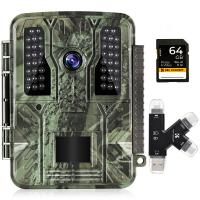
4K 32MP Hunting Camera, 100° Wide Motion Sensor 0.2s Trigger IP67 Waterproof, 2.31" Display, with 64G SD Card +Card Reader
$114.99
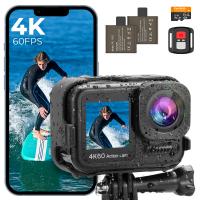
4K60FPS 48MP 66FT Waterproof Action Camera without a Case, Dual Screens, 64GB Card, EIS, WiFi Remote Control, Kentfaith
NEW Arrival
4K60FPS 48MP 66FT Waterproof Action Camera without a Case, Dual Screens, 64GB Card, EIS, WiFi Remote Control, Kentfaith
14
$191.24 $152.99
Products You May Like
K&F Concept Lens Filter Case for Round or Square ND CPL 100x100mm - K&F Concept
42
$32.99 $25.99
67mm ND4-64 (2-6 Stop) Variable ND Filter and CPL Circular Polarizing Filter 2 in 1,28 Layers Coated Nano-Xcel Series
71
$112.99 $89.99
43mm Fader ND2-ND32 (1-5 Stop) Variable ND Lens Filter Neutral Density Filter for Camera Lens NO X Spot Nanotec Ultra-Slim Weather-Sealed
$59.99 $39.99
K&F Concept Lens Mount Adapter Compatible with Hasselblad V Mount Lens to Pentax 645 Mount P645 645D 645N
$51.99 $26.99
AP004 Wireless Lavalier Microphone for iPhone 14 pro  Android - USB C Mini Wireless Lavalier Microphone for Recording, Vlogging (No App or Bluetooth Required)
AP004 Wireless Lavalier Microphone for iPhone 14 pro Android - USB C Mini Wireless Lavalier Microphone for Recording, Vlogging (No App or Bluetooth Required)
$99.99 $23.99
24MP*1296P night vision, 120° wide-angle*0.2S trigger 2-inch screen hunting camera bark color*2 sets
$151.99
Mini WiFi Body Camera 1080P with Audio, 180° Rotatable Lens, 2 LED Fill Lights & Smart Motion Detection & 64G Memory Card
13
$74.99 $62.99
95mm MCUV Lens Protection Filter with Lens Cap Optical Glass Ultra Slim 18 Multi-Layer Coatings UV Filter for Camera Lens Nano-Klear Series
82
$26.99 $19.99
63'' Magnetic Iphone Tripod Phone Selfie Stick Tripod, Lightweight Cellphone Holder And Camera Stand With Wireless Remote, Compatible With Iphone 15/14/13/12 Magsafe Series Ms19
94
$53.99 $29.99
105mm MCUV Protection Filter with 28 Multi-Layer Coatings HD/Hydrophobic/Scratch Resistant/Ultra-Slim UV Filter for 105mm Camera Lens
$104.99 $69.99
Related articles
How To Backup A Micro Sd Card?
How To Put Camera Sd Card Into Computer?
Micro Sd Card Where To Put In Computer?
How To Transfer Photos On Sd Card Android?
How To Manage Sd Card On Android Phone?
How To Save Games On Sd Card Android?
How To View Sd Card On Android Tablet?
How To Test Sd Card Speed On Android?
How To Expand Phone Memory Without Sd Card?
Can You Watch Cable On A Projector?
Blog You May Like
How To Get Voice In Screen Recording?
Hood For Camera Lens How To Use?
What Is The Most Powerful Microscope?
How To Pick A Telescope?
How To Set Binoculars?
How To Know Size Camera Filter?
Where Do You Put A Ring Light?
Video Cameras That You Can Put Microphones On?
How To Change A Smart Watch Time?
How Much Storage For Dash Cam?
Related categories
phone camera lens cell phone tripods camera card memory C mount lens adapter m4/3 adapter
Popular products
portable sd card reader prepaid sim unlimited data sd card reader for mac sim card with unlimited data digital sd memory card 32gb high speed sd memory card high speed sd memory card micro sd card and reader lens filter storage case class 10 micro sd card
Related searches
Android Sd Card Reader Sd Card Reader For Android Type C Android Auto Stereo With Backup Camera Micro To Sd Card Adapter Sd Card Cameras Memory Card For Android Tablet Android Smartwatch With Sim Card Sd Card Security Cameras Camera Sd Card Holder Micro Sd Card Adapters
Popular searches
Canon Powershot A590is Lens Adapter Lens Filter For Tokina 11-16 Iphone Nikon Lens Mount T2 Lens Adapter Nikon Best Handheld Microscope Long Range Night Vision Binoculars Sandmarc Anamorphic Lens Nd Filter Canon Efs 18-55mm To Sony A7iii Adapter Tripod For Canon R6 Mark Ii Dark Field Microscope
Blog Category
  • Activities
  • Guide
    • Filter Guide
    • Lens Adapter
    • Product Review
  • News & Reviews
    • Camera Reviews
    • Sample Gallery
    • News
  • Tutorials
    • Solar eclipse photography
    • Photography Basics
    • Landscape Photography
  • Inspiration
    • Travel
    • Travel Stories
Search Article
Latest from the Blog
What Is A Good Quality Dash Cam?
How To Remove Memory Card From Nikon Camera?
How Big A Memory Card For Camera?
Which Camera Is Best For Low Light Photography?
ND Filter: The Complete Guide to Neutral Density Filters for Photography and Video
How Many Stops Is An Nd 8 Filter?
How Do Metal Detectors Work? A Complete Guide for Beginners and Pros
How Do Trail Cameras Work? The Ultimate Guide to Trail Cameras
Camera Use Which Lens?
How To Stream Live From Surveillance Camera?
  • Easy Payment Multilple Payment Options

  • Free Shipping Global WareHouse Shipment

  • No Risk 30-Day No Reason Return

  • Limited Deals Buy More, Save More

  • Tax Free No any surcharges or tax fee

Information
  • About us
  • Contact Us
  • Site Map
  • Blog
  • Video
  • Gallery
  • VIP Membership Rewards
Service
  • Privacy Policy
  • Terms & Conditions
  • Shipping & Delivery
  • Payment Info
  • Warranty, Return & Refund
  • Intellectual Property Rights
  • Ambassador
  • Affiliates
  • Wholesale
Support
  • My account
  • Order History
  • FAQs
  • Extend Warranty
  • Logistics Tracking
Follow us
NewsLetter

Get the latest product, K&F Concept respects your privacy.

Powered By KENTFAITH © 2026