kfconcept

KENTFAITH
K&F Concept    Blog >

Enjoy Your Selected Digital Life

Recently Viewed
  • Recently Viewed
  • Recently Viewed list is empty.

Compare (0) 0
  • Compare
  • You have not chosen any products to compare.

  • Compare
Currency: USD
  • Currency
Shop by Scene Shop by Rank

Log Into Your Account

Account

Order History

Wish List

Login

Forgotten Password?

Or connect with

Register Account

Already have an Account?Log In

  • Shopping Cart
  • Your shopping cart is empty!

  • Register/Login to purchase, earn points
  • Favorite
  • Your wish list is empty.

  • Register/Login to like, earn points
  • Activities
  • Guide
    • Filter Guide
    • Lens Adapter
    • Product Review
  • News & Reviews
    • Camera Reviews
    • Sample Gallery
    • News
  • Tutorials
    • Solar eclipse photography
    • Photography Basics
    • Landscape Photography
  • Inspiration
    • Travel
    • Travel Stories
  • Home
  • Blog
  • How To Attach A Camera Lens?

How To Attach A Camera Lens?

Kentfaith 2024-06-21 01:18:28 0 Comments

Attaching a camera lens is a fundamental skill for any photographer, whether you're a beginner or a seasoned professional. Understanding how to properly attach and detach a lens can ensure that your equipment remains in good condition and that you capture the best possible images. In this article, we will walk you through the step-by-step process of attaching a camera lens, discuss common issues you might encounter, and provide tips to maintain your camera and lenses.

Step-by-Step Guide to Attaching a Camera Lens
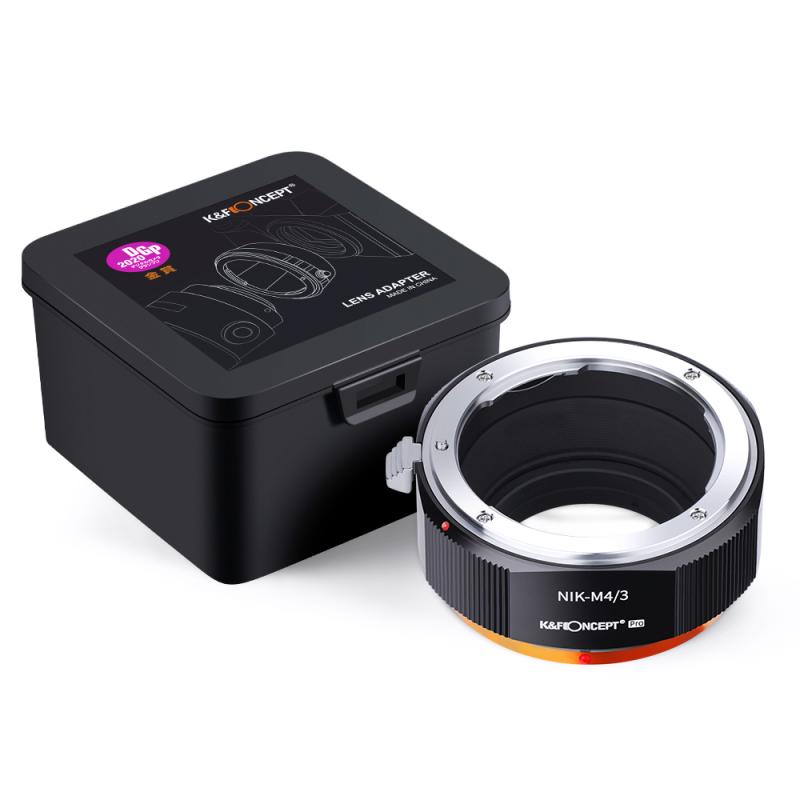
how to attach a camera lens 1

1. Prepare Your Workspace

Before you begin, make sure you have a clean and stable workspace. Dust and dirt can easily get into your camera and lens, potentially causing damage or affecting image quality. A clean, flat surface is ideal for this task.

2. Turn Off Your Camera

Always turn off your camera before changing lenses. This helps to prevent any electrical damage and reduces the risk of dust being attracted to the sensor due to static electricity.

3. Remove the Rear Lens Cap and Camera Body Cap

Both your camera body and lens will have protective caps. Remove the rear lens cap from the lens and the body cap from the camera. Keep these caps in a safe place as you will need them when you detach the lens.

4. Align the Mounting Indexes

Most cameras and lenses have alignment marks (often a dot or a line) that help you attach the lens correctly. Align the mark on the lens with the corresponding mark on the camera body. This ensures that the lens is positioned correctly for attachment.

5. Attach the Lens

Once the alignment marks are matched, gently insert the lens into the camera body. Rotate the lens clockwise (or counterclockwise, depending on your camera model) until you hear a click. This click indicates that the lens is securely attached.

6. Check the Attachment

Gently wiggle the lens to ensure it is firmly attached. If the lens feels loose or does not click into place, remove it and try again. Never force the lens as this can damage the mounting mechanism.

Common Issues and Troubleshooting
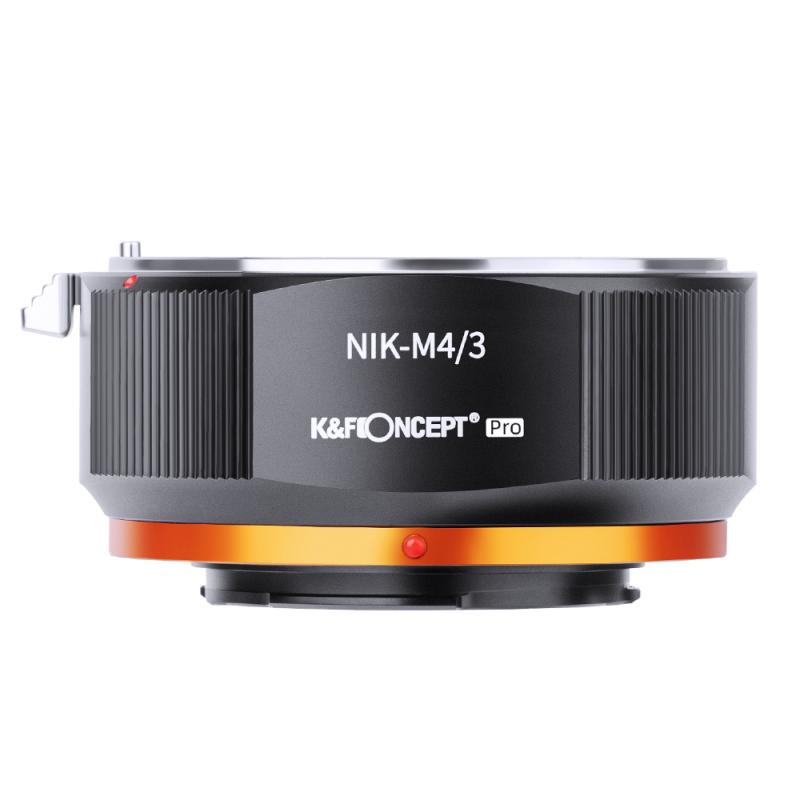
how to attach a camera lens 2

1. Lens Won't Attach

If the lens does not attach, check the alignment marks again. Ensure that you are using a compatible lens for your camera model. Some lenses are designed for specific camera mounts and will not fit on other models.

2. Dust and Debris

If you notice dust or debris on the lens or camera sensor, use a blower or a soft brush to clean it. Avoid using your breath as this can introduce moisture. Keeping your equipment clean is crucial for maintaining image quality.

3. Stuck Lens

If the lens gets stuck and won't detach, do not force it. Check the camera's manual for specific instructions on detaching the lens. Some cameras have a release button that needs to be pressed before the lens can be removed.

Tips for Maintaining Your Camera and Lenses
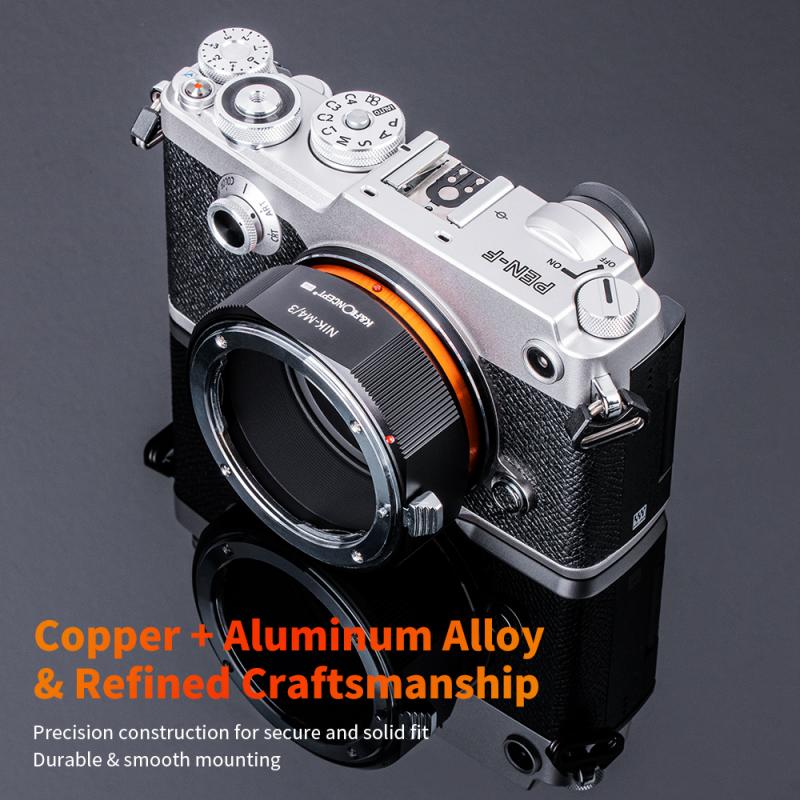
how to attach a camera lens 3

1. Regular Cleaning

Regularly clean your camera and lenses to prevent dust and dirt buildup. Use a microfiber cloth and lens cleaning solution for the glass elements. For the camera body, a soft, dry cloth is usually sufficient.

2. Proper Storage

Store your camera and lenses in a dry, cool place. Use a camera bag with compartments to keep your equipment organized and protected. Consider using silica gel packs to absorb moisture and prevent mold growth.

3. Use Lens Caps

Always use lens caps when your camera is not in use. This protects the lens from scratches, dust, and other potential damage. Both the front and rear lens caps are essential for maintaining the longevity of your lenses.

4. Avoid Extreme Conditions

Avoid exposing your camera and lenses to extreme temperatures, humidity, or direct sunlight for extended periods. These conditions can damage the internal components and affect performance.

Advanced Tips for Professional Photographers
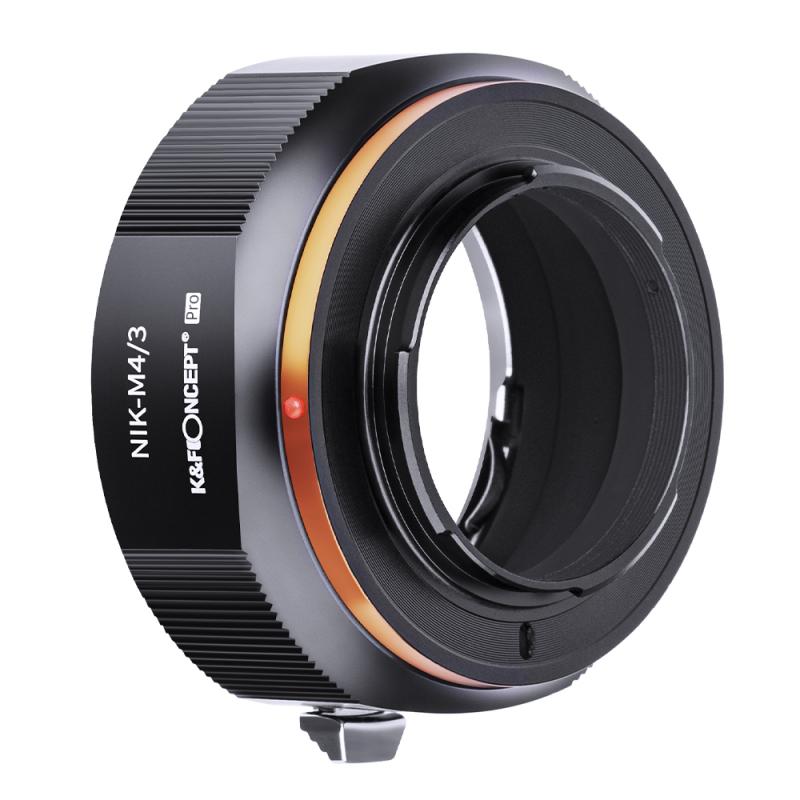
how to attach a camera lens 4

1. Lens Calibration

For professional photographers, lens calibration is essential for ensuring sharp images. Some cameras allow for micro-adjustments to fine-tune the focus. Check your camera's manual for instructions on how to calibrate your lenses.

2. Firmware Updates

Keep your camera and lens firmware up to date. Manufacturers often release updates that improve performance, add new features, and fix bugs. Check the manufacturer's website regularly for updates.

3. Use a UV Filter

A UV filter can protect the front element of your lens from scratches and dust. While it may slightly affect image quality, the protection it offers is often worth the trade-off, especially in harsh environments.

4. Invest in Quality Lenses

While it might be tempting to save money on cheaper lenses, investing in high-quality lenses can make a significant difference in your photography. High-quality lenses offer better sharpness, color accuracy, and build quality.

Attaching a camera lens is a straightforward process, but it requires attention to detail to ensure that your equipment remains in good condition and that you achieve the best possible results. By following the steps outlined in this article, you can confidently attach and detach your lenses, troubleshoot common issues, and maintain your camera and lenses for optimal performance.

Remember, the key to successful photography is not just in the equipment you use, but in how well you take care of it. Regular maintenance, proper storage, and careful handling will ensure that your camera and lenses serve you well for years to come. Whether you're a hobbyist or a professional, mastering the basics of lens attachment is an essential skill that will enhance your photography experience.

Leave your comment
Cancel reply
Note: HTML is not translated!
Related products
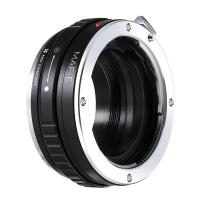
Minolta A / Sony A Lenses to Pentax Q Lens Mount Adapter K&F Concept M22161 Lens Adapter
$45.99 $23.99
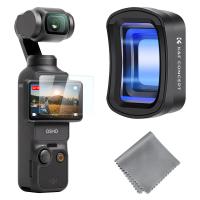
DJI Osmo Pocket 3 / DJI Osmo Pocket 4 Magnetic Wide-angle Filter Action Camera Lens Accessories Magnetic Attach / Multi-Coated / Optical Glass
39
$26.99
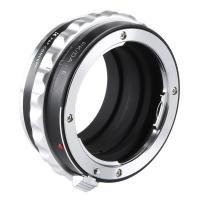
Minolta A / Sony A Lenses to Pentax Q Lens Mount Adapter with Tripod Mount K&F Concept M22162 Lens Adapter
$55.99 $28.99
Sony Alpha Minolta AF A-Type Lens to NEX E-Mount Mirrorless Camera with Matting Varnish Design
146
$64.99 $35.99
Lens Mount Adapter Compatible with Sony Alpha Minolta AF A-Type Lens to NEX E-Mount Mirrorless Camera Body
155
$53.99 $27.99
Lens Mount Adapter for Pentax K/M/A/FA/DA Mount Lens to Sony NEX E-Mount Camera Body
146
$60.99 $34.99
DJI Osmo Pocket 3 / DJI Osmo Pocket 4 1.2X Anamorphic Lens, Blue Streak Effect Widescreen Cinematic Lens, Magnetic Attach / Multi-Coated / Optical Glass
NEW Arrival
DJI Osmo Pocket 3 / DJI Osmo Pocket 4 1.2X Anamorphic Lens, Blue Streak Effect Widescreen Cinematic Lens, Magnetic Attach / Multi-Coated / Optical Glass
39
$45.99
Sony A Lenses to M43 MFT Lens Mount Adapter K&F Concept M22121 Lens Adapter
112
$53.99 $29.99
Sony A Lenses to Fuji X Lens Mount Adapter K&F Concept M22111 Lens Adapter
7
$53.99 $27.99
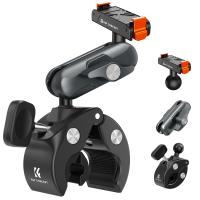
Quick Release Clamp Mount, Bike Motorcycle Handlebar Roll Bar Tube Clip Holder Attach Accessories K&F CONCEPT
$45.99 $36.99
Products You May Like
43-46mm Step Up Ring Aviation-grade Aluminum Filter Adapter Ring 2-pack with a Cleaning Cloth
99
$5.99
STARTRC Battery Fireproof Explosion-Proof Bag (True Fireproof) Suitable for UAV/car model/Ship Model Battery
$28.99
82mm Camera UV + Polarizing Lens Filters + Lens Cap Kit, 3pcs of Cleaning Cloths and a Filter Pouch Included, K&F Concept Nano-Klear Series
60
$57.99 $46.99
K&F Concept  100% Cotton  T-Shirt - Black
K&F Concept 100% Cotton T-Shirt - Black
$15.99
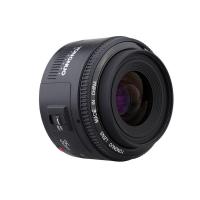
Yongnuo YN 50mm f/1.8 Standard Fixed Focus Lens Autofocus for Canon EF-mount EOS Cameras
41
$155.99 $89.99
Wireless Trail Camera Wifi
10
$162.99 $106.99
72mm MCUV Protection Filter with 28 Multi-Layer Coatings HD/Hydrophobic/Scratch Resistant/Ultra-Slim UV Filter for 72mm Camera Lens Nano-X Series
$43.99 $30.99
1080P 16MP HD Waterproof Outdoor Hunting Infrared Night Vision Triggered Mini Camera with 64G SD Card and Quick Installation Tree Spike Combo Set
45
$66.99
1600mAh EN-EL25 EN-EL25A Battery and Charger Set, 2 Pack for Nikon Z30 Z50 ZFC Camera, Replacement Batteries with LCD Dual Slot Charger
45
$69.99 $62.99
5K 75MP Compact Digital Camera, 3 Lens 12X Zoom Autofocus for YouTube Vlogging, Compact Tripod, Camera Bag, 32GB Card 2 Batteries, Kentfaith
$256.24 $204.99
Related articles
Can You Attach A Microphone To Headphones?
Camera That Can Attach To Your Backpack?
How To Build A Camera Lens?
How To Fix A Scratched Camera Lens?
How To Put A Camera Lens On?
How To Back Focus A Camera Lens?
How Much To Repair A Camera Lens?
How To Find Magnification Of A Camera Lens?
How To Clean A Lens Filter?
Where Is My Smart Watch?
Blog You May Like
What Is An Adapter Ring For Cameras?
Can Action Cameras Take Pictures?
How To Use Polarized Lens Filter?
When To Use A Lavalier Microphone?
How To Install Ring Camera Outdoor Wireless?
How To Charge Nikon Camera Battery Without Charger ?
What Does the ND (Neutral Density) Filter Number Mean and How to Purchase One?
How Are Dash Cameras Powered?
What Is A Good Starter Video Camera?
How Do You Have Sound On Screen Record?
Related categories
A Mount Lens Adapter Sony A Mount Lens Adapters C mount lens adapter m4/3 adapter minolta a mount lenses camera lens adapter Magnetic Lens Filter lens CPL filter camera lens filters
Popular products
leica m sony e mount adapter sony minolta adapter sony a mount to minolta adapter nex lens adapter sony a7r lens adapter af lens adapter sony alpha a7r mirrorless digital camera mft adapter sony Fuji Mount Adapter sony a57 lens adapter
Related searches
Sony Camera To A Minolta Lens Adapter Lens Adapter Konica To Sony A Canon Lens To Sony A Mount Adapter Nikon Lens To Sony A Mount Adapter Mamiya Ze Lens To Sony A Mount Sony A To Mft Adapter Sony E To A Adapter Md To A Mount Adapter A To E Mount Adaptor Camera On A Rope
Popular searches
Light Power Bank For Hiking Shade 14 Filter Lens For Welding Helmet Webcam Mount For Monitor Best Canon Fd Adapter Nikon Z Mount 3rd Party Lenses Tripod Stand For Mobile With Light Vivitar Lens Minolta Mount K&f Concept Filter Holder Long Distance Night Vision Security Cameras Hasselblad 500c Lens Mount
Blog Category
  • Activities
  • Guide
    • Filter Guide
    • Lens Adapter
    • Product Review
  • News & Reviews
    • Camera Reviews
    • Sample Gallery
    • News
  • Tutorials
    • Solar eclipse photography
    • Photography Basics
    • Landscape Photography
  • Inspiration
    • Travel
    • Travel Stories
Search Article
Latest from the Blog
How To Find A Good Digital Camera?
What is A Variable ND Filter? The Complete Guide to Mastering Exposure Control
Can A Tripod Fit Any Camera?
Camera Use Which Lens?
How To Wear Monocular?
What To Look For In A Dash Cam?
What Does Tripod?
What Is The Difference Between Binoculars And Telescope?
How Does a WiFi Trail Camera Work?
How To Place Cameras Around Your House?
  • Easy Payment Multilple Payment Options

  • Free Shipping Global WareHouse Shipment

  • No Risk 30-Day No Reason Return

  • Limited Deals Buy More, Save More

  • Tax Free No any surcharges or tax fee

Information
  • About us
  • Contact Us
  • Site Map
  • Blog
  • Video
  • Gallery
  • VIP Membership Rewards
Service
  • Privacy Policy
  • Terms & Conditions
  • Shipping & Delivery
  • Payment Info
  • Warranty, Return & Refund
  • Intellectual Property Rights
  • Ambassador
  • Affiliates
  • Wholesale
Support
  • My account
  • Order History
  • FAQs
  • Extend Warranty
  • Logistics Tracking
Follow us
NewsLetter

Get the latest product, K&F Concept respects your privacy.
Powered By KENTFAITH © 2026