kfconcept

KENTFAITH
K&F Concept    Blog >

Enjoy Your Selected Digital Life

Recently Viewed
  • Recently Viewed
  • K&F Concept 49mm Variable ND Filter ND8-128 (3-7 Stop) HD Hydrophobic VND Filter for Camera Lens No X Cross Nano-Xcel
    K&F Concept 49mm Variable ND Filter ND8-128 (3-7 Stop) HD Hydrophobic VND Filter for Camera Lens No X Cross Nano-Xcel
    $62.99 $49.99
    GND8 Lens Filter 100*150mm Soft 3 f-stop Square Graduated Neutral Density Filter Multi Coated with Holder Bag
    GND8 Lens Filter 100*150mm Soft 3 f-stop Square Graduated Neutral Density Filter Multi Coated with Holder Bag
    $124.99 $99.99
    WiFi 30MP 4K/30fps Trail Camera Upgrade Bluetooth Game Camera with Night Vision Motion Activated and 120°Detection Angel for Outdoor Wildlife Monitoring
    WiFi 30MP 4K/30fps Trail Camera Upgrade Bluetooth Game Camera with Night Vision Motion Activated and 120°Detection Angel for Outdoor Wildlife Monitoring
    $105.99
    ND8 Square Filters(0.9/3 Stops) 100*150mm Reverse Graduated Grad Neutral Density ND Filters Optical Glass GND Slim HD Nano-Coating Waterproof
    ND8 Square Filters(0.9/3 Stops) 100*150mm Reverse Graduated Grad Neutral Density ND Filters Optical Glass GND Slim HD Nano-Coating Waterproof
    $124.99 $99.99
    K&F Concept 63'' Camera Monopod 5-Section Height Aluminum Monopod With Metal And Rubber Feet 2-in-1 Design,Lightweight & Portable Camera Accessories
    K&F Concept 63'' Camera Monopod 5-Section Height Aluminum Monopod With Metal And Rubber Feet 2-in-1 Design,Lightweight & Portable Camera Accessories
    $23.99
    ND4+ND8+ND16+ND32 Filter Kit (4 Pcs) for DJI Mavic 3/Mavic 3 Cine, Neutral Density Filter with 28 Multi-Layer Coatings Waterproof/Scratch Resistant
    ND4+ND8+ND16+ND32 Filter Kit (4 Pcs) for DJI Mavic 3/Mavic 3 Cine, Neutral Density Filter with 28 Multi-Layer Coatings Waterproof/Scratch Resistant
    $53.99
    K&F Concept Soft Tip Strong Air Blower, Single Air Intake Camera Lens Blower with Short Nozzle, for Digital SLR Lens Sensor LCD Screens Musical Instruments Keyboards Telescope Filters
    K&F Concept Soft Tip Strong Air Blower, Single Air Intake Camera Lens Blower with Short Nozzle, for Digital SLR Lens Sensor LCD Screens Musical Instruments Keyboards Telescope Filters
    $14.99
    P7 automatic face tracking, gesture control dual-axis intelligent gimbal, cell phone stabilizer, no application, support 360 ° rotation of the live, cell phone stand, intelligent follow-up gimbal, suitable for real-time Vlog, streaming, video shooting Bla
    P7 automatic face tracking, gesture control dual-axis intelligent gimbal, cell phone stabilizer, no application, support 360 ° rotation of the live, cell phone stand, intelligent follow-up gimbal, suitable for real-time Vlog, streaming, video shooting Bla
    $44.99
     US Sim Card Without Contract
    US Sim Card Without Contract
    $10.90
    200W webcam with fill light
    200W webcam with fill light
    $29.99
Compare (0) 0
  • Compare
  • You have not chosen any products to compare.

  • Compare
Currency: USD
  • Currency
Shop by Scene Shop by Rank

Log Into Your Account

Account

Order History

Wish List

Login

Forgotten Password?

Or connect with

Register Account

Already have an Account?Log In

  • Shopping Cart
  • Your shopping cart is empty!

  • Register/Login to purchase, earn points
  • Favorite
  • Your wish list is empty.

  • Register/Login to like, earn points
  • Activities
  • Guide
    • Filter Guide
    • Lens Adapter
    • Product Review
  • News & Reviews
    • Camera Reviews
    • Sample Gallery
    • News
  • Tutorials
    • Solar eclipse photography
    • Photography Basics
    • Landscape Photography
  • Inspiration
    • Travel
    • Travel Stories
  • Home
  • Blog
  • How Insert Sd Card In Laptop?

How Insert Sd Card In Laptop?

Kentfaith 2025-02-25 01:34:17 0 Comments

Inserting an SD card into a laptop is generally a straightforward process, but it can vary slightly depending on your laptop model and whether your laptop has a built-in SD card reader. SD cards are commonly used for storing photos, videos, and other files, and they offer a quick and convenient way to transfer data between devices like cameras, smartphones, or tablets. In this article, I will guide you through the steps for inserting an SD card into your laptop, troubleshooting tips if you have issues, and how to safely remove the card when you're done.

Understanding the SD Card Slot
how insert sd card in laptop 1

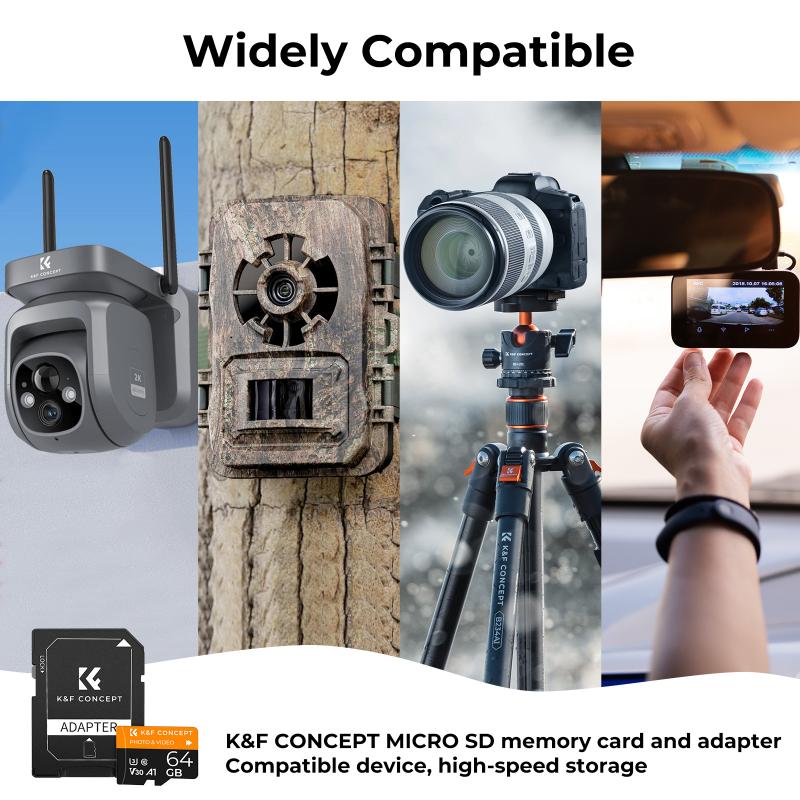
First, let’s understand where the SD card slot might be located. Many modern laptops come with an integrated SD card reader, though not all of them. The slot is typically located on the side of the laptop, near the USB ports or audio jack. The slot for SD cards is usually small and may have a label or icon next to it indicating that it’s for SD cards.

If your laptop does not have a built-in SD card reader, you can always use an external USB card reader, which will be covered in the troubleshooting section.

Step-by-Step Guide on How to Insert an SD Card into a Laptop
how insert sd card in laptop 2

Step 1: Check Your Laptop’s SD Card Slot
how insert sd card in laptop 3

Before inserting the card, make sure your laptop has an SD card reader. Most laptops will either have:

- A full-size SD card slot (the size of the card is about 32mm x 24mm)

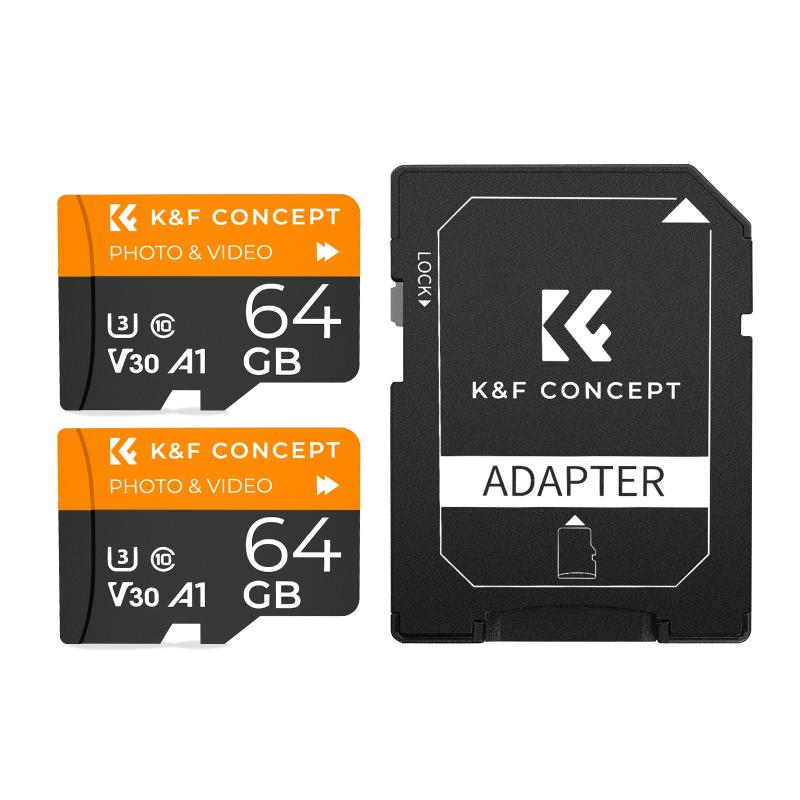
- A microSD card slot (the size of the card is about 15mm x 11mm), which usually requires an adapter to fit in a regular SD card slot.

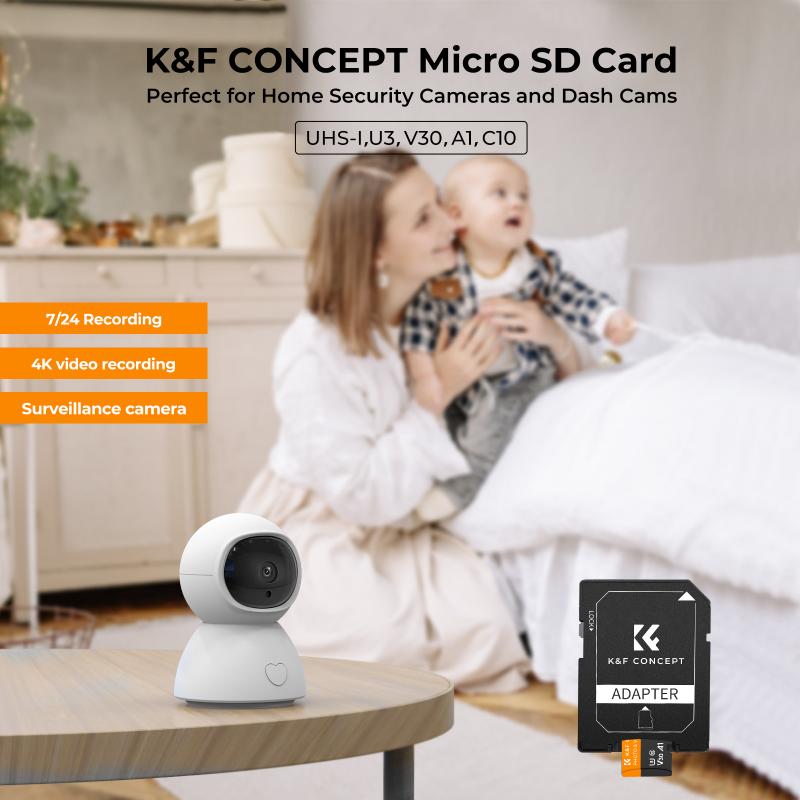
Some laptops only have a microSD slot, but you can easily use an adapter that converts the microSD card into a full-size SD card to fit into the reader.

Step 2: Align the SD Card Correctly
how insert sd card in laptop 4

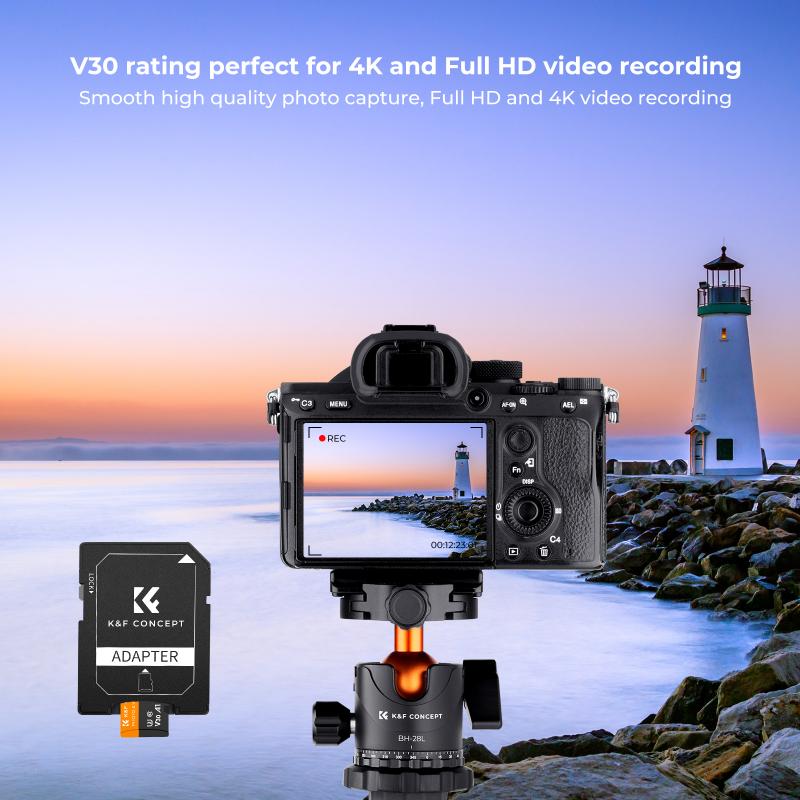
Before you insert the card, it's important to make sure you are inserting it in the correct orientation. SD cards typically have a metal contact strip that must be facing down and aligned with the metal pins inside the slot.

- For full-size SD cards, the contact side should face the bottom (the side with the label facing up).

- For microSD cards, if you're using an adapter, the adapter should also be inserted with the contact side facing down.

Most laptop SD card slots are designed with a “one-way only” feature, so the card will only go in correctly when aligned properly. If you feel resistance while inserting the card, do not force it—check the orientation.

Step 3: Insert the SD Card Gently

Once aligned, gently insert the SD card into the slot. You should feel a light click when the card is inserted all the way in. Do not push too hard. If your laptop’s SD card reader is spring-loaded, the card will click in and may even spring back a little when fully inserted. This ensures the card is securely in place.

Step 4: Wait for the Laptop to Detect the Card

Once inserted, your laptop should automatically detect the SD card and mount it. A notification may appear on your screen, confirming that the card is ready for use. Depending on your operating system, you might see a dialog box asking you what you want to do with the SD card, such as opening the files, transferring photos, or simply viewing the contents.

If you don’t see the notification or cannot access the card, you might need to manually open your file explorer (Windows) or Finder (Mac) to locate the SD card.

Step 5: Access the SD Card Data

After the SD card is inserted and detected, you can access the data on the card. In Windows, open File Explorer (press `Windows + E`), and you should see the SD card listed under "This PC" as a new drive. If you’re using a Mac, open Finder, and the SD card should appear in the left sidebar under "Devices."

From there, you can copy, move, or delete files as you would with any other folder or drive. SD cards are generally formatted with the FAT32 or exFAT file systems, which are widely compatible across different devices.

Troubleshooting Tips

1. Laptop Does Not Recognize the SD Card

If your laptop does not detect the SD card after insertion, there may be several reasons for this. Here are some steps you can take to troubleshoot the issue:

- Reinsert the Card: Sometimes, the card may not be fully inserted or aligned properly. Remove it and carefully reinsert it, ensuring the metal contacts are facing the correct direction.

- Check the Card in Another Device: If possible, try inserting the SD card into another device (such as a camera or phone) to check if the card itself is functioning properly. If the card works in another device but not in your laptop, the issue may be with the laptop’s card reader.

- Restart Your Laptop: Occasionally, a system reboot may resolve issues with hardware detection. Simply restart your laptop and try inserting the SD card again.

- Update Drivers: If your laptop still doesn’t recognize the card, check if the drivers for the SD card reader are up to date. In Windows, go to Device Manager, find the SD card reader under "Disk Drives" or "Universal Serial Bus controllers," and check for updates.

2. SD Card is Corrupted

If the SD card appears to be detected, but you can't access its files or receive an error message saying the card is corrupted, you might need to format the card. Formatting will erase all data, so ensure that you have a backup of your files if necessary. To format the card:

- In Windows, right-click the SD card in File Explorer and select Format. Choose the appropriate file system (usually FAT32 or exFAT) and click Start.

- On a Mac, open Disk Utility, select the SD card from the sidebar, and click Erase.

3. Using an External SD Card Reader

If your laptop does not have an SD card slot or if the built-in reader isn’t working, you can use an external USB SD card reader. These readers are inexpensive and plug directly into a USB port on your laptop. Insert your SD card into the reader, then connect it to the laptop. Your operating system should detect the SD card in the same way it would with a built-in reader.

Safely Ejecting the SD Card

Once you're done using your SD card, it’s important to eject it safely to avoid potential data corruption.

Windows:

- Right-click on the SD card icon in File Explorer and select Eject. Wait for the system to tell you it's safe to remove the hardware before physically removing the card.

Mac:

- In Finder, drag the SD card icon to the trash or click the eject icon next to the SD card in the left sidebar.

By safely ejecting the SD card, you ensure that any data being written to the card is properly saved and that the card is safely removed from your laptop.

Inserting an SD card into a laptop is a simple task, but knowing how to properly insert, access, and safely remove the card is essential for avoiding data loss or corruption. Whether you’re transferring photos from your camera or expanding your laptop’s storage, SD cards offer a convenient and reliable method for file transfer. If you encounter any issues, remember to check the orientation, try a different device, or use an external card reader. With a little care, you can make the most of your SD card and keep your files organized and safe.


Leave your comment
Cancel reply
Note: HTML is not translated!
Related products
SD Card Reader for iPhone/iPad/Android/Mac/Computer/Camera, 4 in 1 Micro SD Card Reader Tracking Camera Viewer, Portable Memory Card Reader SD Card Adapter Compatible with SD and Micro SD Card/TF Card ( black)
$14.99
K&F Concept 36 Slots SD Micro SD Memory Card Case, Water-Resistant SD Card Holder, Anti-Shock Card Carrying Storage Box for 24 Micro SD SDXC SDHC TF Cards and 12 SD SDXC SDHC Cards
$18.99 $9.99
K&F Concept 28 Slots Micro SD Card Case,Water-Resistant Anti-Shock Anti-Dust TF Card Holder,Micro SD/Micro SDHC/Micro SDXC Card Box Organizer Storage
$18.99 $9.99
128GB MicroDrive Micro SD UHS-I Memory Card
2
$31.99
K&F Concept 24 Slots SD Card Holder Memory Card Case, Water-Resistant Shockproof Memory Card Storage Carrying Case for 12 SD SDXC SDHC Cards, 12 CFexpress Type A Cards
$18.99 $9.99
32GB Micro SD Card U3/V30/A1 with Adapter, Memory Card for Cameras, Borescopes,  Microscopes, Night Vision Goggles, Kentfaith
32GB Micro SD Card U3/V30/A1 with Adapter, Memory Card for Cameras, Borescopes, Microscopes, Night Vision Goggles, Kentfaith
$19.99 $15.99
64GB Micro SD Card U3/V30/A1 with Adapter, Memory Card for Cameras, Borescopes,  Microscopes, Night Vision Goggles, Kentfaith
64GB Micro SD Card U3/V30/A1 with Adapter, Memory Card for Cameras, Borescopes, Microscopes, Night Vision Goggles, Kentfaith
$23.75 $23.73
4K 32MP Hunting Camera, 100° Wide Motion Sensor 0.2s Trigger IP67 Waterproof, 2.31" Display, with 64G SD Card +Card Reader
$114.99
Digital Mini Microscope for Kids, 100x-1000x Handheld Microscope with 32GB SD Card & Battery
32
$92.99 $65.99
Products You May Like
H100 60FPS Webcam with Fill Light Autofocus 1080p USB Webcam with Dual Microphones Plug and Play USB Webcam for PC Desktop Mac Zoom Skype YouTube
5
$44.99
DJI Osmo Action 3 ND64&PL Filters with Single-sided Anti-reflection Green Film
21
$29.99 $17.99
Portable Kids Microscope with 1000X Magnification 8 Adjustable LEDs 32G Card for Ages 3-12
17
$119.99 $83.99
Inspection Camera 8mm Industrial Endoscope Camera 4.3 Inch HD Screen 1080P Snake Camera with LED Lights, Semi Rigid Cable for Auto, Engine, Drain Inspection (8mm, 10m/32.8ft) Orange
129
$122.39 $59.99
DJI Avata Drone ND8 Filter Circular Polarizing Filter with Single-sided Anti-reflection Waterproof Anti-scratch Green Film Compatible with O3 Air Unit
8
$35.99 $16.99
72mm Variable ND Filter ND2-ND32 (1-5 Stops) Lens Filter Waterproof Scratch Resistant with 24 Layers of Nano-coating Nano-Dazzle Series
31
$62.99 $49.99
DJI Osmo Action 3 ND16 Filter with Single-sided Anti-reflection Green Film
21
$29.99 $17.99
32A European standard Type 2 portable EV fast charger, CEE plug, switchable current charging box 16/26/32A charger (5M cable, 220V, 7kw)
$349.99 $279.99
Automatic Chicken Coop Door, Solar Powered with Timer & Light Sensor, Aluminum Weatherproof Multi-Mode, Anti-Pinch
19
$250.49 $175.99
No Flash Trail Camera
10
$162.99 $106.99
Related articles
How To Insert Micro Sd Card Switch?
How To Insert Micro Sd Card Into Pc?
How To Insert Sd Card Into Akaso Camera?
How To Insert Sd Card Into Macbook Air?
How To Insert Sd Card Into Security Camera?
How To Insert Memory Card In Macbook Pro?
How To Run Sd Card On Laptop?
How Do I Access Sd Card On Laptop?
How To Format Sd Card In Windows?
What Are Digital Camera Drivers?
Blog You May Like
How To Set Up Earphone Mic On Pc?
Why Use White Balance Lens Cap?
Can Neighbors Security Camera At Your House?
How To Sync External Flash With Camera?
How To Watch Pbs Passport On Lg Smart Tv ?
What Does The Lamp Do On A Microscope?
How To Fix The Left Earphone?
How To Change Language On Bluetooth Headphones ?
How Does Sd Card Work?
How To Record Video And Voice On Pc?
Related categories
2 in 1 Filter camera card memory Screw-In Filter neutral density filters
Popular products
portable sd card reader magnetic memory card 64Gb Micro Sd Memory Card 32gb sd flash memory card 4k sd memory card Full Size Sd Memory Card sd memory card carrying case 64gb memory card micro surveillance memory card digital camera sd card speed
Related searches
Sd Card Cameras Sd Card Recorder Standard Sd Card Internal Sd Card Sd Card Security Cameras Camera Sd Card Holder Micro Sd Card Adapters Canon Sd Card Adapter Sd Card For Cameras Memory Wifi Sd Card
Popular searches
Camping Projector Screen Camera Strap Quick Release Ru Uv Filter 001 Replacement Lens Buy Night Vision Goggles Outdoor Security Cameras Wifi Full Hd Projector Compact Birding Binoculars Nikon D90 Sensor To Lens Mount Distance Nikon 18 55mm Vr Lens Uv Filter Moment Lens V1 To V2 Adapter
Blog Category
  • Activities
  • Guide
    • Filter Guide
    • Lens Adapter
    • Product Review
  • News & Reviews
    • Camera Reviews
    • Sample Gallery
    • News
  • Tutorials
    • Solar eclipse photography
    • Photography Basics
    • Landscape Photography
  • Inspiration
    • Travel
    • Travel Stories
Search Article
Latest from the Blog
What Is The Best Wireless Outdoor Security Camera?
What Does Tripod?
Which Smart Watches Are Waterproof?
Neutral Density Filter: The Ultimate Guide for Photographers and Videographers
What Power Binoculars For Long Distance Viewing?
Can You Save Facebook Videos To Camera Roll?
How Much Storage For Security Camera?
What Is The Difference Between Binoculars And Telescope?
Dash Cam That Can Connect To Phone?
How To Wear Monocular?
  • Easy Payment Multilple Payment Options

  • Free Shipping Global WareHouse Shipment

  • No Risk 30-Day No Reason Return

  • Limited Deals Buy More, Save More

  • Tax Free No any surcharges or tax fee

Information
  • About us
  • Contact Us
  • Site Map
  • Blog
  • Video
  • Gallery
  • VIP Membership Rewards
Service
  • Privacy Policy
  • Terms & Conditions
  • Shipping & Delivery
  • Payment Info
  • Warranty, Return & Refund
  • Intellectual Property Rights
  • Ambassador
  • Affiliates
  • Wholesale
Support
  • My account
  • Order History
  • FAQs
  • Extend Warranty
  • Logistics Tracking
Follow us
NewsLetter

Get the latest product, K&F Concept respects your privacy.

Powered By KENTFAITH © 2025