kfconcept

KENTFAITH
K&F Concept    Blog >

Enjoy Your Selected Digital Life

Recently Viewed
  • Recently Viewed
  • 46mm Circular Polarizer Filter with 24 Multi-Layer Green Coatings HD/Hydrophobic/Scratch Resistant CPL Filters Nano-Dazzle
    46mm Circular Polarizer Filter with 24 Multi-Layer Green Coatings HD/Hydrophobic/Scratch Resistant CPL Filters Nano-Dazzle
    $24.99 $19.79
    77mm True Color & Ultra-Low Reflection Variable ND Lens Filter, ND2-32 (1-5 Stops) HD Adjustable Neutral Density Filter with 28 Multi-Layer Coatings for Camera Lenses - Nano-X Series
    77mm True Color & Ultra-Low Reflection Variable ND Lens Filter, ND2-32 (1-5 Stops) HD Adjustable Neutral Density Filter with 28 Multi-Layer Coatings for Camera Lenses - Nano-X Series
    $141.99 $119.69
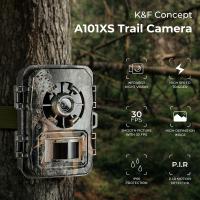
    24MP*1296P night vision, 120° wide angle*0.2S trigger 2" screen tracking camera in Maple with AA alkaline battery and 64G high speed SD card
    24MP*1296P night vision, 120° wide angle*0.2S trigger 2" screen tracking camera in Maple with AA alkaline battery and 64G high speed SD card
    $89.99 $49.99
    67mm Variable ND Filter ND32-ND512 (5-9 Stops) Neutral Density Lens Filter with 28 Multi-Layer Coatings Hydrophobic/Scratch Resistant Nano-Xcel
    67mm Variable ND Filter ND32-ND512 (5-9 Stops) Neutral Density Lens Filter with 28 Multi-Layer Coatings Hydrophobic/Scratch Resistant Nano-Xcel
    $79.99
Compare (0) 0
  • Compare
  • You have not chosen any products to compare.

  • Compare
Currency: USD
  • Currency
Shop by Scene Shop by Rank

Log Into Your Account

Account

Order History

Wish List

Login

Forgotten Password?

Or connect with

Register Account

Already have an Account?Log In

  • Shopping Cart
  • Your shopping cart is empty!

  • Register/Login to purchase, earn points
  • Favorite
  • Your wish list is empty.

  • Register/Login to like, earn points
  • Activities
  • Guide
    • Filter Guide
    • Lens Adapter
    • Product Review
  • News & Reviews
    • Camera Reviews
    • Sample Gallery
    • News
  • Tutorials
    • Solar eclipse photography
    • Photography Basics
    • Landscape Photography
  • Inspiration
    • Travel
    • Travel Stories
  • Home
  • Blog
  • How To Record Only Sound Meeting On Zoom?

How To Record Only Sound Meeting On Zoom?

Kentfaith 2024-11-13 01:58:14 0 Comments

Recording only the audio portion of meetings on Zoom is a common requirement for many users, ranging from students who want to review lectures to professionals who need to transcribe meetings for later use. While Zoom’s default settings often focus on video recording, there is a way to tailor the settings to capture just the audio. Let's explore the various methods to achieve this, helping users save bandwidth and storage space and enhancing their focus on auditory content.

Understanding the Basics of Zoom Recording
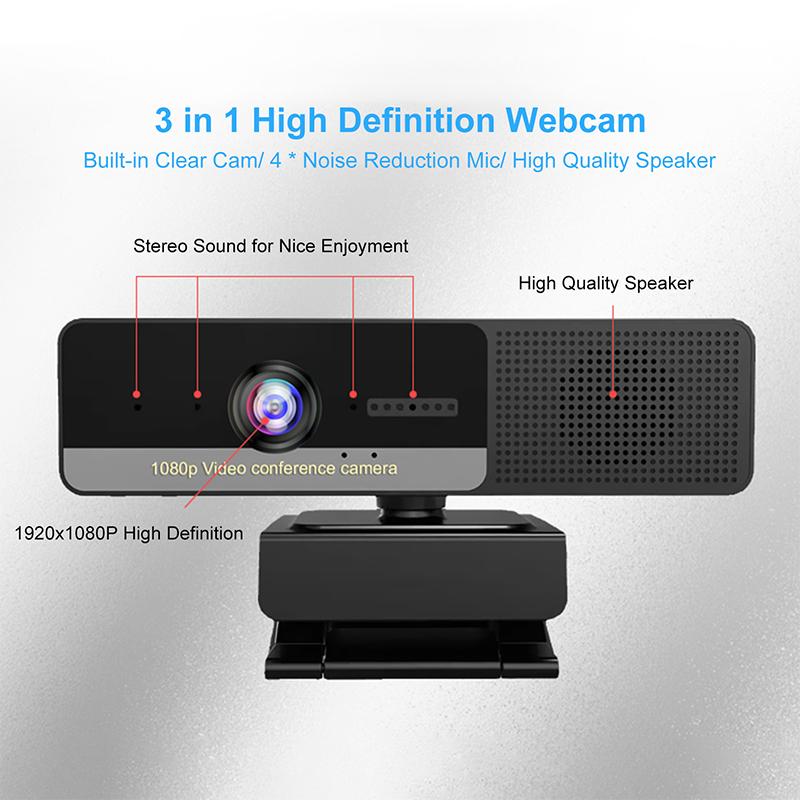
how to record only sound meeting on zoom 1

Zoom's recording capabilities are inherently versatile, offering options for local recordings directly to your computer or cloud-based recordings if you have a Zoom Pro account or higher. By default, the recordings capture video alongside audio, but tweaking the settings can enable a more audio-centric recording experience.

Why Record Only Audio?
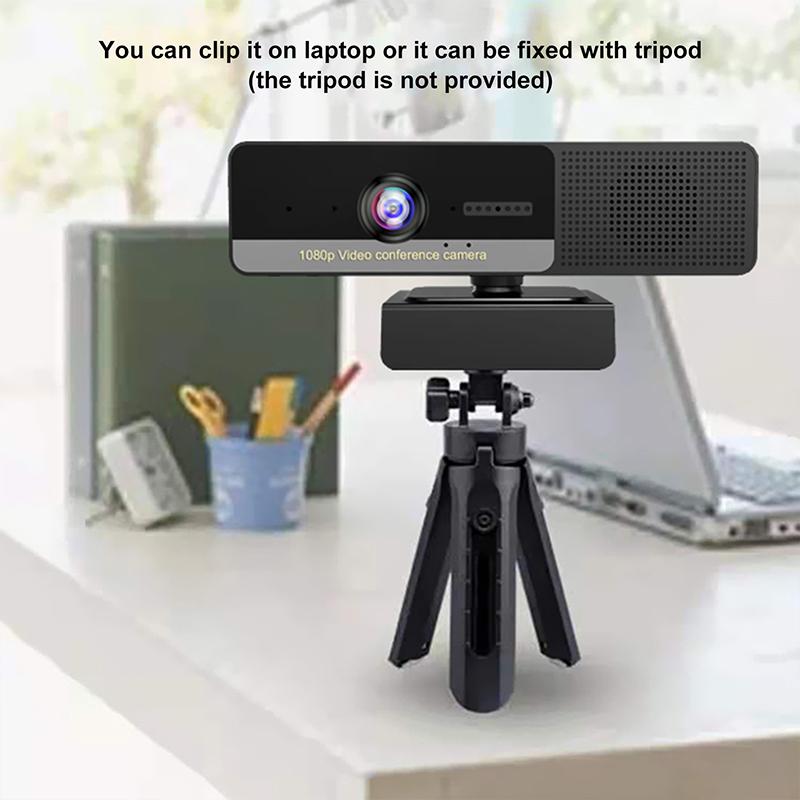
how to record only sound meeting on zoom 2

Before diving into the technicalities, it's beneficial to understand why one might prefer only recording audio:

1. Storage Efficiency: Audio files consume significantly less space than video files, making storage and sharing more manageable.

2. Bandwidth Management: When internet speed is a constraint, recording only audio can lead to fewer interruptions.

3. Focused Review: Audio-only recordings can help users concentrate solely on the discussion, useful for note-taking and transcription.

Methods to Record Audio-Only on Zoom
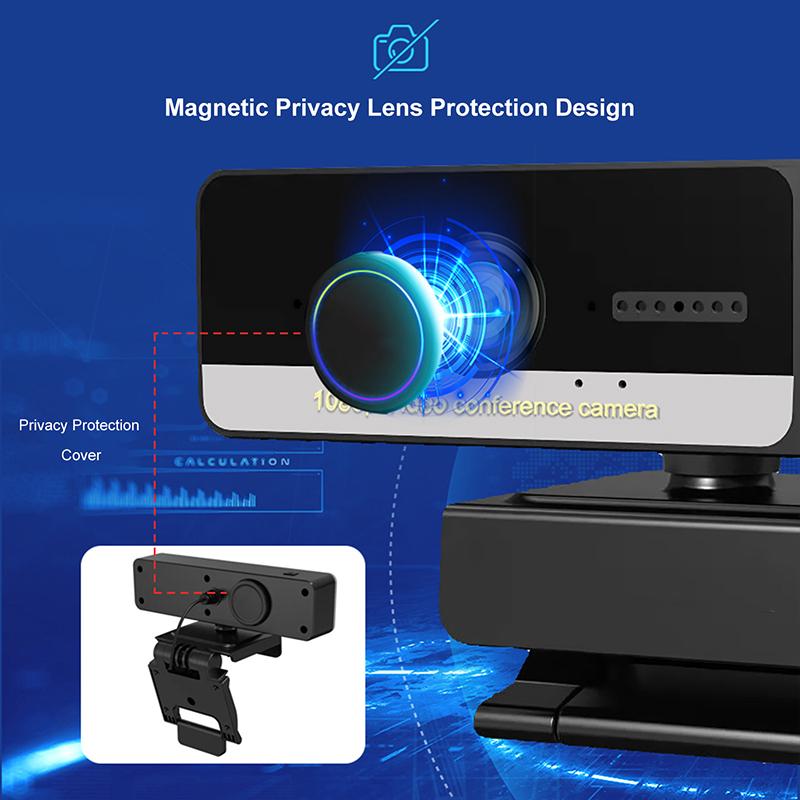
how to record only sound meeting on zoom 3

There are multiple avenues to achieve audio-only recordings:

Method 1: Using Zoom's Built-in Audio Recording Feature
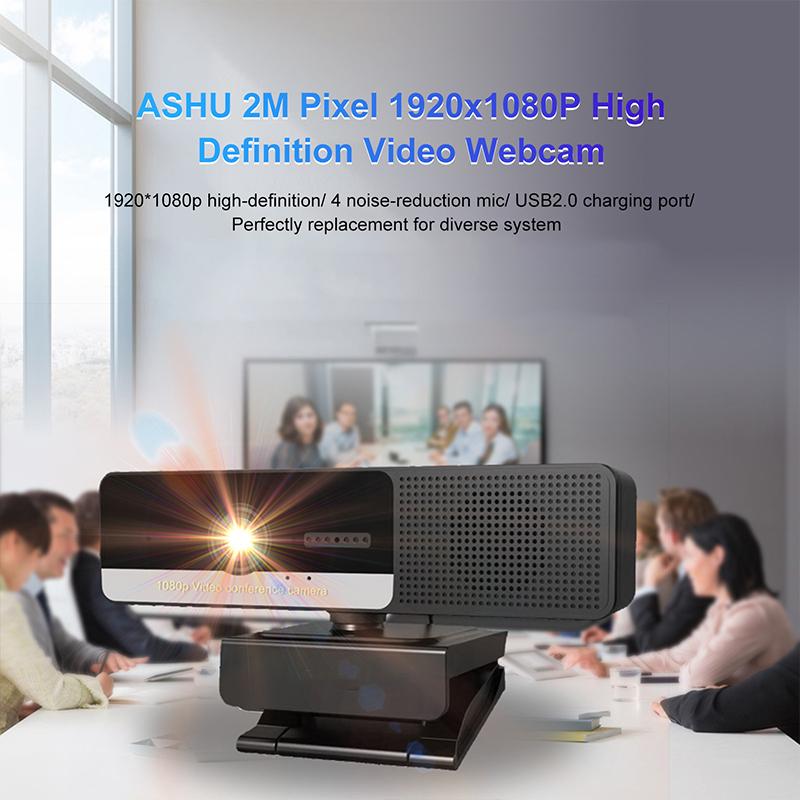
how to record only sound meeting on zoom 4

1. Logging In: Start by logging into your Zoom account on the desktop application.

2. Navigating to Settings: Click on the gear icon (Settings) located in the upper right corner.

3. Accessing Recording Settings: Navigate to the 'Recording' tab.

4. Enable Audio Recording Only: Within the recording settings, there’s an option to enable the ‘Record an audio only file’. Select this option to ensure that only the audio stream is recorded when you start a meeting.

When you begin a meeting and choose to record, the Zoom application will save an m4a audio file to your designated location.

Method 2: Post-meeting Audio Extraction

1. Record the Meeting: Record the Zoom session as usual including both video and audio.

2. Extract Audio: After the meeting, use video processing software like VLC Media Player, Audacity, or even built-in OS functionalities to extract the audio track from the recorded MP4 file.

For Windows Using VLC:

- Open VLC Media Player.

- Go to “Media” -> “Convert/Save”.

- Add your video file and click “Convert/Save”.

- In the Convert window, choose “Audio - MP3” from the Profile list and start the process.

Method 3: Third-party Audio Capture Software

1. Install Third-Party Software: Download and install third-party audio capture tools (e.g., Audacity, GarageBand for macOS).

2. Configure Audio Input: Set the software to capture audio from the computer system and not just via an external microphone. Zoom’s audio is routed through your computer’s sound system, so configuring system sound capture will ensure all meeting audio is recorded.

3. Start Recording: Begin recording on the third-party software before the Zoom meeting starts, ensuring no parts of the conversation are missed.

Best Practices for Audio-Only Recording

To ensure your audio recordings are clear and useful, consider the following tips:

High-Quality Microphone:

Using an external, high-quality microphone can significantly improve the audio clarity, making the recording pleasant and professional.

Quiet Environment:

Conduct the recording in a noise-free environment. Background noises can be distracting and reduce the clarity of the recorded audio.

Test Before Actual Meetings:

Always perform a test recording before an important meeting to ensure that all settings are correct, and the audio is capturing as intended.

Potential Challenges and Solutions

Inconsistent Audio Levels:

Participants’ audio levels may vary, sometimes due to differing quality of their microphones. This can be mitigated by:

- Post-processing: Normalize audio levels using software like Audacity.

- Pre-meeting Mic Check: Conduct a quick mic check for all participants before the meeting.

Legal and Ethical Considerations:

- Consent: Obtain explicit consent from all participants before recording the meeting. This not only adheres to legal standards but also respects participant privacy.

- Usage: Clearly communicate how the audio recordings will be used, stored, and disposed of, maintaining transparency.

Practical Applications

Academic Use:

Students can use audio recordings to review lectures without the distraction of video, focusing on the spoken content.

Professional Use:

Businesses can record meetings to create transcriptions for later review, aiding in accurate documentation and project tracking.

Content Creation:

Podcasters or content creators can use audio recordings from meetings to generate material, provided proper permissions are in place.

Recording only the audio of a Zoom meeting can make the process of storing, reviewing, and sharing meeting content much more efficient. While Zoom’s built-in features provide a straightforward solution, alternative methods like post-meeting audio extraction and third-party software offer additional flexibility. Following best practices and considering potential challenges will ensure your audio recordings are of high quality and legally compliant. By mastering these techniques, users can optimize their Zoom experience, making it more aligned with their specific needs and preferences.


Leave your comment
Cancel reply
Note: HTML is not translated!
Related products
5K Video Camera with 75MP Photos, 8X Optical Zoom, WiFi Transfer, Wireless Mic, Dual Batteries, Support PIP Record, Kentfaith
16
$274.99 $239.99
5K Video Camera with 75MP Photos, 8X Optical Zoom, WiFi Transfer, Foldable Tripod, Wireless Mic, Dual Batteries, Support PIP Record, Kentfaith
$312.49 $249.99
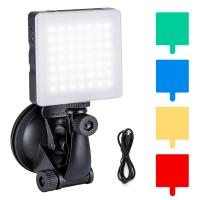
Touch Lighting Kit for Laptop Video Conference, K&F Concept 6500K Computer LED Video Light with Suction Cup, 4 Color Filters for Remote Working,Zoom Meeting, Self Broadcasting, Vlogging and Make Up
64
$39.99 $29.99
128G Mini Digital Voice Recorder with Color Screen Bluetooth Call Record 3072kbps Kentfaith
15
$119.99 $83.99
Camera Light LED Video Light Panel for Camera Camcorder Lighting in Studio or Outdoors 3200K to 5500K Variable Color Temperature (Only ship to us)
26
$44.99 $39.99
Mini Voice Recorder, Sound-activated & Magnetic, 128GB 1600H Capacity with AI Noise Cancelling Kentfaith
13
$94.99 $53.99
Mini Sound Recorder 128GB 1600H Recording Capacity with 1.4" Screen, Voice Activated Mode Kentfaith
12
$99.99 $79.99
Action Camera Waterproof Set 21 in 1 for GOPRO Hero 9/10/11/12 (Only Ship to US)
104
$37.99 $22.99
Instant Cross-APP Translator Device for Business & Trade, Video Call Translation, Record, & Transcription, Kentfaith AI Translator Devices
12
$124.99 $99.99
67mm Clip-on CPL Phone Camera Lens Filter Kit Applicable to All Mobile Phone Models
24
$18.99
Products You May Like
77mm Shimmer Diffusion 1 Filter Optical Glass Glimmer Effect Filter for Camera Lens Nano-X Series
$99.99 $60.99
4K Dash Cam Front and Rear with GPS WiFi Night Vision 24H Parking Mode Kentfaith
13
$124.99 $99.99
MS04 62''/1.58m Tripod Phone Selfie Stick, Black And Orange With Bluetooth Remote Control + Gopro Adapter
107
$49.99 $29.99
Professional-grade Eclipse Set-Include 77mm Solar Filter + KF09.098 Carbon Fiber Tripod + KF13.107 32L Pro Large Camera Backpack + KF28.0024 6700mAh V Mount Battery
100
$872.99 $458.99
49mm MCUV+CPL+ND1000+Adapter Ring Magnetic 4 in 1 Lens Filter Kit Waterproof Scratch-Resistant Anti-Reflection with Filter Pouch
43
$99.99 $79.99
8" Wireless CarPlay Screen Android Auto Car Stereo with 1080P Backup Camera
14
$179.99 $125.99
40.5mm MCUV Lens Protection Filter with Lens Cap Optical Glass Ultra Slim 18 Multi-Layer Coatings UV Filter for Camera Lens Nano-Klear Series
82
$15.99 $11.99
M42 Lenses to Canon EOS M Lens Mount Adapter with Tripod Mount K&F Concept M10142 Lens Adapter
$25.99
62mm Lens Filter Black Mist 1/8 & Variable ND2-32 2 in 1 Filter Cinematic Effect Neutral Density Filter with 18 Multi-Layer Coatings - Nano-Klear Series
24
$57.99 $36.54
4G 3 Lens Solar Security Camera Wireless Outdoor, 6MP Full HD Video, 360° View Pan/Tilt Home Security Camera with Color Night Vision, Easy to Install, PIR Alarm, 3pcs, Kentfaith
$524.99 $419.99
Related articles
How To Record Audio On Zoom For Podcast?
How To Record Sound On The Computer?
How To Record With Sound On Laptop Camera?
How To Record Video On Screen With Sound?
How To Record Video With Sound On Pc?
How To Record Sound Effects On Virtual Dj?
How To Zoom In On A Microscope?
How Do You Have Sound On Screen Record?
How To Screen Record Including Sound?
How To Access Wifi Camera Away From Home ?
Blog You May Like
Can You Use Binoculars With Glasses?
How To Check Filter Size Camera Lense?
How To Setup Selfie Stick Bluetooth Remote?
How To Watch On Smart Tv From Android?
How Does A Double Mirror Camera Filter Work?
Are rangefinder binoculars worth it?
Can I Set Up One Outdoor Security Camera?
What Is High Dynamic Filter Camera?
How To Run Wires For Outdoor Security Cameras?
How To Remove Waterproof Camera Case?
Related categories
On-Dash Camera C mount lens adapter m4/3 adapter trail camera with screen endoscope cameras 77mm polarizing filter Samsung NX M Mount Adapter
Popular products
video recording camera for youtube sony camera with microphone Mini Digital Voice Recorder​ video conference lighting kit light with power bank hidden audio recorder voice activated Polarize Filter For Mobile Phone clip on phone camera lens hidden sound recorder device led light panel photography
Related searches
Best Microphones To Record Vocals Record Wifi Camera Lens Only Camera Drone Camera Only Cameras That Record Audio Wifi Only Security Camera Ring Light Stand Only Gold Only Metal Detector Metal Detector For Gold Only Sound Recorder Usb
Popular searches
Dji Osmo Pocket Nd Filter Set Leica M Ltm Adapter Wireless Camera Memory Card Lens Adapter For Sony A57 Possible To Damage Lens Mount Nikon F Mount Magnifier Lens Filter For Car Photography Sigma Lens Mount Identification Canon Vs Nikon 16mm Security Camera Lens With Ir Filter Canon R Adapter
Blog Category
  • Activities
  • Guide
    • Filter Guide
    • Lens Adapter
    • Product Review
  • News & Reviews
    • Camera Reviews
    • Sample Gallery
    • News
  • Tutorials
    • Solar eclipse photography
    • Photography Basics
    • Landscape Photography
  • Inspiration
    • Travel
    • Travel Stories
Search Article
Latest from the Blog
What Is A Good Quality Dash Cam?
How To Find Camera Roll On Iphone 5s?
Camera That Can Wifi Photos To Phone?
Can I Charge Camera Battery With Power Bank?
Is the Sony A7M5 worth buying?
How To Remove Memory Card From Nikon Camera?
What is A Variable ND Filter? The Complete Guide to Mastering Exposure Control
What Does Tripod?
Neutral Density Filter: The Ultimate Guide for Photographers and Videographers
UV Filter: Everything You Need to Know About UV Protection Lens Filters
  • Easy Payment Multilple Payment Options

  • Free Shipping Global WareHouse Shipment

  • No Risk 30-Day No Reason Return

  • Limited Deals Buy More, Save More

  • Tax Free No any surcharges or tax fee

Information
  • About us
  • Contact Us
  • Site Map
  • Blog
  • Video
  • Gallery
  • VIP Membership Rewards
Service
  • Privacy Policy
  • Terms & Conditions
  • Shipping & Delivery
  • Payment Info
  • Warranty, Return & Refund
  • Intellectual Property Rights
  • Ambassador
  • Affiliates
  • Wholesale
Support
  • My account
  • Order History
  • FAQs
  • Extend Warranty
  • Logistics Tracking
Follow us
NewsLetter

Get the latest product, K&F Concept respects your privacy.

Powered By KENTFAITH © 2025