kfconcept

KENTFAITH
K&F Concept    Blog >

Enjoy Your Selected Digital Life

Recently Viewed
  • Recently Viewed
  • Recently Viewed list is empty.

Compare (0) 0
  • Compare
  • You have not chosen any products to compare.

  • Compare
Currency: USD
  • Currency
Shop by Scene Shop by Rank

Log Into Your Account

Account

Order History

Wish List

Login

Forgotten Password?

or connect with

Register Account

Already have an Account?Log In

  • Shopping Cart
  • Your shopping cart is empty!

  • Register/Login to purchase, earn points
  • Favorite
  • Your wish list is empty.

  • Register/Login to like, earn points
  • Activities
  • Guide
    • Filter Guide
    • Lens Adapter
    • Product Review
  • News & Reviews
    • Camera Reviews
    • Sample Gallery
    • News
  • Tutorials
    • Solar eclipse photography
    • Photography Basics
    • Landscape Photography
  • Inspiration
    • Travel
    • Travel Stories
  • Home
  • Blog
  • How To Record Slow Motion Sounds?

How To Record Slow Motion Sounds?

Kentfaith 2024-09-05 04:19:30 0 Comments

Recording slow-motion sounds can be a fascinating endeavor, whether you're a filmmaker, a sound designer, or simply an enthusiast looking to explore the auditory world in a new way. Capturing these sounds requires a combination of the right equipment, techniques, and post-production processes. In this article, we will delve into the practical steps and considerations for recording slow-motion sounds effectively.

Understanding Slow Motion Sound
how to record slow motion sounds 1

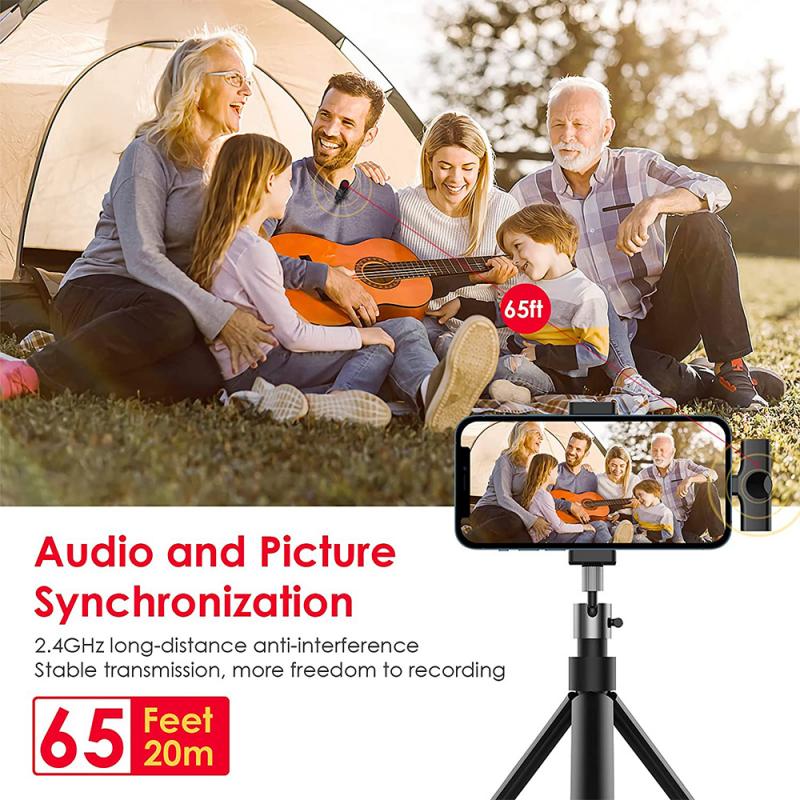
Before diving into the technical aspects, it's essential to understand what slow-motion sound entails. When you slow down a video, the accompanying audio also slows down, resulting in a lower pitch and stretched-out sound. This effect can reveal hidden details and textures in the audio that are not perceptible at normal speed. However, simply slowing down a regular recording may not yield the best results. To achieve high-quality slow-motion sound, you need to consider several factors.

Equipment Needed
how to record slow motion sounds 2

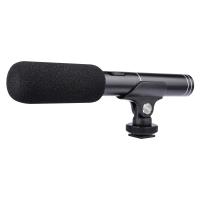
1. High-Quality Microphone: The first step in recording slow-motion sounds is to use a high-quality microphone. Condenser microphones are generally preferred due to their sensitivity and ability to capture a wide range of frequencies. A shotgun microphone can also be useful for isolating specific sounds in a noisy environment.

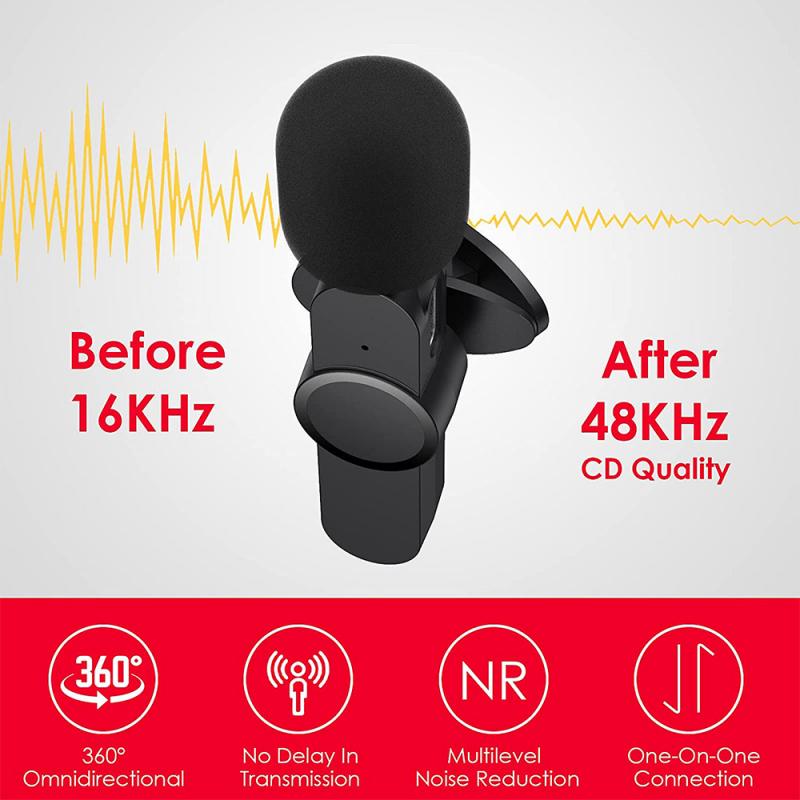
2. High Sample Rate Recorder: To capture the nuances of slow-motion sound, you need a recorder that supports high sample rates. A sample rate of 96 kHz or higher is recommended. This allows you to capture more detail, which is crucial when the sound is stretched out in post-production.

3. Wind Protection: If you are recording outdoors, wind protection for your microphone is essential. Even a slight breeze can distort the sound, which becomes more noticeable when slowed down.

4. Headphones: High-quality headphones are necessary for monitoring the recording in real-time. This helps you catch any issues immediately and make adjustments on the spot.

Recording Techniques
how to record slow motion sounds 3

1. Close-Miking: When recording sounds that you intend to slow down, close-miking can be very effective. This technique involves placing the microphone very close to the sound source. It helps capture the intricate details and reduces background noise.

2. Controlled Environment: Recording in a controlled environment, such as a studio, can significantly improve the quality of your slow-motion sounds. This setting allows you to manage acoustics and eliminate unwanted noise.

3. Multiple Takes: Don’t hesitate to record multiple takes. Different takes can capture various nuances of the sound, giving you more options during the editing process.

4. Use of Props: Sometimes, using props can enhance the sound you are trying to capture. For example, if you are recording the sound of a balloon popping, you might use different types of balloons to get a variety of sounds.

Post-Production Process
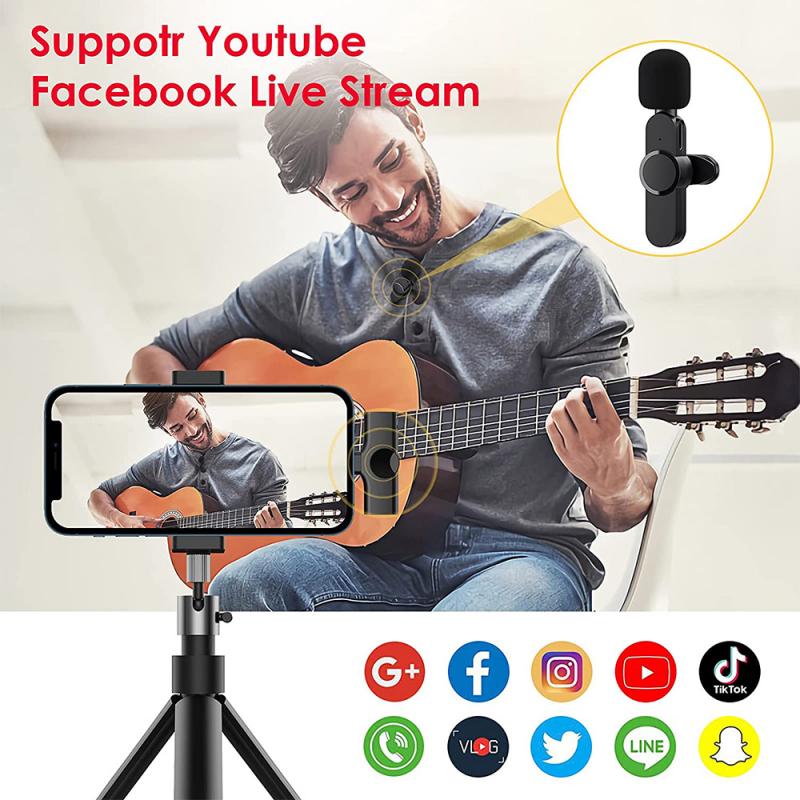
how to record slow motion sounds 4

1. Editing Software: Use professional audio editing software like Adobe Audition, Pro Tools, or Audacity. These programs offer advanced features for manipulating audio, including time-stretching algorithms that can slow down the sound without significantly degrading quality.

2. Time-Stretching: The key to achieving high-quality slow-motion sound is the time-stretching process. Most professional audio editing software includes algorithms that can stretch the audio while preserving its quality. Experiment with different settings to find the best result for your specific recording.

3. Pitch Correction: When you slow down audio, the pitch drops. Depending on your project, you might want to correct the pitch to maintain the original tone of the sound. Most audio editing software includes pitch correction tools that can help with this.

4. Noise Reduction: Slowing down audio can amplify background noise. Use noise reduction tools to clean up the recording. Be careful not to overdo it, as excessive noise reduction can make the audio sound unnatural.

5. Layering Sounds: Sometimes, layering multiple sounds can create a richer slow-motion effect. For example, combining the sound of a slow-motion heartbeat with ambient noise can create a more immersive experience.

Practical Applications

1. Film and Video Production: Slow-motion sounds are often used in film and video production to enhance dramatic moments. For instance, the sound of a bullet whizzing by or a glass shattering can be made more impactful when slowed down.

2. Sound Design: In sound design, slow-motion sounds can add depth and texture to a project. They are commonly used in video games, animations, and virtual reality experiences to create a more immersive environment.

3. Scientific Research: Slow-motion sounds can also be valuable in scientific research. For example, biologists might use slow-motion audio to study the vocalizations of animals, while engineers might analyze the sounds of machinery to detect potential issues.

4. Music Production: Musicians and producers sometimes use slow-motion sounds to create unique effects in their compositions. This technique can add an experimental and avant-garde element to music.

Tips and Tricks

1. Experiment with Different Sounds: Don’t limit yourself to conventional sounds. Experiment with various objects and materials to discover unique slow-motion sounds.

2. Use a Pop Filter: When recording vocals or other sounds that involve plosive consonants, use a pop filter to minimize distortion.

3. Monitor Levels: Keep an eye on your recording levels to avoid clipping. Clipping can cause distortion, which becomes more pronounced when the sound is slowed down.

4. Backup Your Recordings: Always make backups of your recordings. This ensures that you don’t lose any valuable takes and gives you the freedom to experiment without worrying about losing the original file.

Recording slow-motion sounds is a blend of art and science. It requires the right equipment, meticulous recording techniques, and careful post-production work. By following the steps outlined in this article, you can capture high-quality slow-motion sounds that add depth and intrigue to your projects. Whether you are a filmmaker, sound designer, or researcher, mastering the art of slow-motion sound recording can open up new creative possibilities and enhance your work.


Leave your comment
Cancel reply
Note: HTML is not translated!
Related products
128G Mini Digital Voice Recorder with Color Screen Bluetooth Call Record 3072kbps Kentfaith
HOT Seller
128G Mini Digital Voice Recorder with Color Screen Bluetooth Call Record 3072kbps Kentfaith
15
$119.99 $83.99
Instant Cross-APP Translator Device for Business & Trade, Video Call Translation, Record, & Transcription, Kentfaith AI Translator Devices
12
$124.99 $99.99
5K Video Camera with 75MP Photos, 8X Optical Zoom, WiFi Transfer, Wireless Mic, Dual Batteries, Support PIP Record, Kentfaith
16
$369.99 $239.99
5K Video Camera with 75MP Photos, 8X Optical Zoom, WiFi Transfer, Foldable Tripod, Wireless Mic, Dual Batteries, Support PIP Record, Kentfaith
16
$312.49 $249.99
AI Translator Device for Business & Trade, 142 Languages Real-Time Online & Offline, Smart Office/Cross-App/Video/Photo Translation, Record & Transcription, Kentfaith
15
$182.49 $145.99
Digital Voice Recorder with 64Gb Storage, 1536 kbps, Voice Activated & Line-in Record, 85H Battery Life, Stores 800 Hours of Recording, Kentfaith
18
$99.99 $79.99
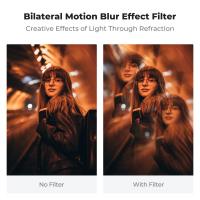
58mm Bilateral Motion Blur Special Effect Filter Dual Motion Optical Glass for Camera Lens Nano-B Series
21
$49.32 $36.99
58mm Single Motion Blur Special Effect Filter Directional Motion Blur Optical Glass for Camera Lens Nano-B Series
8
$49.99 $36.99
67mm Single Motion Blur Special Effect Filter Directional Motion Blur Optical Glass for Camera Lens Nano-B Series
8
$53.99 $39.99
77mm Single Motion Blur Special Effect Filter Directional Motion Blur Optical Glass for Camera Lens Nano-B Series
8
$57.99 $42.99
Products You May Like
Camera Backpack Waterproof Camera Bag 26L for 15" Laptop  with Tripod Strap and Rain Cover for DSLR/SLR Camera, Flash, Tripod, Laptops, Lens and Accessories - Backpack 25L Nature Wander 08 (Black Grey)
Camera Backpack Waterproof Camera Bag 26L for 15" Laptop with Tripod Strap and Rain Cover for DSLR/SLR Camera, Flash, Tripod, Laptops, Lens and Accessories - Backpack 25L Nature Wander 08 (Black Grey)
194
$108.99 $75.99
Bronica SQ Lenses to Canon EOS Lens Mount Adapter K&F Concept M31131 Lens Adapter
1
$42.99
Hunting camera bracket 2pcs pack
$10.99
82mm ND Filters ND1000 (10 Stops) Lens Filter 28 Multi-Layer Coatings Waterproof Scratch Resistant Super Slim for Camera Lens (Nano-Xcel Series)
176
$62.99 $49.99
58mm Variable ND2-400 (1-9 Stops) & Black Mist 1/4 Filter with 18 Multi-Coatings for Camera Lenses Nano-Klear Series
NEW Arrival
58mm Variable ND2-400 (1-9 Stops) & Black Mist 1/4 Filter with 18 Multi-Coatings for Camera Lenses Nano-Klear Series
$39.99
K&F CONCEPT 90cm Octagonal Softbox, Standard Bowens Mount, includes honeycomb mesh, diffuser cloth, and drawstring storage bag. Compatible with all standard Bowens mount fill lights, studio flashes, etc.
$75.99
67mm ND2-ND400 Variable Filter (1-9 Stop), 24 Layers of Nano-coating, K&F Concept Nano-Dazzle Series
26
$62.99 $49.99
Handheld Microscope & Camera 2-in-1 for Kids, 15 Million Pixels, 0-200X Magnification for Outdoor Observation and Photography, Blue
$40.99
The Quarry Trail Camera
10
$162.99 $106.99
20 Watt Foldable IP67 Waterproof ETFE Monocrystalline Portable Solar Panel with USB QC3.0 for Cell Phones, Laptops, Power Stations for Backpacking, Camping, Hiking and More
29
$104.99 $73.99
Related articles
How To Record The Cool Radio Sounds?
How To Record Sounds From Your Computer?
How To Record Sounds And Turn Into Mp3?
Can Sd Card Slow Down Phone?
Home Recorded Music Fluttering Sounds How To Remove?
Water Motion Blur What Nd Filter?
Can Security Cameras Detect Motion Through Glass?
How To Record Videos Without Sound?
How To Record Wifi Security Camera?
Best Dslr Cameras Can Cheap With Wifi?
Blog You May Like
How To Focus An Image On A Microscope?
House Party Where To Find Voice Recorder?
How To Filter Noise From Audio Recording?
How Do Wifi Security Cameras Work Without Storage?
Does Game Pass Console Include Xbox Live?
How To Ship Camera With Battery?
What Is A Dslr Uv Filter Used For?
How To Hide Security Cameras In Home?
How To Know Size Camera Filter?
Can You Use A Rangefinder On Water?
Related categories
C mount lens adapter m4/3 adapter camera tripod parts digital microscope Lens Filter Holder pentax k mount lenses home Borescope Nikon F mount camera body
Popular products
Mini Digital Voice Recorder​ video recording camera for youtube sony camera with microphone motion activated trail camera motion detector trail camera motion sensor trail camera best rated waterproof camera 3 axis gimbal video stabilizer wireless security camera system for home cellular trail camera at&t
Related searches
Slow Motion Video Camera Camera With Time Lapse And Slow Motion Cheap Camera To Record Videos Best Camera To Record Time Lapse Night Vision Binoculars That Record Motion Sensor Camera Battery Motion Camera Motion Light Security Camera Motion Detector Sensor Camera Motion Recording Security Camera
Related Scenes
Best Video Camera To Record Sports Best Camera To Video Sports Best Camera To Capture Wildlife Best Motion Camera Outdoor Best Wildlife Motion Camera Best Motion Tracking Security Camera Best Motion Detection Security Camera Best Motion Sensor Security Camera Best Wildlife Motion Detection Camera Best Outdoor Wildlife Motion Camera
Blog Category
  • Activities
  • Guide
    • Filter Guide
    • Lens Adapter
    • Product Review
  • News & Reviews
    • Camera Reviews
    • Sample Gallery
    • News
  • Tutorials
    • Solar eclipse photography
    • Photography Basics
    • Landscape Photography
  • Inspiration
    • Travel
    • Travel Stories
Search Article
Latest from the Blog
How Smart Watch Measure Heart Rate?
How To See Cells In A Microscope?
What Phone Has The Best Camera?
What Projector For Outdoor Movies?
Can Headphones Be Both Wired And Wireless?
When Will A Speed Camera Flash?
Which Smartwatch Is Most Accurate For Calories?
Which Sony E Mount Lens?
What Lenses Are In A Microscope?
How To Stream Video From Webcam?
  • Easy Payment Multilple Payment Options

  • Free Shipping Global WareHouse Shipment

  • No Risk 30-Day No Reason Return

  • Limited Deals Buy More, Save More

  • Tax Free No any surcharges or tax fee

Information
  • About us
  • Contact Us
  • Site Map
  • Blog
  • Video
  • Gallery
  • VIP Membership Rewards
Service
  • Privacy Policy
  • Terms & Conditions
  • Shipping & Delivery
  • Payment Info
  • Warranty, Return & Refund
  • Intellectual Property Rights
  • Ambassador
  • Affiliates
  • Wholesale
Support
  • My account
  • Order History
  • FAQs
  • Extend Warranty
  • Logistics Tracking
Follow us
NewsLetter

Get the latest product, K&F Concept respects your privacy.

Powered By KENTFAITH © 2026