How Many Times Can You Charge Wireless Earbuds?
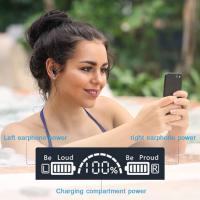
A fully charged charging case can recharge the earbuds two times. Wireless earbuds rely on their charging case to stay powered throughout the day, and understanding how the case and earbuds work together helps you get the most out of your device.
How the Charging Case Works
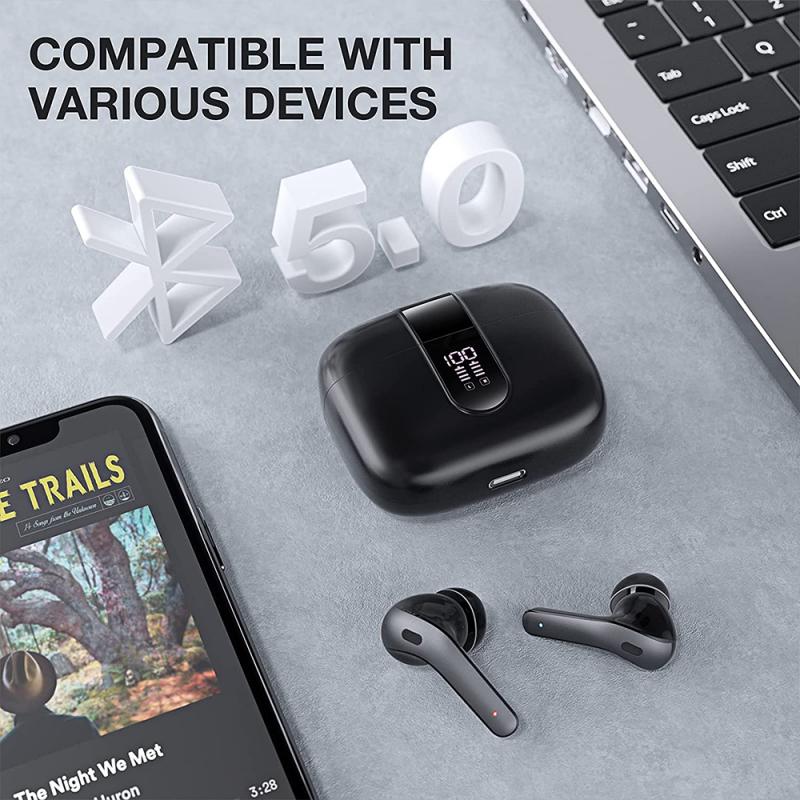
Most modern popular wireless earbuds come with a carrying/charging case. This case stores and recharges your earbuds via built-in contacts, snapping your earbuds in place with magnetic force and making every charge hassle-free. The case can be charged without inserting the earbuds; when they are inserted, the earbuds and case will charge simultaneously.
- Gently open the lid of your earbuds case to access the slots.
- Align the charging contact of each earbud with the pins located inside the case.
- Snap your earbuds into place. Usually, you'll hear a snap or a beep as feedback.
- Close the lid to initiate charging.
- Connect your case to a charger to power up the case itself.
Battery Life by Model
While all of Samsung's earbuds are built to last the entire day, the buds' battery life and charging times may differ depending on the model you have and how you use them.
- Galaxy Buds3
- Provide up to 24 hours of play time per charge, which can be extended to up to 30 hours with a fully charged case.
- Galaxy Buds3 Pro
- Provide up to 26 hours of play time per charge, which can be extended to up to 30 hours with a fully charged case.
- Galaxy Buds FE
- Provide up to 7 hours of play time per charge, which can be extended to up to 26 hours with a fully charged case.
- Galaxy Buds2 Pro
- Provide up to 8 hours of play time per charge, which can be extended to up to 30 hours with a fully charged case.
- Galaxy Buds2
- Provide up to 7.5 hours of play time per charge, which can be extended to up to 29 hours more with a fully charged case. Placing the buds in the charging case for 10 minutes will give you up to 150 minutes of play time.
- Galaxy Buds Pro
- Provide up to 8 hours of play time per charge, which can be extended to up to 28 hours more with a fully charged case. Just 10 minutes in the charging case will give you up to 85 minutes of play time.
- Galaxy Buds Live
- Provide up to 8 hours of play time per charge, which can be extended to up to 29 hours more with a fully charged case. Charging them in the case for 5 minutes will give you up to an hour of play time.
- Galaxy Buds+
- Provide up to 11 hours of play time, which can be extended to up to 11 hours more with a fully charged case. Charging in the case for 10 minutes will provide 3 hours of battery life.
- Galaxy Buds
- Provide up to 6 hours of play time, which can be extended to up to 7 hours more with a fully charged case. Charging in the case for just 15 minutes will give you up to 1.7 hours of battery life.
Charging Methods Available
There are several ways to charge your wireless earbuds and their case depending on what your device supports.
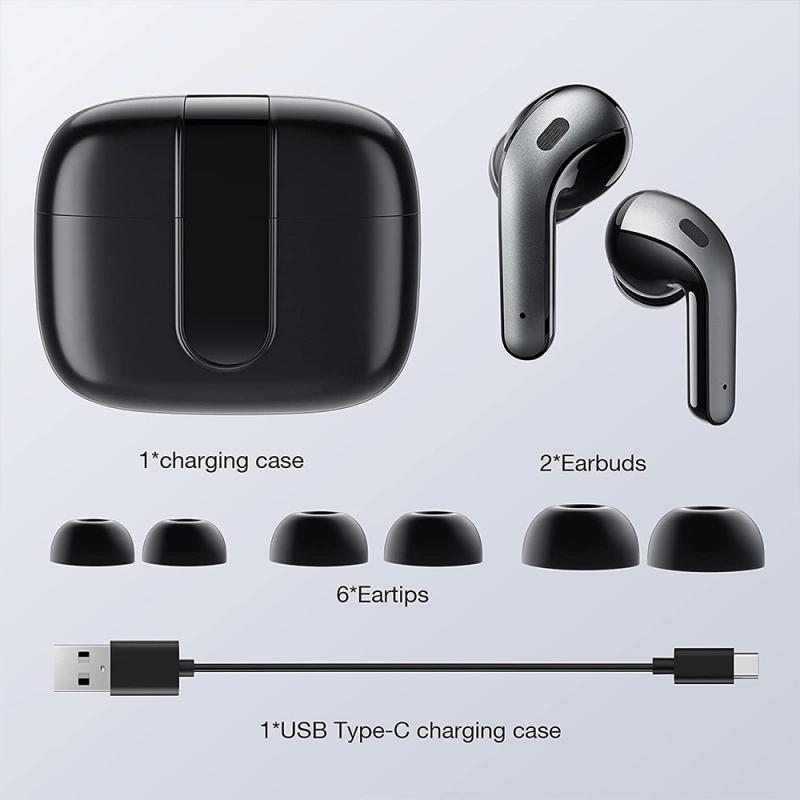
- Charging with the case: Connect the charging cable to the USB charging port on the back of the charging case, then plug the other end of the charging cable into a power source, such as a wall outlet. You can charge both earbuds at the same time, or place just one in the case.
- Direct USB charging (without a case): Certain brands support this feature. Connect a micro USB (or any supported cable) to a charger with at least 25W of power, then plug the other end of the cable into either or both of your earbuds to start charging. Note that Apple does not support this — you'll need a case to charge AirPods.
- Wireless charging (Qi-compatible models): Wireless charging is supported on the Galaxy Buds3, Galaxy Buds3 Pro, Galaxy Buds, Galaxy Buds2, Galaxy Buds2 Pro, Galaxy Buds+, Galaxy Buds Live, and Galaxy Buds Pro. Place the charger on a smooth, flat surface and connect it to a power source, then place your earbuds case on the charging pad. The LED light on your earbuds case should light up if it's charging properly.
- Reverse charging: Reverse charging your Bluetooth earbuds with some Android phones is as easy as placing the case directly on the back of the phone. If you're using a USB-C compatible iPhone, you can do this by plugging the USB-C end of the AirPods charging cable into your device and placing the AirPods on the charging puck.

Charging Indicator Lights
You can check the status of charging by looking at the indicator lights on both the earbuds and the case.
Earbuds indicator light:
- Red: Charging.
- Green: Fully charged.
- Flashing red: Charging disabled due to an error or abnormal temperature.
Charging case indicator lights:
- Red: Charging or below 30 percent battery.
- Flashing red: Less than 10 percent battery.
- Green: Fully charged or above 60 percent battery.
- Yellow: Between 30 and 60 percent battery.
- Blue: Firmware is updating.
Depending on your earbuds, the charging case indicator light will be located on either the front or rear of the case.
What Happens When One Earbud Battery Runs Out
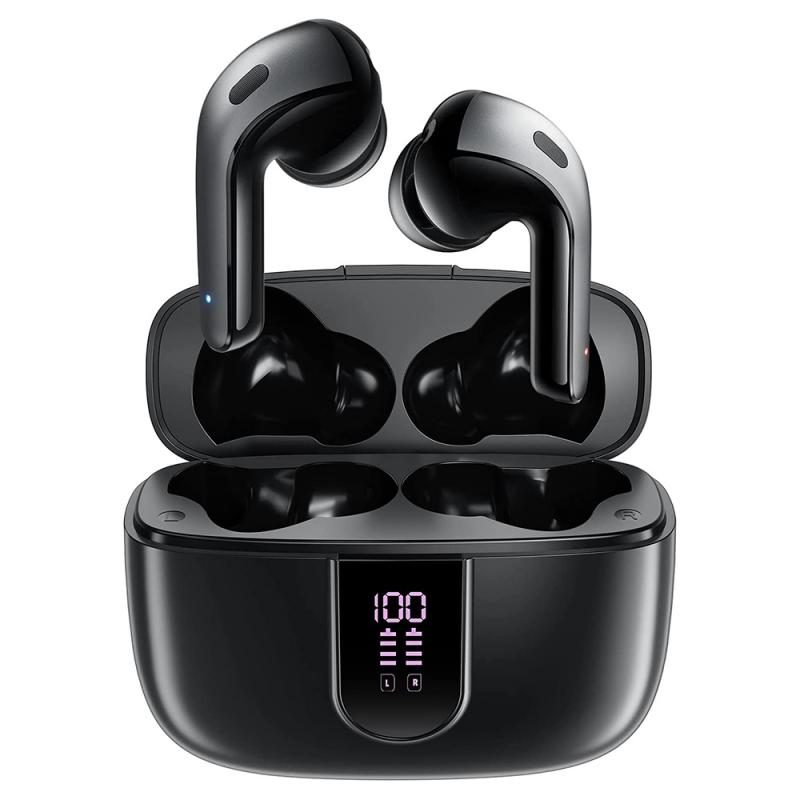
The voice guidance will alert you if the headphones battery is running low. The voice alert will come from the side of the headphones that are running low, and that side will turn off automatically. You can separately charge an earbud in the charging case, and keep using the other one if it still has power left.
Note that when you listen with only one side of the headphones, the left and right stereo channels are not combined, so you will only hear the sound associated with the active side. Additionally, if the touch sensor assigned to activate a feature like Google Assistant is the same side that is low on battery charge and in need of recharging, you will be unable to use that feature when using just the unassigned side of the headphones.
Battery Health and Charging Best Practices
Properly charging your Bluetooth earbuds is essential for preserving battery health and safety. Following best practices like sticking to the sweet spot between 20% and 80% ensures you maximize your earbuds' battery life and avoid accelerating degradation. Keeping them over 80% or under 20% is where you get a bit more degradation. Certain budget earbud options are prone to overheating, which can lead to more serious problems, such as total device failure and battery swelling.
- Use only manufacturer-approved charging devices and accessories, as using other accessories may void your warranty and may cause damage.
- For lithium-ion batteries, it is not necessary to discharge them fully — in fact, full discharges are bad. It would be better to only charge to approximately 90%, since the last 10% are the most stressful.
- Make sure earbud tips and wingtips are properly attached before inserting into the case. It may be necessary to clean the earbuds, including the charging contact, before reinserting them.
- If the indicator light does not work as expected, disconnect and reconnect the charger. Check the USB cable, wall adapter, and charging case for damage, and try a different USB cable and wall adapter if the issue persists.
- Note that charging case covers may interfere with wireless charging.