How To Mount Phone On Camera Tripod?
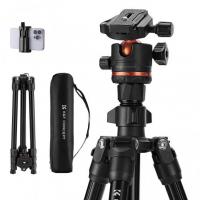
A phone tripod mount allows you to securely attach your smartphone to a tripod. This opens up possibilities for taking stable, shake-free photos, capturing smooth video, live streaming, hands-free video calls, and other applications where a fixed camera angle is desired. Tripod mounts provide more versatility than handholding your phone or propping it up.
Phone Tripod Mount Clip (Clamp-Style)
Classic phone tripod mount clip designs use a spring or screw clamp to grip the phone and a 1/4"-20 base to attach to a tripod or handle, making them a solid choice for non-MagSafe devices and wide compatibility. Best for thick cases, mixed-device teams, and frequent phone swaps.
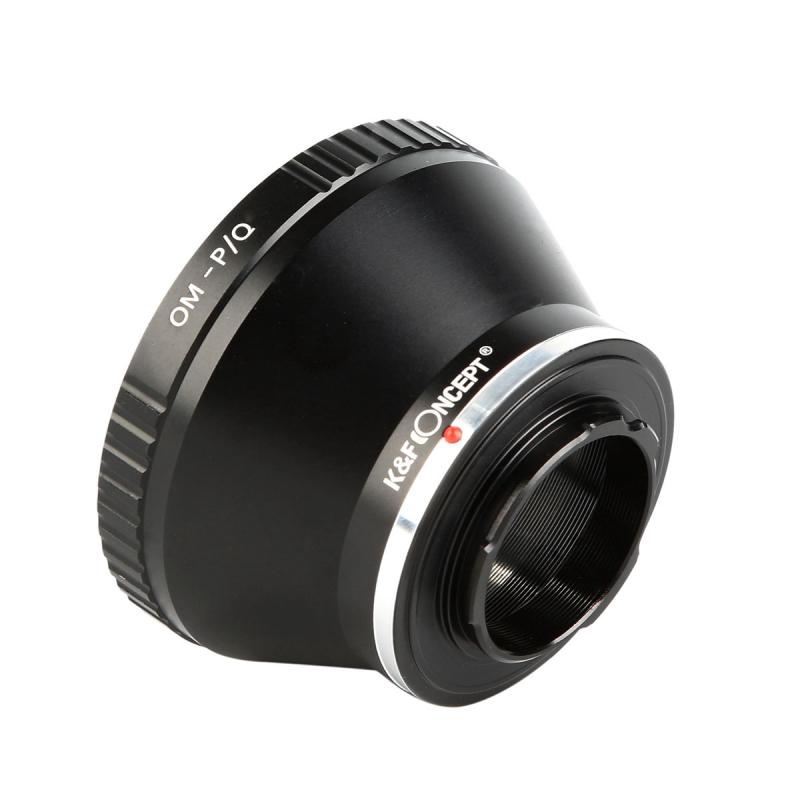
Most mounts have a standard 1/4"-20 threaded tripod socket that is compatible with the majority of consumer tripods and monopods. Professional tripods may have different 3/8" or 1/2" sockets, requiring an adapter.
MagSafe-Style Mounts (Magnetic)
MagSafe-style mounts use magnetic mounting for quick docking and stable positioning. The MT85 automatic pop-up phone tripod uses an automatic pop-up design for rapid deployment and supports magnetic mounting for MagSafe-compatible phones and cases, making frequent attach-and-remove cycles smoother.
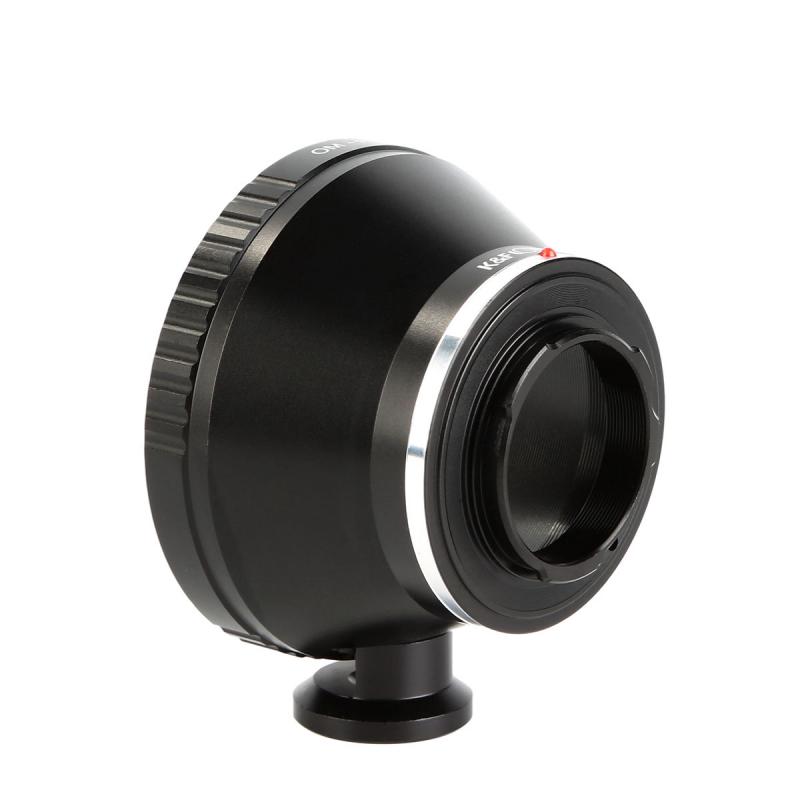
Metal Tripod Mounts (Rig-First Hardware)
A metal tripod mount delivers higher rigidity and wear resistance to keep framing consistent in daily use. It reduces micro-flex during tap-to-focus, orientation changes, and frequent adjustments, making it a solid choice for:
- Heavier phones and thicker cases
- Accessory-loaded rigs where alignment and thread durability matter
- Long takes with minimal wobble
- Reliable portrait-to-landscape rotation that stays tight and doesn't force re-leveling
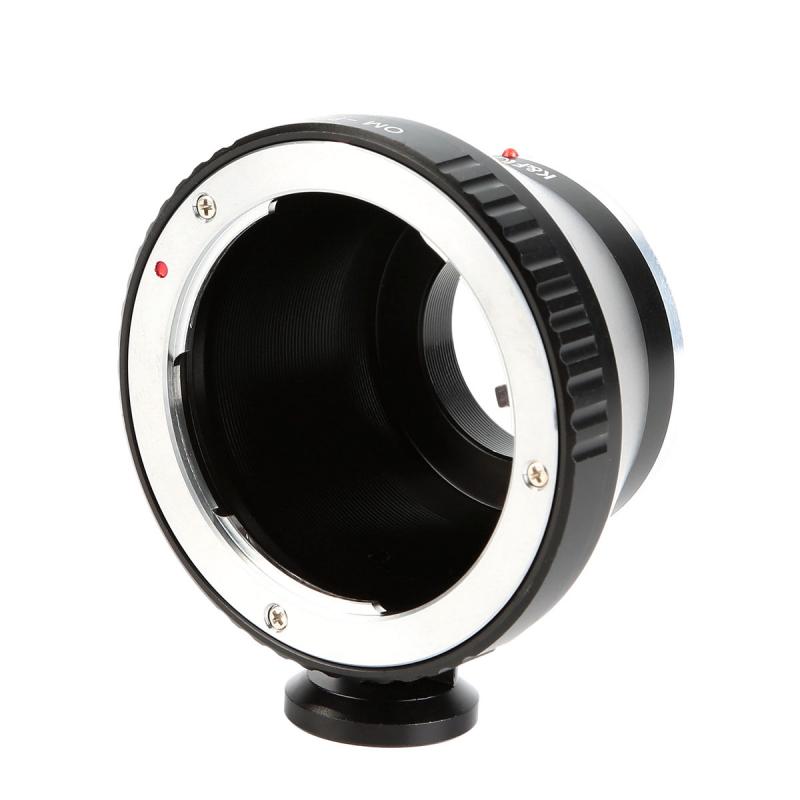
How to Choose the Right Phone Mount
Match the mount to your phone and case, your workflow, and your setup-speed needs:
- Confirm clamp width fits your phone with the case on, or verify MagSafe compatibility for magnetic mounts.
- Avoid soft or textured cases that can weaken hold.
- Make sure the mount won't press power or volume buttons.
- Prioritize fast mounting for frequent switching between desk, tripod, and handheld if needed.
- Choose higher rigidity and secure locking for long takes with minimal wobble.
- Look for reliable portrait-to-landscape rotation that stays tight, keeps lenses unobstructed, and holds alignment over time.
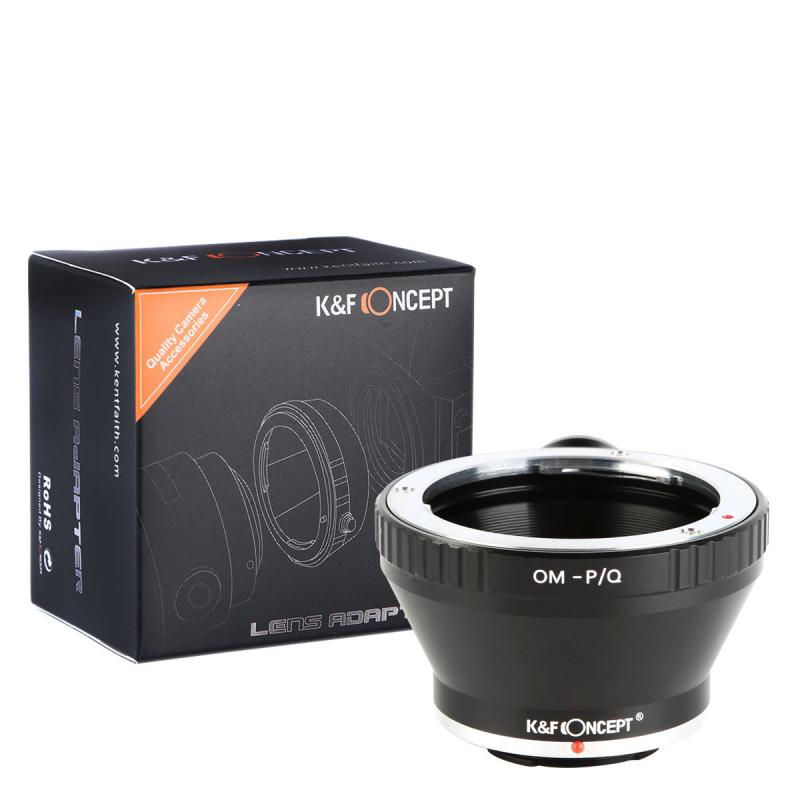
Key Factors When Buying a Phone Tripod Mount
- Compatibility
- Ensure the mount fits your phone's dimensions and features (e.g. with or without a case). Measure phone width.
- Grip
- The mount should hold your phone snugly without scratching. Look for rubberized grips.
- Adjustability
- An adjustable mount provides more flexibility for portrait or landscape angles.
- Quick Release
- Plates that quickly attach/detach from the tripod allow faster transitions.
- Weight Rating
- Check the mount is rated to support your phone's weight to avoid breakage.
Common Use Cases by Shooting Environment
Phone mounts keep shots steady, framing consistent, and setups fast — ideal for mobile creators working in tight spaces or on the move. Different environments call for different mounting approaches:
- Tripod shooting: interviews, cooking videos, product demos, long exposures
- Desk setups: calls, livestreams, overhead shots, stop-motion
- Travel and outdoor: fast setup, lightweight packing, stable hold in wind
- Multi-gear rigs: pairing a phone with lights, mics, or grips
Positioning and Angle Tips
The ideal angle depends on your usage. For photography, angling the phone down at around 45 degrees allows you to see the screen while providing a lower shooting angle. For video calls or live streaming, position the phone horizontally at eye level. Adjustable mounts allow you to fine tune the angle as needed.
Yes — look for mounts with a firm rotation mechanism that doesn't loosen while filming. If you shoot short-form content daily, prioritize mounts that rotate without forcing you to re-level your tripod head.
Setup Tips for Cleaner Footage and Safer Mounting
A few small habits go a long way for stability and drop prevention:
- Keep the phone's weight centered over your support.
- Extend the thicker tripod leg sections first, tighten all locks, and do a quick gentle tap on the phone edge to confirm nothing drifts.
- For desk stands, magnetic mounts, and clamps, keep contact surfaces clean and place the stand on a hard, flat surface rather than fabric or foam.
- When clamping, grip a flat section of the case and double-check the clamp isn't pressing the power button.
DIY Adapter Option
Using what you already have, without spending extra money, you can simply make an adaptor/riser block. Drill a hole in the cell phone case for the bracket and the short bolt to go through. A simple bracket with a hinge, a couple short flat-ended bolts, and a washer can be used. It's pretty simple, and free if you have the hardware.
If used properly, a phone tripod mount will not damage your phone. Ensure the grip material is soft enough to prevent scratches. Do not force your phone into the mount if it doesn't fit. Avoid cheap mounts that have a weak clamp design that applies too much pressure.